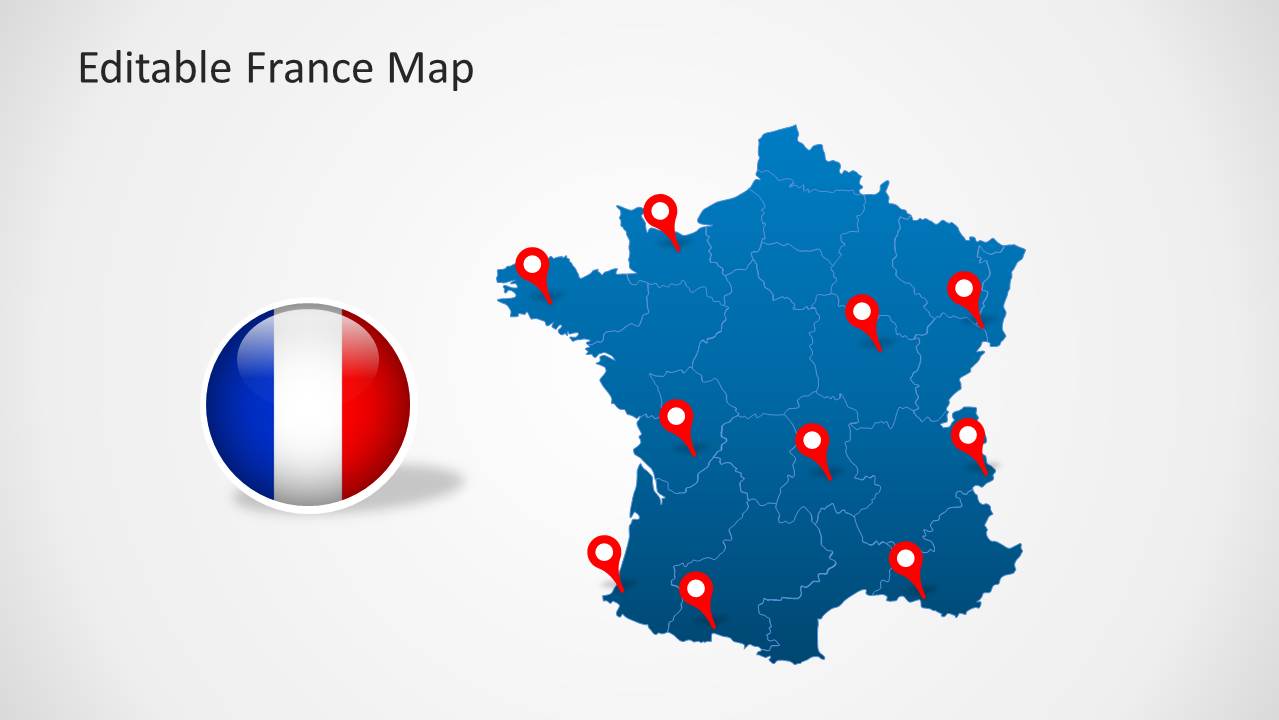
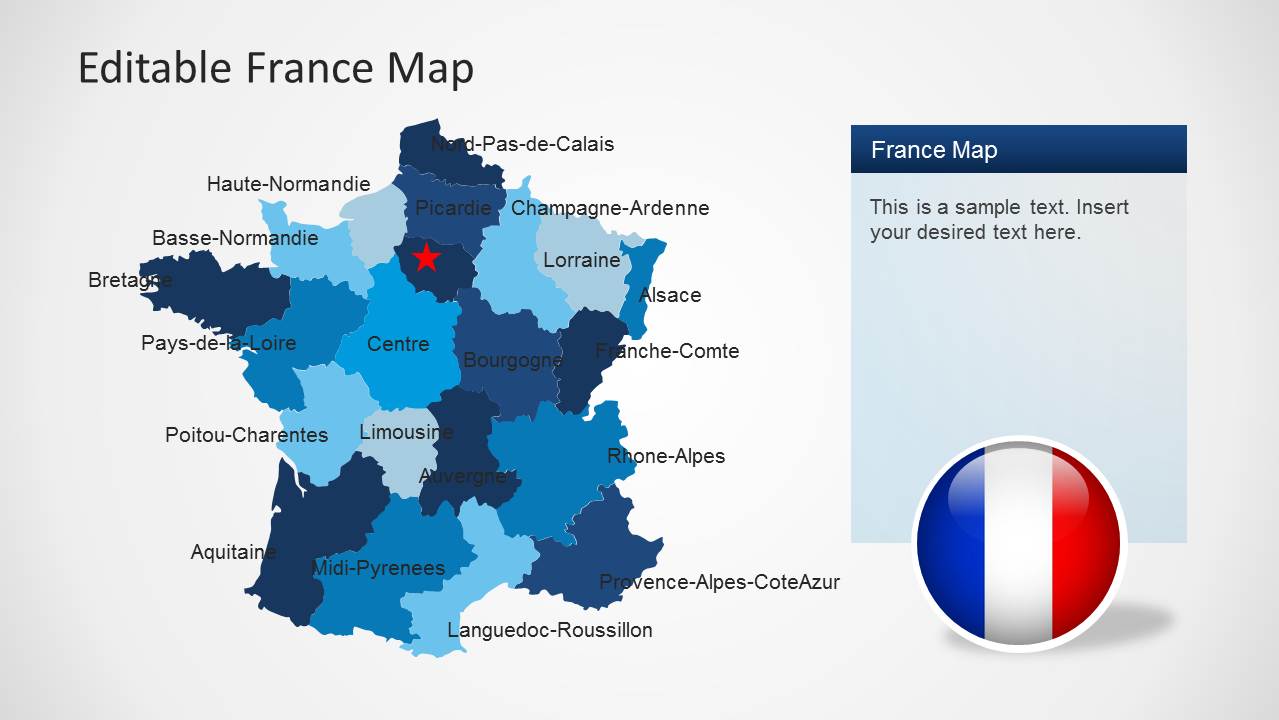
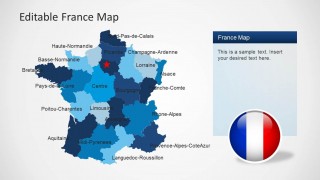
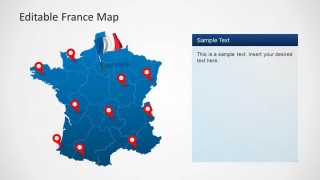
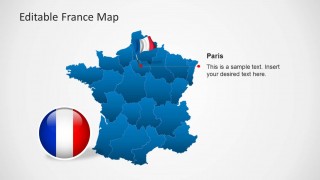
Editable France Map Template for PowerPoint provides a comprehensive map of France with all major regions of the country available in the form of editable sub-maps.
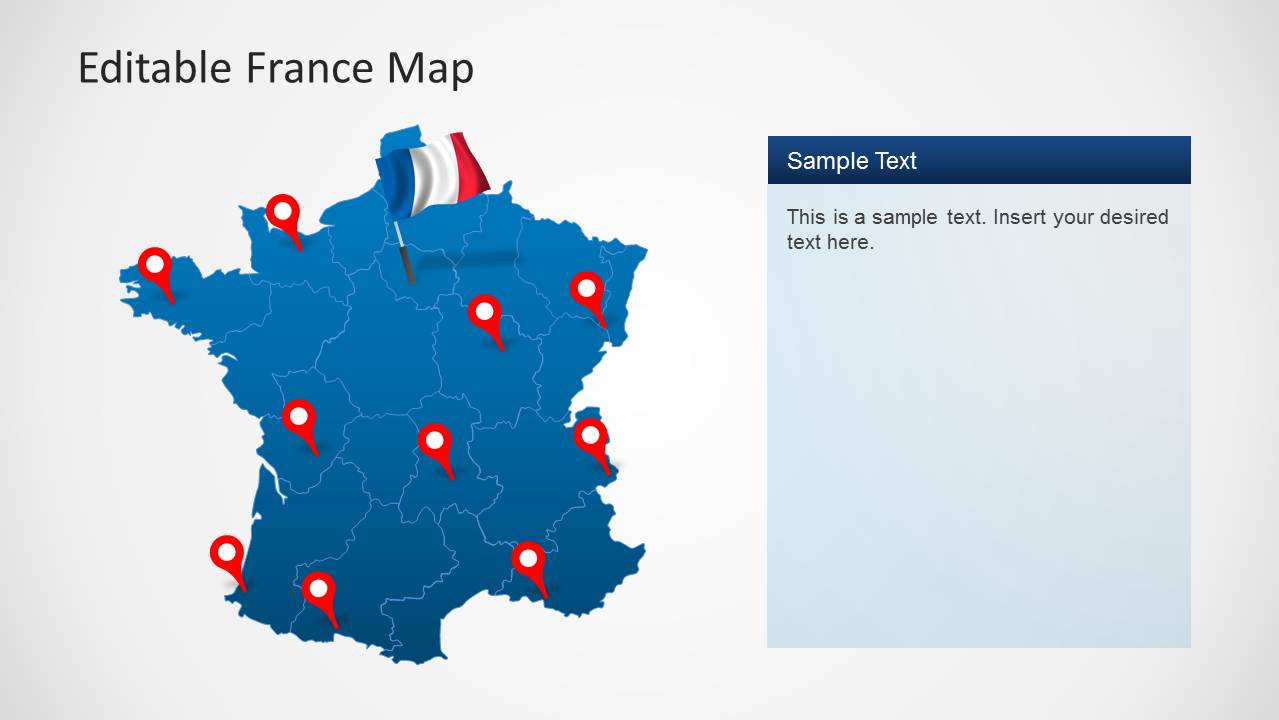
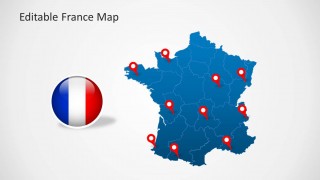
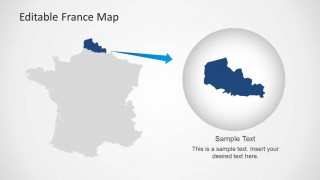
You can extract major areas of France from the main map and customize the map with different colors or given GPS marker icons in the template. The template can be fully edited from within PowerPoint to display a customized map of France with the French flag for PowerPoint presentations.
You can find more map templates for European countries from our collection of Europe Map Templates for PowerPoint.
What’s inside this template
Example presentation scenarios
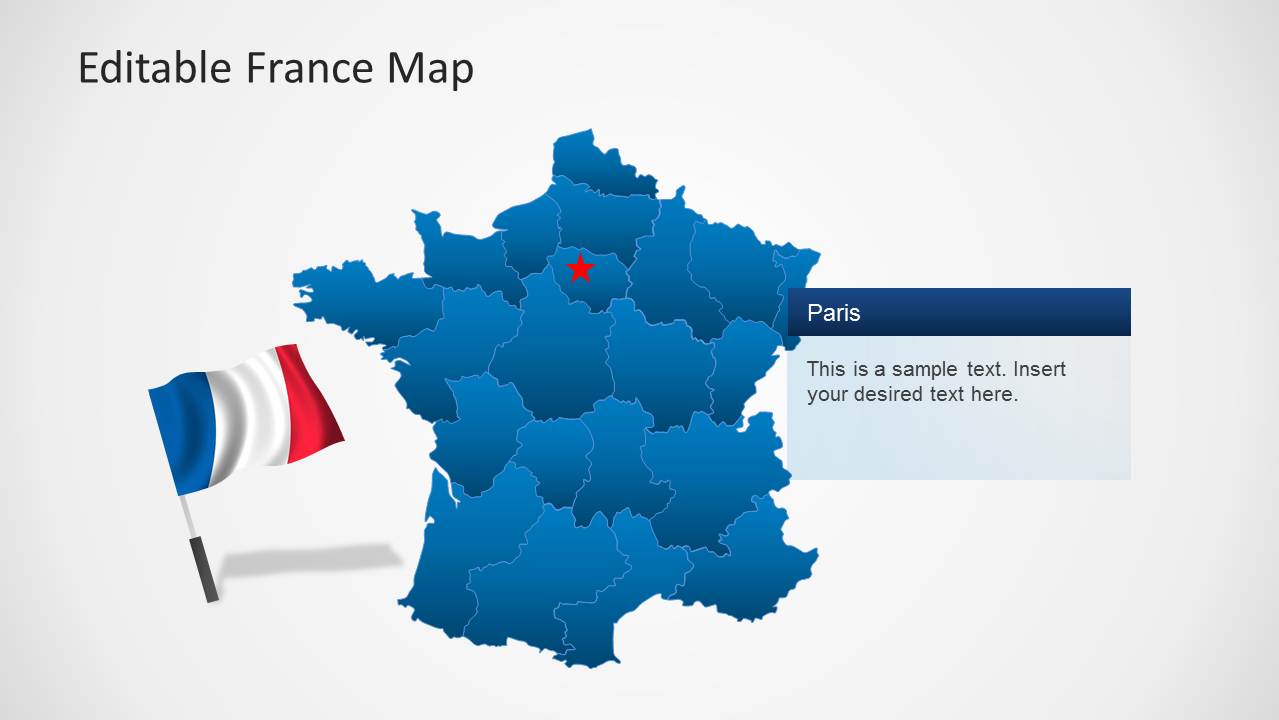
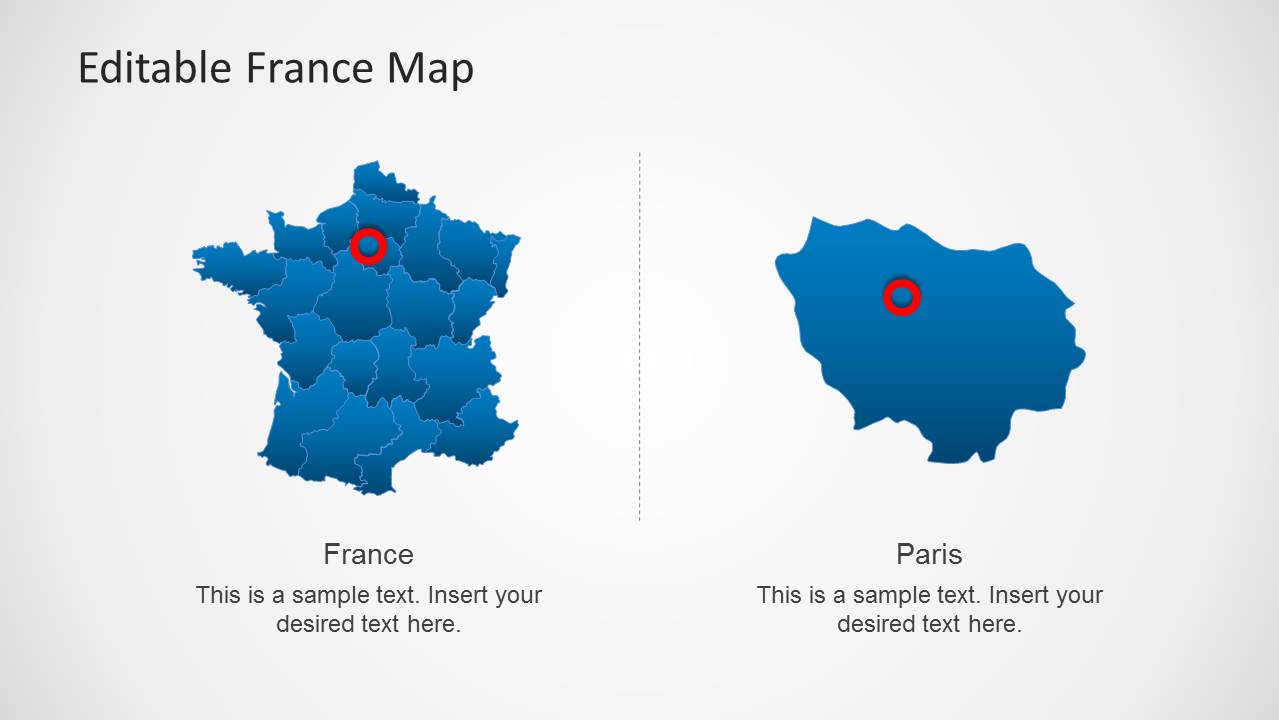
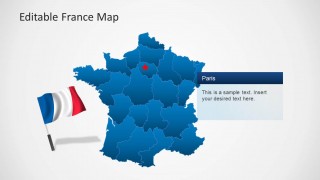
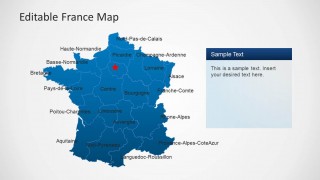
- A market research analyst can use the labeled regional map and Paris callout to present where demand, customers, or sample populations are concentrated across France.
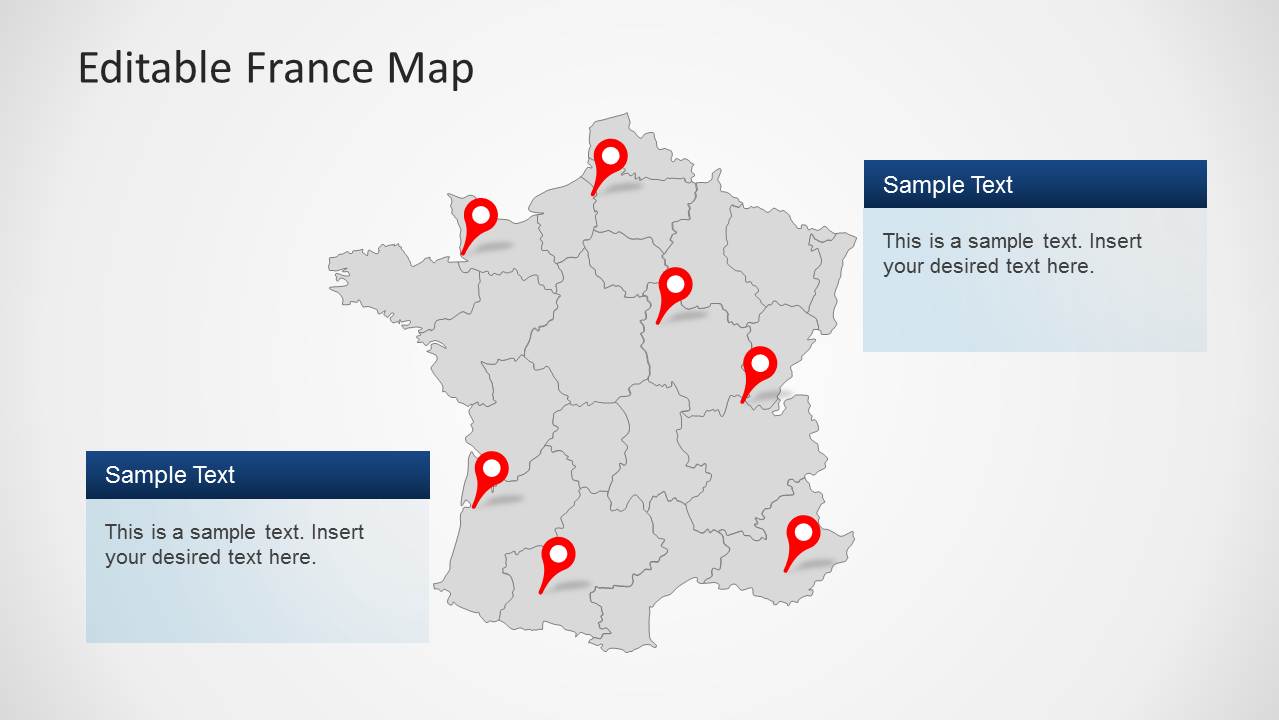
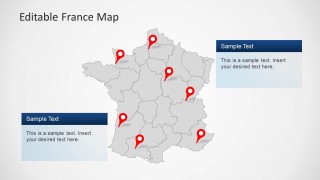
- A sales territory manager can use the pin marker layouts to show branch locations, coverage areas, or planned expansion points during a regional planning meeting.
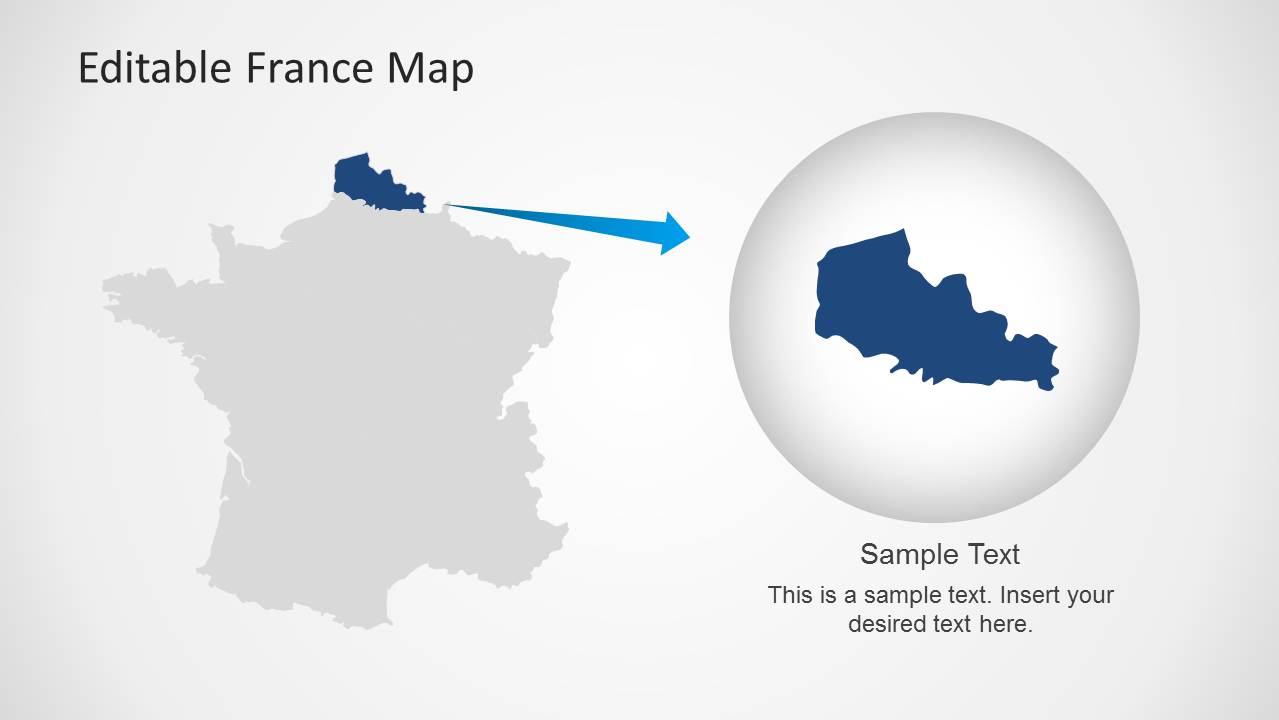
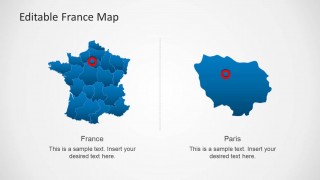
- A consultant can use the zoomed region highlight slide to move from a national France overview to a focused discussion of one selected territory.
- An educator or public sector presenter can use the flag badge, labeled regions, and gray map layout to explain French geography while leaving room for supporting notes.
Features
- 100% editable presentation template
- Compatible with Microsoft PowerPoint and Google Slides
- 16:9 aspect ratio slides
- Scalable vector shapes, icons and illustrations
- AI-Ready for Microsoft Copilot and Claude
- Instant access and download
Frequently asked questions
Q: How should a presenter organize a France briefing with this map template?
A: Start with the national map to orient the audience, then move to the labeled regional map to name the relevant areas. Use pin marker slides only for the locations that matter to the story, and reserve the Paris callout or zoom slide for the final detail. This keeps the map from becoming a list of unrelated places.
Q: Who is this map template best suited for?
A: This template fits presenters who need to explain where activity happens in France, such as sales managers, consultants, public sector teams, educators, and market researchers. The regional labels, pin markers, Paris callouts, and zoomed region layout make it useful when geography is central to the decision, briefing, or lesson.
Q: Why do the pin markers, flag badge, and zoom callout improve the message?
A: The visual metaphors make the map easier to read quickly. Pins signal specific locations, the flag badge reinforces national context, and the zoom callout on the final slide lets the presenter move from country-level orientation to a selected area. That sequence reduces ambiguity and directs attention without adding dense text.


Editable France Map Template for PowerPoint
9-slide presentation template with editable France maps, regional labels, Paris callouts, and location markers
The Editable France Map Template for PowerPoint is a 9-slide map presentation template for Microsoft PowerPoint and Google Slides. It includes regional France maps, labeled administrative regions, pin marker layouts, Paris callouts, a flag badge, and a zoomed region highlight for presenters explaining locations, territory coverage, demographics, or country context.
- Category
- Maps
- Rating

 Loading...
- Aspect ratio
- 16:9, 4:3
- Item ID
- 6280-01
- Colors
 Microsoft PowerPoint
  Microsoft Copilot
  Claude for PowerPoint
 Other formats supported
Subscribe today and get immediate
access to download our PowerPoint templates.