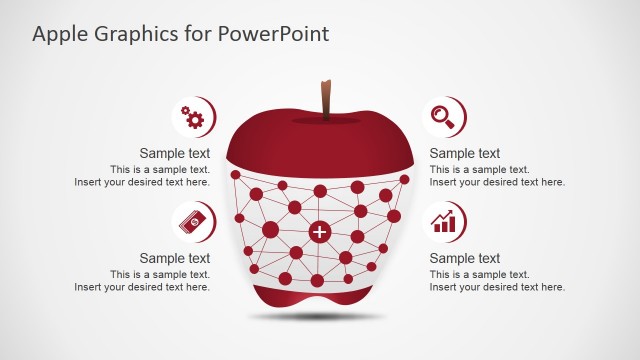
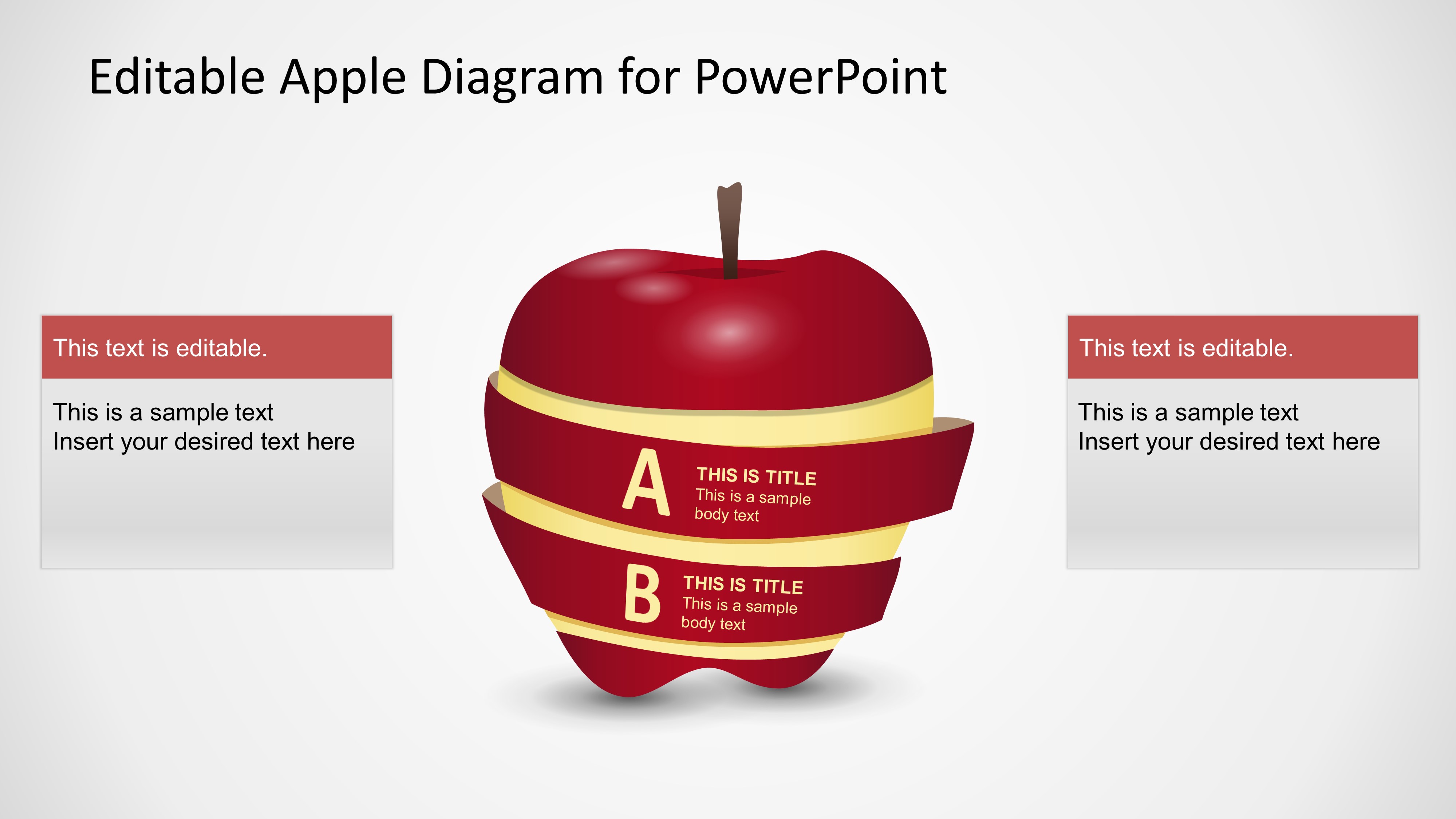
With the Editable Apple Diagram PowerPoint Template you can create a pictorial presentation referencing food and healthy eating topics. The Apple Diagram is 100% editable, and created with PowerPoint Shapes. You can edit the text content as well as every effect of the apple clipart.
What’s inside this template
Example presentation scenarios
- A nutrition educator can use the apple diagram to introduce two healthy eating principles, placing the main points on the A and B ribbons and adding context in the side text panels.
- A wellness program manager can present two program benefits by assigning each benefit to a ribbon step and using the left and right panels for evidence, examples, or participant guidance.
- A food product presenter can explain two product qualities, such as ingredients and benefits, with the apple illustration as the central metaphor and the side boxes as short support notes.
- A teacher can use the slide in a classroom health lesson to compare two food groups or habits, keeping the visual focus on the apple and the explanatory text around it.
Features
- 100% editable presentation template
- Compatible with Microsoft PowerPoint and Google Slides
- 16:9 aspect ratio slides
- Scalable vector shapes, icons and illustrations
- AI-Ready for Microsoft Copilot and Claude
- Instant access and download
Frequently asked questions
Q: How should a presenter structure the message on this apple diagram?
A: Treat the apple as the main concept and the two ribbons as the two key takeaways. Keep each ribbon label short, then use the side text panels for the explanation, example, or implication. This keeps the audience focused on the visual metaphor instead of forcing them to read long text inside the apple.
Q: Who is this template best suited for?
A: This template fits presenters who need to explain a simple food, health, nutrition, or wellness idea in one slide. It works well for educators, dietitians, trainers, and food teams when the message can be reduced to two related parts, such as two benefits, two ingredients, or two behavior changes.
Q: Why does the apple metaphor help the communication?
A: The apple gives the slide an immediate association with food, health, and learning. The wraparound ribbons create a natural two-step reading path, while the side text panels separate supporting detail from the central image. That structure makes the slide easy to scan and helps the metaphor carry the message.
Editable Apple Diagram for PowerPoint
1-slide presentation template with an editable apple diagram, ribbon steps, and side text panels.
Editable Apple Diagram for PowerPoint is a 1-slide diagram template for Microsoft PowerPoint and Google Slides. It shows a central apple illustration with two labeled ribbon steps and two side text panels. The layout supports nutrition, food, wellness, education, and health-related explanations in a 16:9 format.
- Category
- Diagrams
- Rating

 Loading...
- Aspect ratio
- 16:9
- Item ID
- 2045-01
- Colors
 Microsoft PowerPoint
  Microsoft Copilot
  Claude for PowerPoint
 Other formats supported
Subscribe today and get immediate
access to download our PowerPoint templates.