The Apple Graphics for PowerPoint is ideal for business presentations referencing logistics. The slide design can show an analysis of the steps and components that allows for the proper implementation of a company plans and projects. This is important in determining the specific level of priority given to the project, as well as the related weights given to each component.
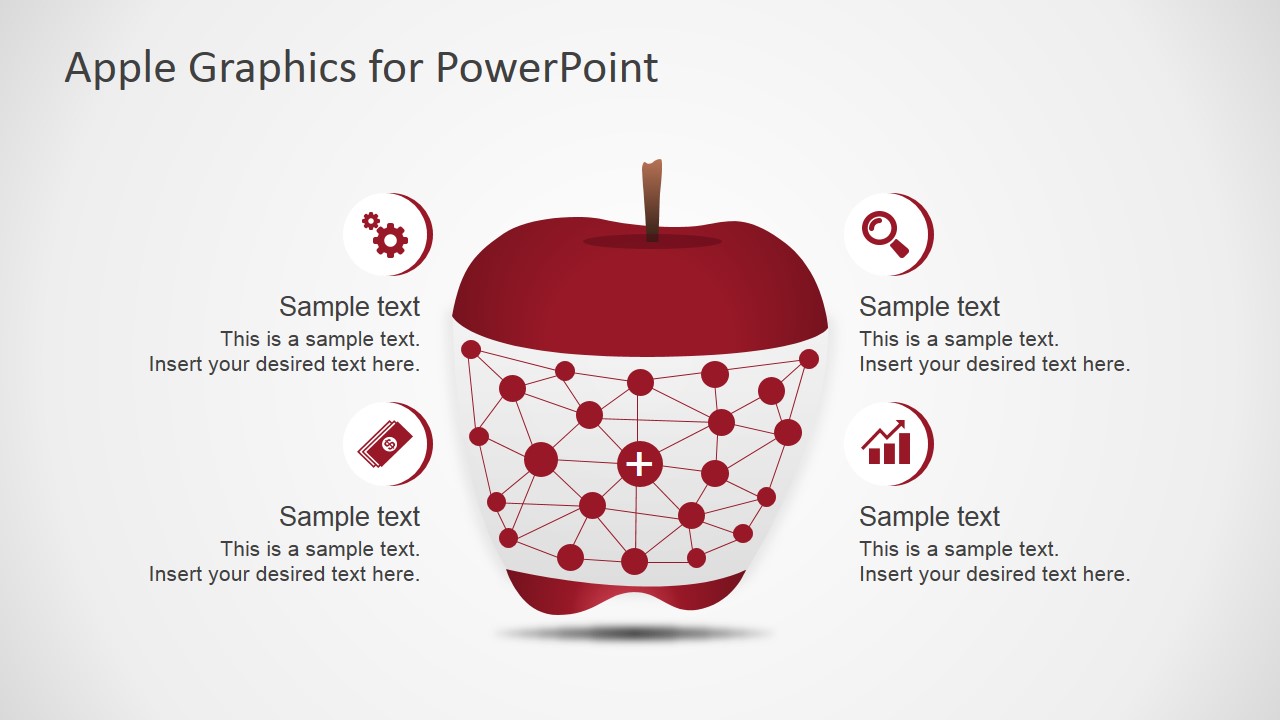
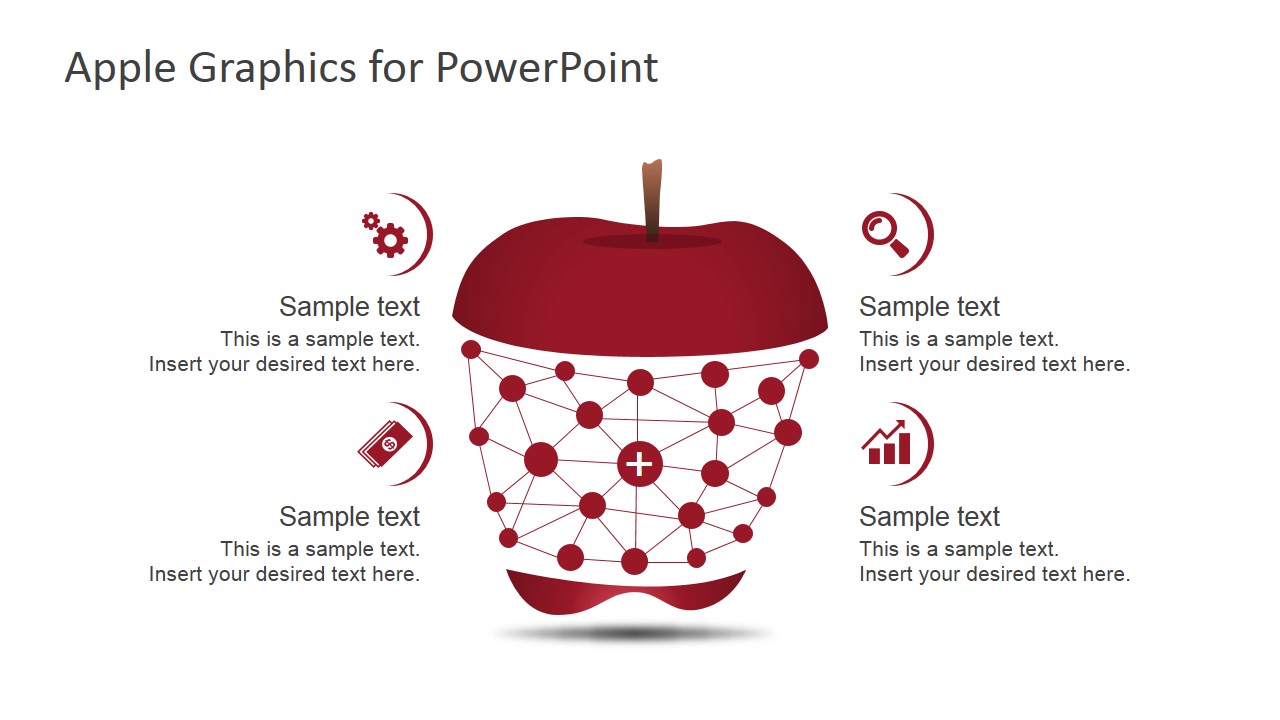
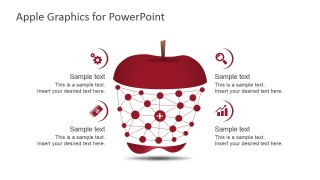
Shown on the PowerPoint slides are four main elements represented by minimalist icons. These are shown as a set of gears, a bar graph, money, and a magnifying glass. These can symbolize components such as manpower and services, statistical data, financing, and research. These elements interact with each other to sustain the project. For example, statistical analysis allows the presenters to determine the level of financing which the project demands. These, in turn, are gathered from quotations for different services, through extensive research.
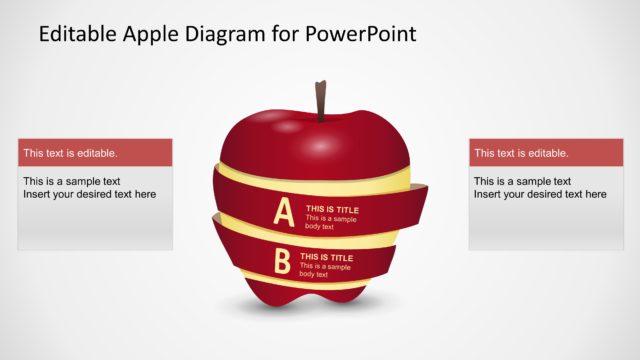
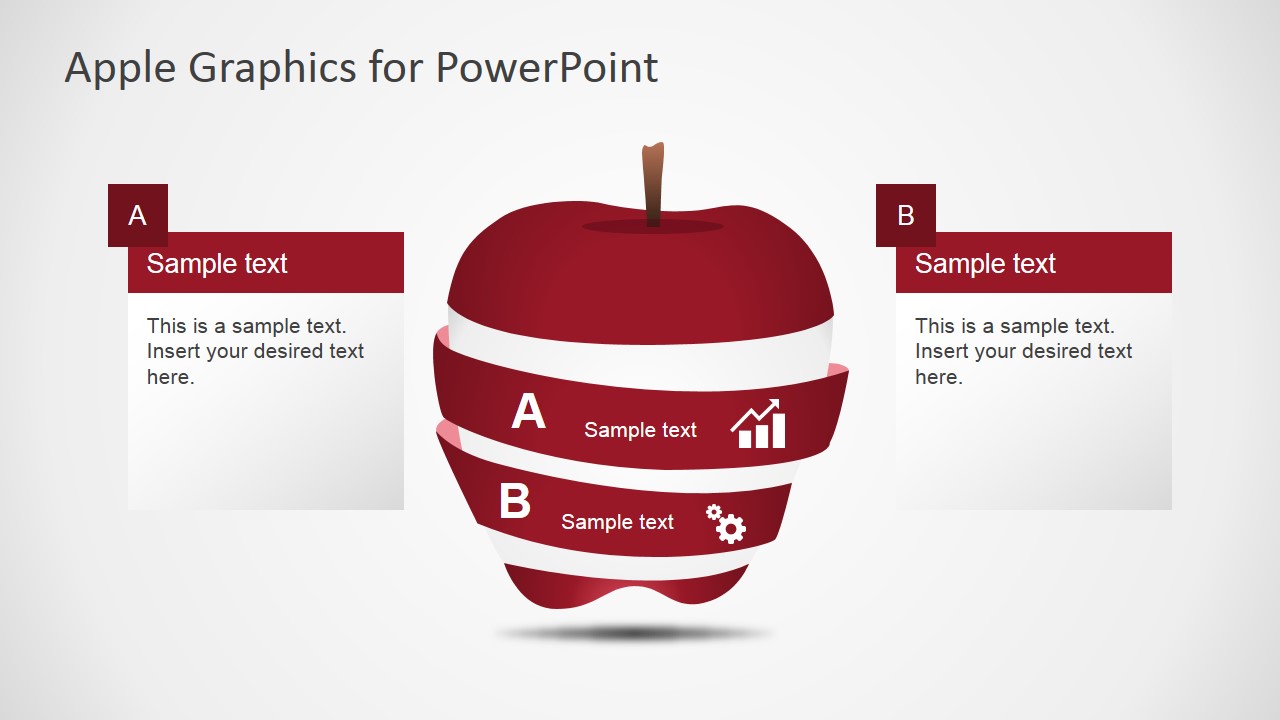
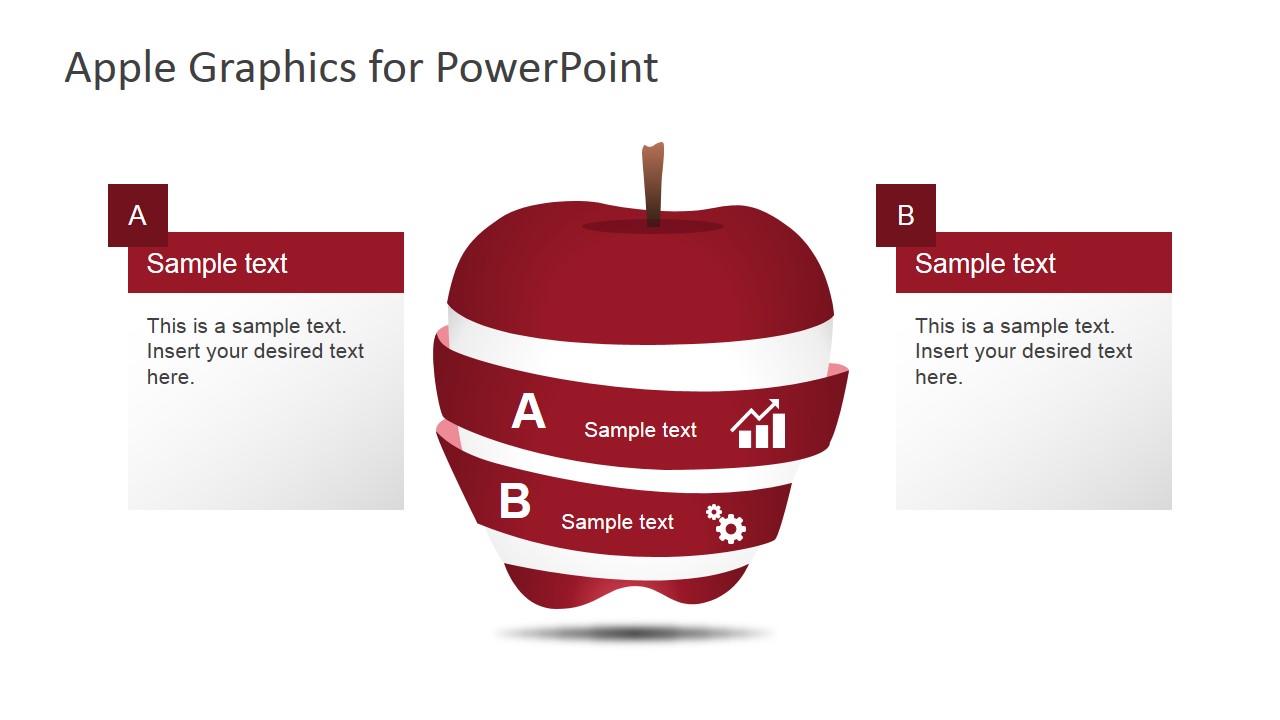
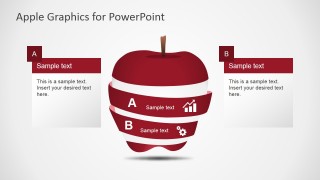
Included in the PowerPoint template is an clipart of an apple in the process of being peeled. It can be used as a metaphor for revealing the core of a project. The components can be discussed as tools through which the company can unlock the potential for future growth, and, in turn, future profits.
The apple PowerPoint graphic can refer to educational facilities, as the giving of an apple is often related to teachers. The business plan can have something to do with increasing the presence of the company in schools. It can be utilized in the presentation of projects for corporate social responsibility.
Vector drawings are used in the Apple Graphics for PowerPoint to create a simple and appealing presentation. This creates a calm visual that is designed to not overwhelm the content of the presentation itself. The PowerPoint objects are fully editable, allowing for greater flexibility in the use of the slides. The presenter can choose to download other PowerPoint Templates for complementing their corporate strategies presentation from any of our Business PowerPoint Templates.
What’s inside this template
Example presentation scenarios
- A project manager can present the main drivers of a plan by assigning each driver to the gear, search, tag, and growth icon callouts around the network apple.
- An educator can introduce a school program or classroom initiative by using the apple metaphor and the A/B segmented diagram to separate two learning priorities.
- A CSR team can explain an education-focused community project by mapping research, funding, services, and performance indicators to the four icon callouts.
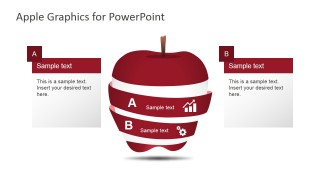
- A consultant can simplify a two-part recommendation by placing the main options or phases into the peeled apple bands labeled A and B.
Features
- 100% editable presentation template
- Compatible with Microsoft PowerPoint and Google Slides
- 16:9 aspect ratio slides
- Scalable vector shapes, icons and illustrations
- AI-Ready for Microsoft Copilot and Claude
- Instant access and download
Frequently asked questions
Q: How should a presenter structure the message with the apple graphics?
A: Start with the network apple to show the full system of connected parts, then move to the peeled apple slide to separate the message into two core layers or choices. Keep each callout short and action-oriented. The metaphor works best when every icon represents a distinct business factor, not a repeated point.
Q: Who is this template best suited for?
A: This template fits presenters who need a simple visual metaphor for education, food, CSR, or project planning topics. It is useful for program leads, teachers, consultants, and project managers who want to explain components such as research, funding, services, and outcomes without relying on dense tables or long text slides.
Q: Why use an apple metaphor instead of a standard quadrant or list?
A: The apple gives the audience a familiar object that can stand for learning, growth, nutrition, or uncovering a core idea. The network version communicates interdependence, while the peeled version makes layers visible. This visual contrast helps the presenter move from system thinking to a focused A/B explanation.
Apple Graphics for PowerPoint
4-slide presentation template with apple infographics, segmented diagrams, and icon callouts for PowerPoint and Google Slides
Apple Graphics for PowerPoint is a 4-slide presentation template built around an apple metaphor. It includes a network apple diagram, a peeled apple two-level segmented diagram, icon callout layouts, and A/B comparison panels for business, education, or project explanations in Microsoft PowerPoint and Google Slides.
- Category
- Shapes
- Rating


 Loading...
- Aspect ratio
- 16:9, 4:3
- Item ID
- 7028-01
- Colors
 Microsoft PowerPoint
  Microsoft Copilot
  Claude for PowerPoint
 Other formats supported
Subscribe today and get immediate
access to download our PowerPoint templates.