Slide 3 of 8 from Drop Shapes for PowerPoint
1184-drops-shape-for-powerpoint-wide-3
Drop Shape with Text Boxes for Presentations
- Diagram
- Other
- Concept Explanation Slide
- 16:9
- 100% Editable
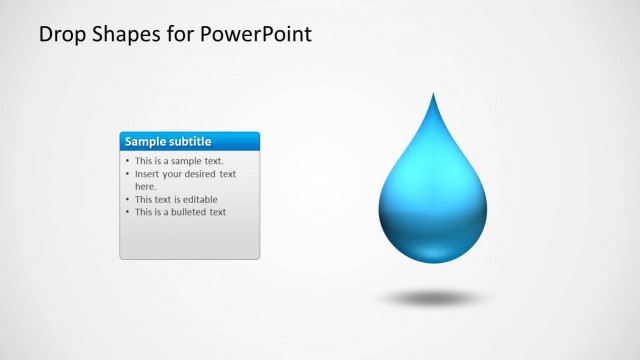
The Drop Shape with Text Boxes slide from the Drop Shapes for PowerPoint template offers a clear visual layout ideal for business presentations and pitch deck templates. Featuring a central drop shape connected to two horizontally aligned text boxes, this slide supports effective explanation of product features or project components. Its clean design with editable shapes and vector icons enhances clarity, making it suitable for corporate presentations and educational contexts.
What’s on This Slide
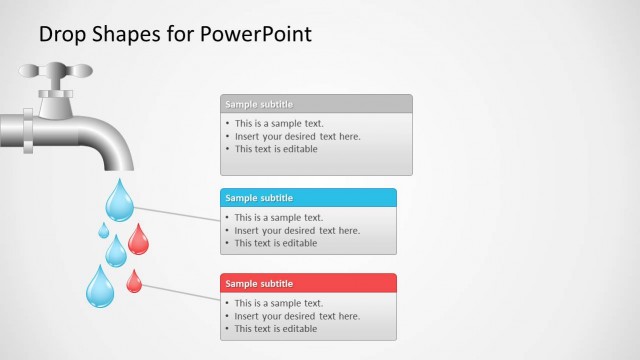
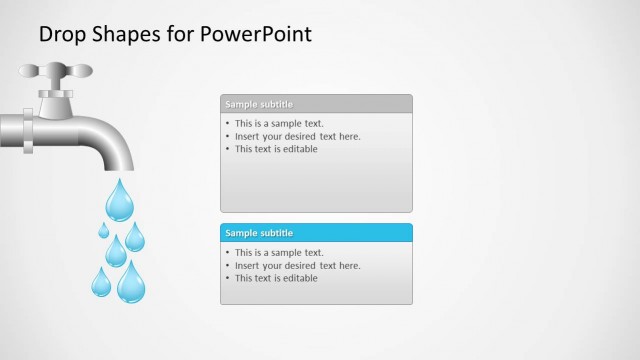
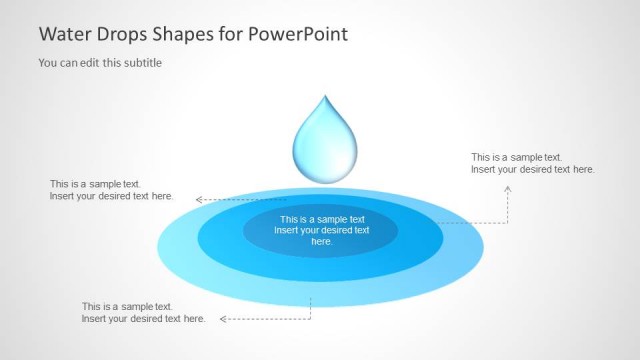
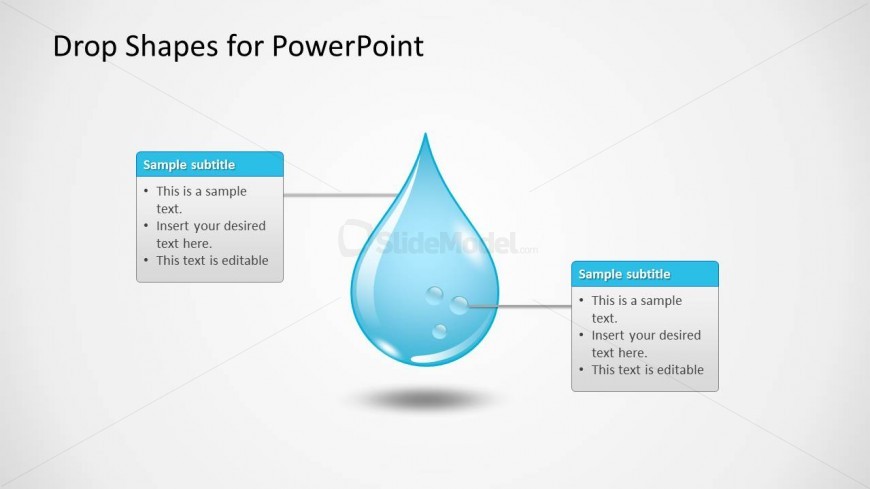
The slide features a central drop shape positioned prominently in the center. Two text boxes are located on the left and right sides of the drop, connected by lines to the drop's surface. Each text box contains placeholder text arranged in a list format. The text boxes are aligned horizontally, with a blue header and a white background. The overall layout is clean, with a light background that enhances visibility. The drop shape has a glossy appearance, contributing to the visual hierarchy of the slide.
How to Use It
This layout serves as a visual representation for explaining concepts or processes related to a central theme. It fits well in presentations that require a clear distinction between various aspects of a topic. Ideal scenarios include product features, service offerings, or project components. This slide can be used effectively in educational contexts to illustrate key points or in business settings to highlight important information.
Text Placeholders & Capacity
Keep your copy within these limits so it fits without resizing. Node body slots can accommodate roughly 15-20 words each.
| Placeholder | Count | Max characters (approx.) |
|---|---|---|
| Item heading | 2 | 50 |
| Item body | 2 | 100 |
Slide Keywords
Download unlimited PowerPoint templates, charts and graphics for your presentations with our annual plan.
DOWNLOADReturn to Drop Shapes for PowerPoint.