Slide 10 of 11 from Document Management PowerPoint Icons
Icon Collection Slide for Document Management System
Document Management Icons for Presentations
- Media Layout
- Image Grid
- Context Slide
- 16:9
- 100% Editable
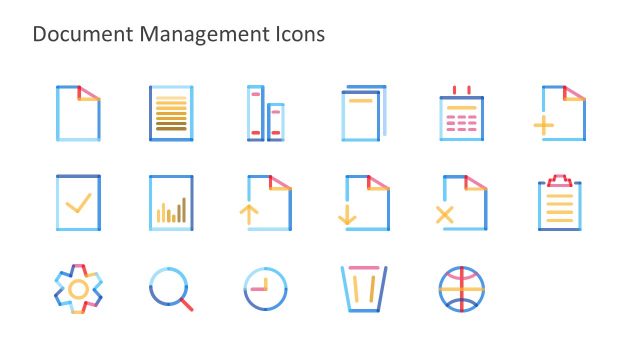
The Document Management Icons slide from the Document Management PowerPoint Icons template offers a clear visual grid of editable shapes representing document tools and workflow processes. Ideal for corporate presentations and training materials, this slide enhances understanding by showcasing vector icons in a balanced layout, compatible with both PowerPoint slides and Google Slides templates.
What’s on This Slide
The slide features a grid layout displaying various document management icons. There are 12 icons arranged in three rows and four columns. Each icon is outlined with a blue border and features a colorful design, including elements like papers, charts, and tools. The top left corner contains a title in bold white text, stating 'Document Management Icons.' Each icon maintains a consistent size and spacing, contributing to a balanced visual hierarchy. The background is dark, enhancing the visibility of the icons.
How to Use It
This layout serves as a visual reference for document management concepts, suitable for presentations about data organization or workflow. It fits well after introductory slides, providing a quick overview of tools or icons relevant to document management. This slide can be used in training sessions, workshops, or any context where visual aids enhance understanding of document-related processes. It is effective for illustrating software features or best practices in documentation.
Text Placeholders & Capacity
Keep your copy within these limits so it fits without resizing. Title slot has ample space for a concise phrase.
| Placeholder | Count | Max characters (approx.) |
|---|---|---|
| Slide title | 1 | 30 |
Slide Keywords
Download unlimited PowerPoint templates, charts and graphics for your presentations with our annual plan.
DOWNLOADReturn to Document Management PowerPoint Icons.