Slide 3 of 3 from 3D Pie & Bar Charts for PowerPoint
6096-01-pie-with-bar-chart-3
3D Bar Chart for PowerPoint Presentation
- Chart
- Bar Vertical
- Evaluation Slide
- 16:9
- 100% Editable
The 3D Bar Chart for PowerPoint slide from the 3D Pie & Bar Charts for PowerPoint template offers a clear visualization tool for sales performance reviews and market analysis presentations. This slide layout incorporates editable shapes and vector icons to enhance data clarity, making it suitable for corporate presentations and business presentation slide decks that require detailed trend analysis over time.
What’s on This Slide
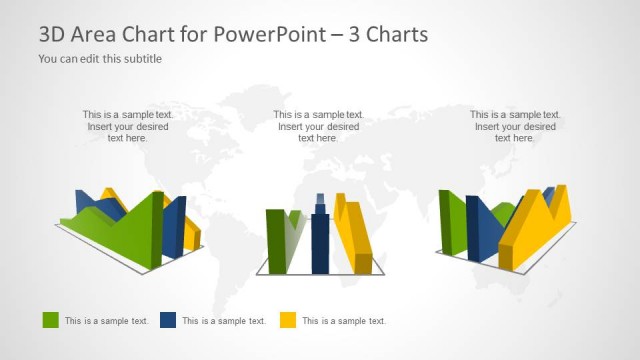
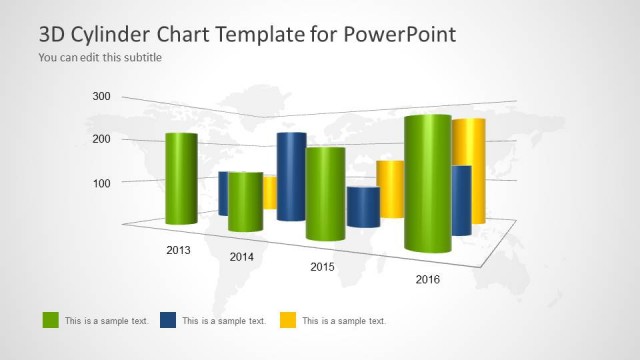
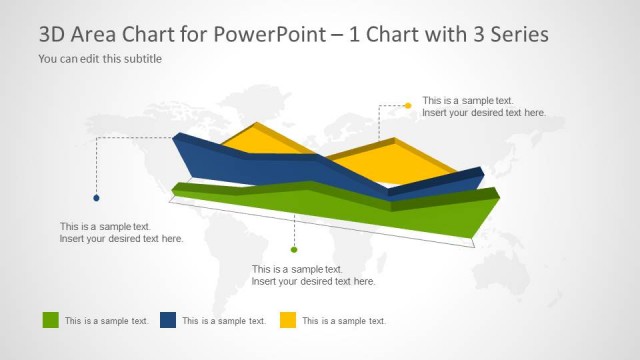
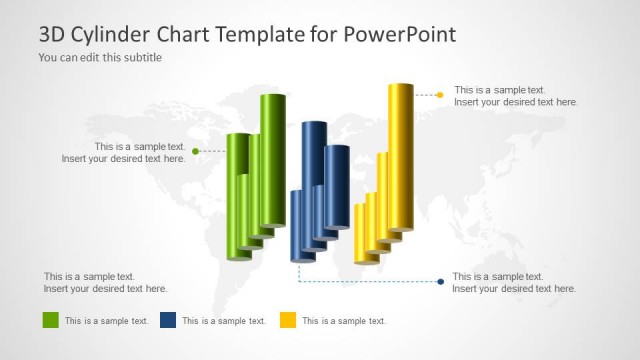
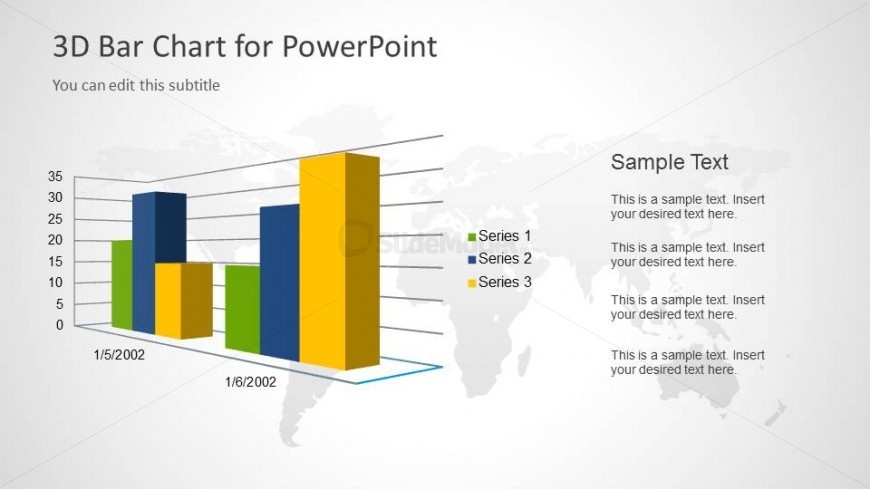
The layout features a 3D bar chart positioned centrally, displaying three series in distinct colors: blue, green, and yellow. The chart has a horizontal axis labeled with dates, while the vertical axis indicates values up to 35. To the right, there are text placeholders aligned vertically, allowing for additional descriptions or data points. The background includes a subtle world map, enhancing the global context of the data. The overall composition balances the chart and text, creating a structured visual hierarchy.
How to Use It
This layout serves as a data visualization tool, ideal for presenting comparative statistics over time. It fits well in a presentation sequence after an introductory slide, providing detailed insights into specific metrics. Suitable scenarios include sales performance reviews, market analysis, or project progress reports. The layout allows for clear communication of trends and comparisons, making it useful for analysts and managers in business contexts.
Text Placeholders & Capacity
Keep your copy within these limits so it fits without resizing. Node labels can hold about 3-4 words each, while body text can accommodate roughly 15-20 words.
| Placeholder | Count | Max characters (approx.) |
|---|---|---|
| Slide title | 1 | 30 |
| Subtitle | 1 | 50 |
| Item heading | 3 | 20 |
| Item body | 3 | 100 |
Slide Keywords
Download unlimited PowerPoint templates, charts and graphics for your presentations with our annual plan.
DOWNLOADReturn to 3D Pie & Bar Charts for PowerPoint.