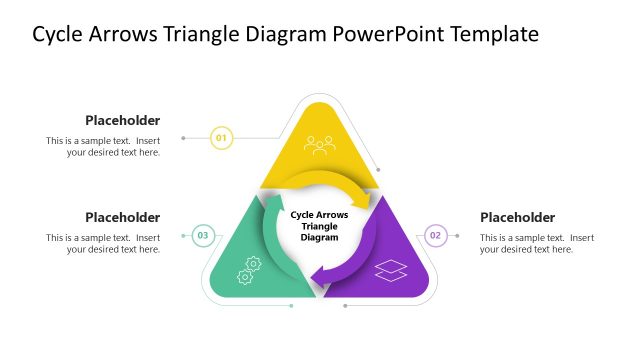
Map continuous improvement cycles with precision using our customizable Cycle Arrows Venn Diagram PowerPoint Template. Designed for business consultants and strategy leads, this three-stage cyclic arrow layout provides a compelling alternative to standard process diagrams, capturing not just sequence but the interdependence and overlap between phases. Whether you are presenting a workflow optimization system, a project lifecycle overview, or a supply chain process, this PowerPoint template translates cyclical logic into a visual structure your audience can read at a glance. We have designed this PPT slide to help presenters communicate recurring processes, continuous improvement frameworks, and stage-by-stage workflows with clarity and visual authority.
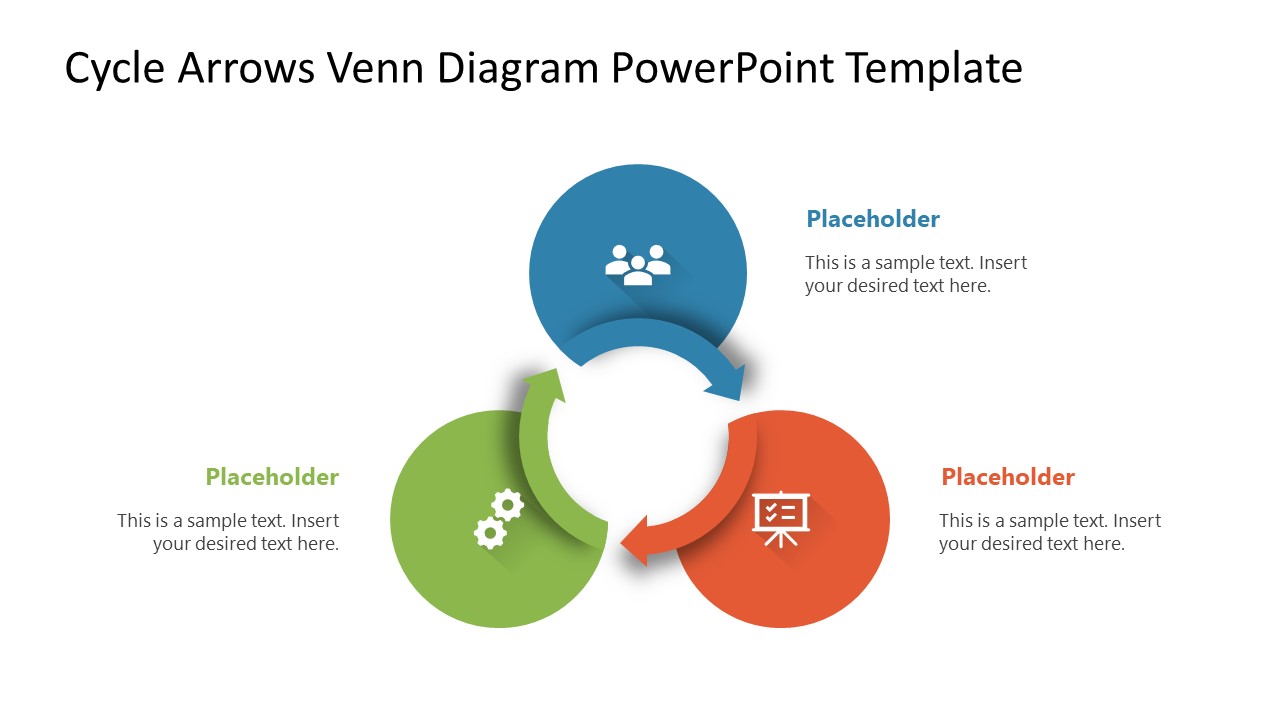
Three curved arrows form a closed loop, each representing a distinct stage in a continuous process, with color-coded segments that visually reinforce the relationship between phases. It acts as a Color-Coordinated Stage System: The arrow, its connected shape, and the placeholder text block share a unified color per stage, making it easy for audiences to track each component without additional explanation. Follow-up slides can isolate each stage with a color emphasis effect, allowing you to walk through the cycle step by step and keep your audience focused on one phase at a time.
QA engineers can use our Cycle Arrows Venn Diagram PowerPoint Template to explain improvement cycles; HR directors to outline talent onboarding and filtering stages; and marketing managers to visualize campaign optimization processes during monthly reviews.
Download this customizable cycle arrows Venn diagram template and present your continuous business processes with a layout built for clarity and repeated use. Perfect for any three-stage workflow where the relationship between phases is as important as the phases themselves.
What’s inside this template
Example presentation scenarios
- A business consultant can present a continuous improvement model by starting with the full three-arrow cycle and then using the stage-emphasis slides to explain each phase in order.
- An HR director can outline a talent onboarding or screening process by assigning each circular stage to a people, evaluation, or enablement activity and using the text callouts for decision criteria.
- A marketing manager can explain campaign optimization during a monthly review by mapping planning, execution, and analysis to the colored cycle arrows and highlighting one stage at a time.
- A quality assurance lead can show a recurring test, fix, and review workflow by using the gear and process icons as visual anchors for operational responsibilities.
Features
- 100% editable presentation template
- Compatible with Microsoft PowerPoint
- 16:9 aspect ratio slides
- Scalable vector shapes, icons and illustrations
- AI-Ready for Microsoft Copilot and Claude
- Instant access and download
Frequently asked questions
Q: How should a presenter explain the cycle without making the three stages feel repetitive?
A: Start with Slide 1 to establish the whole system and name the logic of the loop. Then move through the three emphasis slides, using the gray stages as context rather than re-explaining them. This lets the audience understand how each stage contributes to the cycle while keeping attention on one decision, action, or output at a time.
Q: What type of business message is this cycle arrows diagram best suited for?
A: This template fits messages where three activities repeat and influence one another, such as improvement cycles, campaign review loops, onboarding filters, or quality workflows. It is strongest for consultants, department leads, and process owners who need to show that progress is not linear, but depends on a repeated pass through connected stages.
Q: Why use circular arrows with overlapping stage areas instead of a standard process list?
A: The circular arrows make repetition visible, while the Venn-style center suggests interdependence between the phases. A list can imply a one-time sequence, but this layout shows return, overlap, and shared context. The stage-emphasis slides also reduce cognitive load by muting inactive steps while preserving the complete system in the background.


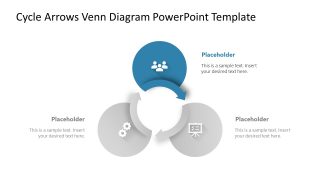
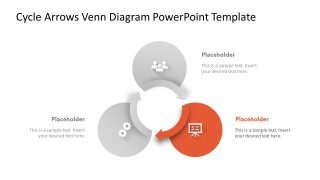
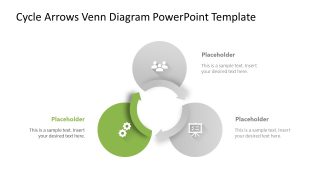
Cycle Arrows Venn Diagram PowerPoint Template
4-slide PowerPoint presentation template for cycle arrows, Venn-style process flow, and stage emphasis
The Cycle Arrows Venn Diagram PowerPoint Template is a 4-slide Microsoft PowerPoint diagram for explaining three-stage recurring processes. It includes a full color circular arrow cycle, three stage-emphasis slides, icon markers, and text callouts for consultants, operations teams, HR, marketing, and quality process presenters.
- Category
- Diagrams
- Rating

 Loading...
- Aspect ratio
- 16:9
- Item ID
- 23610-01
- Colors
 Microsoft PowerPoint
  Microsoft Copilot
  Claude for PowerPoint
 Other formats supported
Subscribe today and get immediate
access to download our PowerPoint templates.