Crimson Business PowerPoint Template is a presentation template ready to be used as a company profile and including crimson color theme with gray & white colors. You can download this PPT template to make company presentations or any business related presentation including development of new products as well as creating pitches to investors or VCs
What’s inside this template
Example presentation scenarios
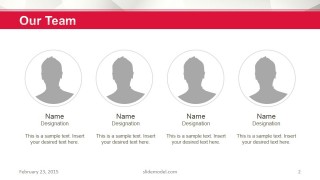
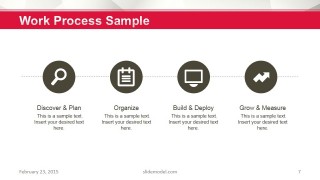
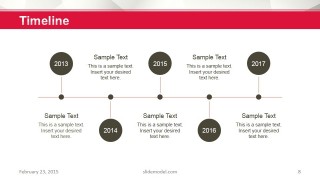
- A startup founder can use the cover, team slide, process steps, and timeline to introduce the company to potential investors and explain how the business operates.
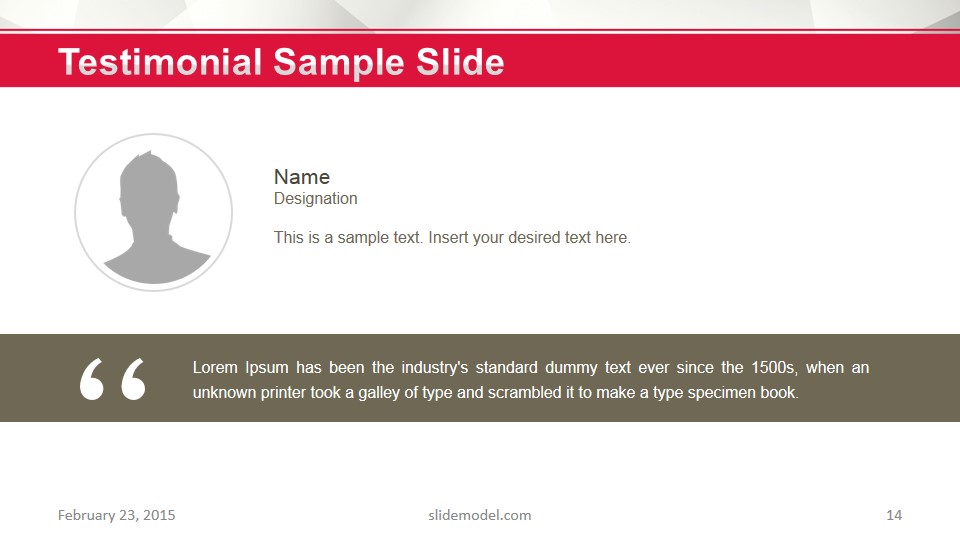
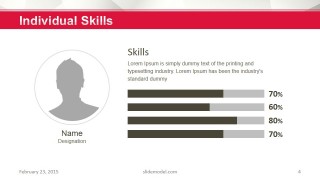
- A sales leader can use the global services slide, world map, skills bars, and testimonial slide to show market coverage and credibility during a client meeting.
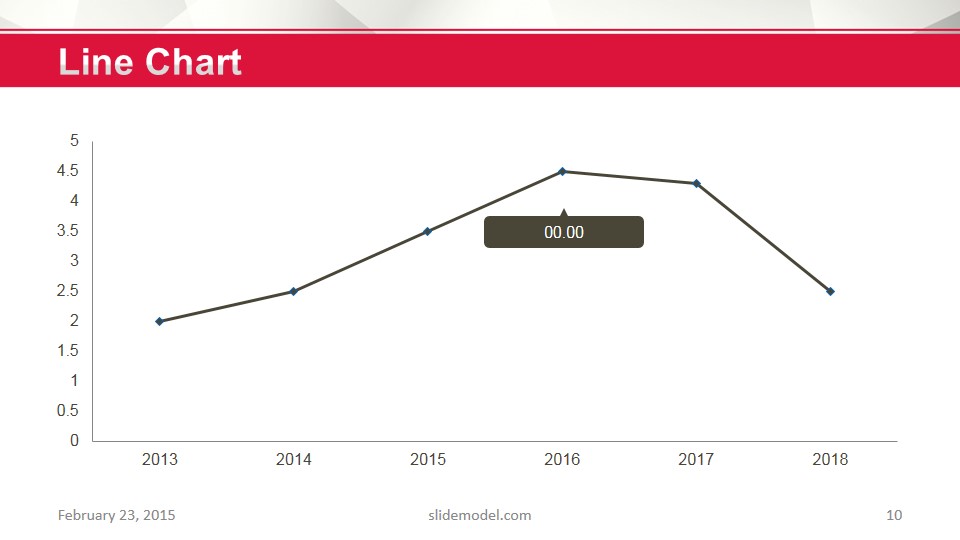
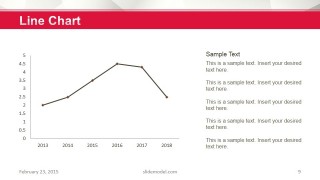
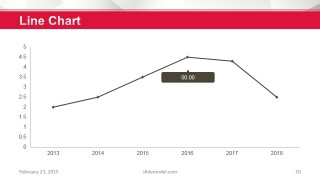
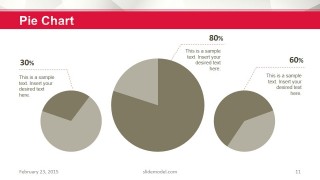
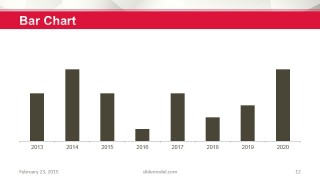
- A consultant can use the two-column and three-column text slides to organize findings, then support recommendations with the line chart, pie chart, and bar chart layouts.
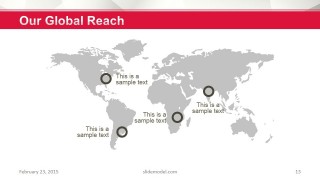
- A business development manager can use the global reach map, process diagram, and closing contact slide to present a partner proposal with clear next steps.
Features
- 100% editable presentation template
- Compatible with Microsoft PowerPoint and Google Slides
- 16:9 aspect ratio slides
- Scalable vector shapes, icons and illustrations
- AI-Ready for Microsoft Copilot and Claude
- Instant access and download
Frequently asked questions
Q: How should a presenter organize the message with this template?
A: Start with the company title and team to establish identity and credibility, then move into global services, individual skills, process, and timeline. Use the chart slides after the operational story so numbers support the narrative instead of interrupting it. Close with global reach, testimonial, and contact information.
Q: Who is this template best suited for?
A: This template fits executives, founders, consultants, and sales teams that need a structured company profile or business overview. It works well when the audience needs to understand who the company is, what it offers, how it works, where it operates, and what evidence supports the message.
Q: Why does the design use a consistent crimson header and mostly white content area?
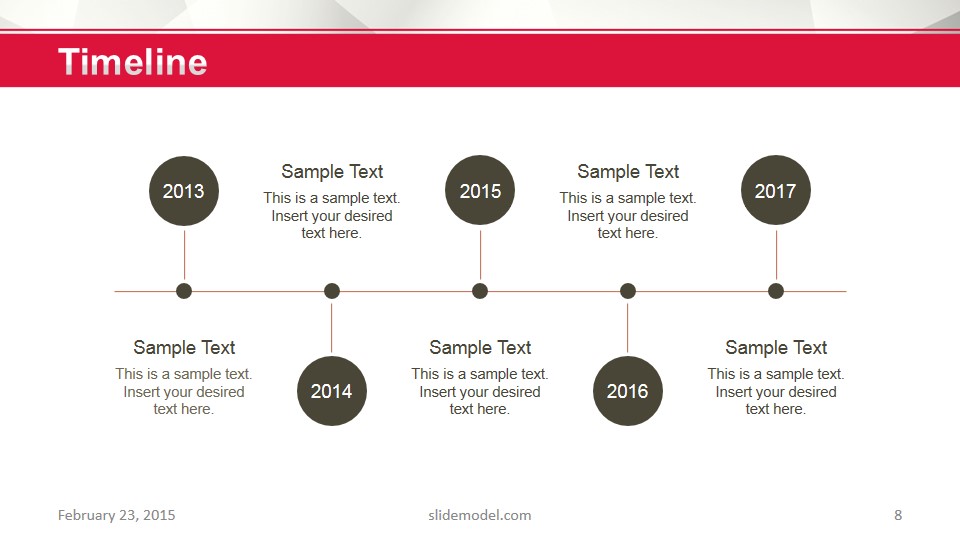
A: The crimson header creates a repeated visual anchor, helping the audience recognize each section quickly while the white space keeps profiles, charts, maps, and process icons easy to scan. The world map and timeline act as familiar metaphors for reach and progress, turning abstract business claims into visible structure.













Crimson Business PowerPoint Template
15-slide business presentation template with timeline, team profiles, process steps, maps, and charts
Crimson Business PowerPoint Template is a 15-slide business presentation for company profiles, service overviews, and investor-facing updates. It includes a team page, global services map, individual skills bars, process steps, timeline, line charts, pie charts, bar chart, testimonial slide, and closing contact page for Microsoft PowerPoint and Google Slides.
- Category
- Template Backgrounds
- Rating


 Loading...
- Aspect ratio
- 16:9
- Item ID
- 6085-07
- Colors
 Microsoft PowerPoint
  Microsoft Copilot
  Claude for PowerPoint
 Other formats supported
Subscribe today and get immediate
access to download our PowerPoint templates.