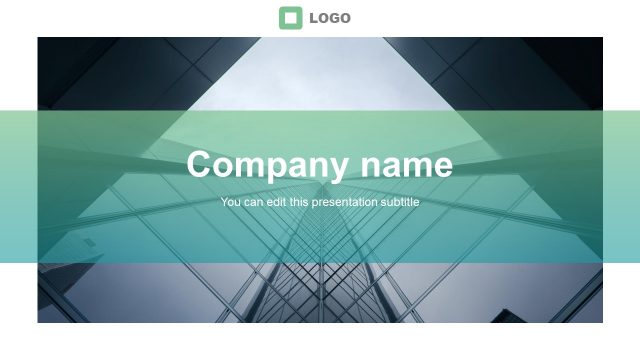
The Green Stripes Business PowerPoint Template is an ideal template for entrepreneurs and business professionals for making presentations related to their corporation or business venture.
The template provides everything from introductory sample slides for introducing your team members or making your corporate portfolio to slides for displaying charts, timelines, geographical details related to a venture, personnel information and more.
You can download similar slide designs in more colors from our catalogue of Business Profile Templates for PowerPoint.
What’s inside this template
Example presentation scenarios
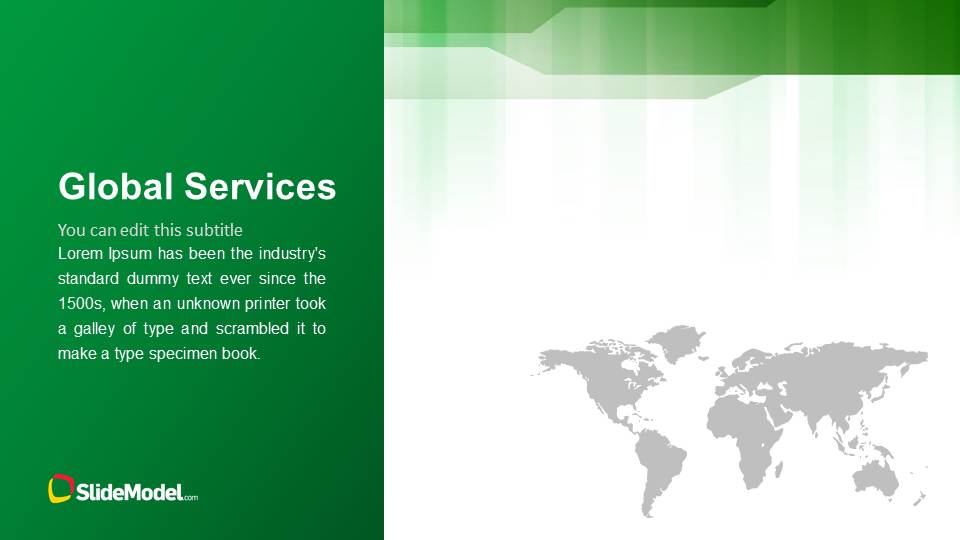
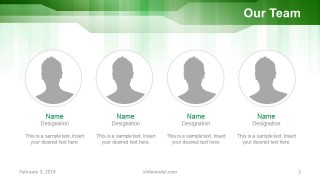
- A founder can use the cover, global services slide, team profiles, and thank-you slide to introduce a new company to potential partners or early customers.
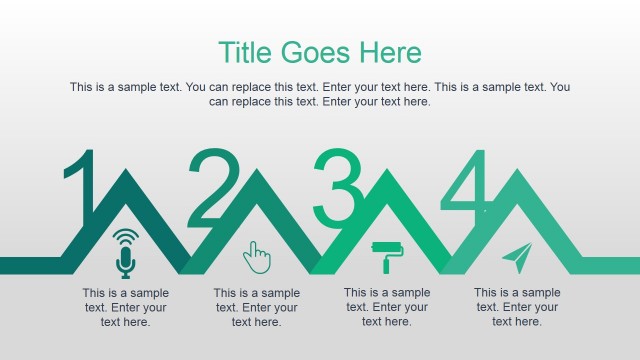
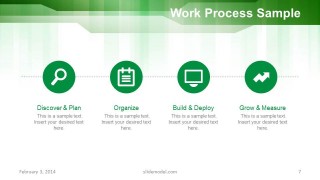
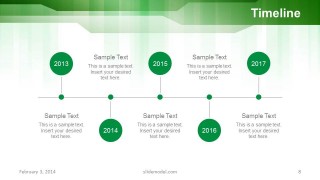
- A sales manager can present service capabilities with the global services overview, work process diagram, timeline, and testimonial slide to support a business development conversation.
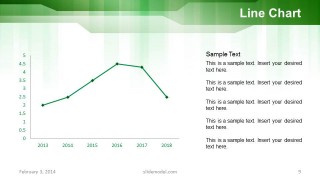
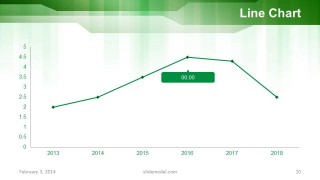
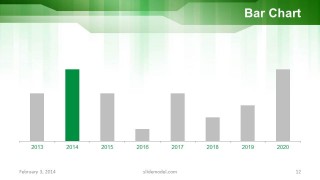
- A consultant can use the two-column and three-column text layouts to organize recommendations, then use the line chart and bar chart slides to summarize performance trends.
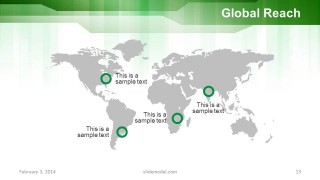
- An operations leader can explain expansion plans with the timeline slide, global reach map, and chart slides when reporting progress to executives or stakeholders.
Features
- 100% editable presentation template
- Compatible with Microsoft PowerPoint and Google Slides
- Scalable vector shapes, icons and illustrations
- AI-Ready for Microsoft Copilot and Claude
- Instant access and download
Frequently asked questions
Q: How should a presenter organize a company profile using this template?
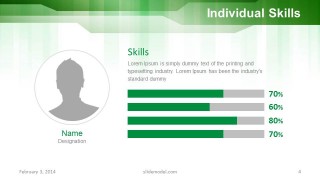
A: Start with the title slide, then establish credibility through the team and skills layouts before explaining services and work process. Use the timeline to show progress or planned growth, then place charts and the global reach map after the narrative has context. Close with the testimonial and thank-you slide so the audience sees proof before contact details.
Q: Who is this template best suited for in a business presentation?
A: This template fits entrepreneurs, business owners, consultants, and sales teams that need to explain a company quickly without building a deck from scratch. The visible mix of team profiles, service overview, process steps, timeline, charts, and map coverage works best when the message combines who the company is, what it does, and where it operates.
Q: Why does the green striped design help the message feel organized?
A: The repeated green header band acts like a visual anchor across the deck, so different content types still feel connected. On information-heavy slides such as the timeline, charts, and map, the white content field keeps attention on the data while the green stripes maintain a consistent business identity without competing with the main message.







Green Stripes Business PowerPoint Template
15-slide PowerPoint presentation template for company profiles with timelines, charts, and global maps
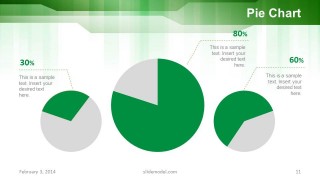
The Green Stripes Business PowerPoint Template is a 15-slide business profile deck with a cover, team page, process diagram, timeline, line charts, pie chart, bar chart, global reach map, testimonial, and closing slide. It is designed for entrepreneurs and business presenters building corporate introductions in PowerPoint.


 Loading...
 Microsoft PowerPoint
  Microsoft Copilot
  Claude for PowerPoint
 Other formats supported
Subscribe today and get immediate
access to download our PowerPoint templates.