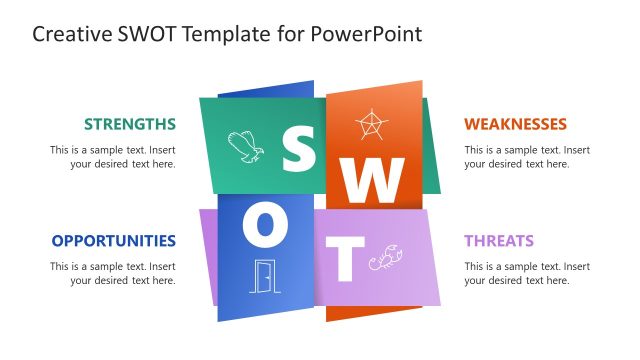
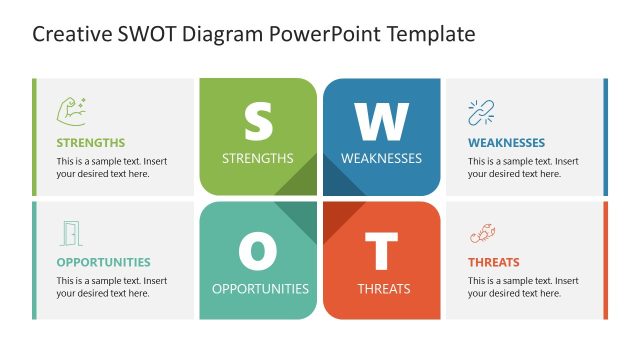
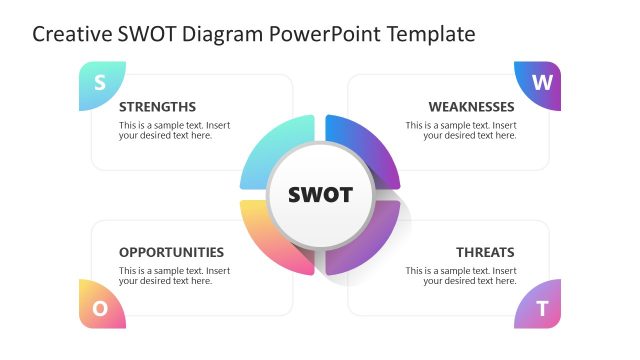
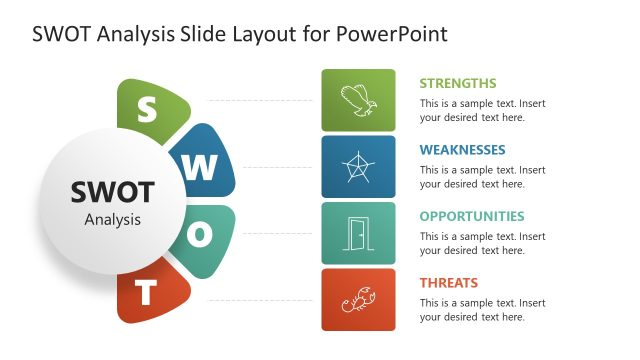
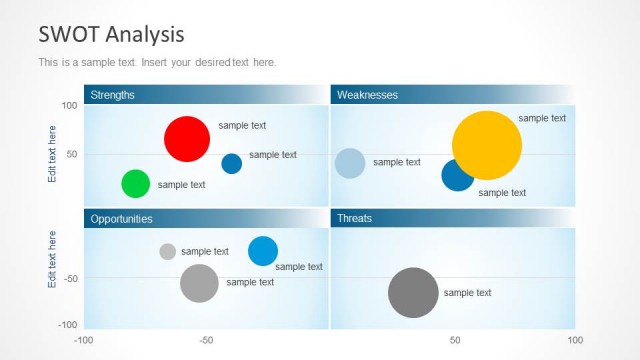
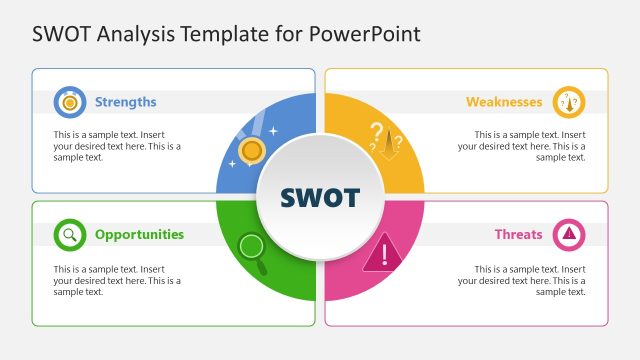
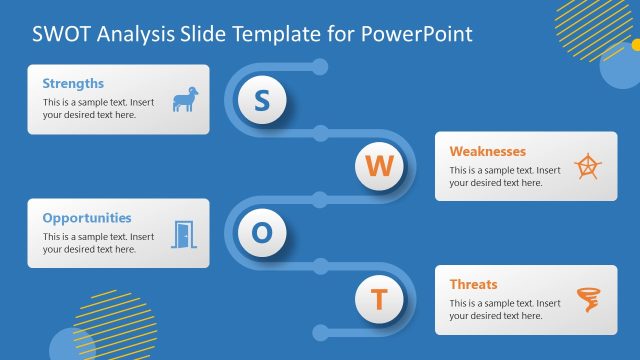
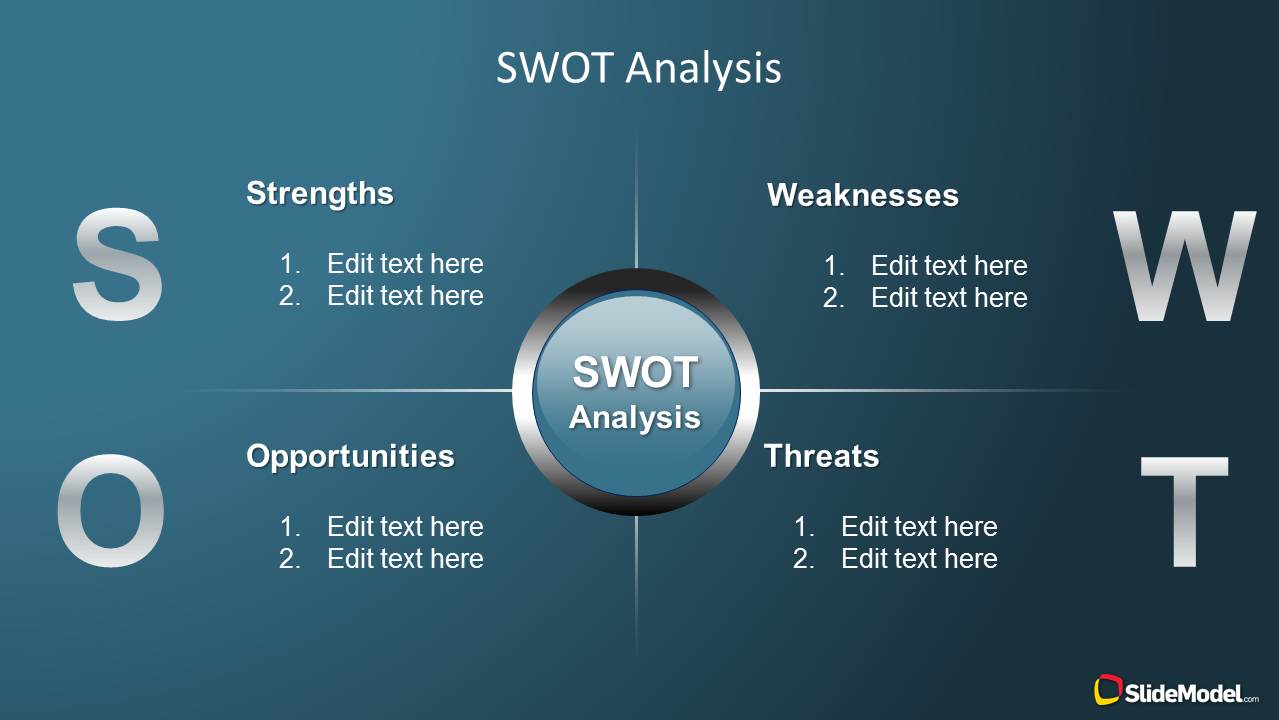
Creative SWOT Analysis PowerPoint Template is a presentation design containing four quadrants and components that you can use to describe and present a SWOT Analysis using a creative background template. SWOT Templates can help you to prepare marketing PowerPoint presentations and business slide designs.
Alternatively you can download other consulting models for PowerPoint presentations including awesome slide designs and diagrams for your presentations.
What’s inside this template
Example presentation scenarios
- A strategy consultant can use the quadrant overview to summarize a client situation before walking executives through the strengths, weaknesses, opportunities, and threats focus slides.
- A marketing manager can present campaign planning inputs by listing brand strengths, market weaknesses, growth opportunities, and competitive threats in the numbered text areas.
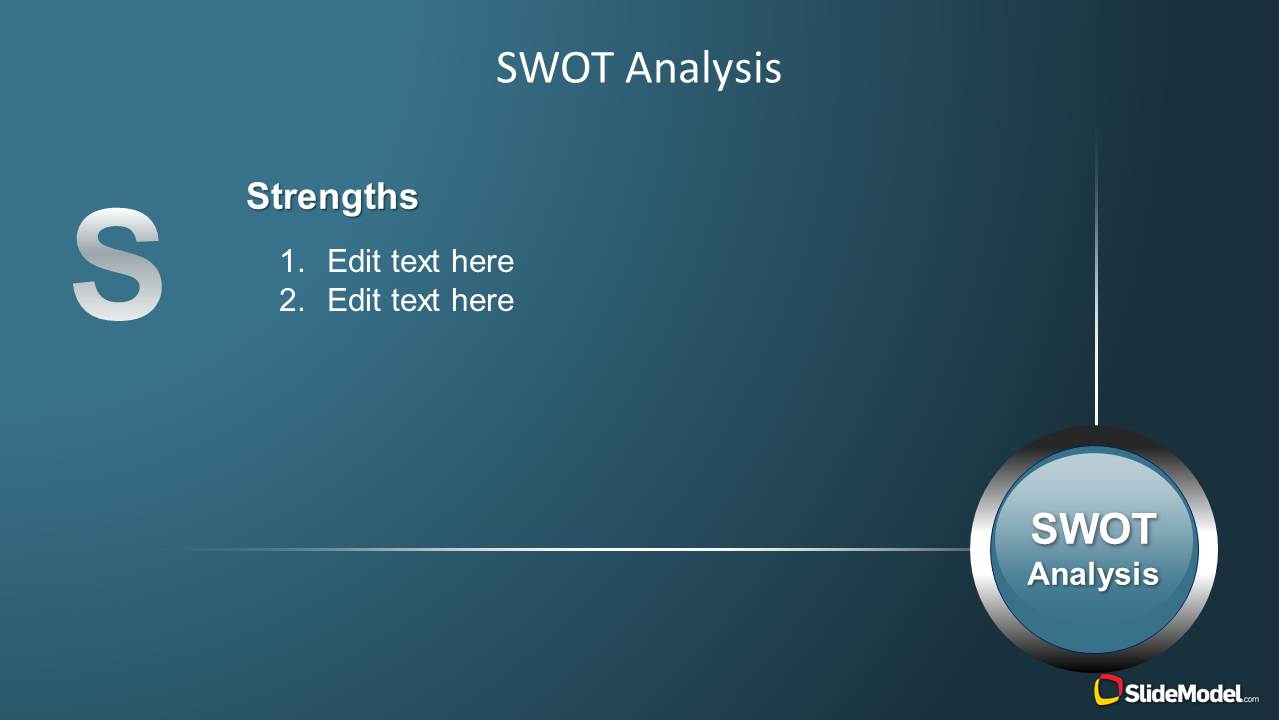
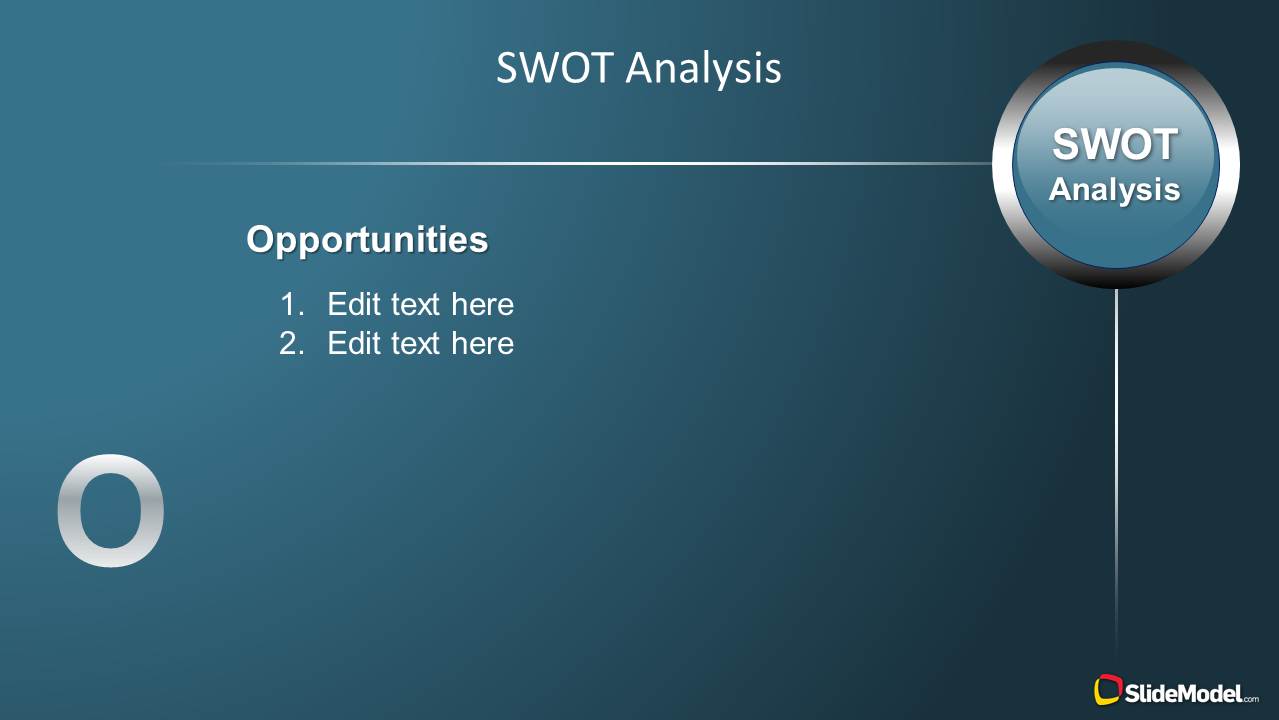
- A product manager can use the four category slides to guide a cross-functional workshop and collect team observations before prioritizing strategic actions.
- A small business owner can use the full SWOT slide as an executive summary and the individual focus slides to explain the reasoning behind each category.
Features
- 100% editable presentation template
- Compatible with Microsoft PowerPoint and Google Slides
- Scalable vector shapes, icons and illustrations
- AI-Ready for Microsoft Copilot and Claude
- Instant access and download
Frequently asked questions
Q: How should a presenter structure the SWOT discussion with this template?
A: Start with Slide 1 to give the audience the full situation at once, then move through strengths, weaknesses, opportunities, and threats as separate discussion points. Keep each numbered placeholder to one concise idea. The focused slides work best when the presenter explains cause, business impact, and recommended response for each category.
Q: Who is this SWOT template best suited for?
A: This template is best for consultants, marketing leaders, product managers, and business owners who need to organize strategic observations for a decision-making audience. It fits planning meetings, market reviews, and workshop summaries where the goal is to clarify internal capabilities and external market conditions before selecting actions.
Q: Why does the design separate the four SWOT categories after the overview?
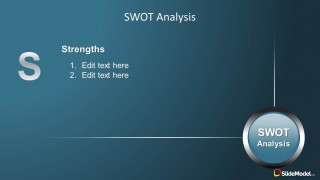
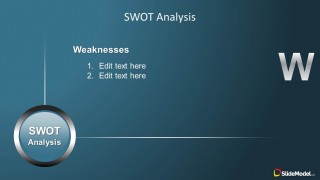
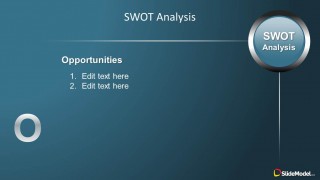
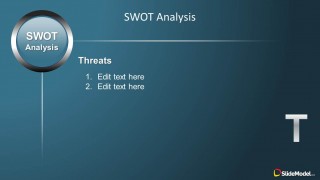
A: The overview slide creates context, while the individual category slides reduce cognitive load. The large S-W-O-T letters act as visual anchors, and the circular SWOT badge keeps the analysis model visible throughout the deck. This sequencing helps the audience remember the framework while focusing on one strategic dimension at a time.


Creative SWOT Analysis PowerPoint Template
5-slide SWOT analysis presentation template with quadrant overview and focused strengths, weaknesses, opportunities, threats slides
Creative SWOT Analysis PowerPoint Template is a 5-slide strategy deck for presenting a SWOT analysis. It includes a four-quadrant overview, individual strengths, weaknesses, opportunities, and threats focus slides, and a central circular SWOT badge. It is intended for consultants, marketers, and business teams preparing strategic analysis presentations.


 Loading...
 Microsoft PowerPoint
  Microsoft Copilot
  Claude for PowerPoint
 Other formats supported
Subscribe today and get immediate
access to download our PowerPoint templates.