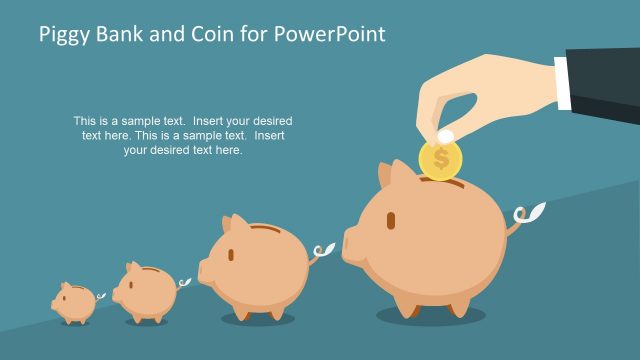
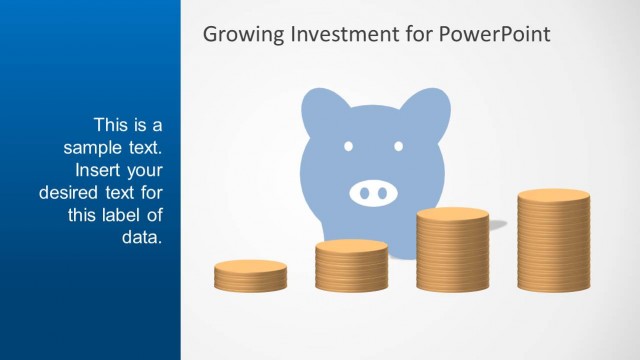
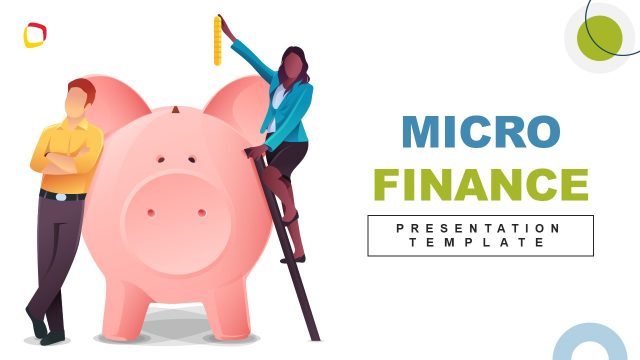
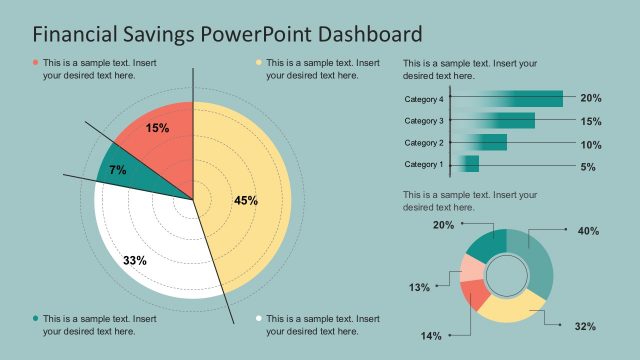
Creative Piggy Bank PowerPoint Shapes is a stunning presentation with high quality graphics with the representations of a Piggy Bank created as a PowerPoint Shape. This PowerPoint Template is ideal for an unstructured audience, that can empathize with the shape of the piggy bank for the concept of savings. Introduce this shapes for financial presentations or business presentations that require a special focus on money and the metaphor of money saving. Also applicable for Marketing presentations where budget related topics need to be covered. Also this Piggy Bank PowerPoint shape can be used for lectures to young people, when teaching about money and the positive habit of saving.
Our Creative Piggy Bank PowerPoint Shapes are created grouping different individual PowerPoint objects finally constructing the final shape. This approach of design allows full customization of the shape for the user, enabling the edition of every PowerPoint shapes property.
Impress your audience and break the ice with our Creative Piggy Bank PowerPoint Shapes and combine them with any of our high quality PowerPoint Shapes catalog.
What’s inside this template
Example presentation scenarios
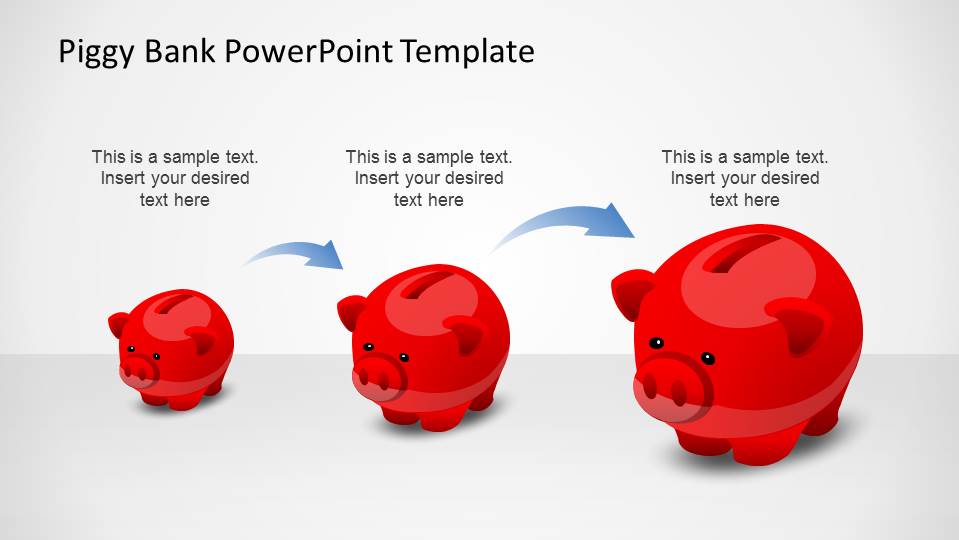
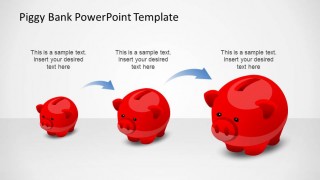
- A finance manager can use the growth sequence to show how small recurring savings can build into a larger reserve over time.
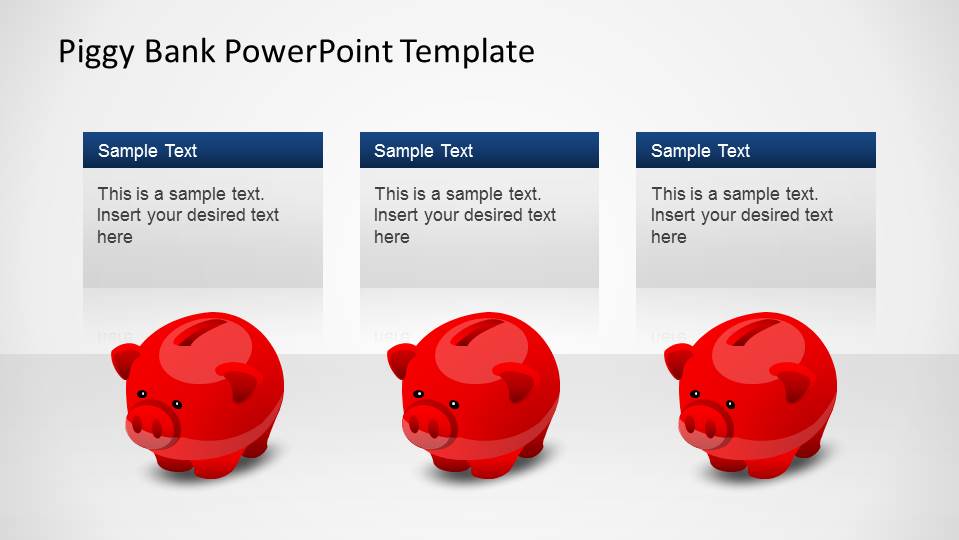
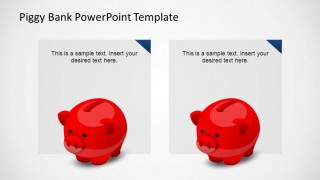
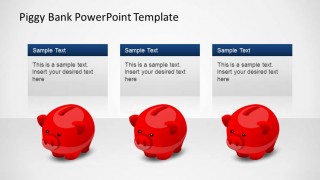
- A marketing presenter can use the three-column comparison layout to explain competing budget options and summarize the trade-offs beside each piggy bank.
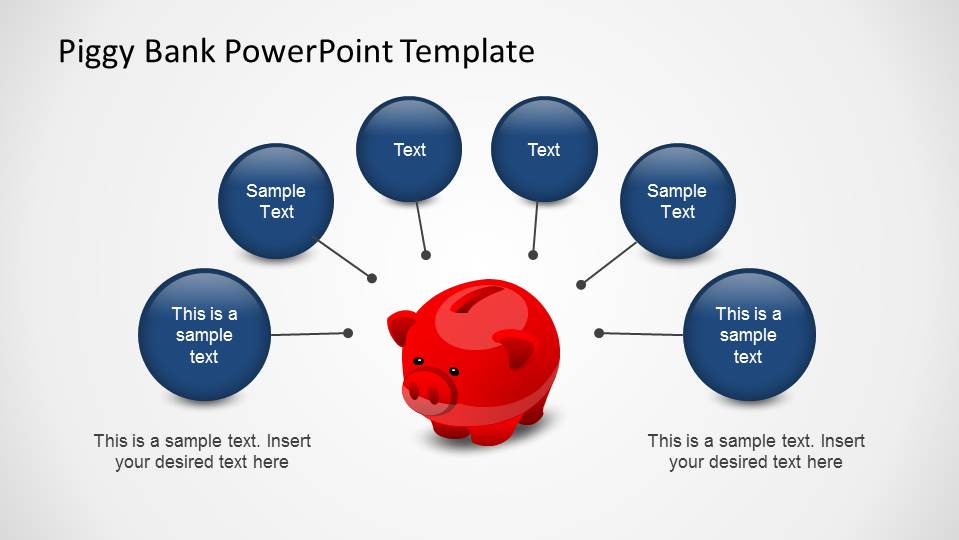
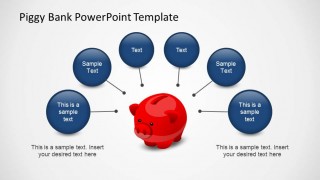
- An educator can use the radial callout diagram to teach students the main factors behind personal saving, spending control, or goal setting.
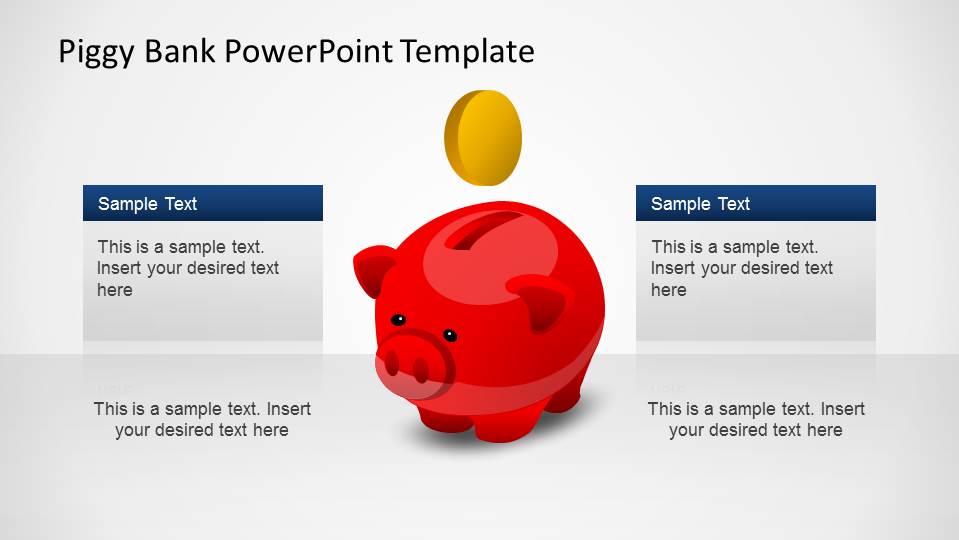
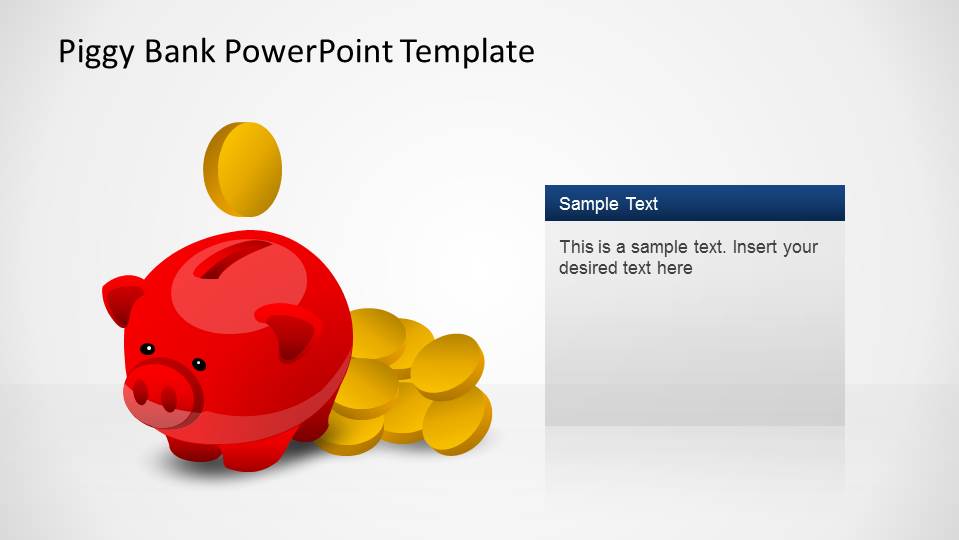
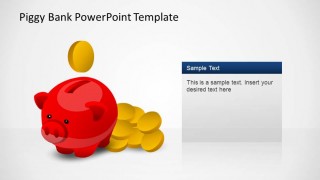
- A consultant can use the piggy bank with coin stack slide to introduce a cost reduction recommendation and place the main financial takeaway in the large text panel.
Features
- 100% editable presentation template
- Compatible with Microsoft PowerPoint and Google Slides
- 16:9 aspect ratio slides
- Scalable vector shapes, icons and illustrations
- AI-Ready for Microsoft Copilot and Claude
- Instant access and download
Frequently asked questions
Q: How should a presenter build a clear savings message with this template?
A: Start with the central piggy bank slide to frame the financial idea in familiar terms, then move to the growth sequence to show progression. Use the radial callouts for drivers or requirements, and reserve the comparison layouts for choices. Keep each text box short so the piggy bank metaphor stays memorable rather than decorative.
Q: Who is this piggy bank shape template best suited for?
A: It works best for presenters who need to explain money behavior, savings goals, budget trade-offs, or funding priorities to a general audience. Finance managers, marketing teams, teachers, and nonprofit presenters can use the friendly illustration to lower the barrier around financial topics without relying on spreadsheets or dense tables.
Q: Why does the piggy bank metaphor improve the presentation?
A: The piggy bank is an immediate visual shorthand for saving, protecting money, and building value. Because the template repeats the same object across growth, callout, coin, and comparison layouts, the audience connects each point back to the same core idea instead of treating each slide as a separate graphic.
Creative Piggy Bank PowerPoint Shapes
6-slide presentation template with editable piggy bank shapes for savings and budget messages
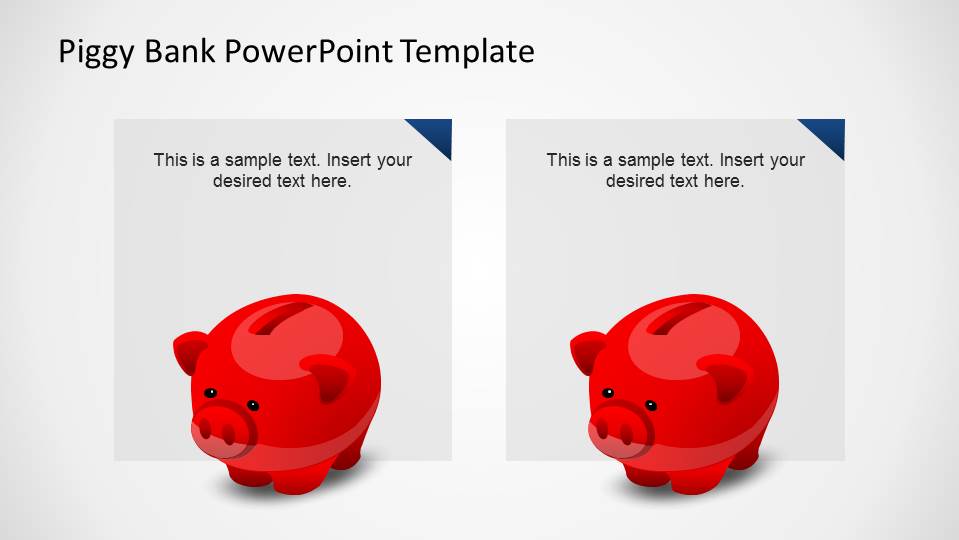
Creative Piggy Bank PowerPoint Shapes is a 6-slide finance presentation template built around an editable red piggy bank illustration. Visible layouts include two-column text, a growth sequence, radial callouts, comparison cards, and a coin savings visual. It fits finance, marketing, budget, and savings education presentations in PowerPoint and Google Slides.
- Category
- Shapes
- Rating


 Loading...
- Aspect ratio
- 16:9
- Item ID
- 6483-01
- Colors
 Microsoft PowerPoint
  Microsoft Copilot
  Claude for PowerPoint
 Other formats supported
Subscribe today and get immediate
access to download our PowerPoint templates.