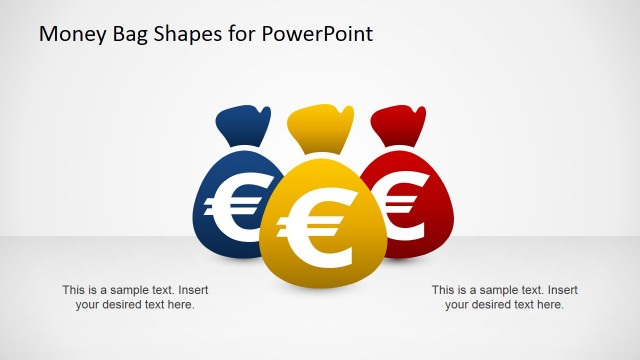
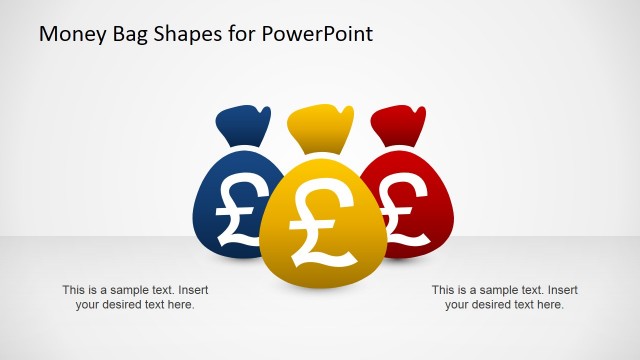
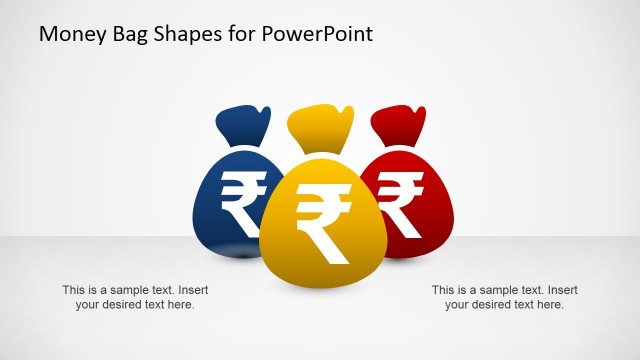
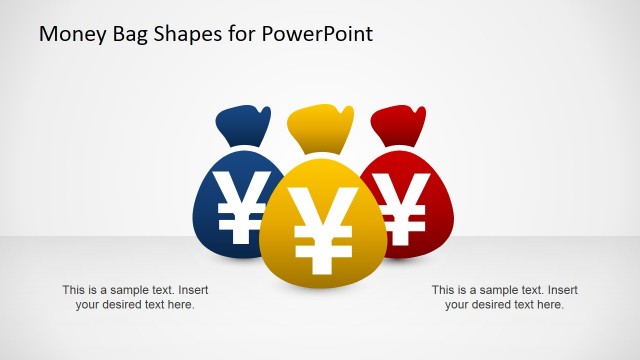
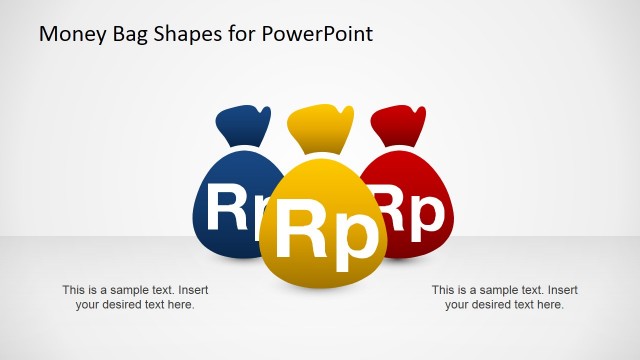
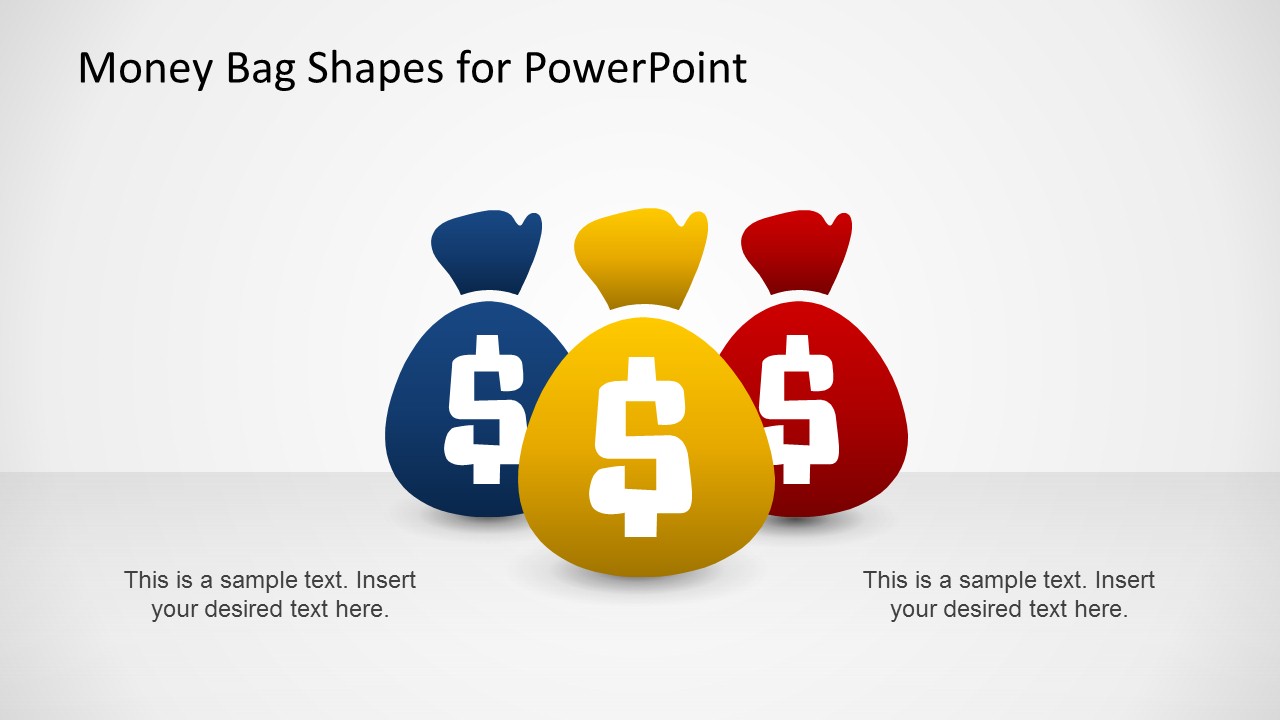
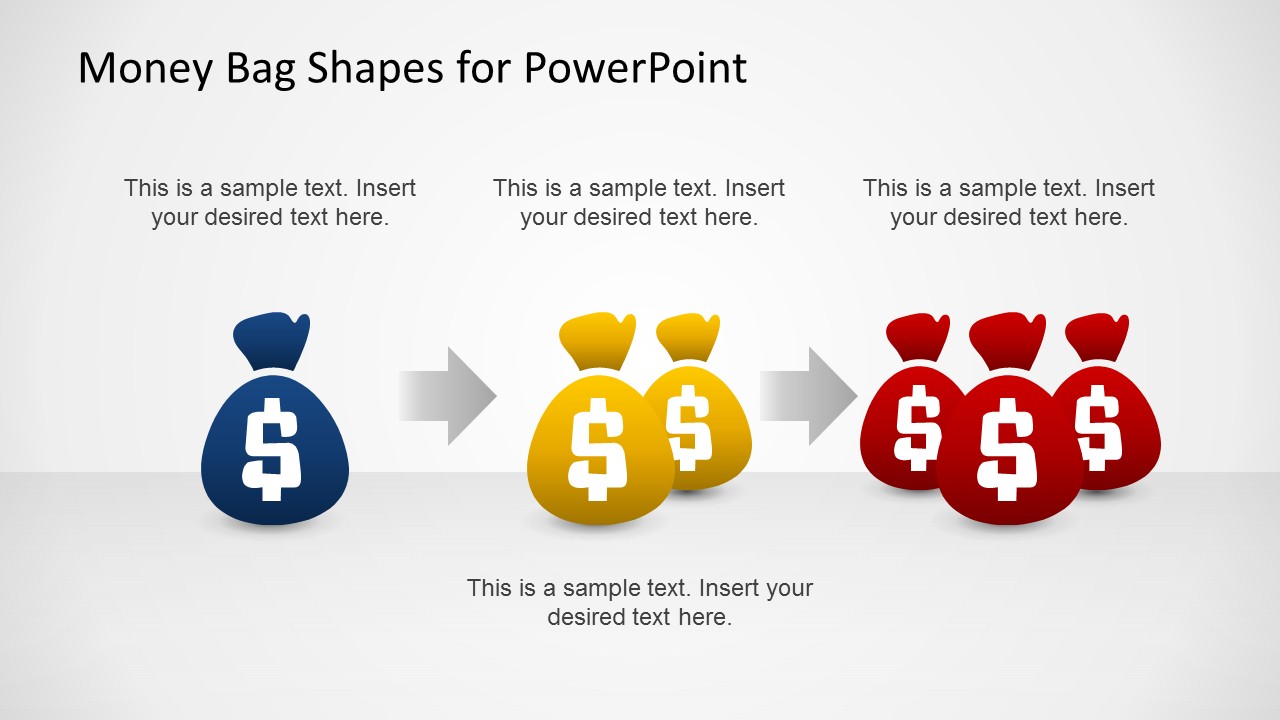
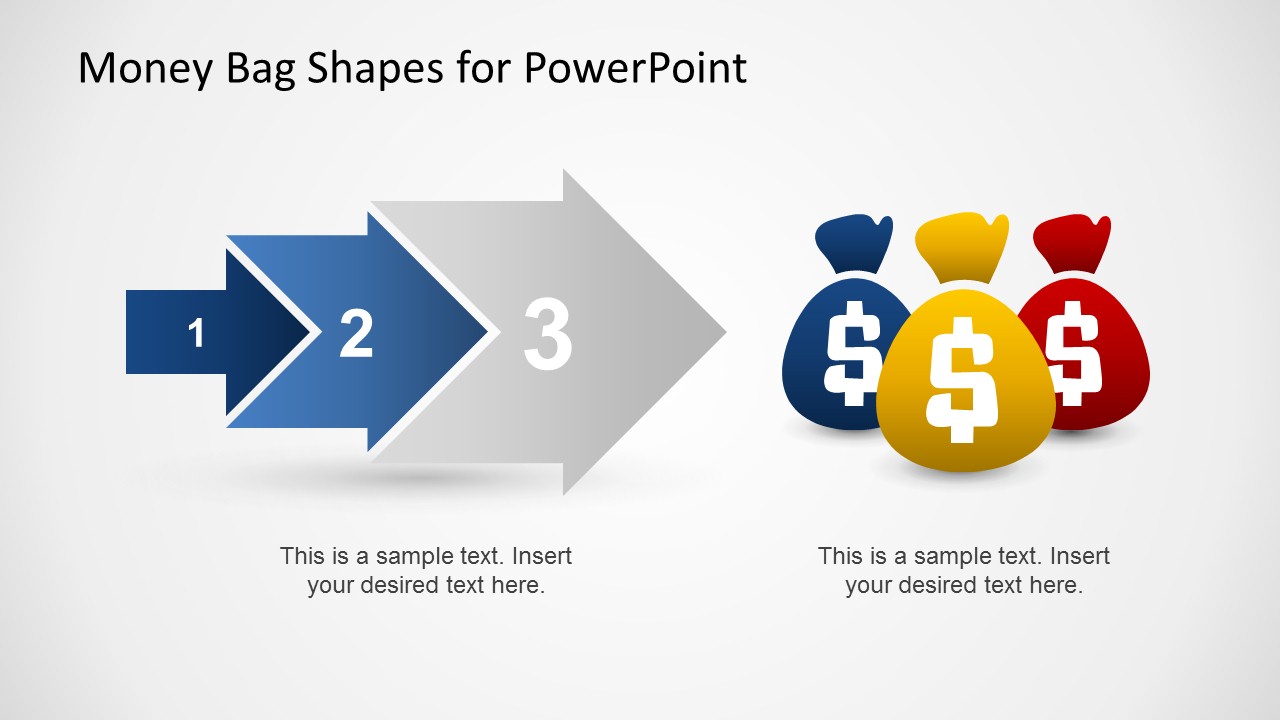
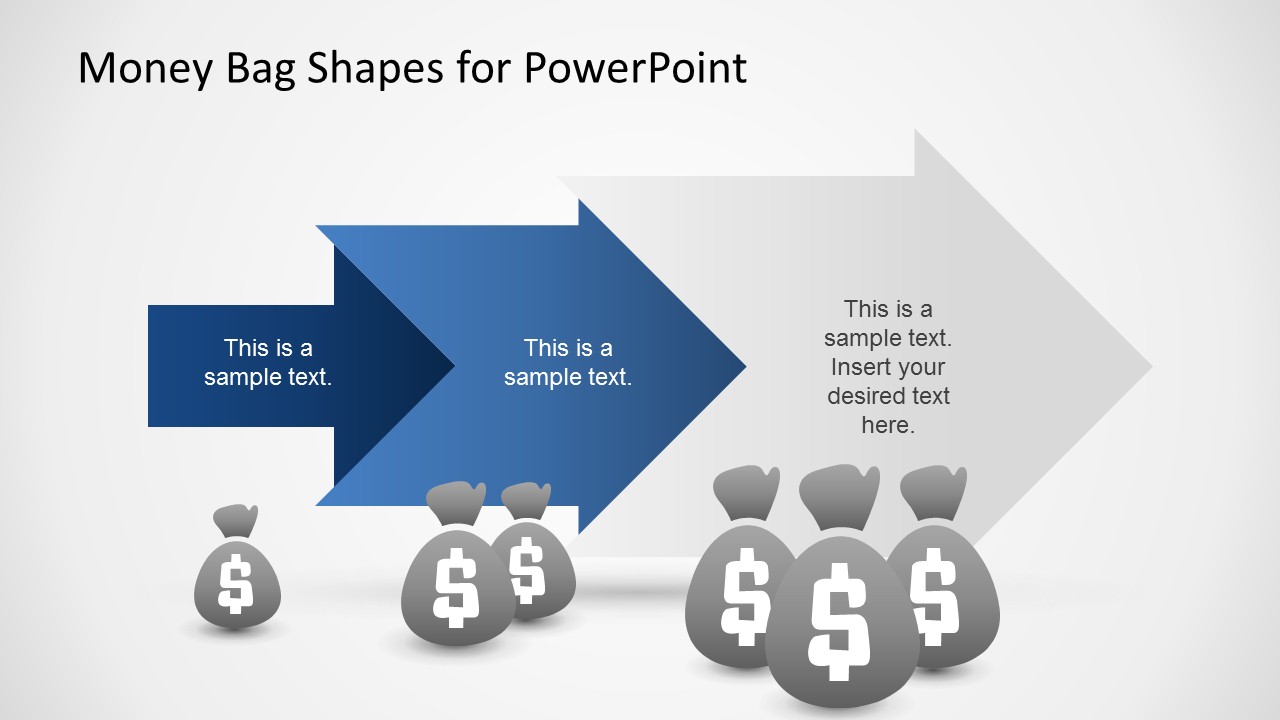
Money Bag Shapes for PowerPoint is a presentation template which comes with Cool PowerPoint Shapes of money bags. You can use this template for any presentation topic where you might require discussing financial matters or money with currency signs. The editable sample slides come with various well-crafted layouts which can be easily customized to turn this template into a presentation about business, marketing, sales, finance, economics, etc. The given layouts are generic enough to be used for a variety of slide types including picture, comparison and timeline slides.
What’s inside this template
Example presentation scenarios
- A finance manager can use the arrow process slides to show how budget allocations move from one funding stage to the next.
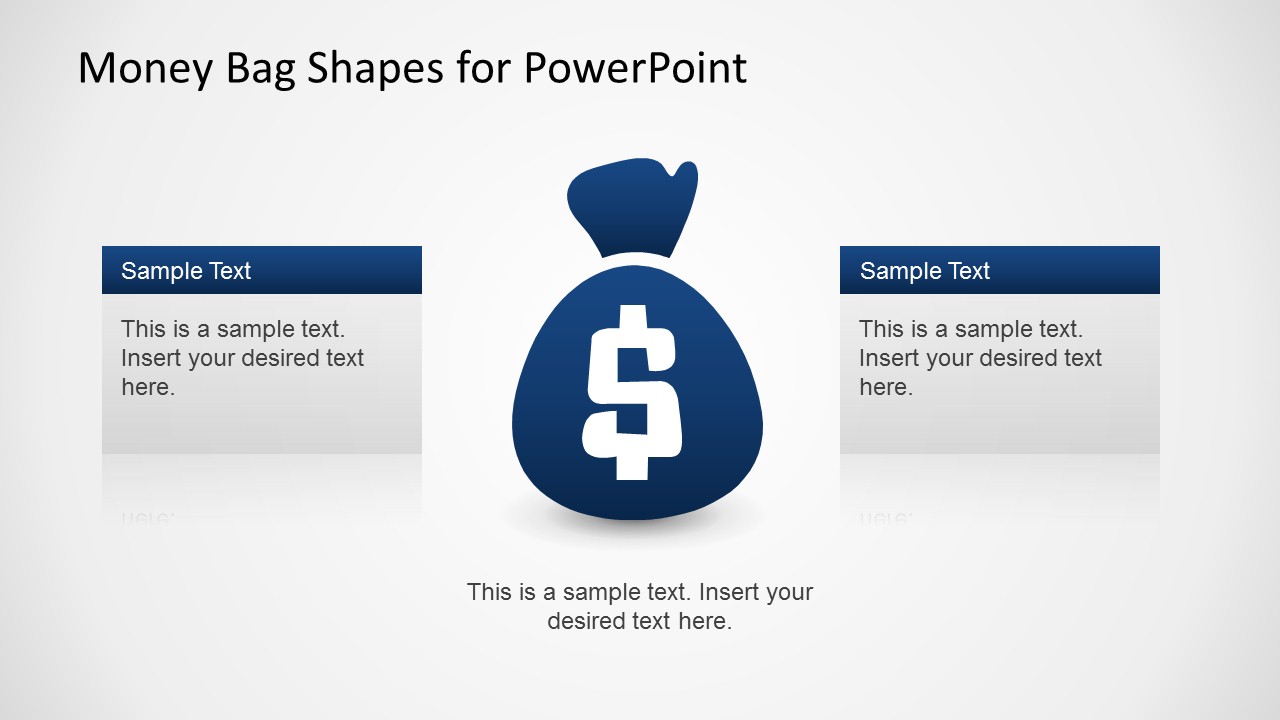
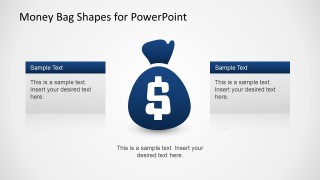
- A startup founder can use the central money bag comparison slide to explain capital needs, spending priorities, and expected financial outcomes to investors.
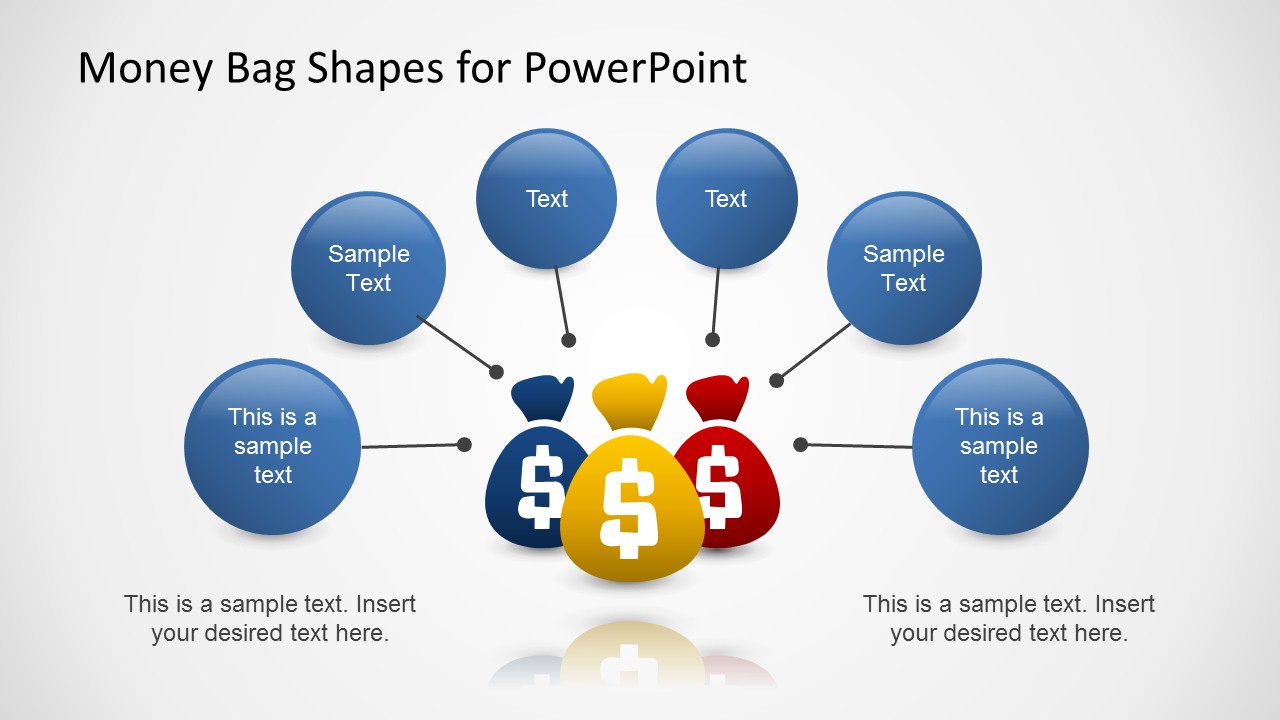
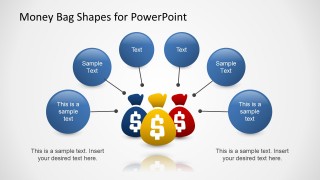
- A sales leader can use the circular callout slide to connect revenue drivers, commission factors, or sales pipeline inputs around one money theme.
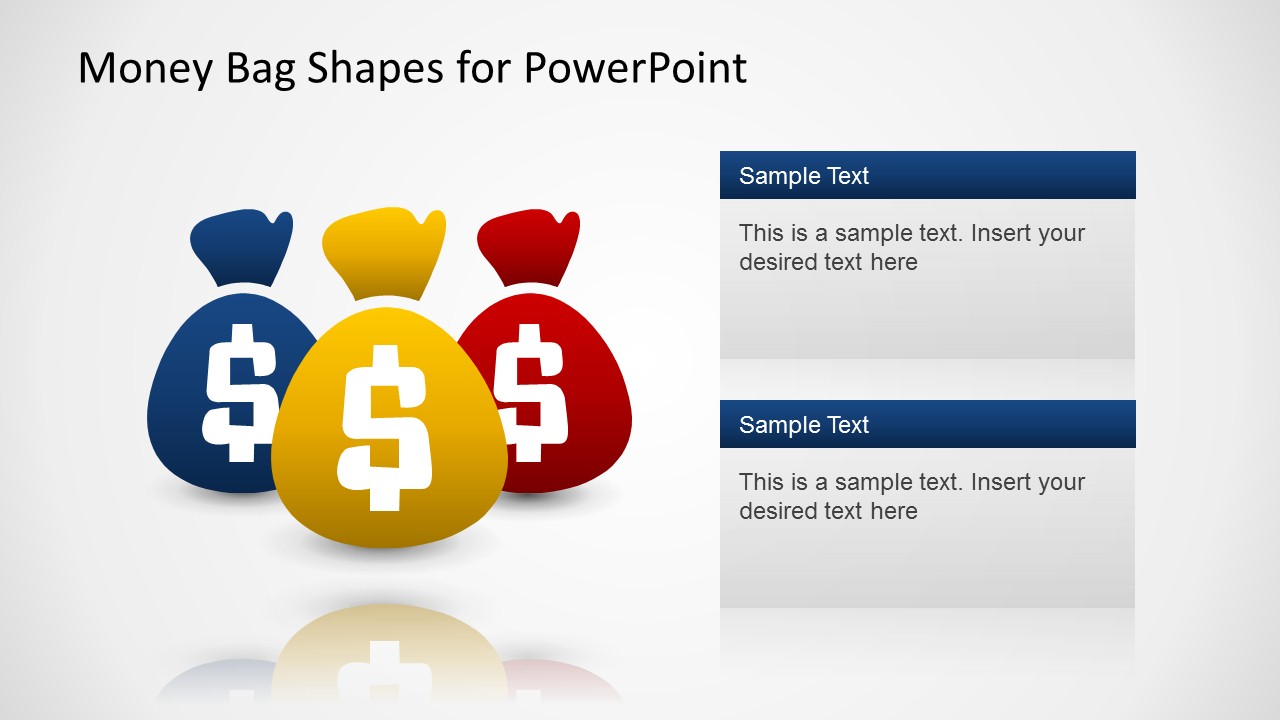
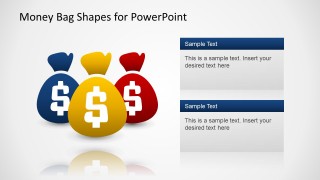
- A consultant can use the stacked text panel slide to compare two cost reduction options while keeping the money bag illustration as the financial cue.
Features
- 100% editable presentation template
- Compatible with Microsoft PowerPoint and Google Slides
- 16:9 aspect ratio slides
- Scalable vector shapes, icons and illustrations
- AI-Ready for Microsoft Copilot and Claude
- Instant access and download
Frequently asked questions
Q: How should a presenter use the money bag visuals without making the message feel too literal?
A: Use the money bag as the anchor for one clear financial idea per slide, such as funding, cash flow, savings, or revenue. Keep the text cards short and let the arrows, callout circles, or side panels explain relationships. Avoid filling every placeholder with detail; reserve the metaphor for the main money point.
Q: Who is this template best suited for in a business presentation?
A: This template fits presenters who need to explain money topics quickly to a non-specialist audience. Sales managers, founders, consultants, and finance leads can use the arrow process, comparison cards, and callout hub to translate financial concepts into visual talking points rather than accounting-heavy reports.
Q: Why do the arrow and money bag metaphors work together in this deck?
A: The money bag instantly signals a financial subject, while the arrows show direction, sequence, or growth. That pairing helps audiences read the slide before the presenter speaks. The hub-and-spoke layout then shifts from movement to explanation, making it useful for drivers, factors, or money-related decision criteria.
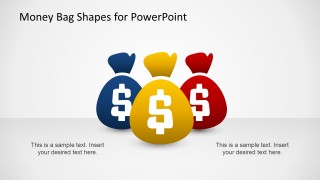
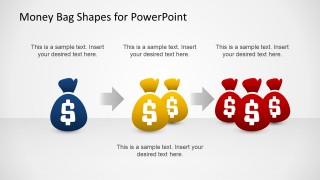
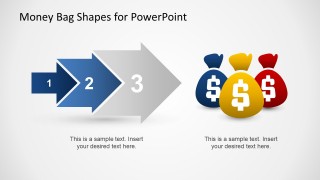
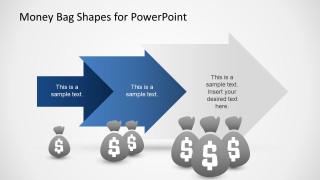
Money Bag Shapes for PowerPoint
8-slide presentation template with money bag shapes, arrow processes, and finance callout layouts
Money Bag Shapes for PowerPoint is an 8-slide 16:9 presentation template for finance-related messaging. It includes money bag title graphics, arrow process layouts, comparison cards, circular callouts, and text panels for cash, budget, revenue, or currency topics. The template is built for Microsoft PowerPoint and Google Slides.
- Category
- Shapes
- Rating


 Loading...
- Aspect ratio
- 16:9
- Item ID
- 6482-01
- Colors
 Microsoft PowerPoint
  Microsoft Copilot
  Claude for PowerPoint
 Other formats supported
Subscribe today and get immediate
access to download our PowerPoint templates.