Create a striking yet easy to follow banking presentation using the Banking PowerPoint Template. This design incorporates relevant banking aspects through familiar icons such the currency signs, dollar bills, vault, time and other useful icons significant to the banking industry. This PowerPoint template is completely editable. Its background can be set to plain colors or to an image such as the world map. It has several clipart that accentuate the banking idea in each slide. The template also has PowerPoint clipart that are scalable depending on the user’s preference. It could be used as a small icon or as the main illustration in the slide. The presenter can use this banking template and its banking icons set as it is or with other PowerPoint Diagrams in our gallery.
A bank’s main business transactions concern money or cash and other monetary instruments. Banking institutions starts making money by earning the trust people whom eventually make deposits to the bank. The bank safe keeps the depositors’ money while making them earn a nominal interest. However, banks don’t just keep the money as an actual physical deposit stored in their vault. Banks lend these “deposits” to businesses and individuals and place significant amount of interest on those barrowed money. Through time, the banking industry has developed several other products that work similarly as money. One of which is the credit card. A credit card is a popular term used for a credit account in a banking institution. It is commonly utilized by an electronically capable plastic card. These cards store the owner’s credit and personal information. This information has also become accessible through the online banking system, enabling the user to use the account in online transactions without the actual plastic card. This transaction set-up has now evolved to a different type accessibility known as mobile banking. It is the ability of the user to make online transactions using a mobile phone equipped with the bank’s mobile application.
What’s inside this template
Example presentation scenarios
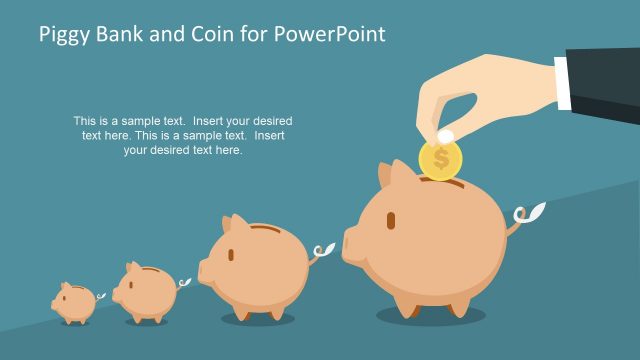
- A bank marketing manager can introduce a new savings campaign by using the piggy bank savings slide, cash visuals, and coin icons to make the deposit message easy to recognize.
- A fintech product lead can explain card payments and mobile banking by pairing the payment terminal slide with the smartphone transaction network slide.
- A branch manager can brief staff on banking service categories by using the four-column bank pillar diagram and the radial finance hub diagram.
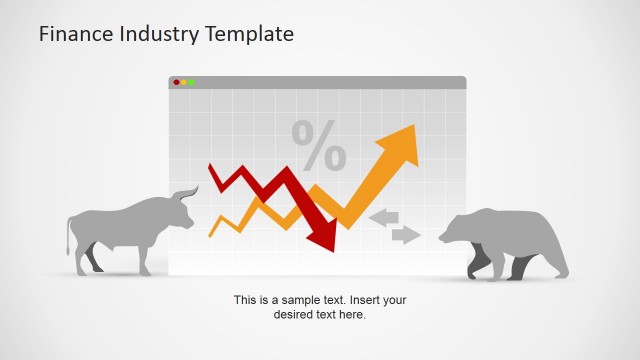
- A consultant can frame a banking industry update by using the growth arrow layouts to show direction, performance themes, or priorities without building finance visuals from scratch.
- A trainer can build a customer education session by reusing the banking icon sheets to label concepts such as deposits, cards, calculators, currency, and accounts.
Features
- 100% editable presentation template
- Compatible with Microsoft PowerPoint and Google Slides
- 16:9 aspect ratio slides
- Scalable vector shapes, icons and illustrations
- AI-Ready for Microsoft Copilot and Claude
- Instant access and download
Frequently asked questions
Q: How should a presenter organize a banking explanation with this template?
A: Start with the title background to anchor the topic in banking, then move from familiar money symbols to process visuals. Use the growth arrows for business direction, the radial banking hub for service categories, and the mobile payment slide for transaction channels. Keep each slide to one message so the icons act as signposts rather than decoration.
Q: Who is this template best suited for in a finance presentation?
A: This template fits bank teams, fintech presenters, consultants, and trainers who need to explain money movement, savings, cards, or digital banking in a clear visual language. It works best for service overviews, customer education, branch briefings, and introductory finance topics where recognizable banking symbols are more useful than dense data tables.
Q: Why do the banking metaphors help the message?
A: The deck uses familiar metaphors such as a bank facade, piggy bank, vault, credit card, cash, and currency marks. These visuals reduce the need for long explanations because audiences already associate them with trust, saving, security, and transactions. The icons also create a consistent visual vocabulary across abstract finance topics.




Banking PowerPoint Template
13-slide banking presentation template with finance icons, savings visuals, and mobile transaction layouts
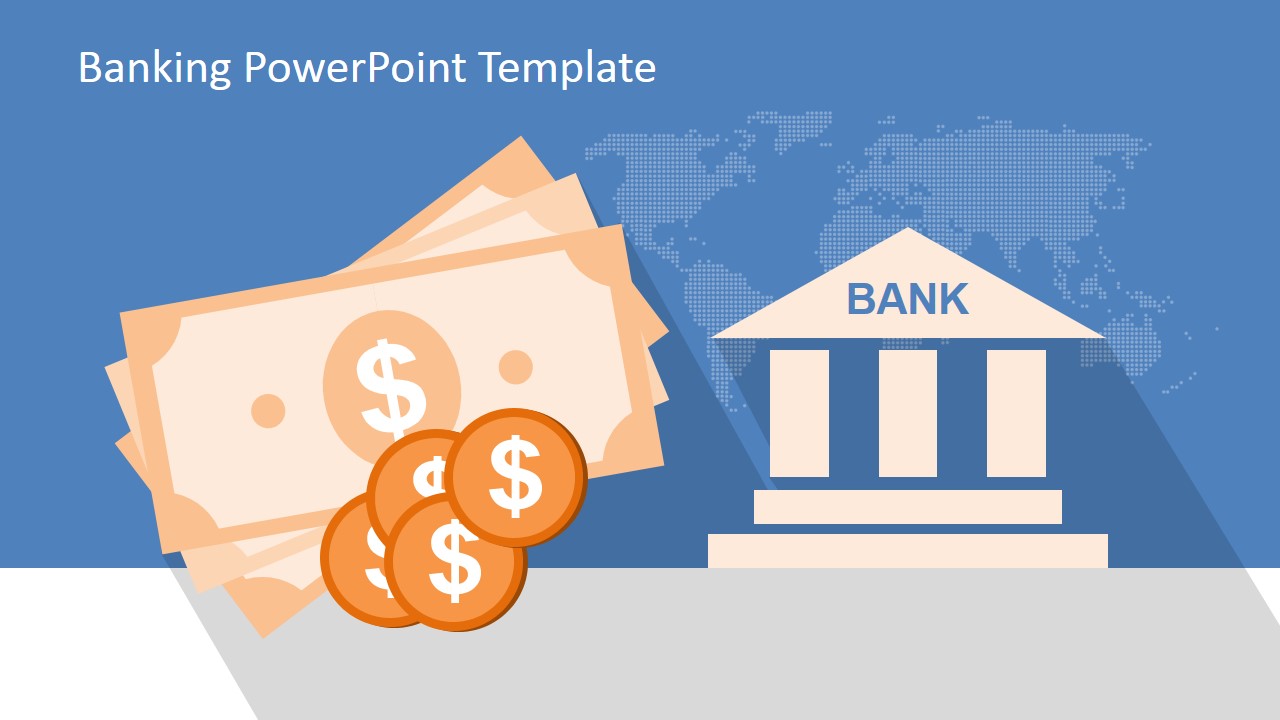
Banking PowerPoint Template is a 13-slide presentation template for finance, banking, and payment service topics. It includes a cash-and-bank title background, upward arrow growth layout, radial banking hub, bank pillar diagram, mobile payment illustration, piggy bank savings slide, vault slide, and banking icon sheets for PowerPoint and Google Slides.
- Category
- Template Backgrounds
- Rating


 Loading...
- Aspect ratio
- 16:9, 4:3
- Item ID
- 6395-02
- Colors
 Microsoft PowerPoint
 Microsoft Copilot
 Claude for PowerPoint
Other formats supported
Subscribe today and get immediate
access to download our PowerPoint templates.