Blue Growth Investment PowerPoint Template is a presentation slide with a piggy bank illustration and slide designs prepared for finance or business. The slide designs makes use of a minimalist flat design piggy bank illustrations, in light blue look and feel. The piggy bank is a common metaphor of the concept of saving. It symbolizes the beginning of a good saving habit, commonly taught to children.
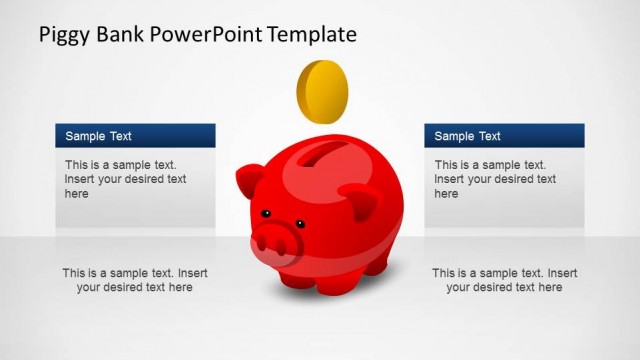
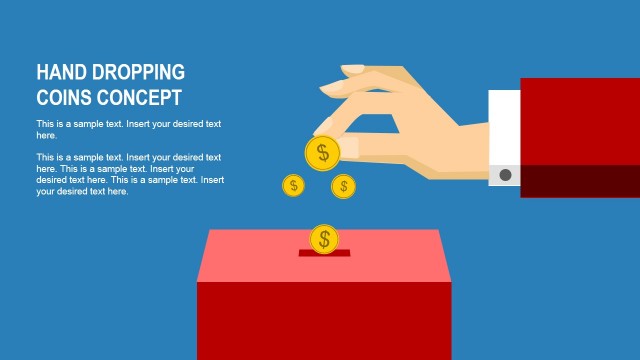
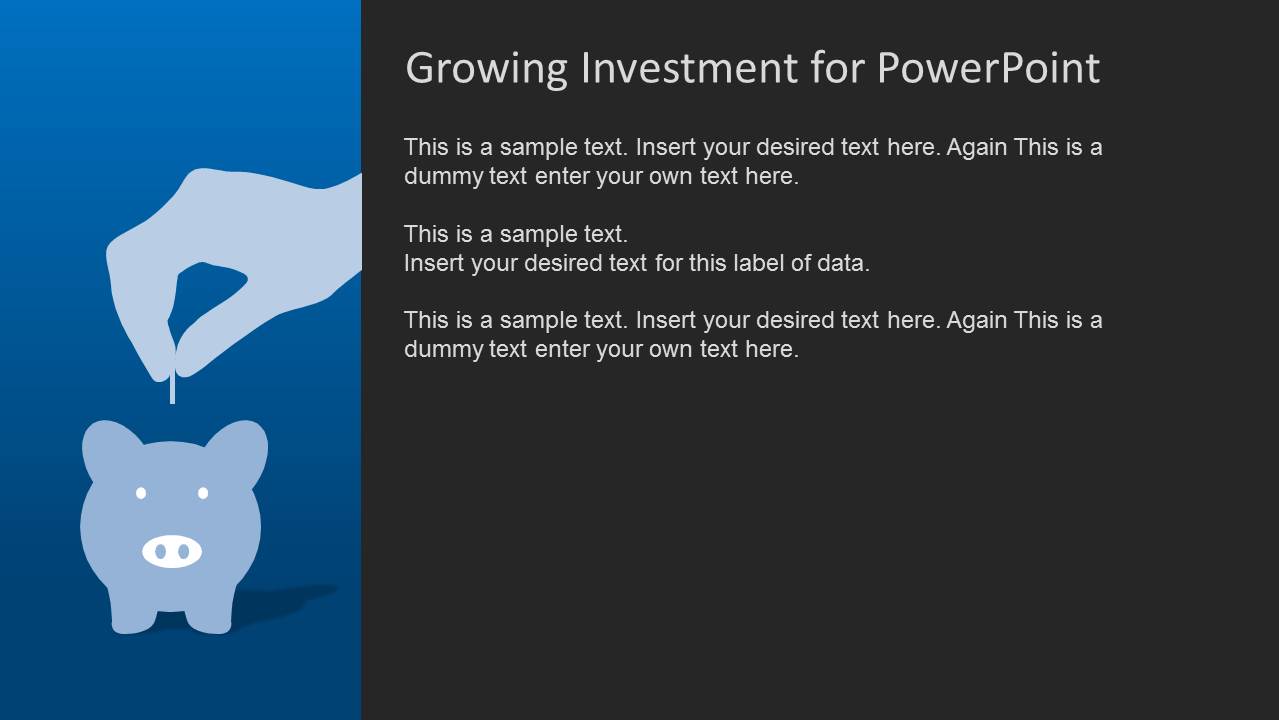
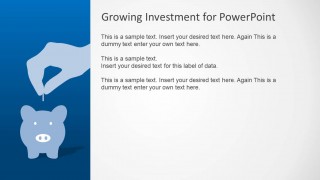
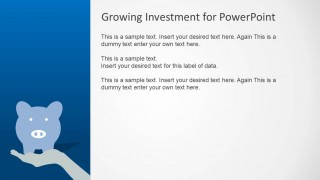
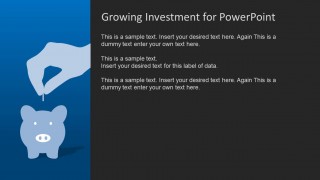
The PowerPoint Template features the piggy bank clipart vector in several variations. One of the slides shows a coin being put into the piggy bank. This can be used to demonstrate how savings work. The presenter can discuss the idea of saving for a rainy day, putting away a portion of money in case of emergencies.
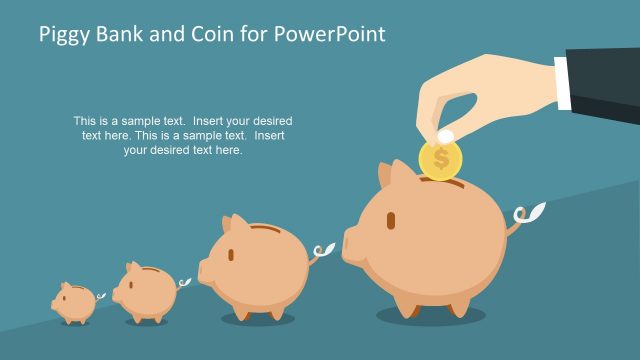
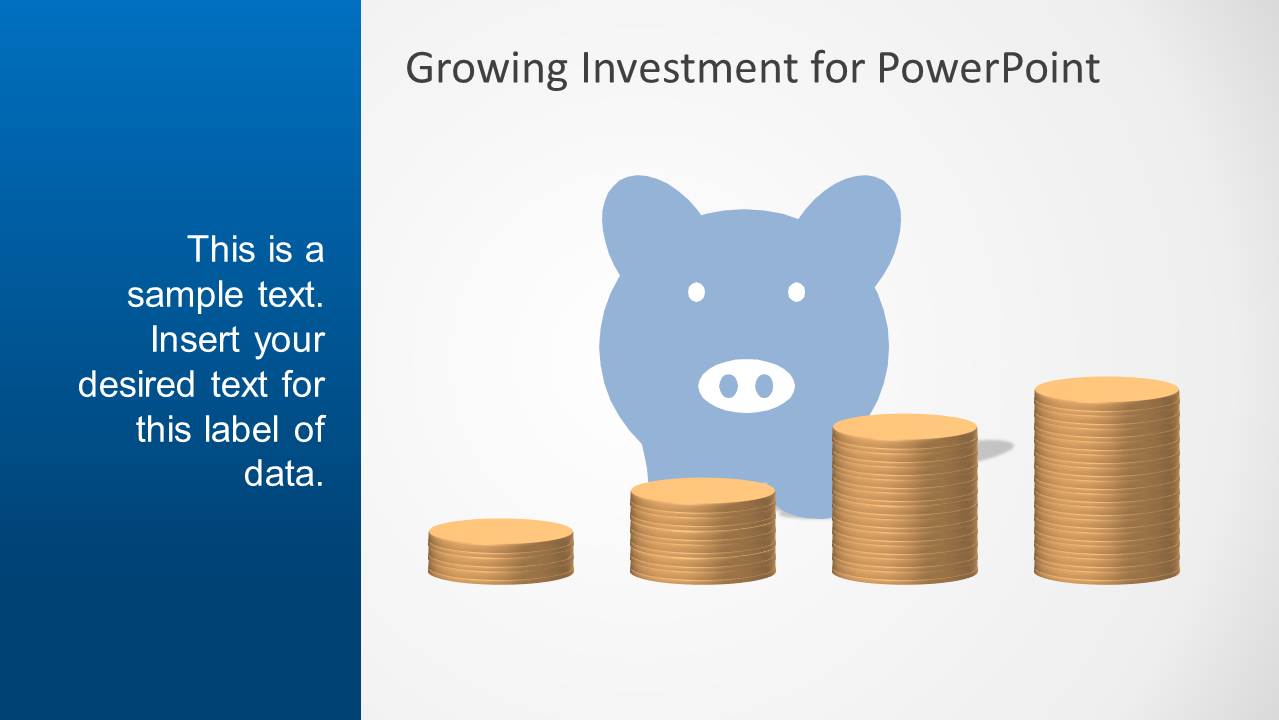
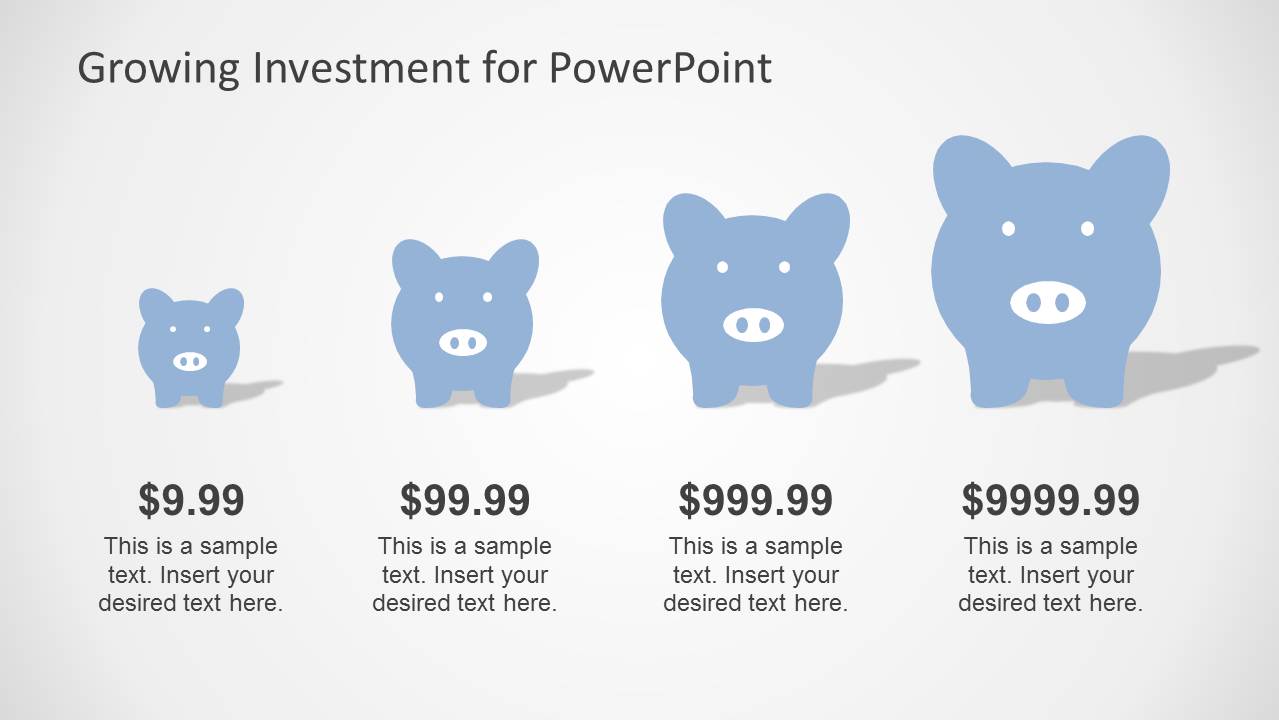
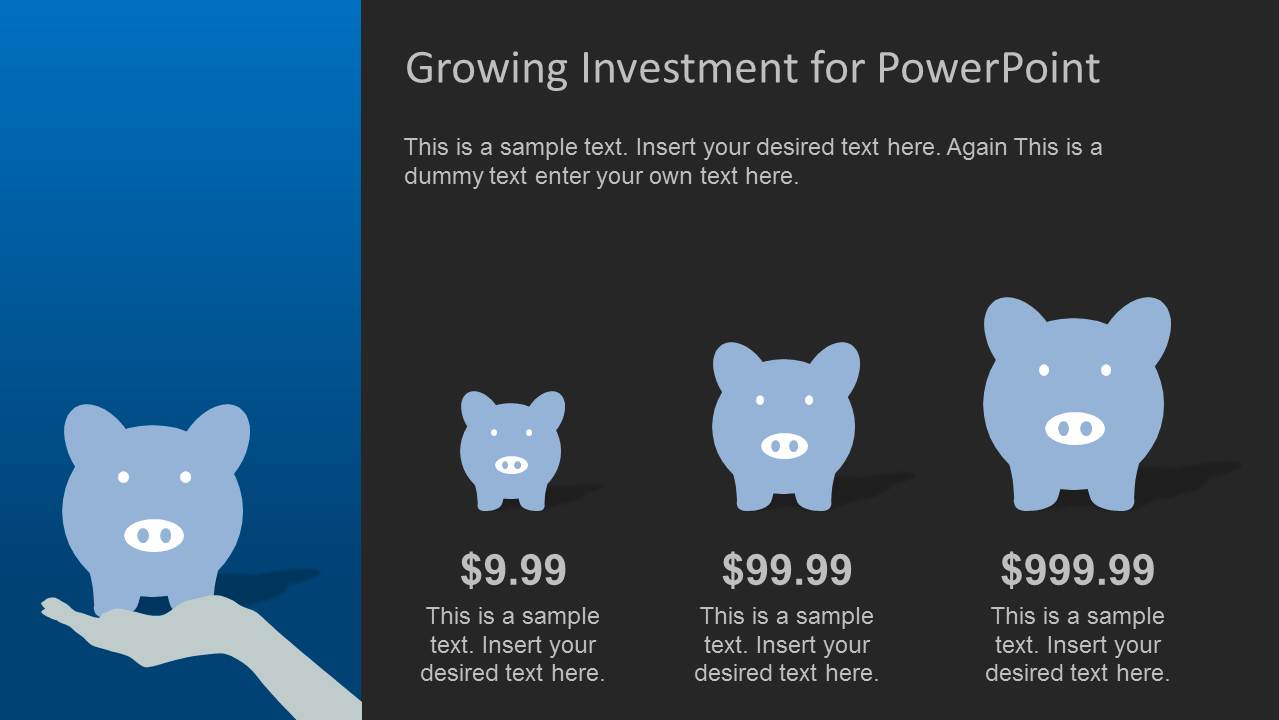
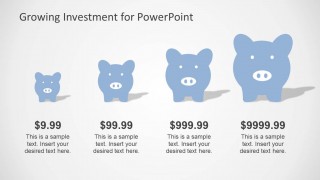
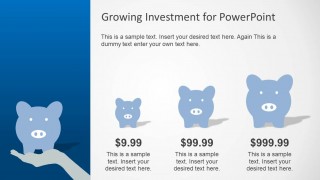
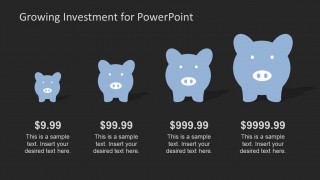
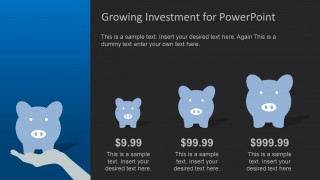
The growth of money in savings and investments can be included in the presentation using the slides containing piggy bank drawings of increasing sizes. As money stored in home piggy banks remain stagnant, the discussion can be brought to the possibility of putting these savings into worthwhile financial investments. Prospective investment banks can be analyzed and discussed in the presentation, showcasing the relative growth of money through the piggy bank illustration.
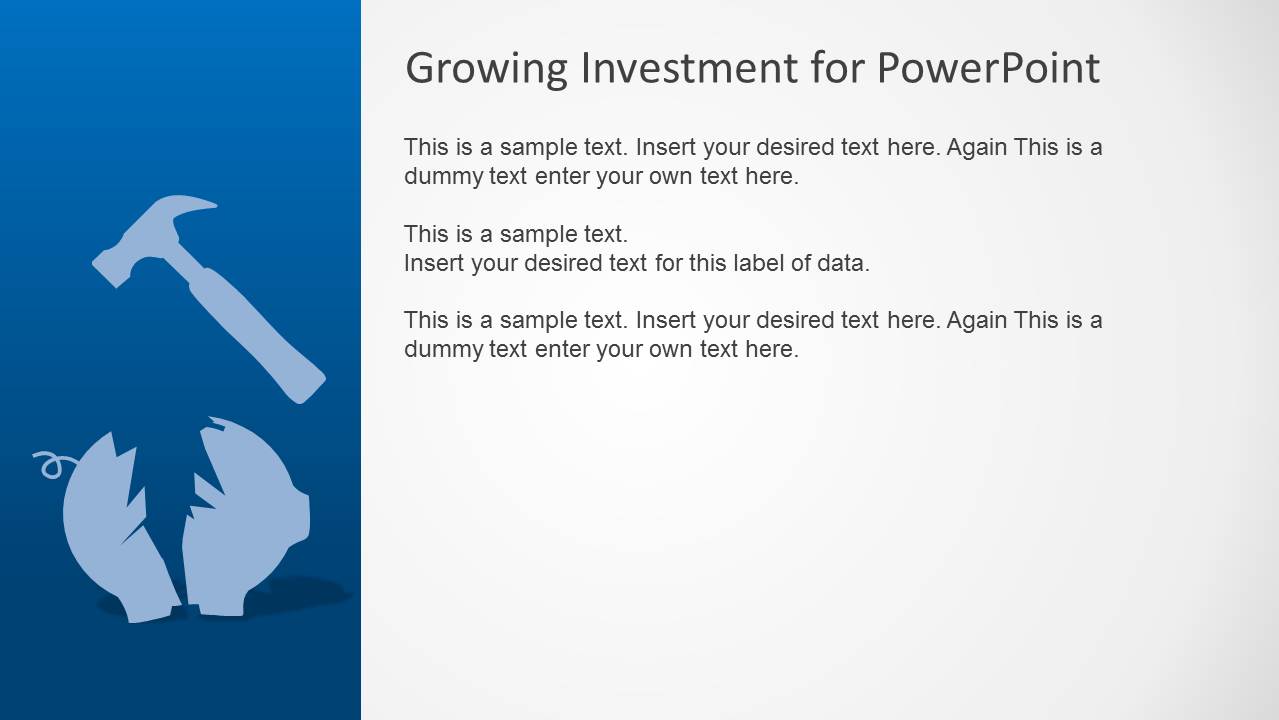
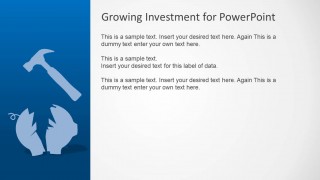
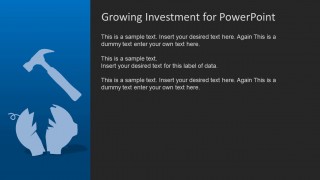
Featured on some of the slides is the scene of a hammer, breaking open a piggy bank. This can symbolize the act of finally relying on the savings in cases of emergencies. This is where the benefits of having savings can be illustrated. Another use would be for a discussion of the stagnant nature of isolated savings that have been removed from the economic cycle of money.
The Blue Growth Investment PowerPoint Template is ideal for finance-related presentations that emphasize savings and investments. The features of the template, including the PowerPoint objects, are 100% editable. The presenter can edit them to fit specific preferences and look and feel. The presenter can choose to download additional clipart from our PowerPoint Shapes Gallery and decorate the presentation with high visual impact graphics.
What’s inside this template
Example presentation scenarios
- A financial advisor can use the piggy bank growth comparison to explain how small deposits can build toward larger savings goals for new clients.
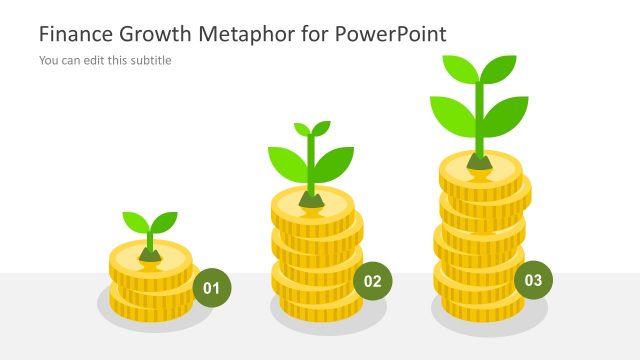
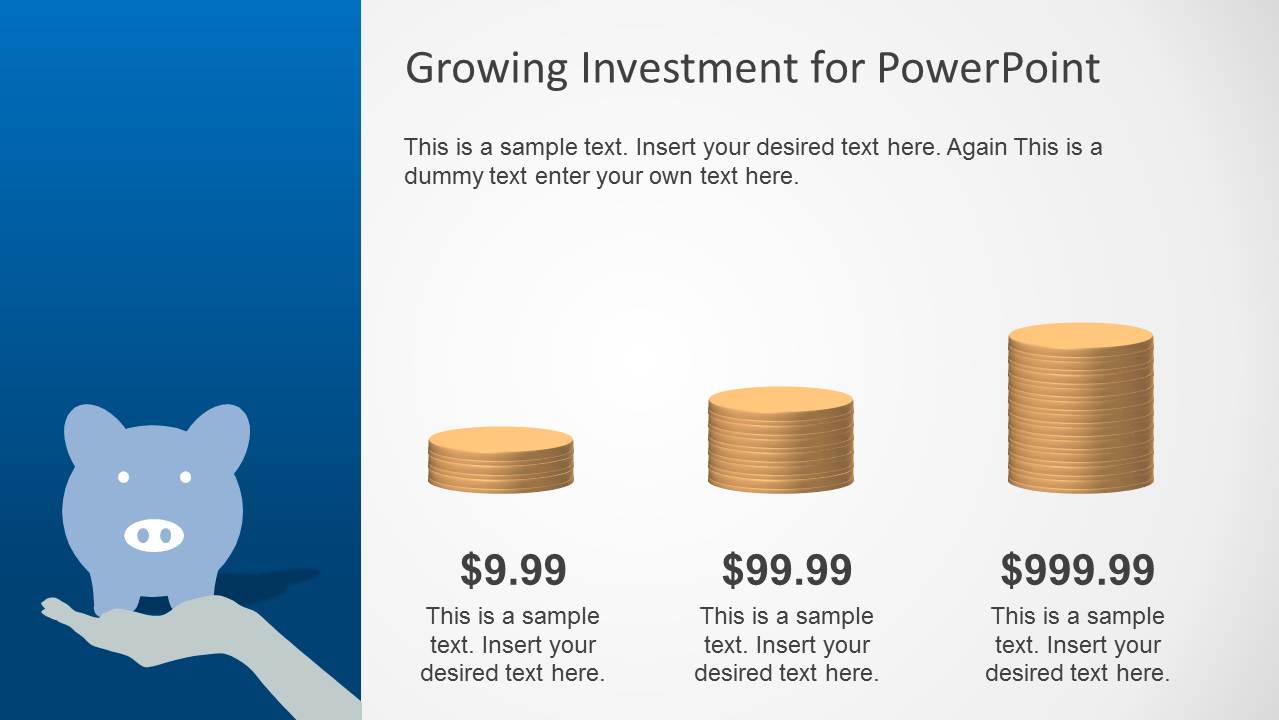
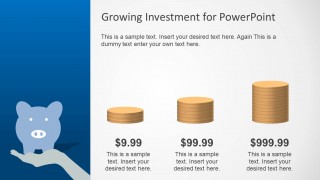
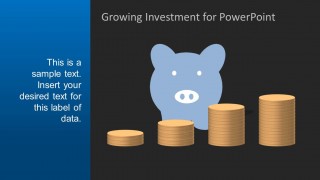
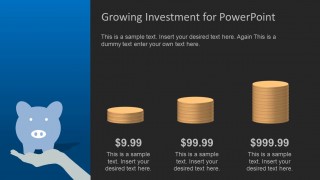
- A banking presenter can use the coin stack stages to introduce a savings account or investment product and show increasing value over time.
- A personal finance educator can use the broken piggy bank and hammer layout to discuss emergency funds, spending shocks, or the limits of keeping money idle.
- A business trainer can use the hand placing a coin into the piggy bank to teach habit formation, regular contributions, and basic budgeting behavior.
Features
- 100% editable presentation template
- Compatible with Microsoft PowerPoint and Google Slides
- 16:9 aspect ratio slides
- Scalable vector shapes, icons and illustrations
- AI-Ready for Microsoft Copilot and Claude
- Instant access and download
Frequently asked questions
Q: How should a presenter use this template to explain savings growth without oversimplifying the message?
A: Start with the coin-in-piggy-bank scene to introduce the saving habit, then move to the piggy bank or coin stack growth comparisons to show progression. Use the visible dollar labels as stage markers rather than exact forecasts. Close with the broken piggy bank metaphor to discuss emergency access, spending risk, or why savings need a plan.
Q: Who is this template best suited for in a finance presentation?
A: This template fits advisors, bankers, trainers, and educators who need to make savings and investment behavior easy to grasp. The piggy bank visuals work well for introductory personal finance, onboarding sessions, and client conversations where the goal is clarity rather than detailed financial modeling.
Q: Why does the piggy bank metaphor work for investment and savings communication?
A: The piggy bank is familiar, concrete, and emotionally neutral, so it lowers the barrier to financial topics. The increasing piggy sizes and coin stacks turn growth into a visible sequence, while the broken piggy bank adds a clear contrast between saving money and needing to spend it in an emergency.








Blue Growth Investment PowerPoint Template
11-slide investment presentation template with piggy bank savings visuals and coin growth layouts
Blue Growth Investment PowerPoint Template is an 11-slide finance presentation template for explaining savings, investment growth, and emergency funds. Visible layouts include piggy bank illustrations, increasing coin stacks, staged growth comparisons, hand placement scenes, and a broken piggy bank metaphor. It is built for Microsoft PowerPoint and Google Slides.
- Category
- Shapes
- Rating

 Loading...
- Aspect ratio
- 16:9, 4:3
- Item ID
- 6204-01
 Microsoft PowerPoint
  Microsoft Copilot
  Claude for PowerPoint
 Other formats supported
Subscribe today and get immediate
access to download our PowerPoint templates.