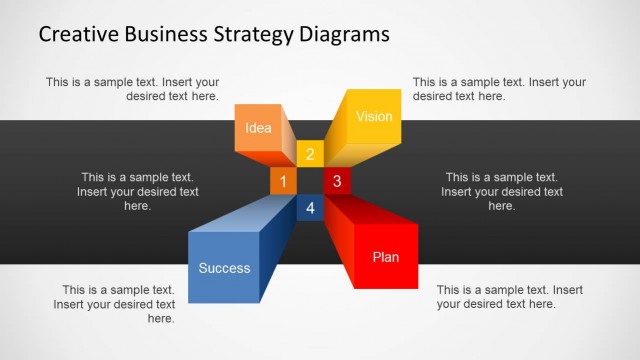
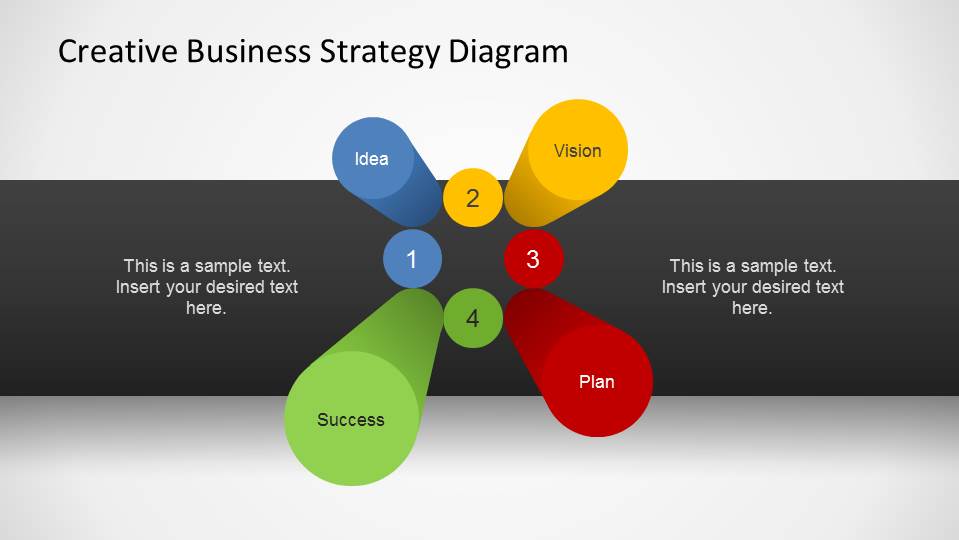
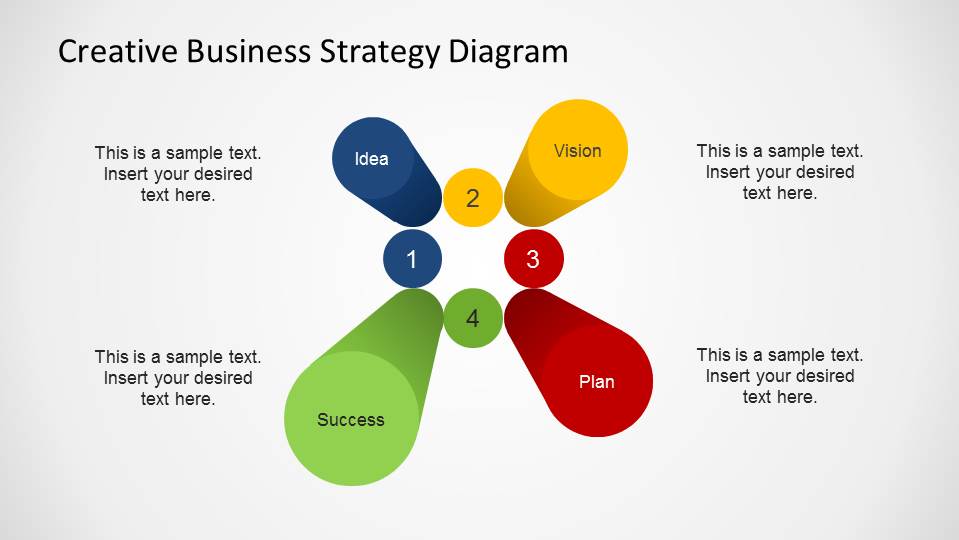
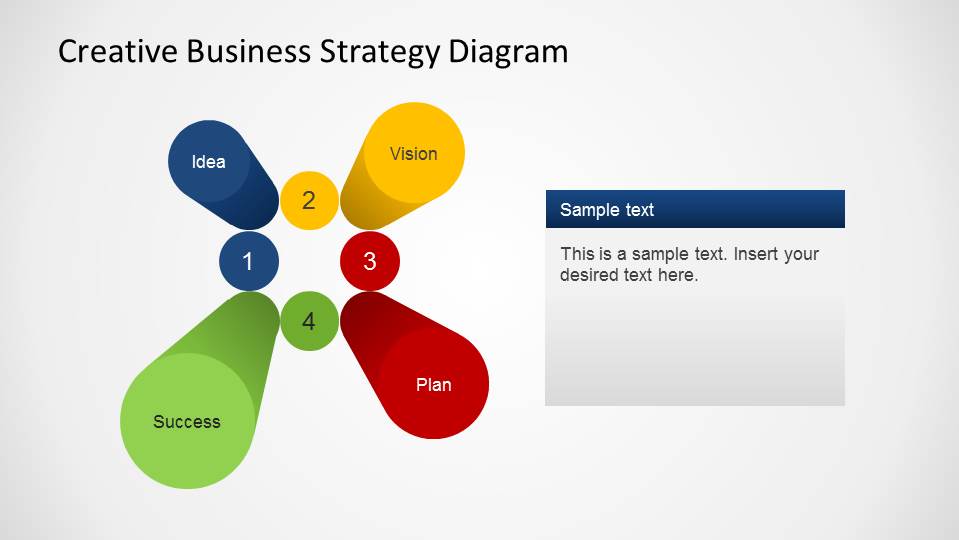
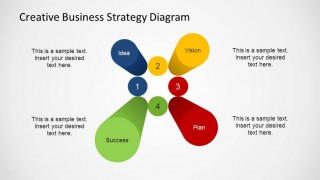
This Creative Business Strategy PowerPoint Template is a presentation with four business strategy pillars modeled as 3D columns, designed with a depth effect. This professional design gives the visual sense that the shapes jump outside the screen. Each column has a text in its top,with the words Idea, Vision, Plan and Success. This pillars represent 4 important stage on building a business strategy, and are part of every business creating process.
Describe your business strategy with this Creative PowerPoint Template and complement your presentation with additional PowerPoint Diagrams from our catalog. Impress your audience with appealing designs that engage global executives. Avoid Death by PowerPoint with high quality graphics that will highlight your message driving attention to the important facts of your speech.
Each of the PowerPoint Shapes is created as PowerPoint objects, allowing the user to fully customize its appearance and adapt the theme and palette with a few clicks.
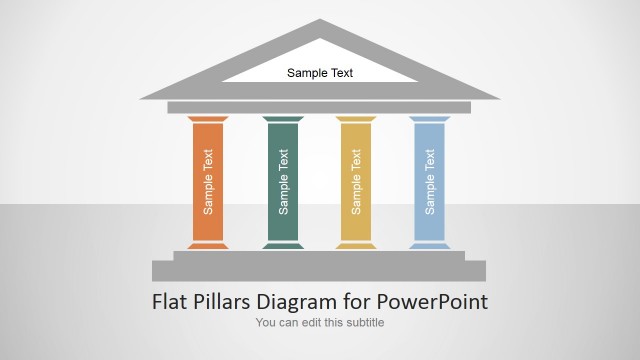
Alternatively you can download this creative business slide template for PowerPoint with pillars and 3D perspective columns. Instead of the squared base, this template uses cylinders with circular base.
What’s inside this template
Example presentation scenarios
- A consultant can use the four-pillar diagram to introduce a client strategy model and show how Idea, Vision, Plan, and Success connect in one visual system.
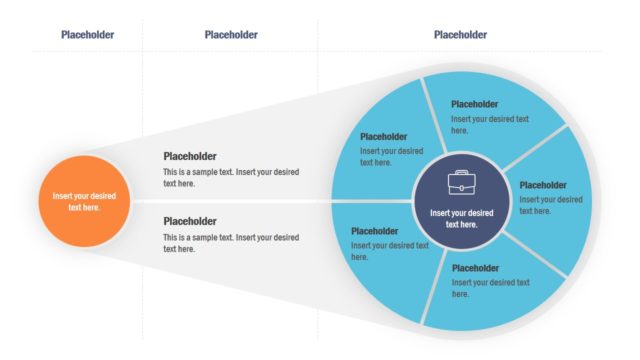
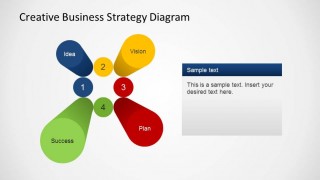
- A startup founder can use the right-side detail panel to explain the main planning concept while keeping the strategic pillars visible for context.
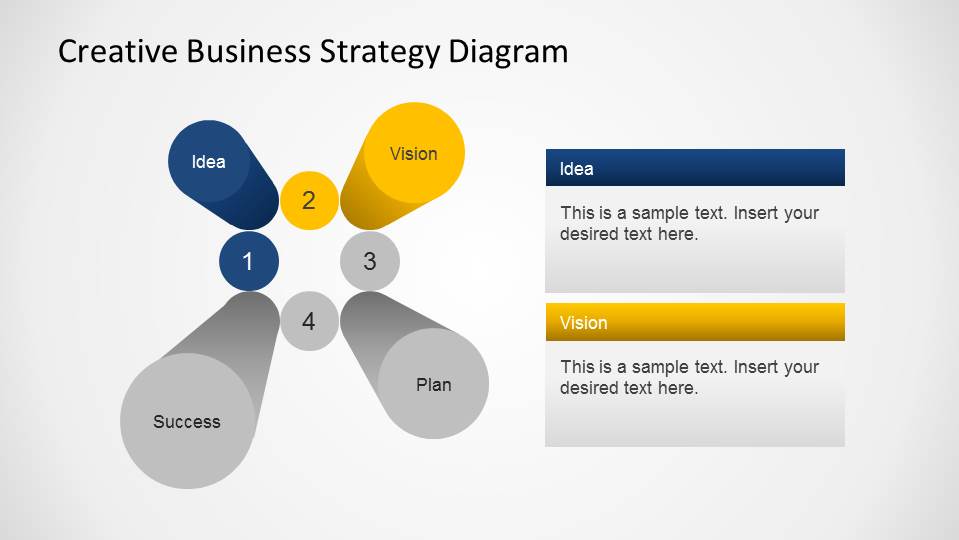
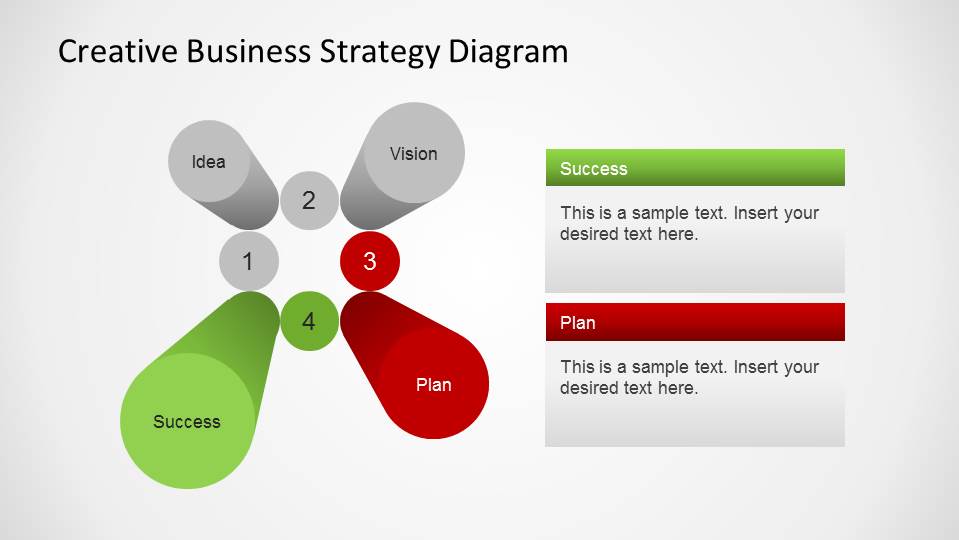
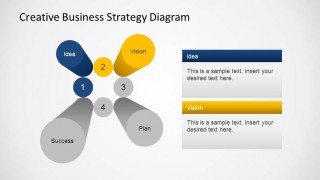
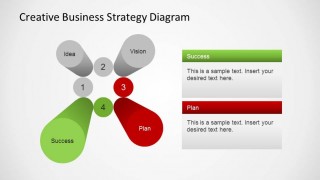
- A strategy manager can use the paired focus slides to compare Idea and Vision first, then discuss Plan and Success in a second step.
- A workshop facilitator can use the numbered hub and surrounding callouts to guide a group discussion around the four stages of business planning.
Features
- 100% editable presentation template
- Compatible with Microsoft PowerPoint
- 16:9 aspect ratio slides
- Scalable vector shapes, icons and illustrations
- AI-Ready for Microsoft Copilot and Claude
- Instant access and download
Frequently asked questions
Q: How should a presenter explain the four pillars without making the slide feel abstract?
A: Treat the pillars as a sequence, not four disconnected labels. Start with Idea and Vision to frame intent, then move to Plan and Success to explain execution and outcome. Use the overview slide for the full model, then the focus slides to add examples, ownership, or next actions for each stage.
Q: Who is this strategy diagram best suited for?
A: This template fits presenters who need to introduce a high-level business strategy quickly, such as consultants, founders, strategy managers, or team leads. It works best when the message can be grouped into four strategic stages and the audience needs a memorable framework before discussing detailed plans or decisions.
Q: Why does the 3D pillar metaphor help communicate strategy?
A: The pillar metaphor makes the strategy feel supported by four visible foundations. The depth effect draws attention to each stage, while the numbered center circles show that the parts belong to one system. The grayed focus slides also reduce distraction when the presenter needs to discuss only two pillars at a time.
Creative Business Strategy PowerPoint Template
5-slide presentation template for business strategy pillars, idea, vision, plan, and success diagrams
The Creative Business Strategy PowerPoint Template is a 5-slide Microsoft PowerPoint strategy diagram template built around four 3D perspective pillars: Idea, Vision, Plan, and Success. It includes a numbered hub diagram, text callouts, single-topic detail panels, and paired emphasis layouts for explaining a business planning sequence.
- Category
- Strategy
- Rating


 Loading...
- Aspect ratio
- 16:9, 4:3
- Item ID
- 6513-01
- Colors
 Microsoft PowerPoint
  Microsoft Copilot
  Claude for PowerPoint
 Other formats supported
Subscribe today and get immediate
access to download our PowerPoint templates.