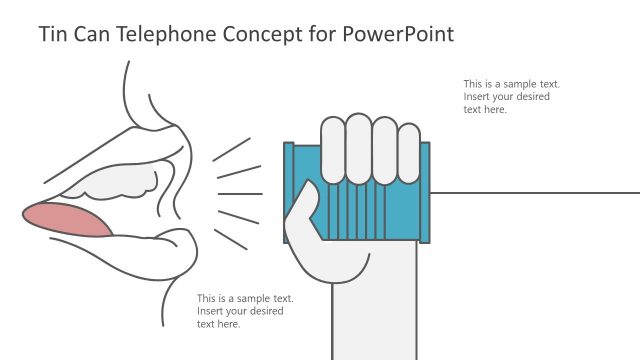
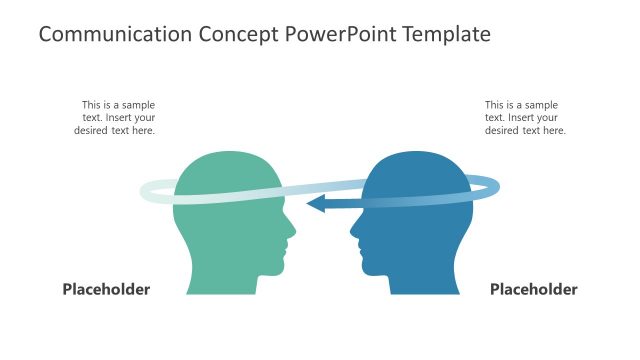
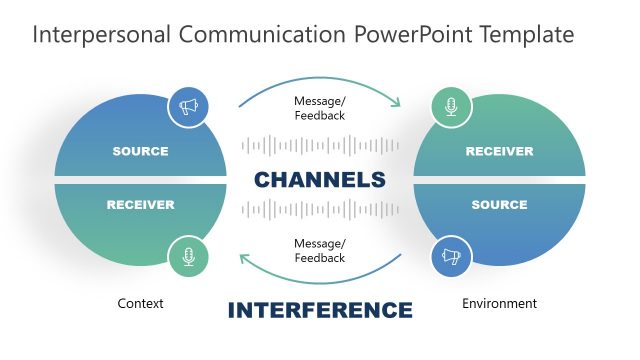
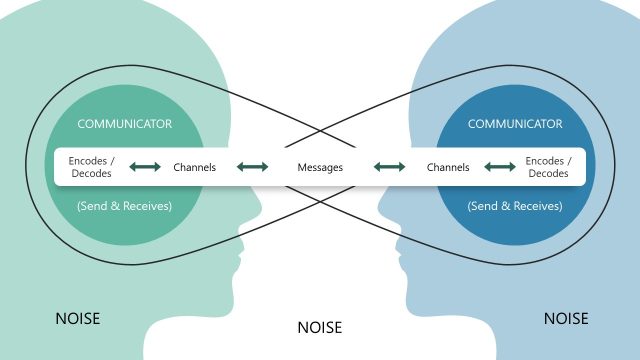
There are four slides of creative cartoon illustrations to present communication concepts. The PowerPoint offers animations to enhance viewers’ experience and engagement. The Conversation Between Two Person Concept for PowerPoint presents tin can telephone illustrations. This tin can telephone slide design can represent a variety of communication terms and topics. For example, telecommunication, data transfer, broadcasting, or strong connections. Hence, professionals can use this communication concept PowerPoint to describe technological evolution because the tin-can telephone is a helpful metaphor for discussing means of communication or fundamental sound transmission theories.
The animated PowerPoint slides of the communication concept show two layouts of cartooned clipart for the sender and receiver. It helps to illustrate the Game of Telephone Tag as a PowerPoint slide. The clipart in the presentation slide shows flat silhouettes of males and females for diversity in communication and technology. These human silhouettes are fully editable graphics that users can customize for multiple communication styles. Select a figure and ungroup its elements. Next, select individual components and change colors, gradients, and sizes for personalized presentations. All four slides of the communication concept have creative animation effects with direction options. The users can also modify these animations by changing directions, time, and triggers.
The Communication Concept PowerPoint Template is an ideal tool for academic presentations. Because these graphics and animations of tin-can telephone communication help deliver invention topics effectively. Similarly, this tin-can could help describe the internal communication process flow in business presentations, this tin-can could help explain the internal communication process flow. Such as hierarchical transfer of communication or telemarketing strategies in the contact center industry.
What’s inside this template
Example presentation scenarios
- A communication trainer can introduce active listening by showing the tin can telephone sender-receiver layout before discussing feedback, clarity, and message distortion.
- An IT presenter can explain basic data transfer or network communication using the connecting cord and two-person metaphor as a simplified visual model.
- A telecom professional can open a service or connectivity presentation with the dark-background male-to-male layout to frame the idea of reliable connection.
- An educator can teach sound transmission or communication history using the illustrated tin can telephone scenes as a familiar classroom metaphor.
Features
- 100% editable presentation template
- Compatible with Microsoft PowerPoint and Google Slides
- 16:9 aspect ratio slides
- Scalable vector shapes, icons and illustrations
- Ready with Animations & Transitions in PowerPoint
- AI-Ready for Microsoft Copilot and Claude
- Instant access and download
Frequently asked questions
Q: How should a presenter use the tin can telephone metaphor without oversimplifying the message?
A: Use the illustration as an opening frame, not the whole explanation. Start with the visible sender, receiver, can, and cord to define roles in communication. Then connect the metaphor to the real topic, such as active listening, telecom transfer, or message relay, so the audience understands what each visual element represents.
Q: Who is this template best suited for?
A: This template fits trainers, educators, telecom presenters, and IT teams who need a simple visual entry point for communication topics. It is strongest for introductions, concept explanations, and awareness sessions where the goal is to make sender-receiver exchange, listening, or connection easy to discuss before moving into detail.
Q: Why does the repeated two-person layout improve communication of the concept?
A: The repeated composition keeps attention on one metaphor while allowing variation through gender pairing and background color. The cord creates a clear visual path between people, so the audience reads the slide as a connection story immediately. That consistency helps presenters compare listening, speaking, and transfer without changing the visual language.


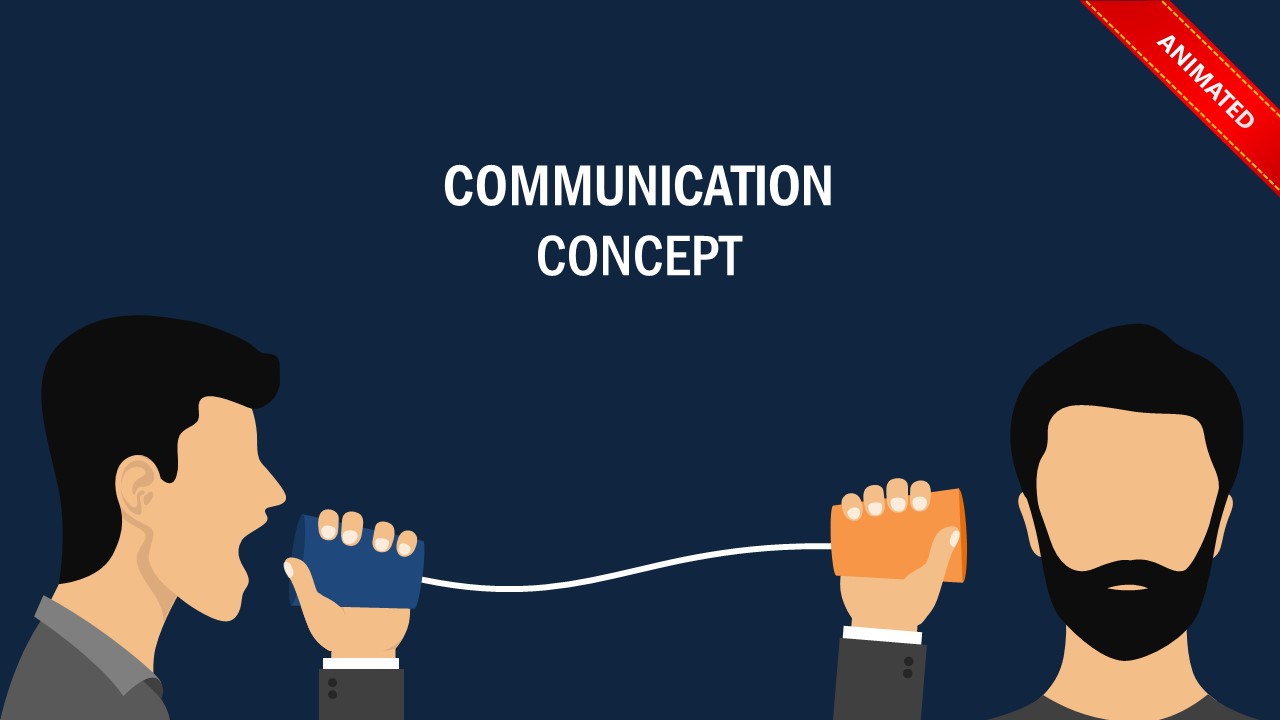




Conversation Between Two Person Concept for PowerPoint
4-slide presentation template with tin can telephone communication metaphor and editable character illustrations.
Conversation Between Two Person Concept for PowerPoint is a 4-slide communication metaphor template for Microsoft PowerPoint and Google Slides. It shows tin can telephone scenes with male and female character variations, white and dark backgrounds, centered title layouts, and animated corner ribbons for communication, telecom, training, or active listening presentations.
- Category
- Shapes
- Rating

 Loading...
- Aspect ratio
- 16:9
- Item ID
- 20271-01
- Colors
 Microsoft PowerPoint
 Microsoft Copilot
 Claude for PowerPoint
Other formats supported
Subscribe today and get immediate
access to download our PowerPoint templates.