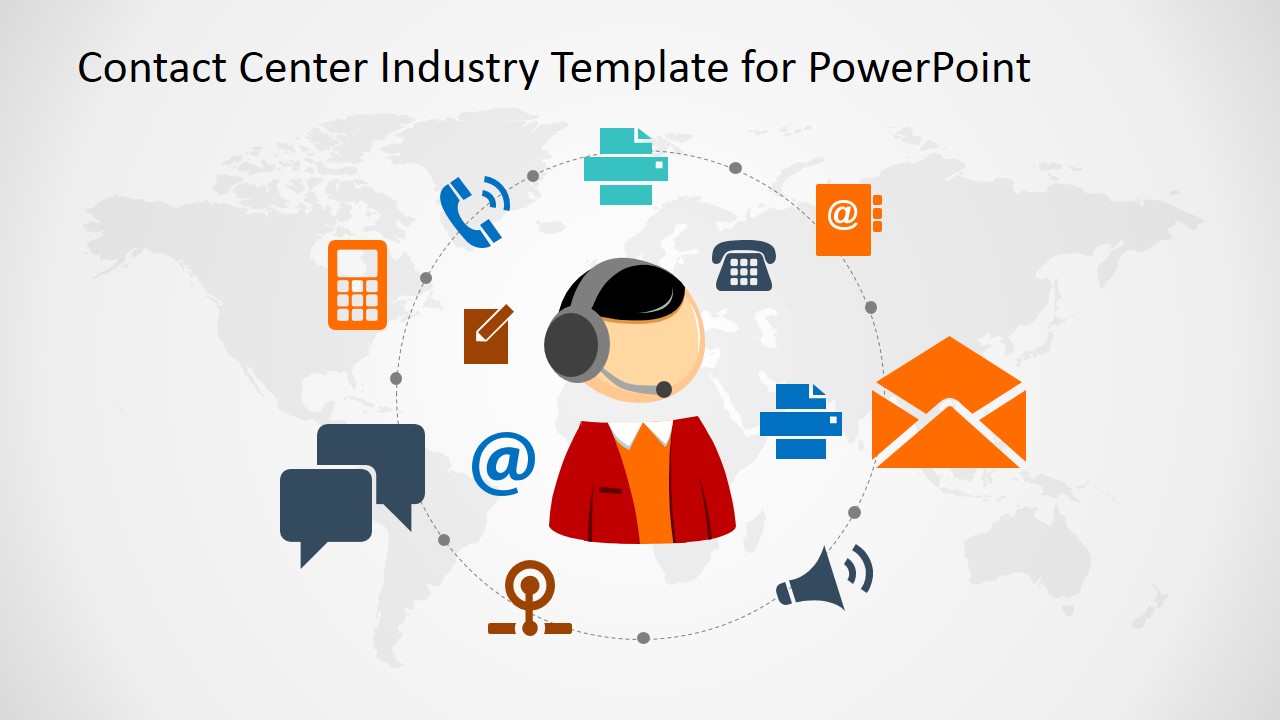
Contact Center Industry PowerPoint Template – Make a notable presentation highlighting the dynamics of a great call center system though the Contact Center Industry PowerPoint Template. This template illustrates the different modes of communication with the customers through a contact center solution. A contact center bridges the gap between a company’s cost-saving strategy and good business relations with customers through communication. Contact centers also provide the technology and manpower to the modernized modes of communication within business’ target markets. Businesses who have identified their target consumers realize that those targets don’t limit themselves with a single mode of communication. People can be classified according to demographics, social status and many others. However, the different modes of communication offered these days are accessible by anyone in the majority of a population. With the benefits of technology in our mobile phone, communicating through it is no longer limited to just calling and texting. Anyone and most people prefer to talk to each other though social media like Facebook, Instagram and Twitter; through chat apps like Whatsapp, Viber, Line, Kik and many more. Calling and texting is no longer the major means of communication among people. The target markets don’t use calling and texting as much as they did. Companies need to follow where their customers hang out the most. They seek customer communications according to the latest trend for increased exposure, potential sales and stronger customer relationship. The more they get in touch with the customers, the more they gain product and brand recognition, retention and then loyalty. That is mostly the reason companies make themselves available to whichever type of communication their customers is currently engrossed with.
This PowerPoint presentation is great for emphasizing the advantages of a contact center based communication. It also highlights the possible communication technologies available for their customers. The diagrams also show the communication approach and hierarchy of communication methods applicable for certain markets. This design also works great with a lot of our PowerPoint diagrams.
What’s inside this template
Example presentation scenarios
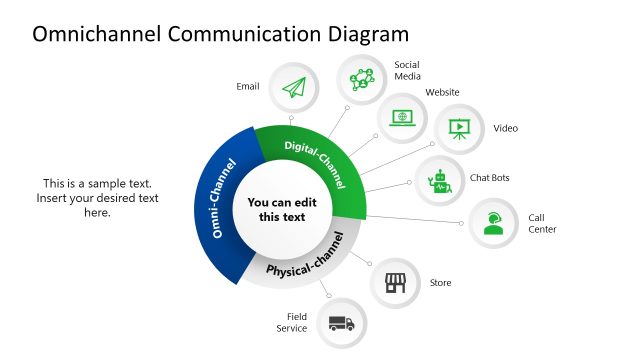
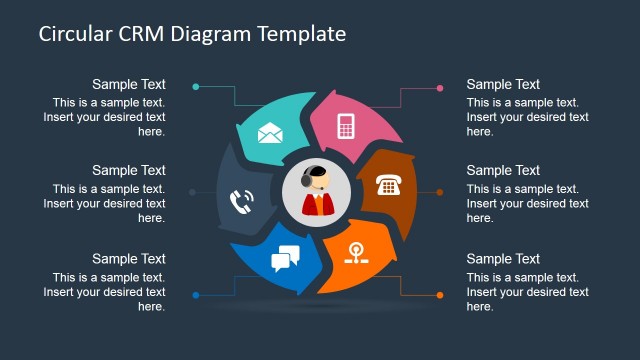
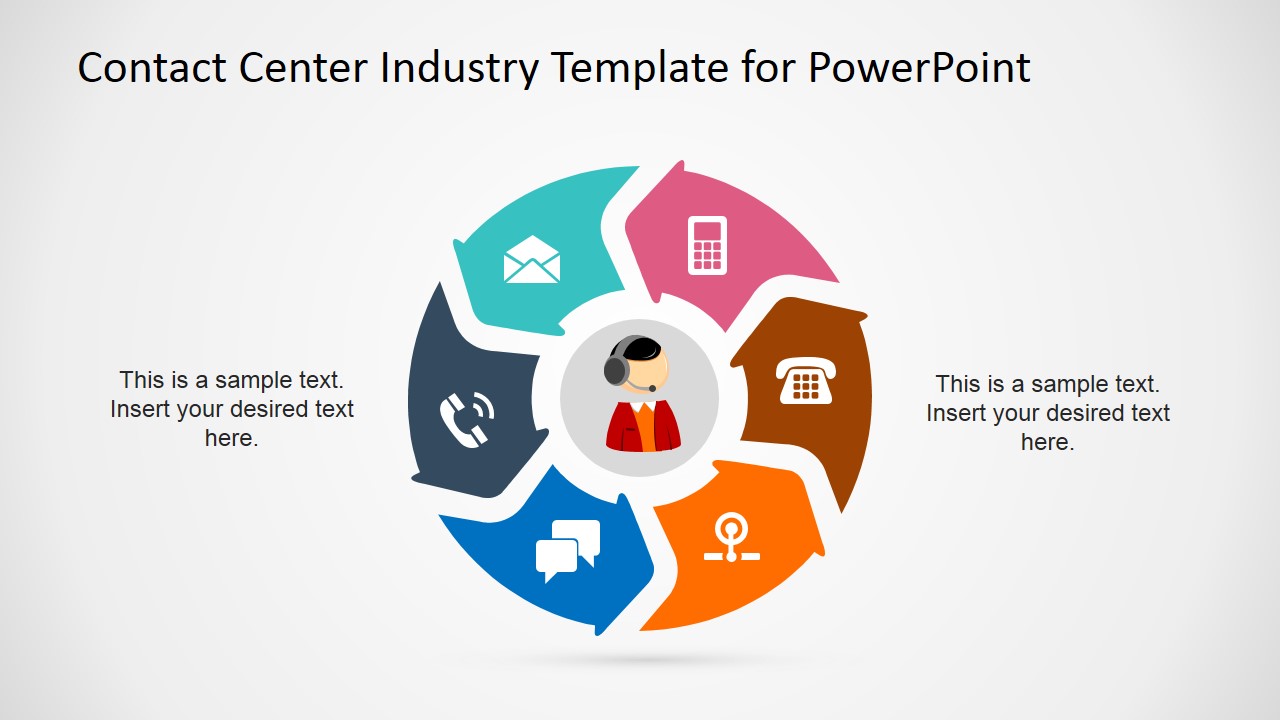
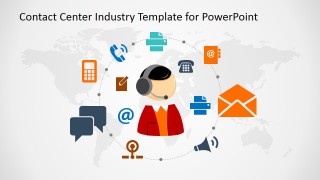
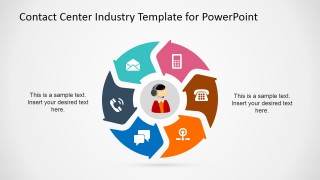
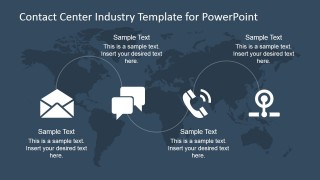
- A customer experience leader can use the circular channel diagram to explain how email, phone, mobile, chat, and support touchpoints fit into one service model.
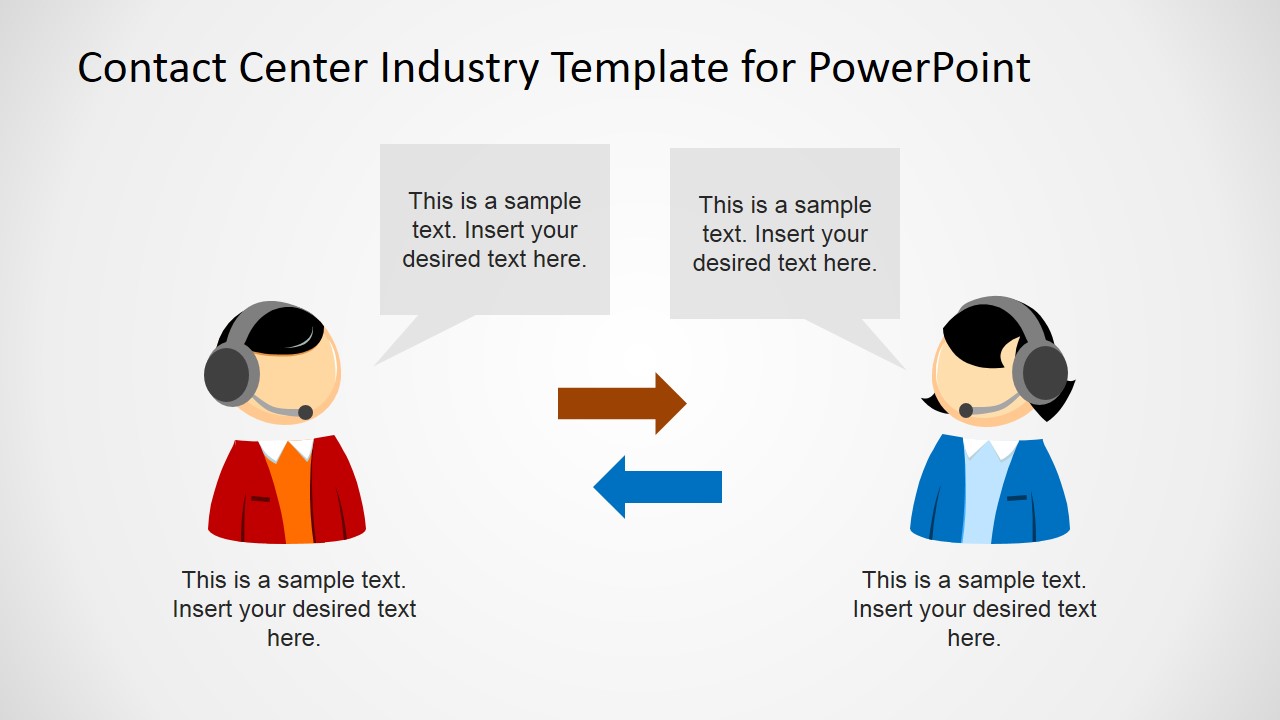
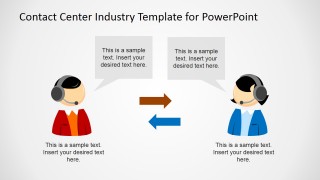
- A contact center manager can use the two-agent exchange slide to describe handoffs, callback processes, or escalation paths between support representatives.
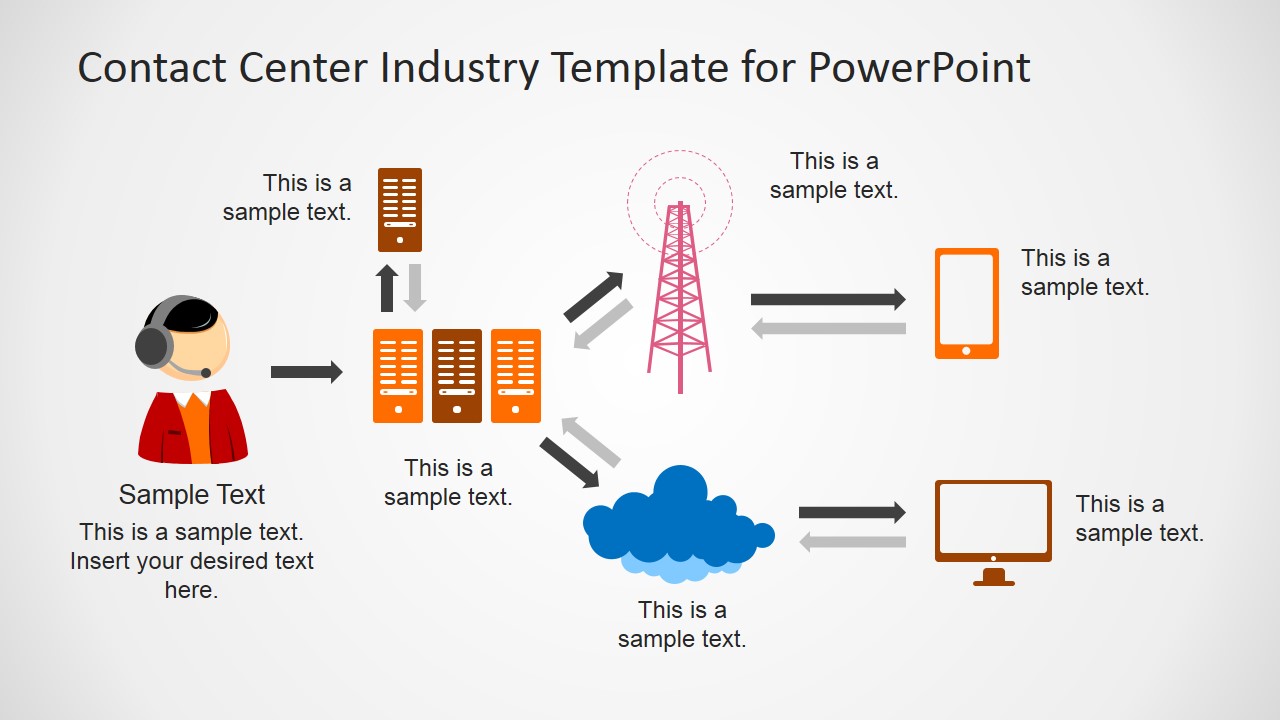
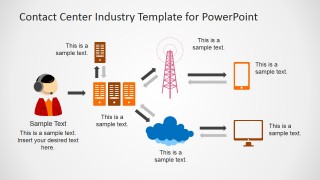
- A technology presenter can use the infrastructure workflow with servers, telecom tower, cloud, mobile device, and desktop monitor to map how customer communications move through the system.
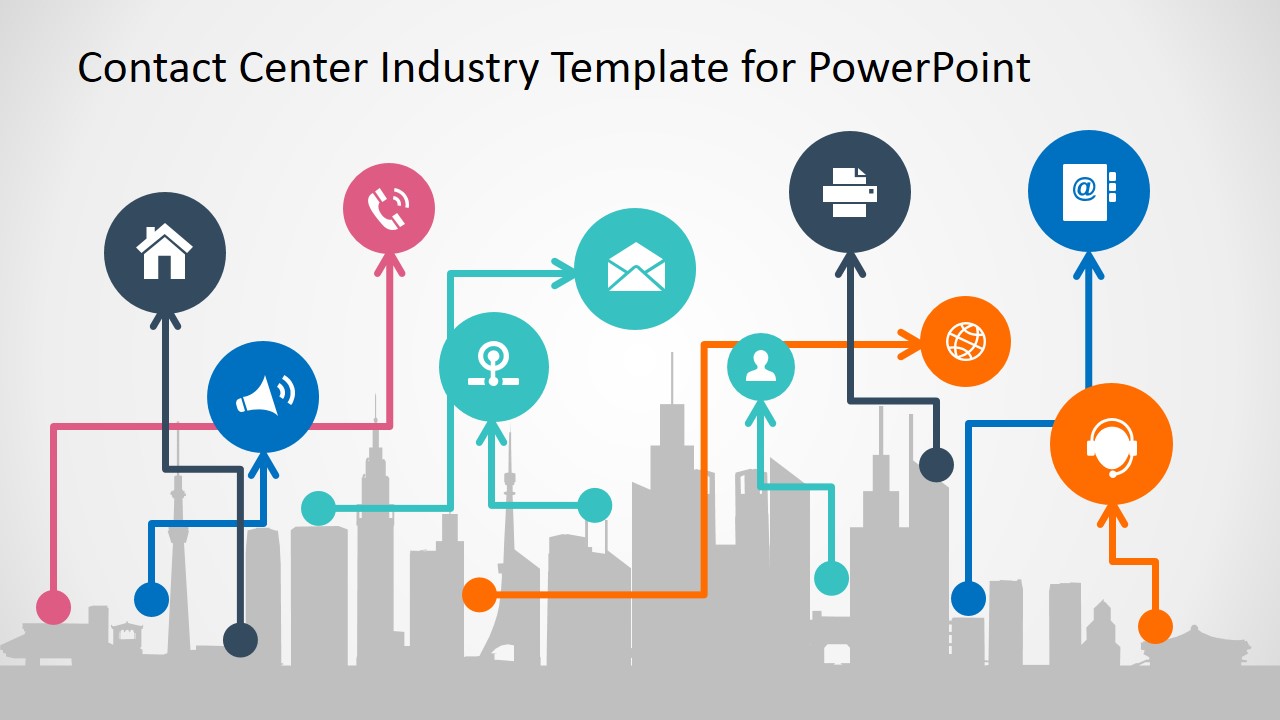
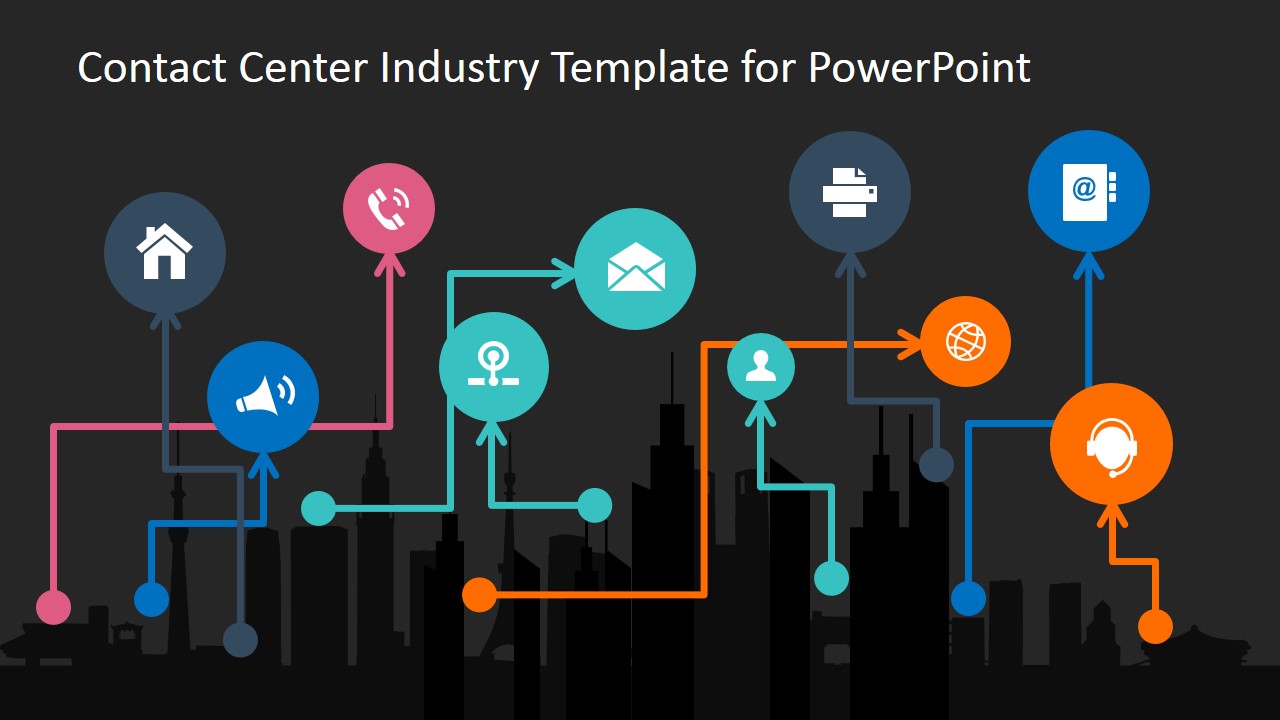
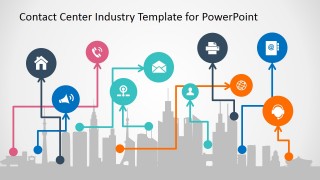
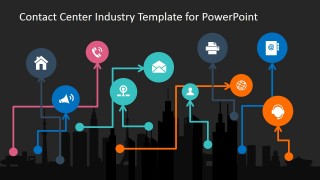
- A sales or account team can use the city skyline network slide to show a client how multichannel contact points connect with customers across locations and devices.
Features
- 100% editable presentation template
- Compatible with Microsoft PowerPoint and Google Slides
- 16:9 aspect ratio slides
- Scalable vector shapes, icons and illustrations
- AI-Ready for Microsoft Copilot and Claude
- Instant access and download
Frequently asked questions
Q: How should a presenter structure a message with this contact center template?
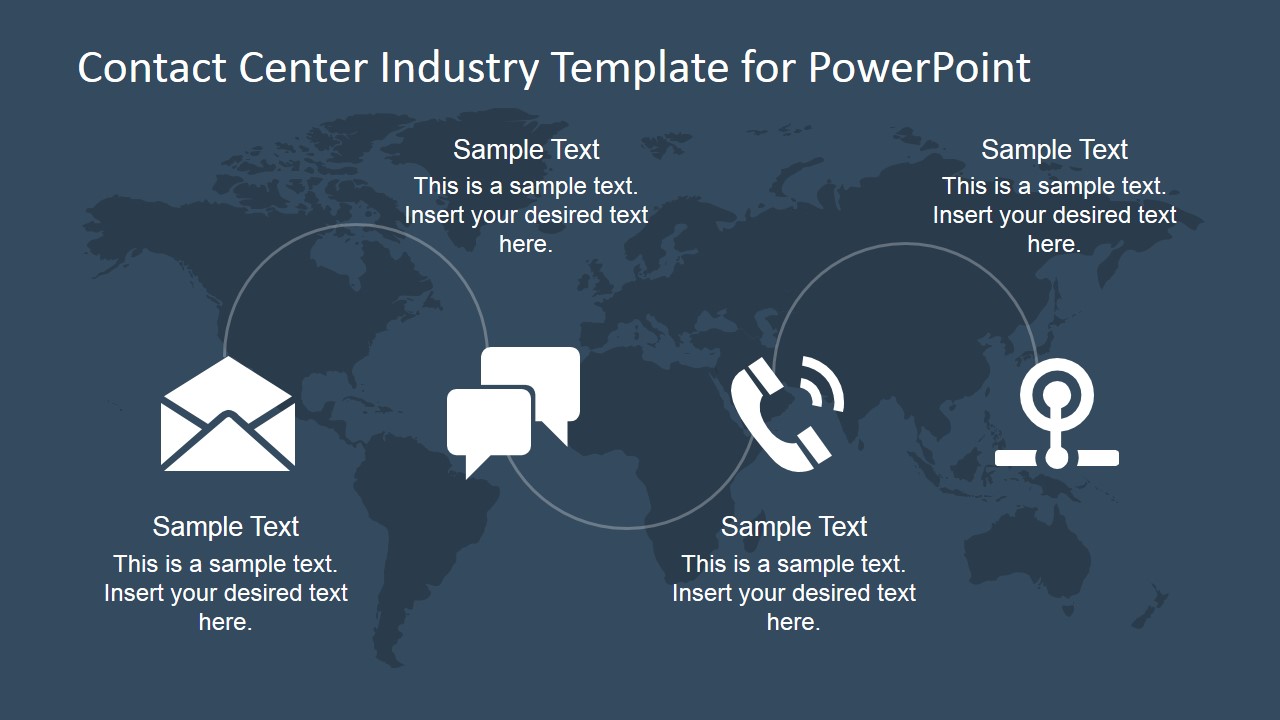
A: Start with the world map hub to frame the contact center as a central access point, then use the circular channel diagram to name each customer contact method. Follow with the two-agent exchange or infrastructure workflow to explain how interactions move internally. Close with the city skyline network to connect the model to real customer touchpoints.
Q: Who is this template best suited for in a business presentation?
A: This template fits customer service, CX, operations, and sales presenters who need to explain how people reach a company and how the company responds. It is strongest for contact center overviews, support solution proposals, service transformation briefings, and multichannel communication planning where visual clarity matters more than detailed performance data.
Q: Why do the map, circular channel, and city network visuals help the audience understand the topic?
A: The design uses spatial metaphors that are easy to read: the map suggests reach, the circular diagram shows channels around one service center, and the skyline network shows touchpoints distributed across a market. These visuals help the audience see contact center work as a connected system rather than a list of isolated tools.
Contact Center Industry PowerPoint Template
10-slide contact center presentation template with communication icons, channel diagrams, and service workflow visuals
The Contact Center Industry PowerPoint Template is a 10-slide deck for presenting customer communication channels and service operations. It includes a circular channel diagram, two-agent exchange slide, contact network workflow over a city skyline, and world map communication background. It is designed for customer service, operations, and CX teams in PowerPoint and Google Slides.
- Category
- Template Backgrounds
- Rating


 Loading...
- Aspect ratio
- 16:9, 4:3
- Item ID
- 6753-01
- Colors
 Microsoft PowerPoint
  Microsoft Copilot
  Claude for PowerPoint
 Other formats supported
Subscribe today and get immediate
access to download our PowerPoint templates.