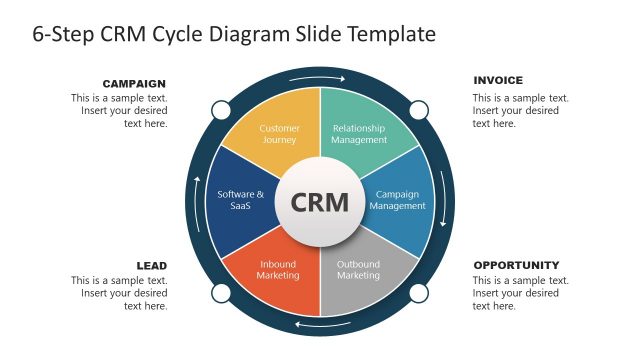
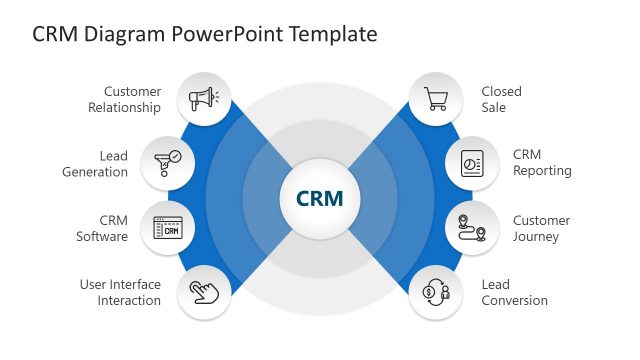
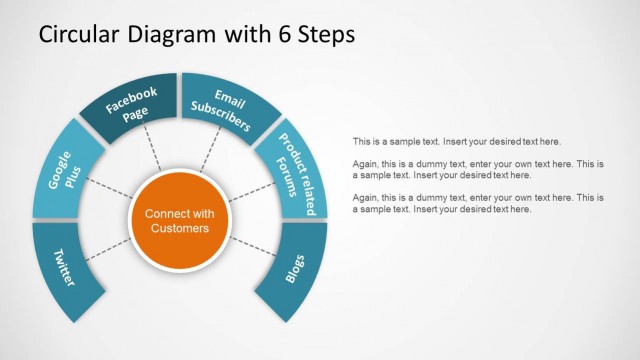
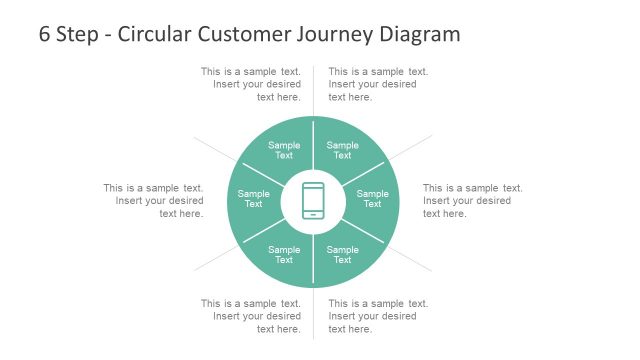
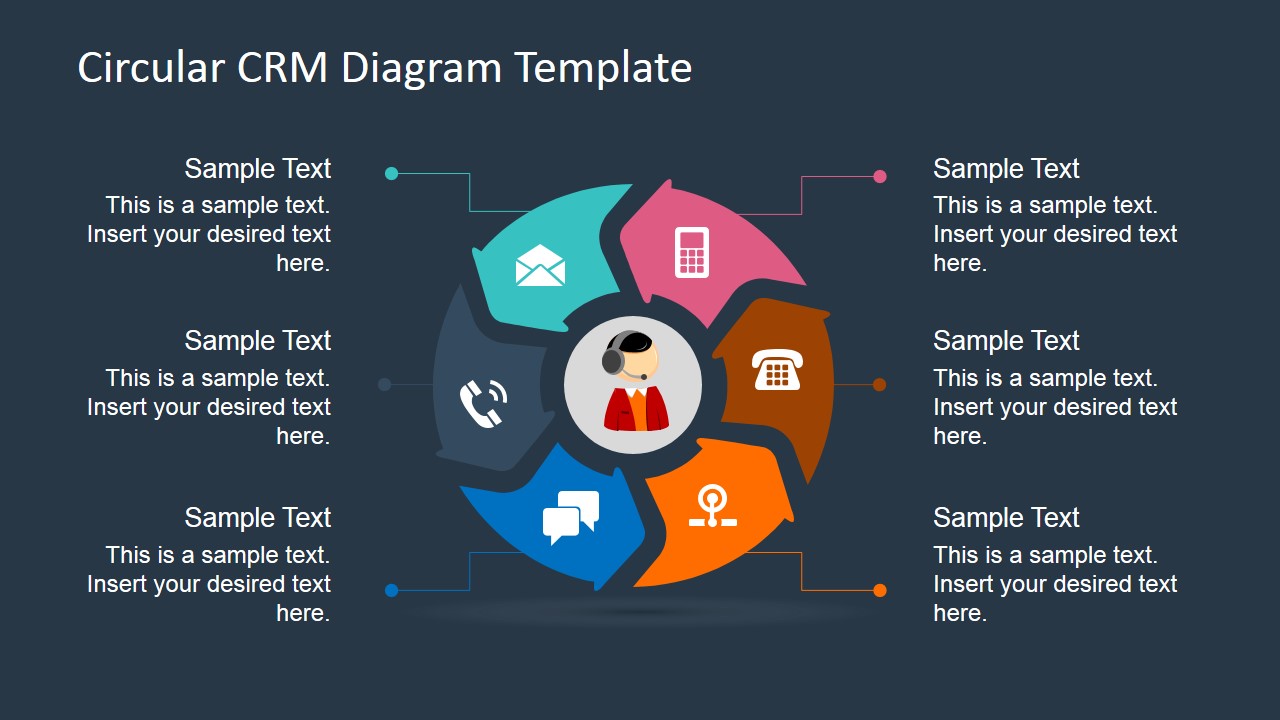
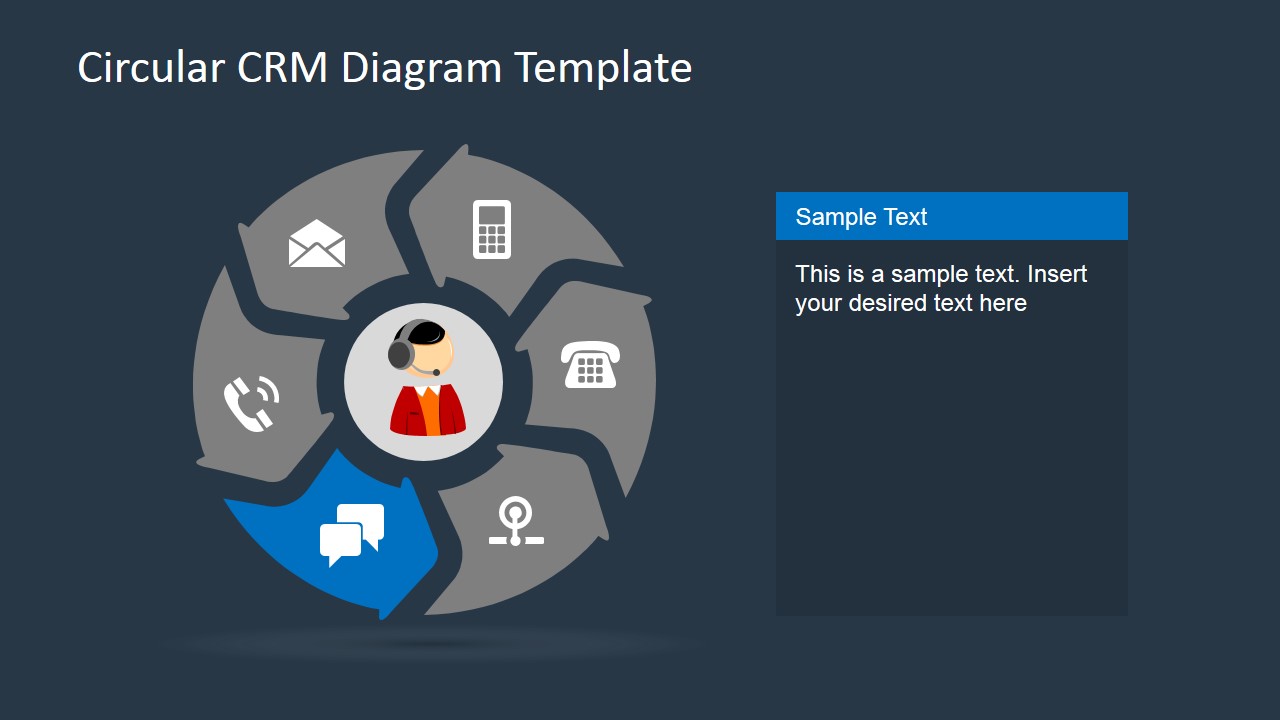
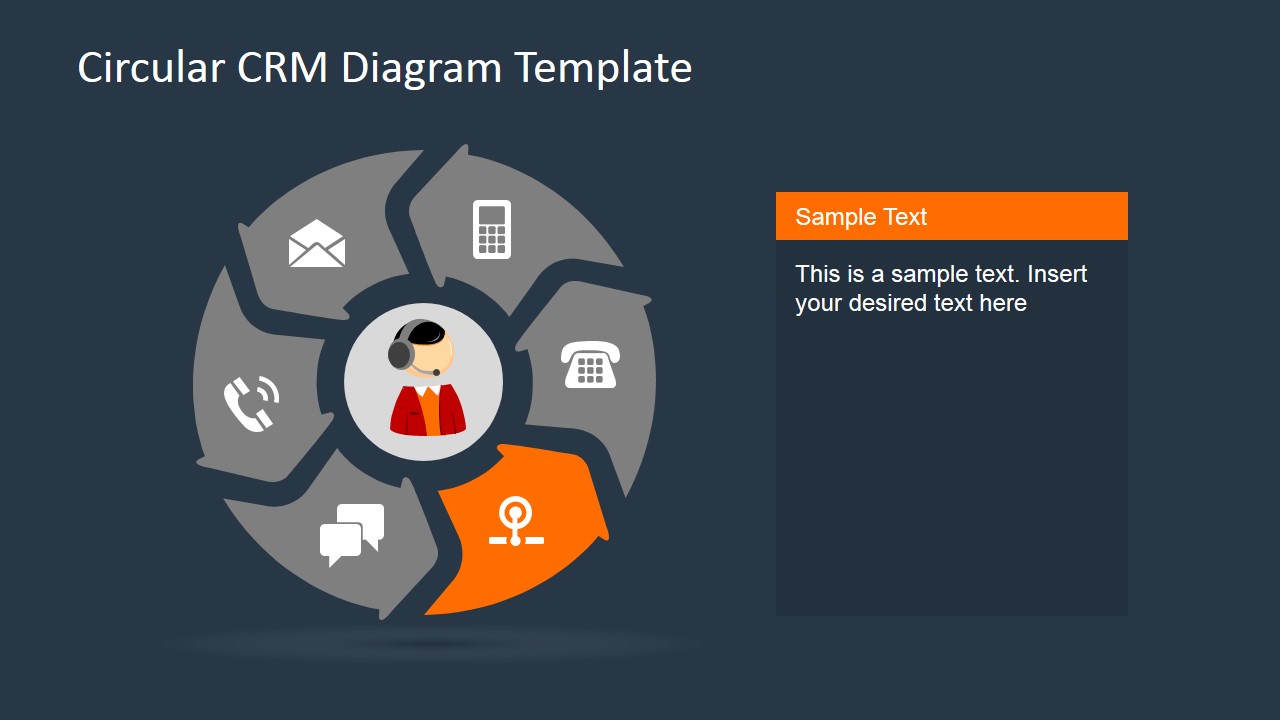
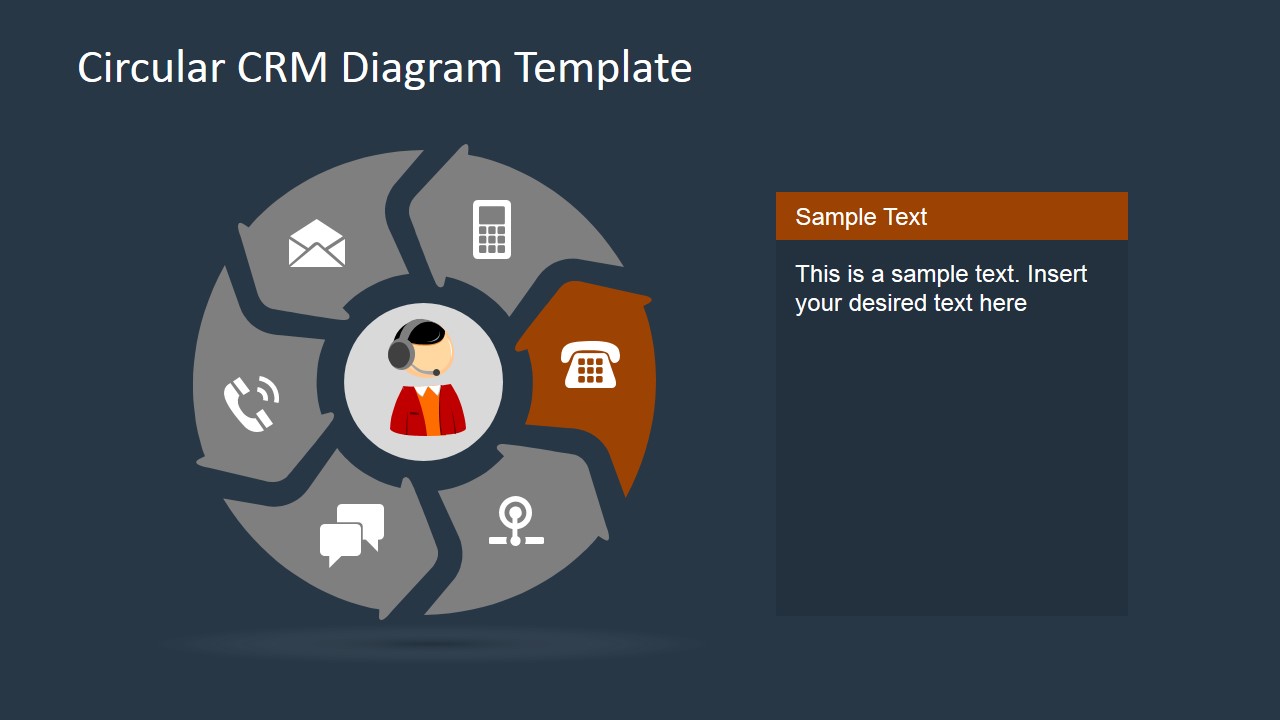
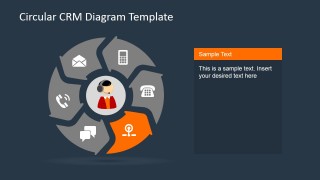
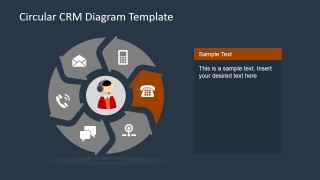
6 Steps Circular CRM Diagram for PowerPoint – Showcase a striking CRM presentation with the 6 Steps Circular CRM Diagram for PowerPoint. This PowerPoint template shows a circular diagram reminiscent to a classic rotary phone. The diagram also demonstrates the continuity in the process of communication. There are also several communication methods highlighted in the template, which are the usual ways business entities connect to their customers.
The term CRM stands for customer relations management. This is a system where all interactions between a business and its customers are recorded. The data stored in this system usually includes customer information, communications made with the customer and official documentations. A CRM system is usually a computer software or application which has its own database accessible by all authorized business personnel. A company’s CRM usually provides different levels access which lessens risks from exposing data to unauthorized persons while still making the system an ideal overall tool in managing customer interactions. The idea is to have a single platform in communication, transacting and storing customer data.
There are various CRM providers these days that offer comprehensive systems for business and non-business organizations. An organization can use CRM software by buying a license for it, much like buying a computer operating system (OS) CRM have different kinds of functions and features which are usually tailor-fitted to the needs of the business. Sales force automation is one of the common functions available in CRM. This function is meant to track communication between a sales agent and a customer to avoid duplicate calls. Another feature of the CRM is its centralized email where all company personnel log-in to the system in order to communicate to the customer. This way all communications to customer coming from different people in the company are recorded and tracked in its CRM.
This PowerPoint template is great for presentations on CRM proposals, customer interaction seminars, sales campaigns, customer relations management plans and strategies and other similar projects. Make it even more impressive with our PowerPoint Data Charts.
What’s inside this template
Example presentation scenarios
- A CRM manager can use the overview circular wheel to introduce how email, phone, chat, mobile, and web touchpoints connect around the customer.
- A call center trainer can use the single-step spotlight slides to explain one communication channel at a time during onboarding or process refresh sessions.
- A sales operations leader can use the six editable callouts on the overview slide to align teams on handoff points, follow-up rules, and customer record ownership.
- A business analyst can use the right-side text panel layouts to document current CRM gaps and proposed actions for each customer interaction method.
Features
- 100% editable presentation template
- Compatible with Microsoft PowerPoint and Google Slides
- 16:9 aspect ratio slides
- Scalable vector shapes, icons and illustrations
- AI-Ready for Microsoft Copilot and Claude
- Instant access and download
Frequently asked questions
Q: How should a presenter explain the CRM process with this circular diagram?
A: Start with the full six-part wheel so the audience sees CRM as a connected communication cycle, not separate tools. Then move into the spotlight slides and assign one clear business rule to each channel, such as who responds, what gets logged, and how the next action is triggered.
Q: Who is this template best suited for?
A: It fits CRM managers, sales operations leaders, and customer service trainers who need to explain touchpoint ownership or process flow. The central attendant avatar and surrounding communication icons make it especially useful when the audience includes nontechnical stakeholders who need a simple view of CRM activity.
Q: Why use a rotary-style circular metaphor for CRM?
A: The rotary-style wheel suggests repeated contact, continuity, and multiple ways to reach a customer. Because each arrow segment points around the same center, the design keeps attention on the customer while still separating email, phone, chat, mobile, web, and support actions into distinct discussion points.

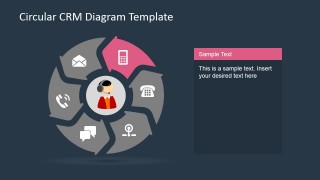
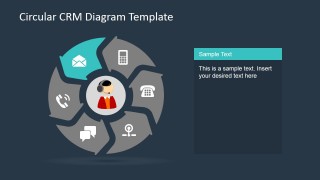
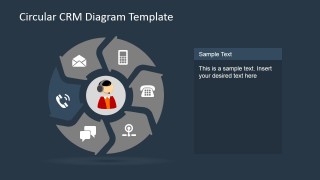
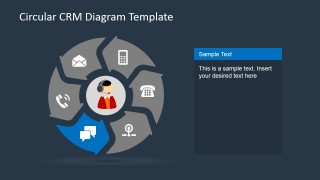
6 Steps Circular CRM Diagram for PowerPoint
10-slide presentation template with circular CRM wheel diagrams and customer communication icons.
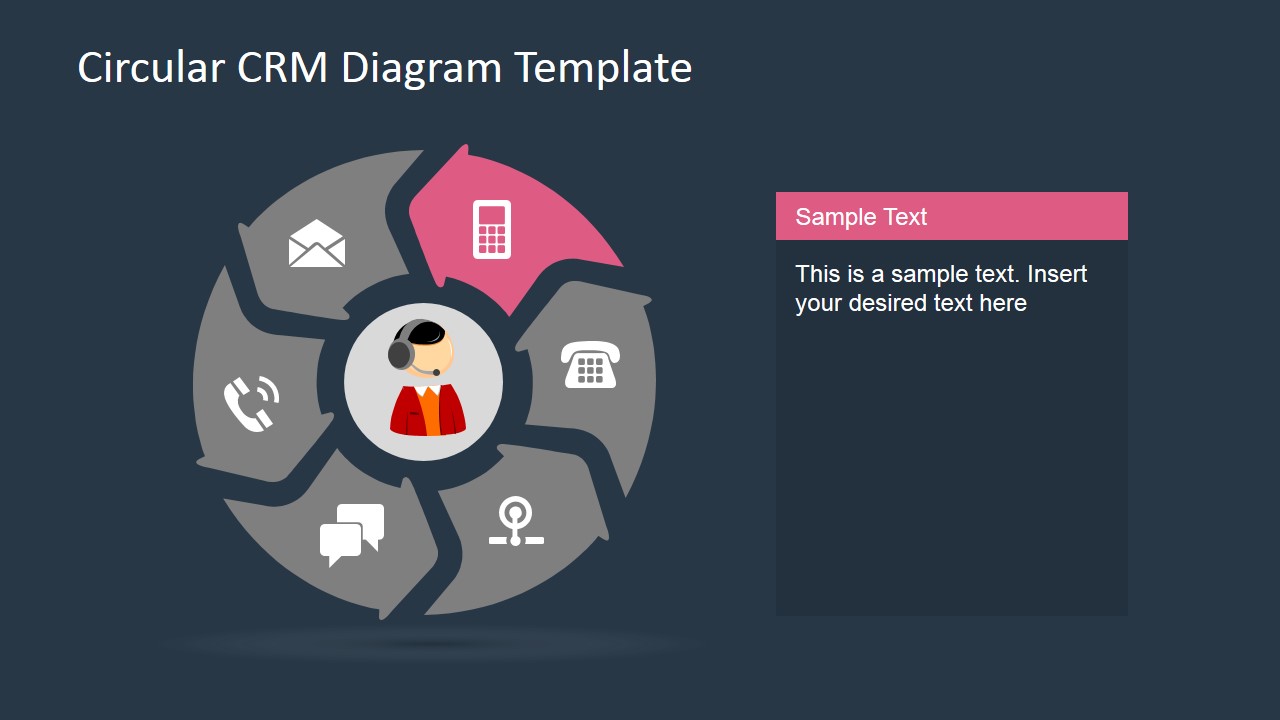
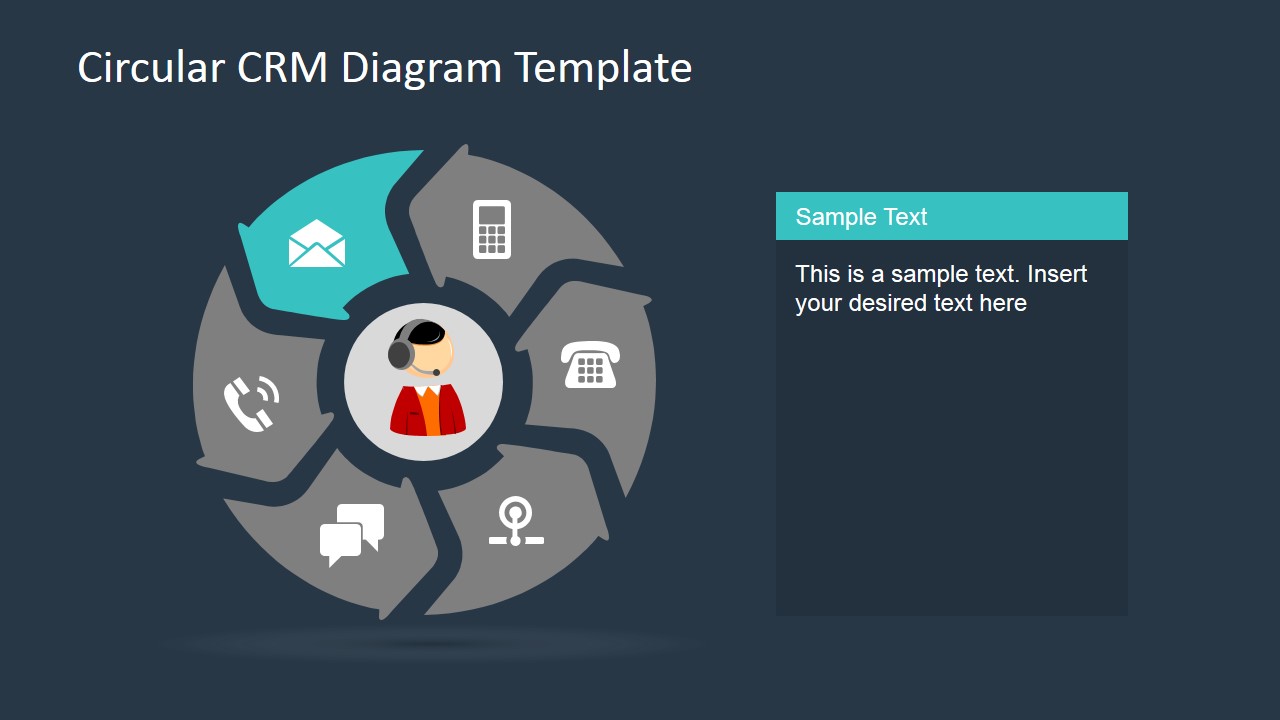
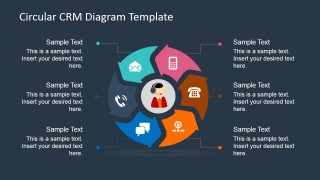
6 Steps Circular CRM Diagram for PowerPoint is a 10-slide diagram template for explaining customer relationship management workflows. Visible layouts include a six-part circular CRM wheel, an overview with six callouts, and single-step spotlight slides for email, mobile, phone, chat, web, and call-center touchpoints. It works in Microsoft PowerPoint and Google Slides.
- Category
- Diagrams
- Rating


 Loading...
- Aspect ratio
- 16:9, 4:3
- Item ID
- 6753-02
- Colors
 Microsoft PowerPoint
  Microsoft Copilot
  Claude for PowerPoint
 Other formats supported
Subscribe today and get immediate
access to download our PowerPoint templates.