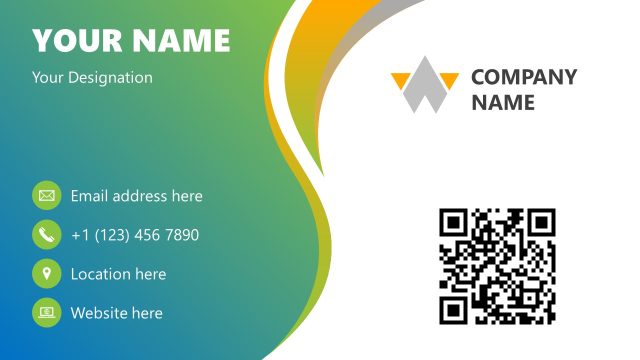
Contact Us Slide Design for PowerPoint is a clean design concept for PowerPoint presentations containing different Contact Us slide designs that you can use to end your presentations showing your corporate logo and contact information.
Any organization in sales and services industry has to build a strong relation with customers in order to grow. The easiest way to achieve this goal consists of encouraging customers to provide feedback and keep the relation loyal. This requires telling customers how to get back to the organization. This is where a contact us section comes in handy in any presentation deck. It is not advised to have only one way to get in touch and there should be at least a couple of them. Once an organization has it, the next task in hand is to spread it. Contact Us slides and sections are mandatory as a presentacion best practice.
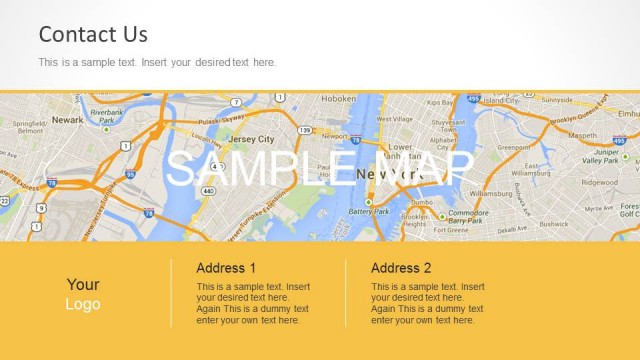
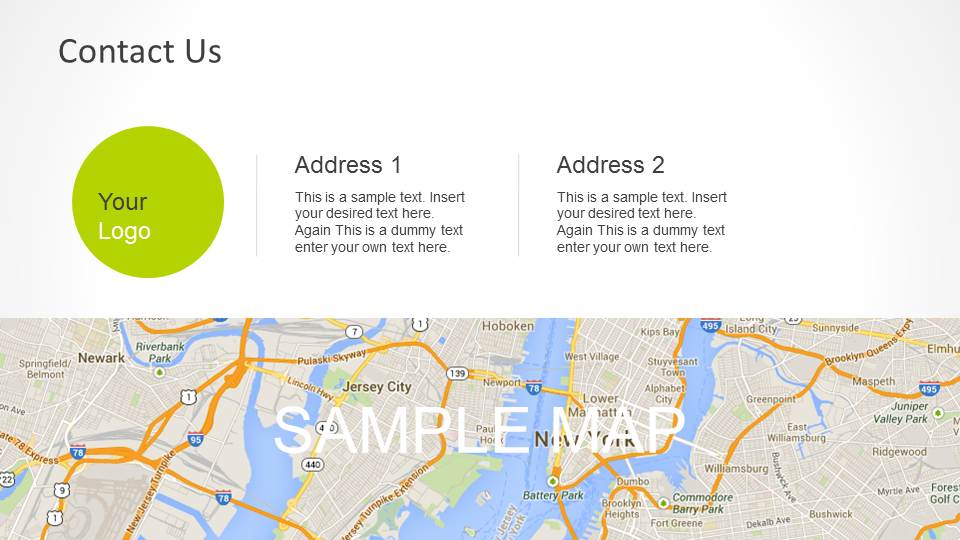
Contact Us Slide Design for PowerPoint is a nicely arranged layout for providing the contact details of any organization. The different possible ways are to visit in person, which requires address, or via internet and phone call that would require email and landline number. Providing only the numbers and words is not enough. In most cases as an organization supplies its products to far off areas as well, if a customer gets locally to visit in person, it can be hard to reach the address. This scenario calls up for directions. A map is best way to do it. If someone has a map and the location marked on it, finding a place becomes a easier.
This simple template for presentation has different options available; different color schemes and layouts . It is advised to choose the color scheme matching the rest of PowerPoint template. The best way to keep a simple look and feel is to apply a background image for presentation and match the color to this template. The slide next to Contact Us information is for presenting an endnote and can be used to start a Q&A session or ending the presentation with a thank you message in the presentation slide. It is a flexible ppt template that can be used merged with many modern PowerPoint templates.
What’s inside this template
Example presentation scenarios
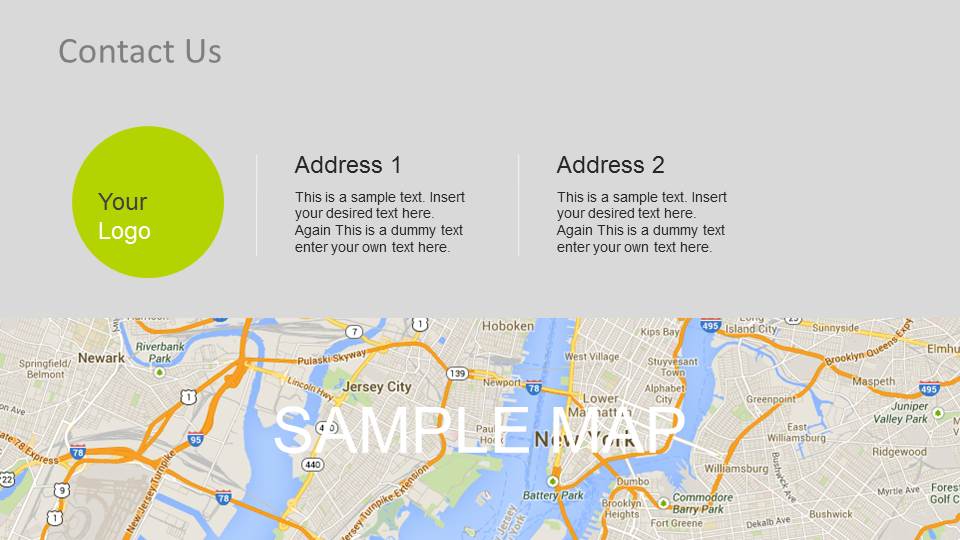
- A sales representative can close a prospect deck by showing the contact us slide with two address blocks, a logo placeholder, and a map panel for office location details.
- A customer success manager can end a service review with the thank you slide, keeping the final screen focused on brand identity and next-step contact text.
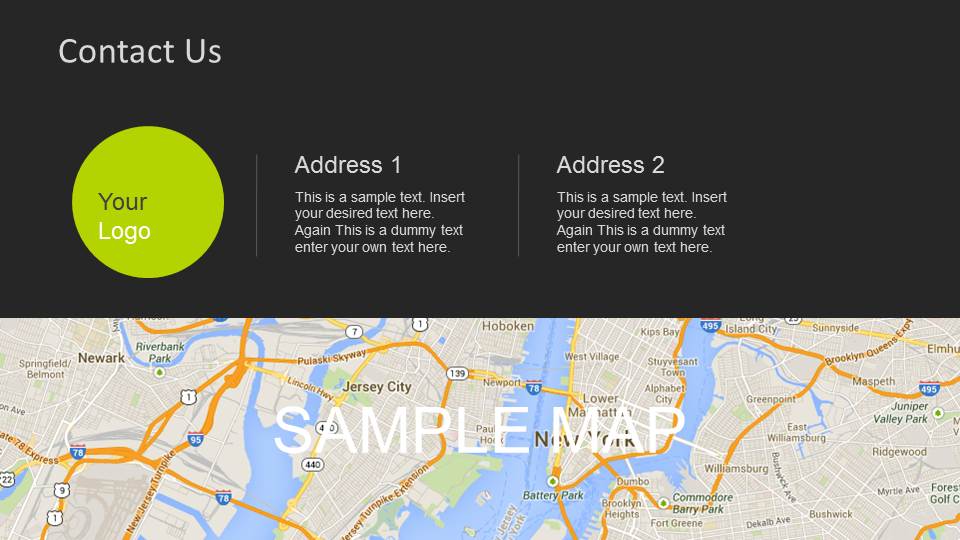
- A consultant can add the dark contact layout to a proposal deck when the audience needs office locations, follow-up channels, and a clear final reference slide.
- A corporate communications presenter can use the light gray contact layout to standardize address and map information across internal or external presentation endings.
Features
- 100% editable presentation template
- Compatible with Microsoft PowerPoint and Google Slides
- 16:9 aspect ratio slides
- Scalable vector shapes, icons and illustrations
- AI-Ready for Microsoft Copilot and Claude
- Instant access and download
Frequently asked questions
Q: How should a presenter use this contact slide without making the ending feel like an afterthought?
A: Treat the contact slide as the final action point, not a directory. Place the most important follow-up method in the first address block, reserve the second block for a backup contact or office location, and use the map only when physical directions matter. The thank you slide works best after the presenter has already stated the desired next step.
Q: Who benefits most from this contact us and thank you slide set?
A: This template is best for presenters who need a clear closing screen after a sales pitch, service overview, customer briefing, or local business introduction. The visible address blocks and sample map support organizations with physical offices, while the logo and thank you slides give consultants and service teams a simple branded finish.
Q: Why do the map panel and circular logo placeholder improve the closing message?
A: The map panel turns contact information into a location cue, which helps the audience understand where to go after the meeting. The circular logo placeholder acts as a brand anchor, especially on the thank you slides. The wide green footer creates a consistent visual landing zone for the final note.




Contact Us Slide Design for PowerPoint
6-slide contact us presentation template with address blocks, maps, logo placeholders, and thank you closing slides
Contact Us Slide Design for PowerPoint is a 6-slide contact and closing slide template for Microsoft PowerPoint and Google Slides. It includes contact us layouts with address blocks, sample map panels, circular logo placeholders, and thank you endnote slides for sales, service, or corporate presentation endings.
- Category
- PowerPoint Templates
- Rating


 Loading...
- Aspect ratio
- 16:9
- Item ID
- 6110-01
 Microsoft PowerPoint
  Microsoft Copilot
  Claude for PowerPoint
 Other formats supported
Subscribe today and get immediate
access to download our PowerPoint templates.