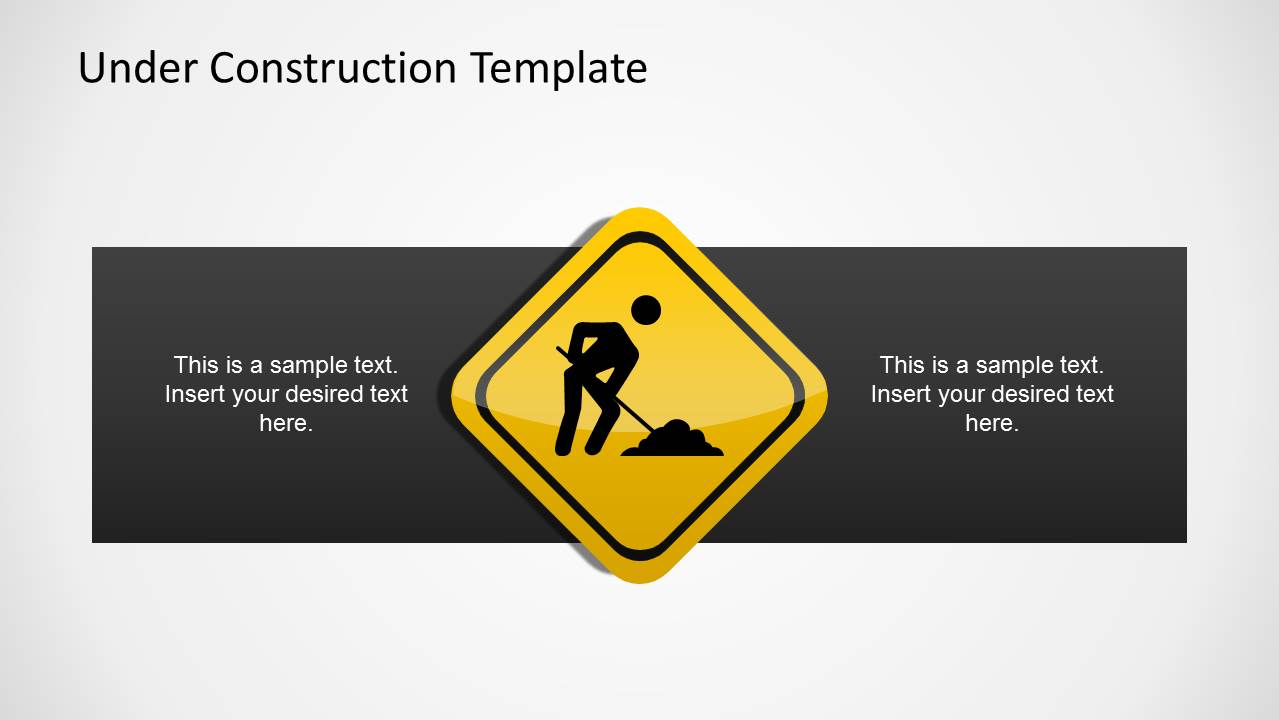
Under Construction PowerPoint Template– Under construction is a general term or sign used as a warning in construction sites and nearby areas. The collection of signs shown in this PowerPoint template is realistic and reusable. The yellow and black color combinations are fairly attractive, too. Generate outstanding presentations with Under Construction PowerPoint Template.
Ideal for development reports and project management, this PowerPoint design is a smart choice. The minimalistic layout uses graphics to illustrate signs and information on the status of a program or undertaking. It is perfect for operations management presentations. It is applicable to academic reports and research study proposals. The PowerPoint shapes can be copy and pasted to complement personal demonstrations.
It contains 13 uniquely designed slides. Each one is fully customizable. The user can opt to modify the objects to suit the presentation layout. Colors, sizes, placement and content can be edited quickly. In the first slide, the man icon is shovelling the ground. This can be used to portray the steps that the team is currently taking to achieve the project. The helmet in the 2nd slide can metaphor the safety precautions being done. The 8th slide contains a barrier picture. This can represent the outer limits that the project is facing. Other slides contain more warning signs with meaningful icons. In the 11th slide, a daily countdown is featured. This can make the entire audience excited and engaged.
“Under construction” or “Under development” basically implies that the process is still going on. It has started but is not yet completed. The template serves as a status report. It is where stockholders can analyze whether it is going to be a failure or success. Challenges can be shown and everyone can collaborate for a solution.
Aim for quality and meaning through Under Construction PowerPoint Template. It is a creative tool for any professional presentation. Download Shapes for PowerPoint at the SlideModel gallery. Alternatively, check our complete collection of construction PowerPoint templates.
What’s inside this template
Example presentation scenarios
- A project manager can use the caution sign and countdown slide to explain schedule status, remaining days, and items still under review.
- A safety officer can present site rules or temporary restrictions with the traffic cone, barricade, worker sign, and exclamation warning layouts.
- A product owner can adapt the under development signboard slides to show unfinished features, active workstreams, and next release expectations.
- An operations lead can use the three-icon warning layout to separate risks, maintenance activities, and blocked access points during a facility update.
Features
- 100% editable presentation template
- Compatible with Microsoft PowerPoint
- 16:9 aspect ratio slides
- Scalable vector shapes, icons and illustrations
- AI-Ready for Microsoft Copilot and Claude
- Instant access and download
Frequently asked questions
Q: How should a presenter structure a project update with this construction-themed template?
A: Start with the under construction sign to establish that the work is active, then use the barricade or caution slides to explain constraints, risks, or blocked areas. Follow with the under development signboard for current tasks and the countdown slide for timing. Keep each warning visual tied to one decision, risk, or action.
Q: Who is this template best suited for beyond construction site presentations?
A: It works well for any team explaining unfinished work, controlled access, maintenance, or phased development. Product teams can use the under development boards for feature progress, operations teams can show service interruptions, and academic presenters can frame research still in progress. The construction metaphor makes pending status easy to recognize.
Q: Why do caution signs and traffic barriers help communicate work-in-progress messages?
A: Construction signs are familiar visual shortcuts for attention, risk, and restricted movement. In this deck, the yellow and black warning palette, barriers, cones, and worker icons signal that something is active but not complete. That metaphor helps audiences separate completed facts from pending decisions, open risks, and next steps.


Under Construction PowerPoint Template
13-slide presentation template with under construction road signs, caution symbols, barriers, and traffic cones.
Under Construction PowerPoint Template is a 13-slide construction status and development presentation built around caution signs, under development boards, traffic cones, work icons, and countdown visuals. It suits project managers, operations teams, and presenters explaining work in progress, safety notices, blocked areas, or unfinished initiatives in Microsoft PowerPoint.
- Category
- Shapes
- Rating


 Loading...
- Aspect ratio
- 16:9
- Item ID
- 6330-01
- Colors
 Microsoft PowerPoint
  Microsoft Copilot
  Claude for PowerPoint
 Other formats supported
Subscribe today and get immediate
access to download our PowerPoint templates.