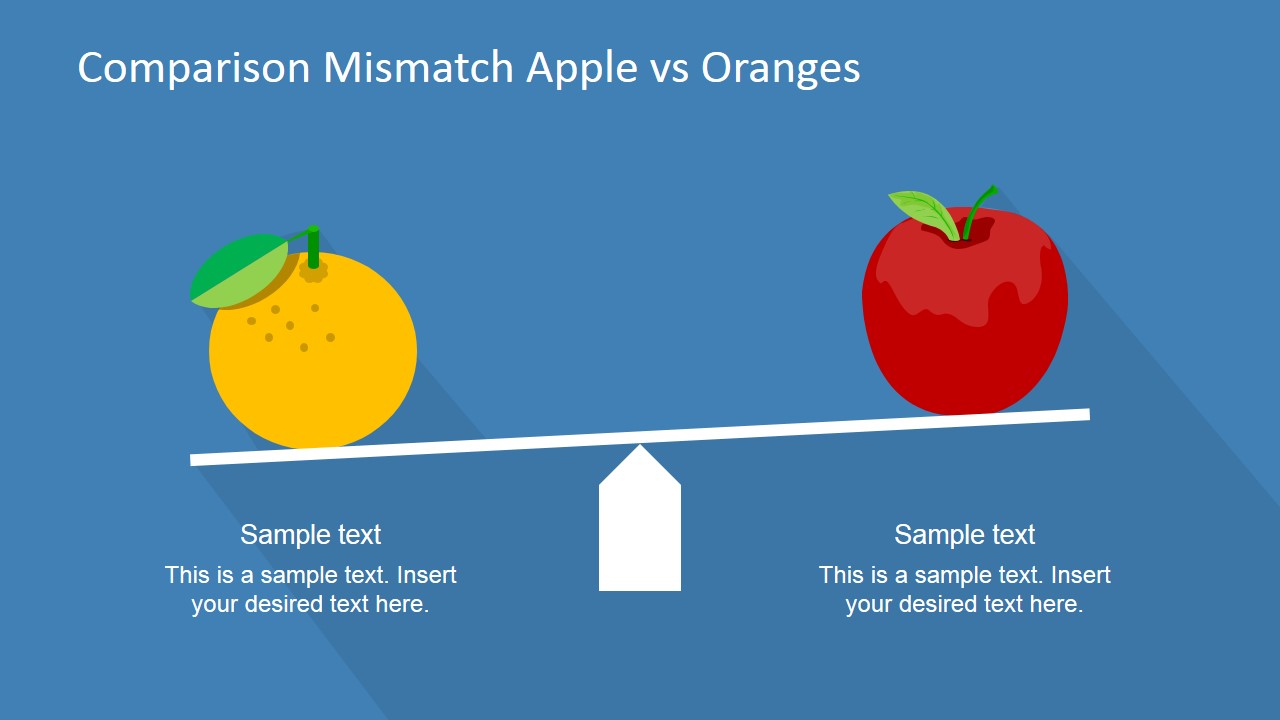
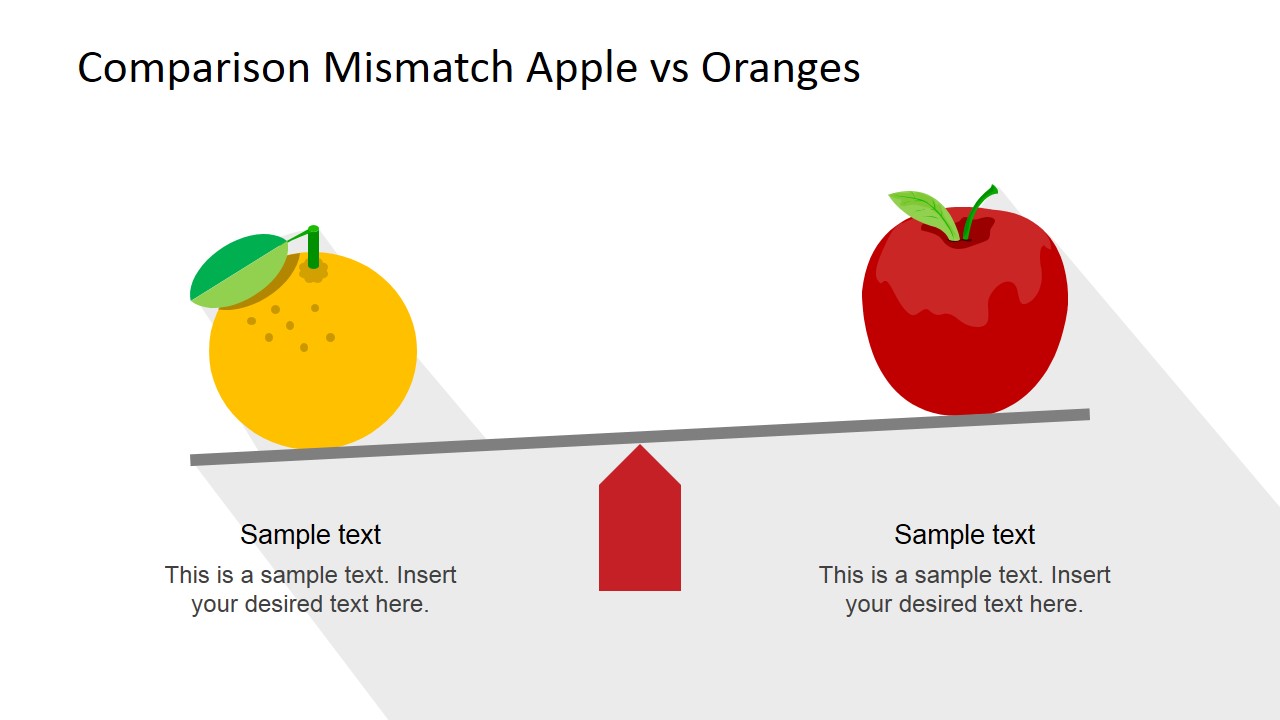
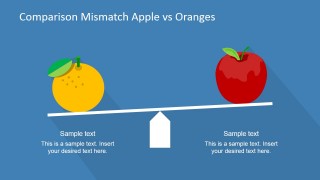
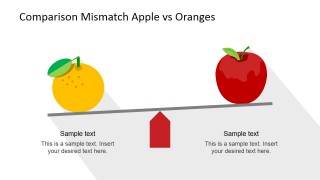
Compare Apples and Oranges PowerPoint Shapes is a professional set of Clipart Shapes for PowerPoint created to describe the famous idiom. The metaphor is generally applied to describe the difference of two different items (or set of items) that cannot be directly compared. Also it applies to scenarios where one item is compared as a negative analogy, for example, when someone describes an apple as a bad orange. The metaphor has different variants along the world as Comparing Apples and Pears; the user can select a Pears shape from our gallery and update the metaphor to match its local variant.
The PowerPoint Shapes included in this professional presentation are created with an appealing material design, with longshadow effects and flat color palette. Each of the shapes is created as a composite of PowerPoint Icons, allowing the user to fully customize their appearance. Each of the slides are 100% editable, the user can reuse existing presentations and decorate it with new professional clipart.
Ideal for Content Marketing brochures and digital assets, as well as Infographics, the flexibility of the Compare Apples and Oranges PowerPoint Shapes can help the user save time to create impressive presentations that appeal to global audiences.
What’s inside this template
Example presentation scenarios
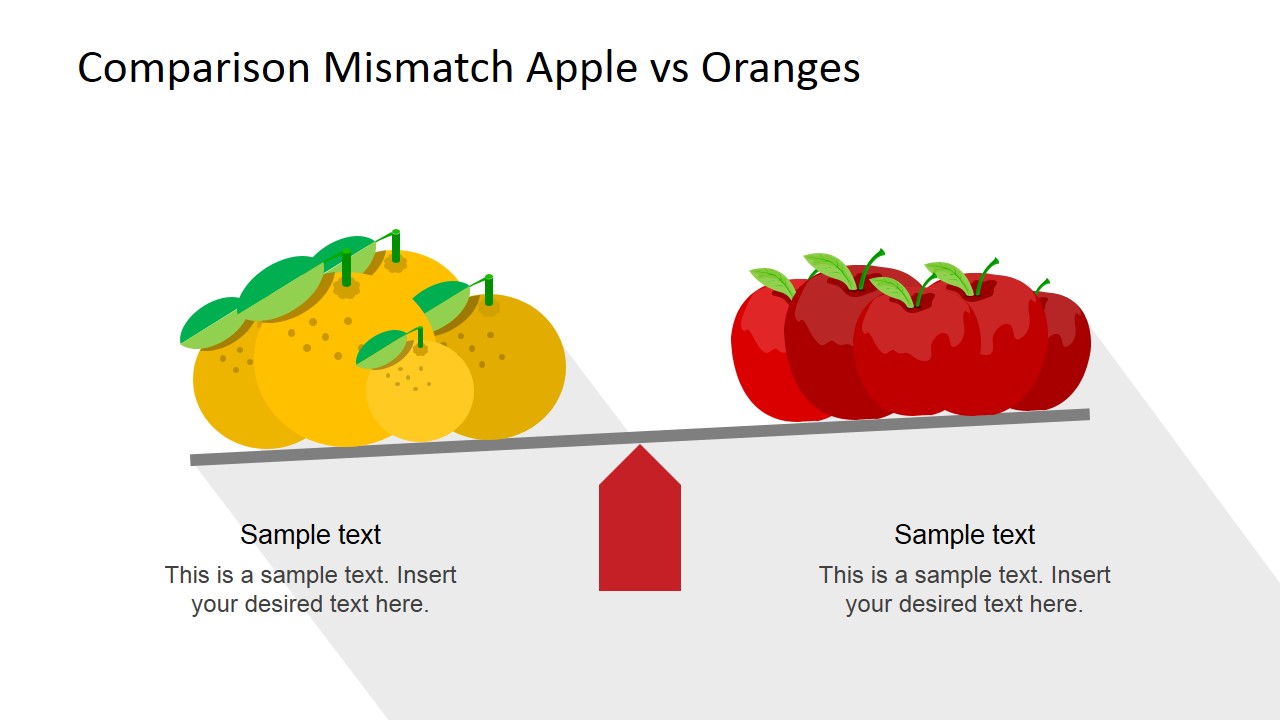
- A consultant can use the balance scale slide to explain why two business options are being judged by incompatible criteria.
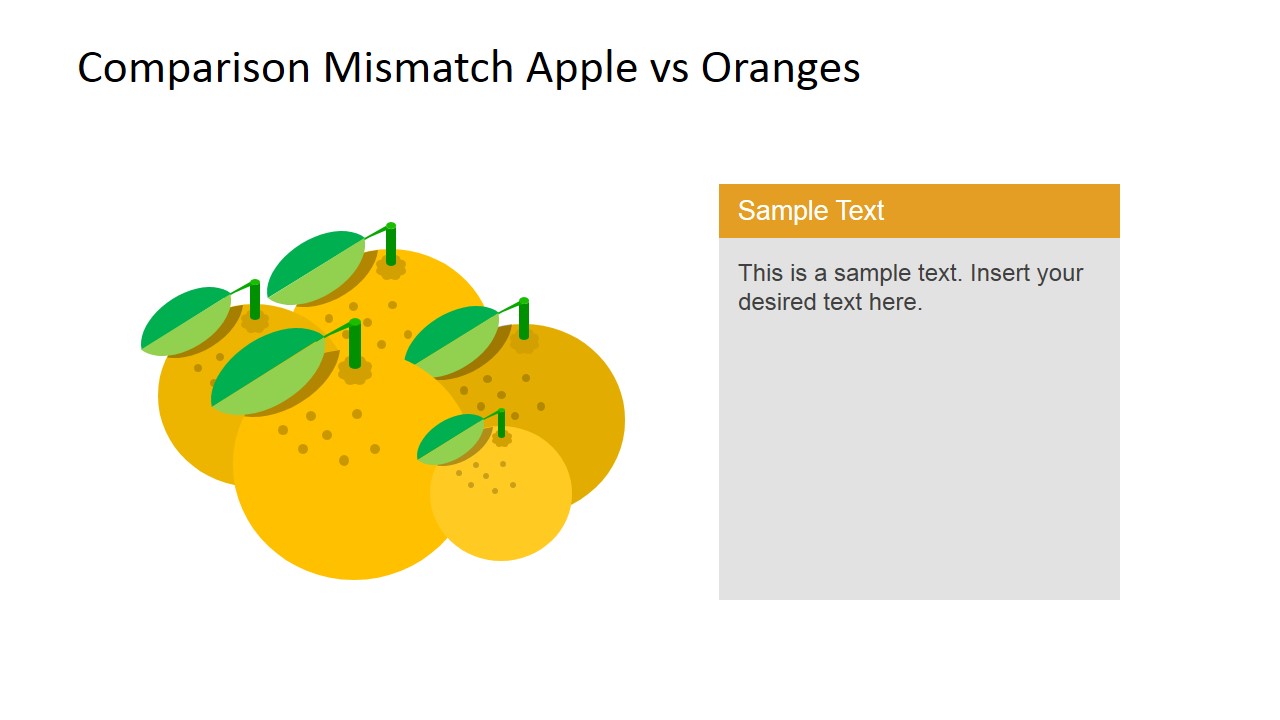
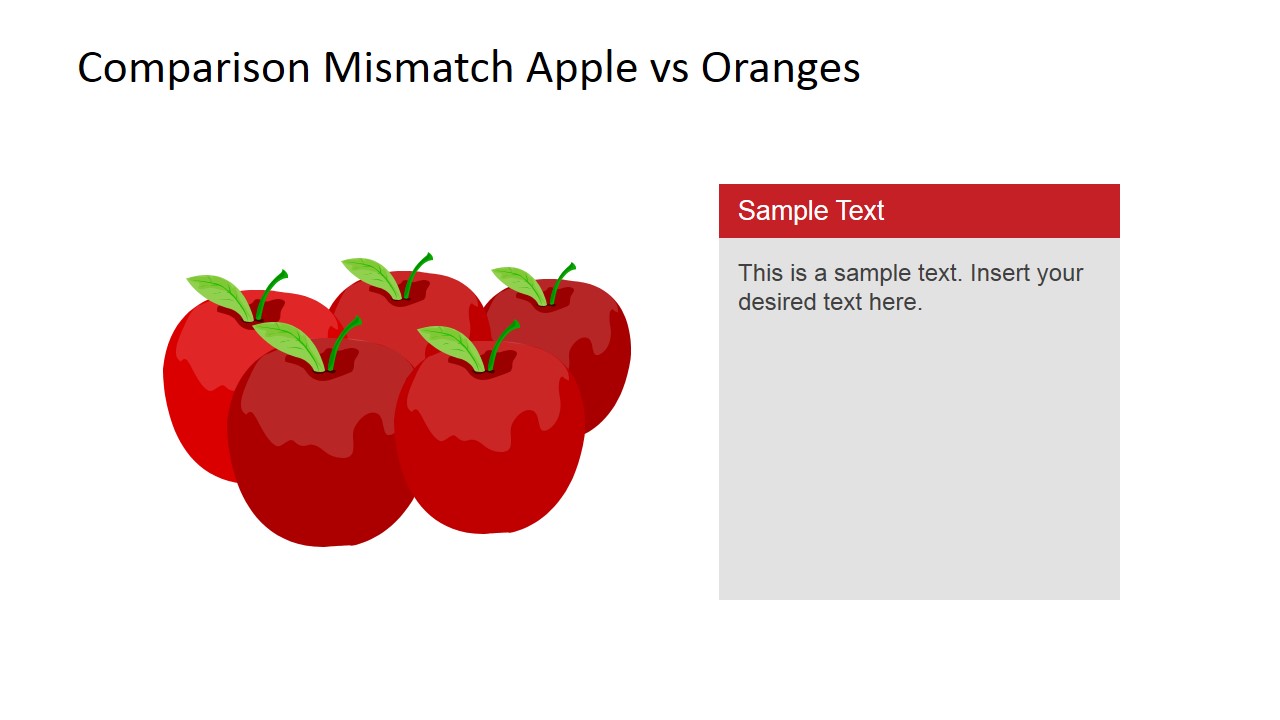
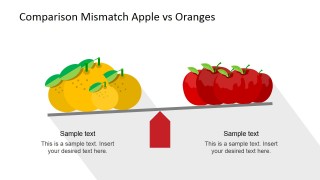
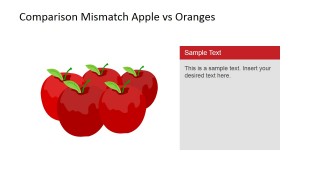
- A marketing presenter can use the grouped fruit layouts to show that two audience segments, offers, or product categories should be evaluated separately.
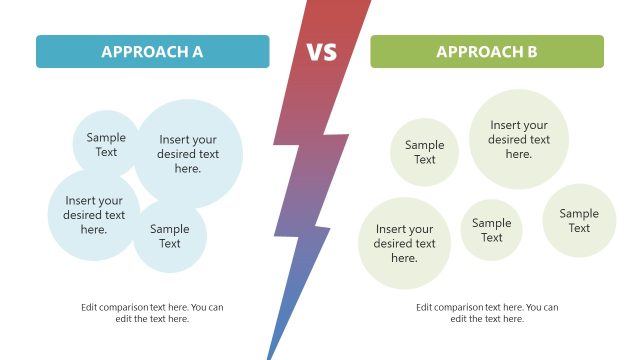
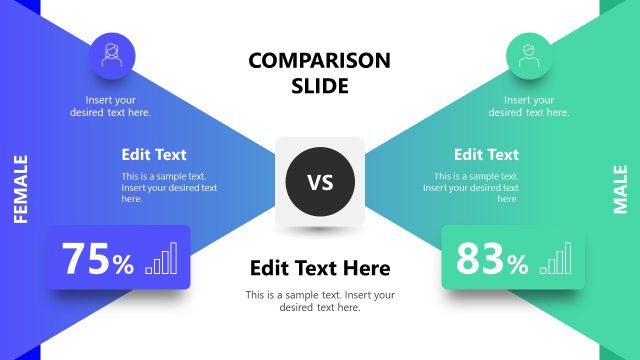
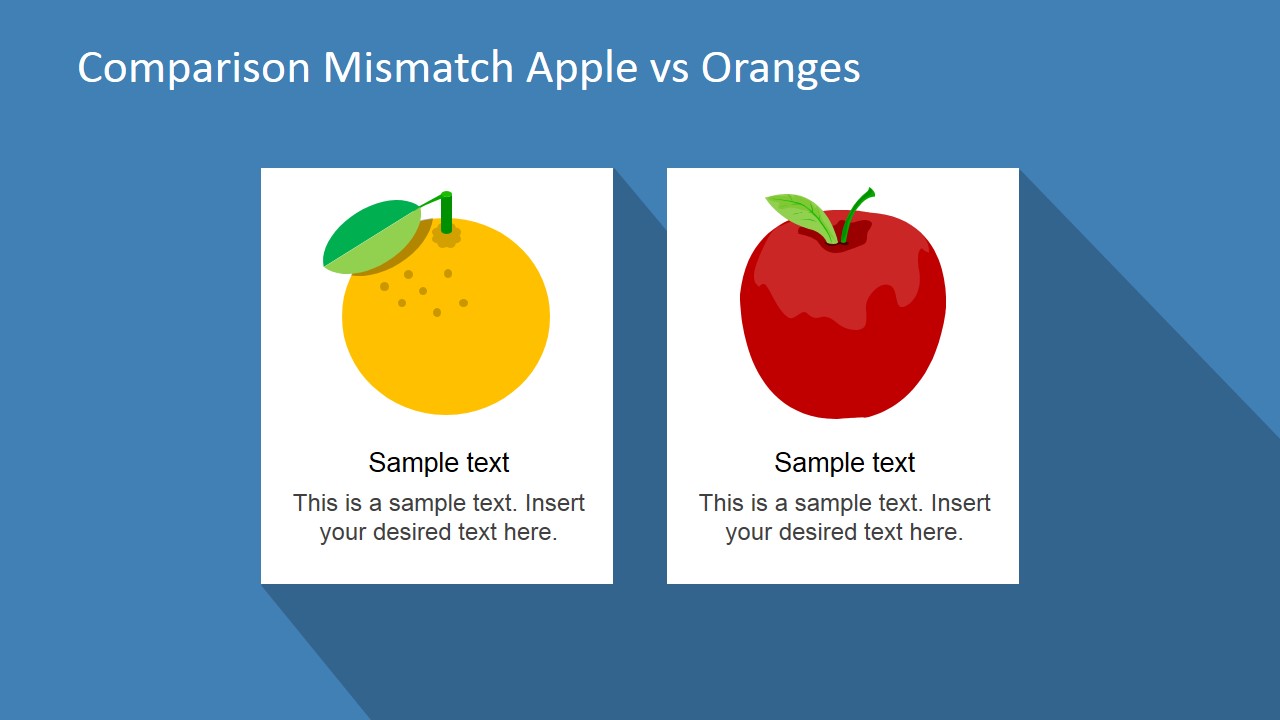
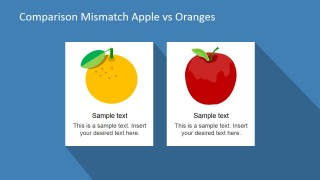
- A trainer can use the side-by-side cards to teach the apples and oranges metaphor during a lesson on reasoning, framing, or decision quality.
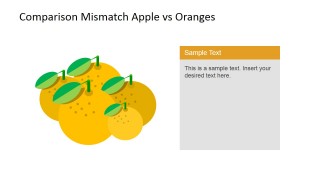
- A sales leader can use the single-fruit callout panels to clarify why a competitor comparison is misleading before reframing the discussion.
Features
- 100% editable presentation template
- Compatible with Microsoft PowerPoint and Google Slides
- 16:9 aspect ratio slides
- Scalable vector shapes, icons and illustrations
- AI-Ready for Microsoft Copilot and Claude
- Instant access and download
Frequently asked questions
Q: How should a presenter use this metaphor without oversimplifying the argument?
A: Start with the balance scale slide to name the comparison problem, then explain which criteria do not match. Use the fruit icons as the hook, but add precise text under each side so the audience understands the real categories, assumptions, or constraints behind the metaphor.
Q: Who is this template best suited for in a business presentation?
A: It fits consultants, marketers, trainers, and sales presenters who need a quick visual explanation of mismatched categories. The grouped apples and oranges slides work well when comparing segments, competitors, product types, or policy choices that look related but require different evaluation standards.
Q: Why does the apples and oranges visual work better than a standard comparison table here?
A: A table implies that two options can be compared field by field. The fruit metaphor signals the opposite: the comparison itself may be flawed. The scale, grouped fruit, and side-by-side cards help the presenter shift attention from ranking choices to questioning whether the evaluation frame is fair.
Compare Apples and Oranges PowerPoint Shapes
6-slide presentation template with apple and orange comparison metaphor clipart shapes for business slides
Compare Apples and Oranges PowerPoint Shapes is a 6-slide presentation template for showing mismatched comparisons through apple and orange clipart. It includes a balance scale comparison, many-to-many mismatch, single-fruit callout panels, and side-by-side cards. The editable PowerPoint shapes and vector graphics are built for Microsoft PowerPoint and Google Slides.
- Category
- Shapes
- Rating


 Loading...
- Aspect ratio
- 16:9, 4:3
- Item ID
- 6811-01
- Colors
 Microsoft PowerPoint
  Microsoft Copilot
  Claude for PowerPoint
 Other formats supported
Subscribe today and get immediate
access to download our PowerPoint templates.