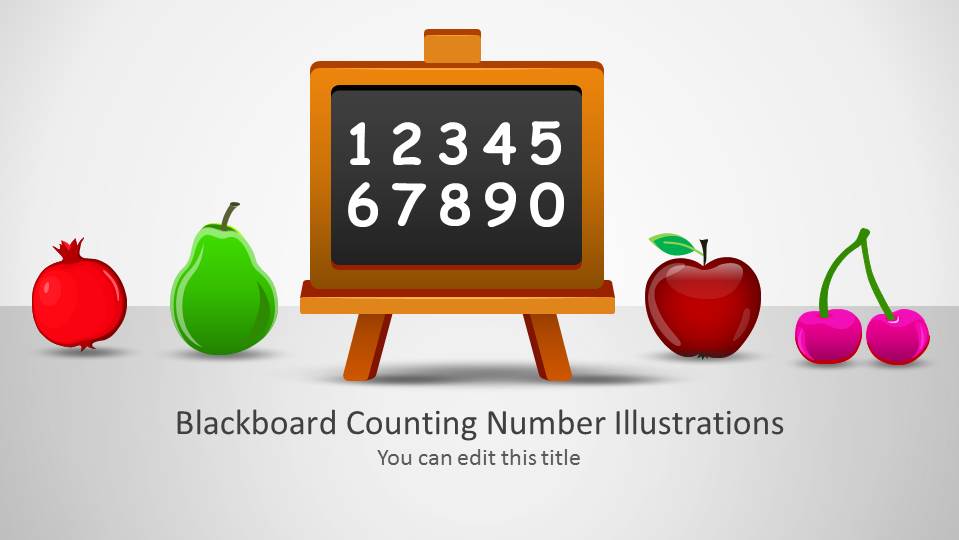
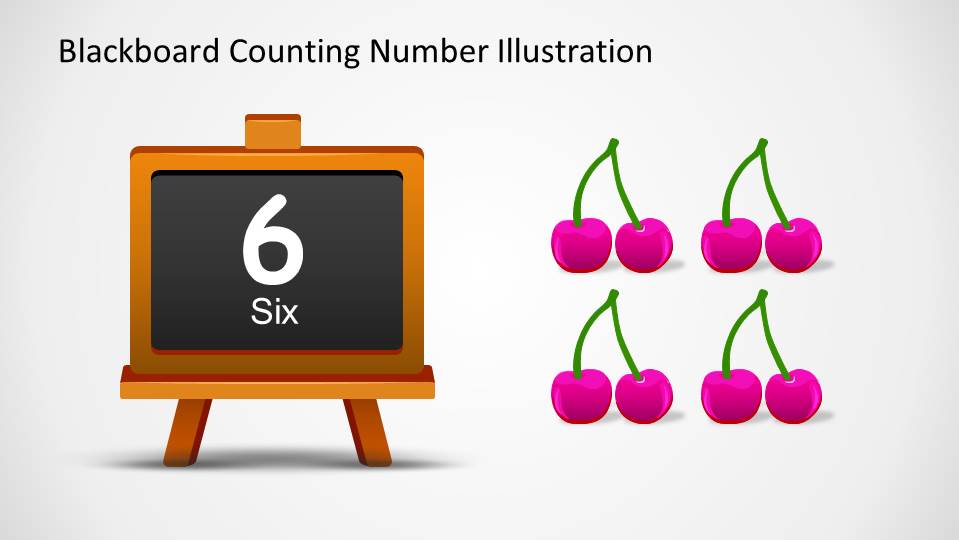
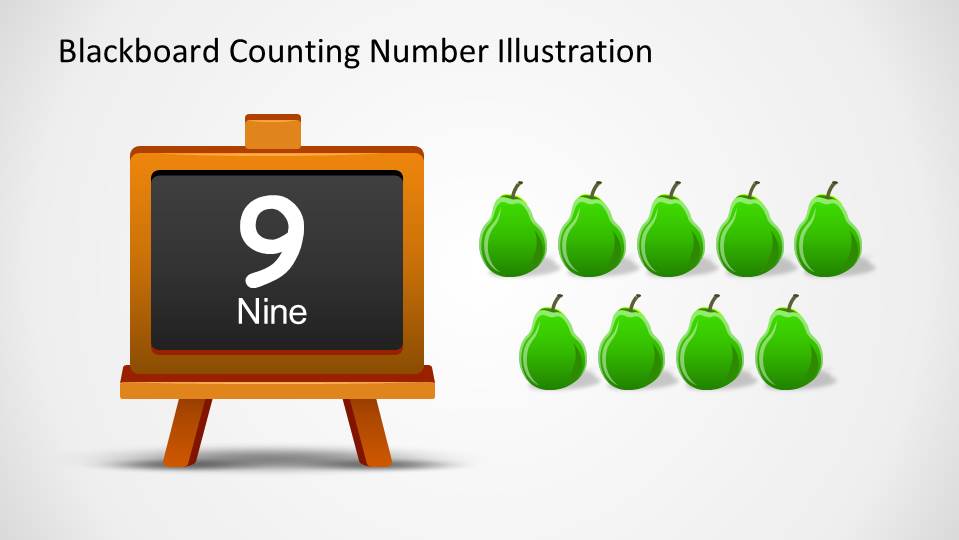
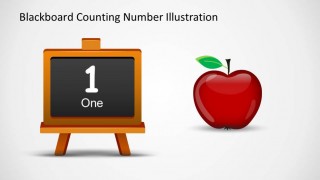
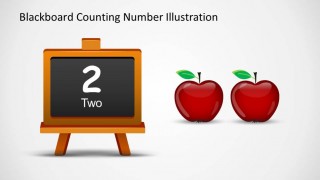
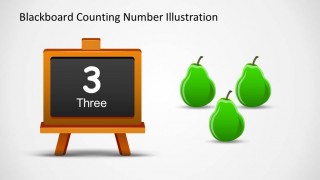
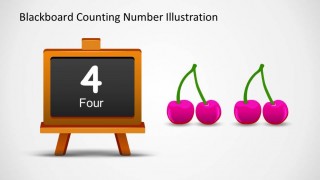
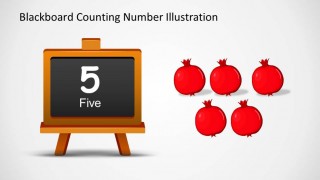
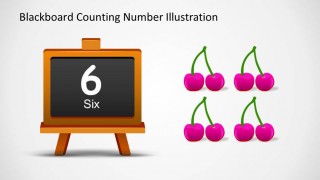
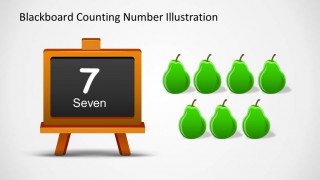
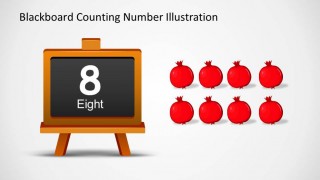
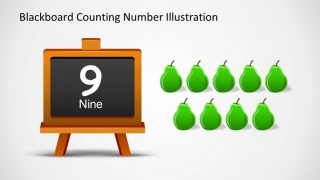
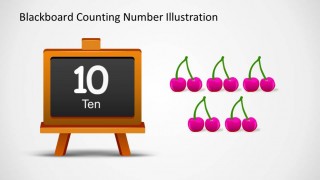
Blackboard Numbers Illustrations PowerPoint Template is a creative presentation of a blackboard where each slide contains a number, and fruits shapes. Ideal for teaching small children the numbers, their sequence and the basic mathematical operations. Each slide contains the same number presented in the blackboard, with a number of fruits. This will help the child to map the number with the concept of amount.
Each fruit, number, symbols and the blackboard itself, are created as PowerPoint Shapes, allowing the user to fully customize each property, size, color and effects. Also, this shapes can be re-used in different presentations; ideal for teachers in classes from Kinder to 2nd grade.
What’s inside this template
Example presentation scenarios
- A kindergarten teacher can present the number counting slides to connect each numeral and number word with a visible group of fruit icons.
- A K-2 tutor can use the blackboard number slides as guided practice, asking students to count the apples, pears, cherries, and pomegranates aloud.
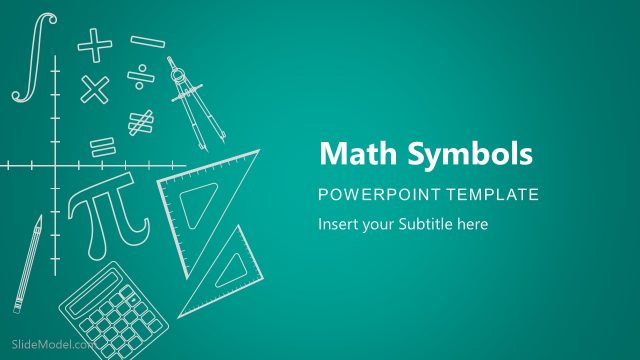
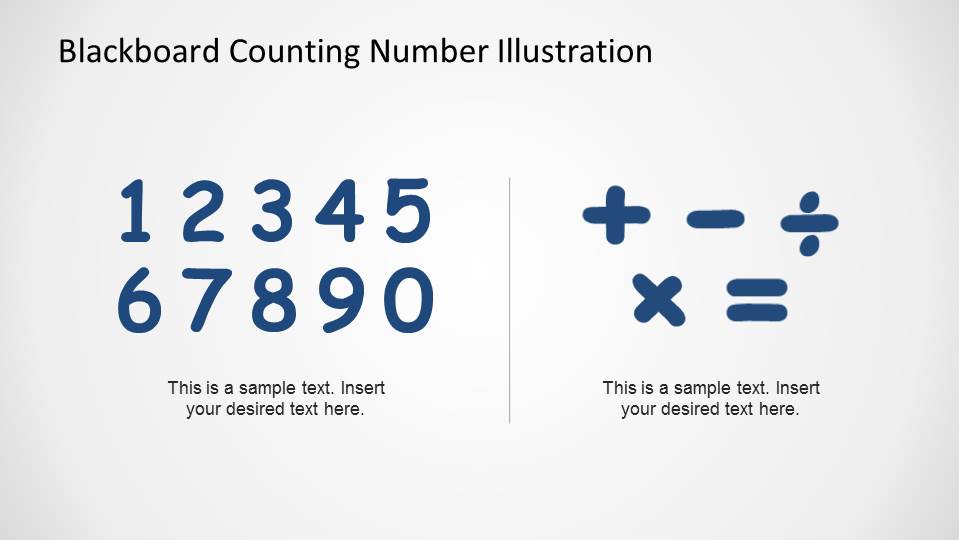
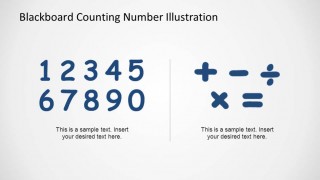
- A homeschool educator can introduce basic arithmetic language with the final digits and math symbols reference slide before moving into simple exercises.
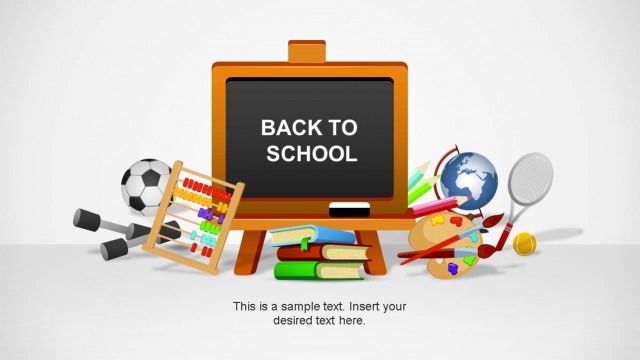
- An education content creator can adapt the cover slide and fruit counting layouts for a back-to-school lesson, worksheet preview, or short classroom activity.
Features
- 100% editable presentation template
- Compatible with Microsoft PowerPoint and Google Slides
- 16:9 aspect ratio slides
- Scalable vector shapes, icons and illustrations
- AI-Ready for Microsoft Copilot and Claude
- Instant access and download
Frequently asked questions
Q: How should a teacher present the counting sequence with this template?
A: Start with the cover to frame the activity, then move one number at a time from 1 to 10. Ask students to say the numeral, read the number word, and count the fruit illustrations aloud. The repeated blackboard layout keeps the task predictable, so attention stays on number recognition and quantity matching.
Q: Who is this template best suited for?
A: This template fits kindergarten, K-2, tutoring, and homeschool settings where the goal is to introduce numbers rather than test mastery. It works best for short teacher-led activities, morning warm-ups, or visual reinforcement because each slide isolates one number and pairs it with a concrete fruit quantity.
Q: Why do the blackboard and fruit visuals help the lesson?
A: The blackboard acts as a classroom metaphor for the written number and number word, while the fruit shapes make quantity concrete. That pairing supports dual coding: students see the symbol and the countable objects at the same time. The repeated composition also reduces distraction and builds a simple learning rhythm.





Blackboard Numbers Illustrations PowerPoint Template
12-slide presentation template with blackboard numbers, fruit counters, and classroom math symbols
This 12-slide education presentation template uses blackboard number illustrations for early counting lessons. It includes a cover slide with fruit icons, individual number counting slides from 1 to 10, and a digits plus math symbols reference slide. Built for teachers and school presenters in Microsoft PowerPoint and Google Slides.
- Category
- Shapes
- Rating


 Loading...
- Aspect ratio
- 16:9, 4:3
- Item ID
- 6525-02
- Colors
 Microsoft PowerPoint
  Microsoft Copilot
  Claude for PowerPoint
 Other formats supported
Subscribe today and get immediate
access to download our PowerPoint templates.