Slide 2 of 3 from Colorful SWOT Analysis Diagram for PowerPoint
6026-06-swot-diagram-2
SWOT Analysis Diagram for Presentations
- Diagram
- Matrix Quadrant
- Strategic Analysis Slide
- 16:9
- 100% Editable
What’s on This Slide
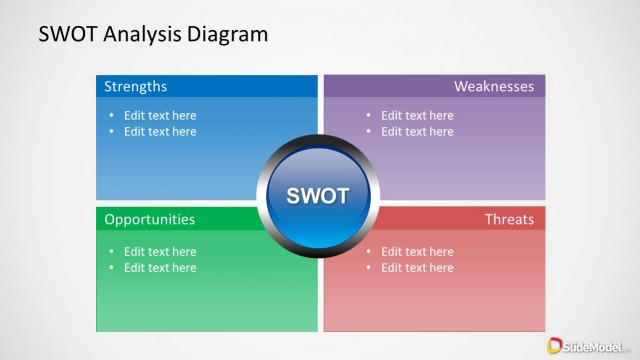
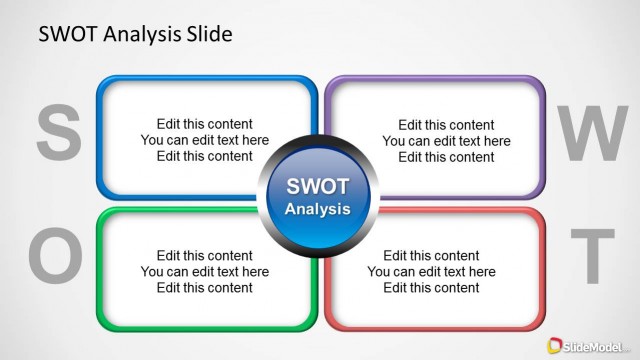
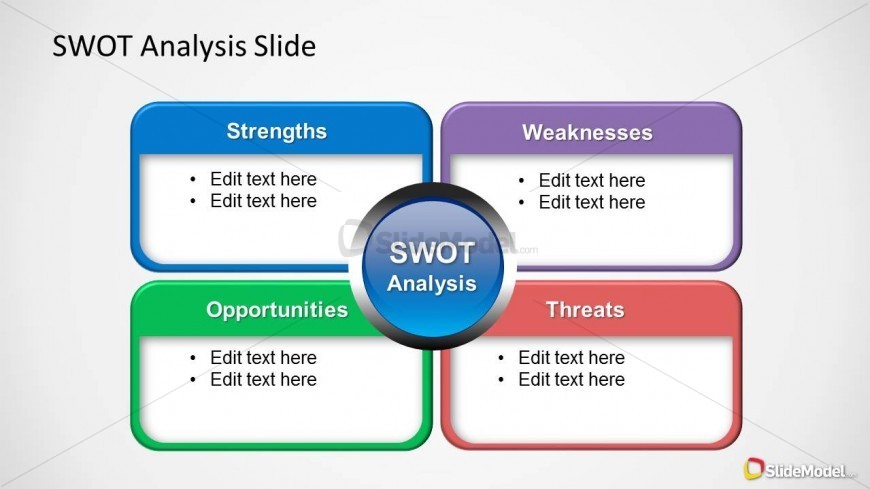
The layout features a central circular node labeled 'SWOT Analysis' surrounded by four quadrants. The top left quadrant is blue, labeled 'Strengths,' while the top right is purple, labeled 'Weaknesses.' The bottom left quadrant is green, labeled 'Opportunities,' and the bottom right is red, labeled 'Threats.' Each quadrant contains bullet-list text placeholders aligned to the left. The overall composition is symmetrical, with a clean background that enhances visibility. The color scheme is distinct, with each quadrant having a unique color for clear differentiation.
How to Use It
This layout serves as a structured SWOT analysis tool, ideal for presenting strategic assessments. It fits well in a sequence following a problem identification slide, allowing for a clear transition to strategic options. This format is useful for business teams, consultants, and planners who need to evaluate strengths, weaknesses, opportunities, and threats in a concise manner. It can be used in various contexts, such as project planning, market analysis, or organizational assessments.
Text Placeholders & Capacity
Keep your copy within these limits so it fits without resizing. Node body slots can accommodate roughly 8-10 words each.
| Placeholder | Count | Max characters (approx.) |
|---|---|---|
| Slide title | 1 | 30 |
| Item heading | 4 | 20 |
| Item body | 8 | 50 |
Slide Keywords
Download unlimited PowerPoint templates, charts and graphics for your presentations with our annual plan.
DOWNLOAD