Slide 3 of 3 from Colorful SWOT Analysis Diagram for PowerPoint
Simple SWOT PPT Slide Design
SWOT Analysis Slide for Presentations
- Diagram
- Matrix Quadrant
- Strategic Analysis Slide
- 16:9
- 100% Editable
The SWOT Analysis Slide from the Colorful SWOT Analysis Diagram for PowerPoint template offers a clear, structured layout ideal for strategic planning and business assessments. This slide template features editable shapes and color-coded quadrants to help teams visually organize strengths, weaknesses, opportunities, and threats. It is suitable for corporate presentations and slide decks focused on strategic analysis, enhancing clarity and engagement during team discussions and consulting reports.
About This Slide
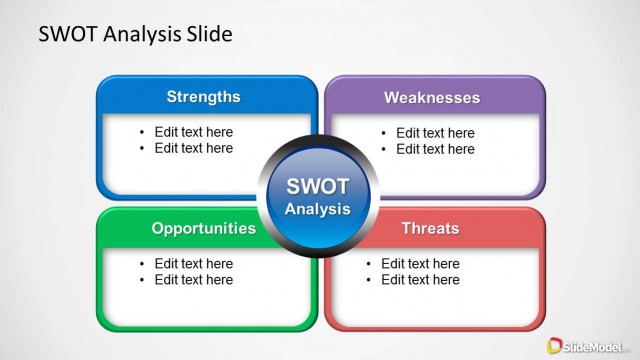
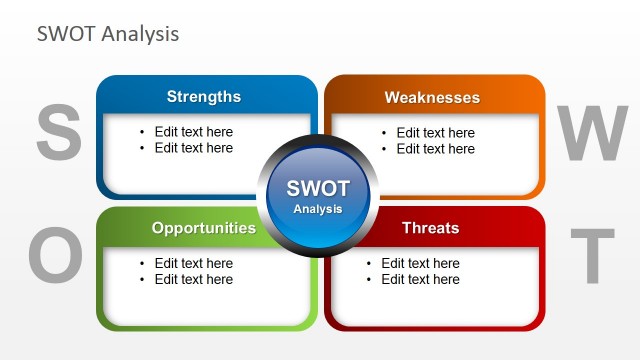
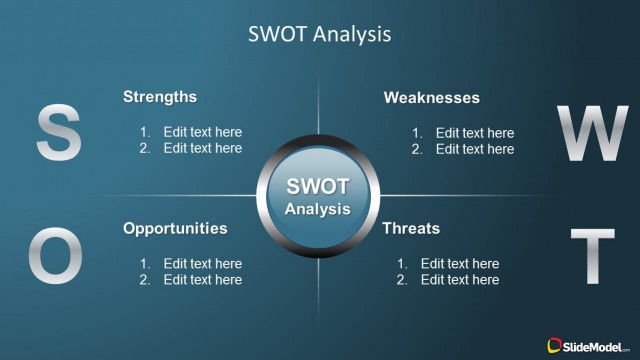
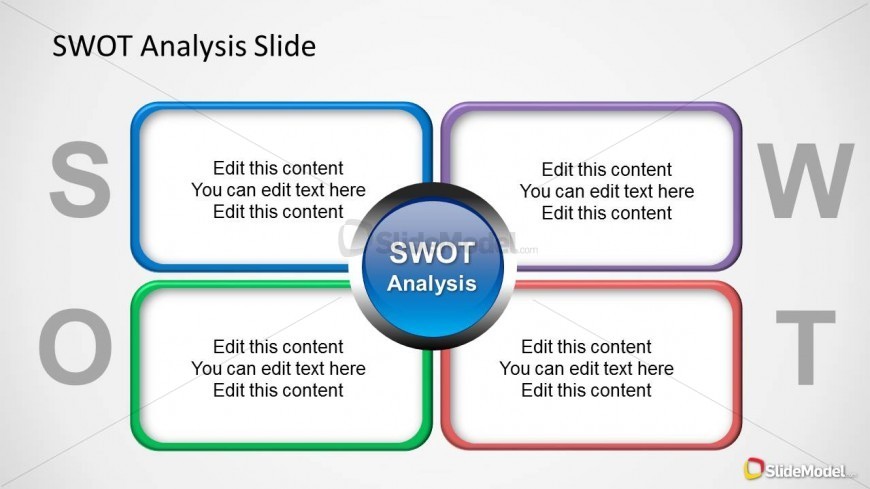
Simple SWOT Analysis PPT template and slide design with SWOT letters and simple background.
What’s on This Slide
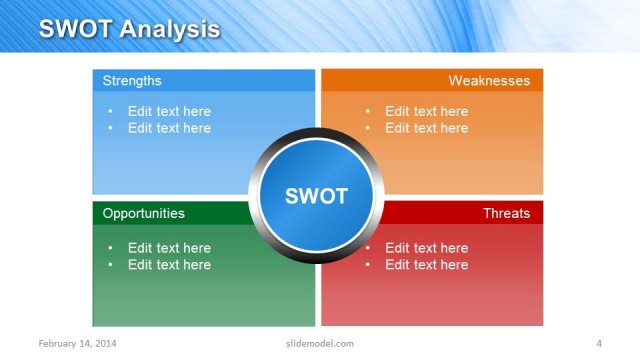
The layout features a central circular node labeled 'SWOT Analysis' surrounded by four quadrants. Each quadrant is labeled with 'S', 'W', 'O', and 'T' for strengths, weaknesses, opportunities, and threats, respectively. The quadrants are color-coded with blue, purple, green, and red borders. Text placeholders are positioned within each quadrant, aligned centrally, and allow for multiple lines of text. The overall composition is symmetrical, with a clear visual hierarchy emphasizing the central node and the labeled quadrants. The background is light, enhancing readability.
How to Use It
This layout serves as a structured framework for presenting a SWOT analysis. It fits well in a strategic assessment presentation, allowing teams to visually categorize strengths, weaknesses, opportunities, and threats. Ideal for business meetings, strategic planning sessions, or consulting reports, it helps convey complex information clearly. Use this slide to facilitate discussions around strategic decisions or to summarize findings in a concise manner. It is effective for both individual and group presentations.
Text Placeholders & Capacity
Keep your copy within these limits so it fits without resizing. Node body slots can hold about 15-20 words each.
| Placeholder | Count | Max characters (approx.) |
|---|---|---|
| Slide title | 1 | 25 |
| Item heading | 4 | 1 |
| Item body | 4 | 100 |
Slide Keywords
Download unlimited PowerPoint templates, charts and graphics for your presentations with our annual plan.
DOWNLOAD