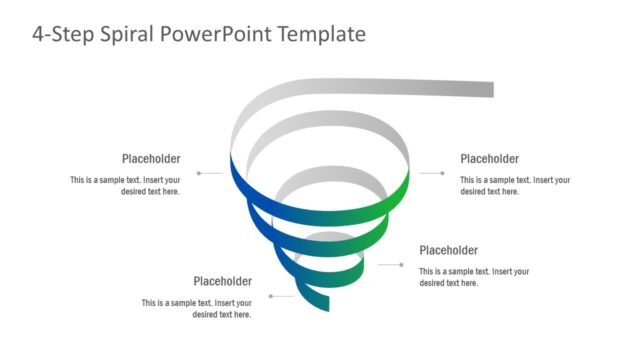
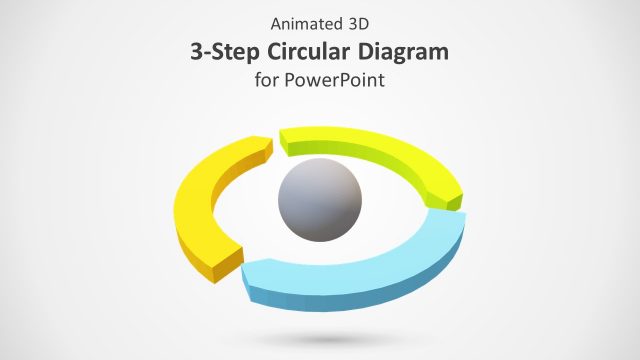
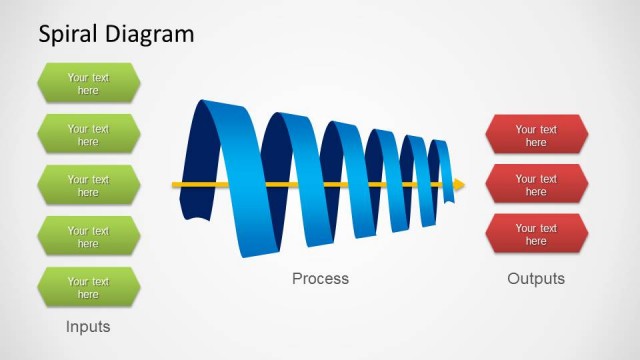
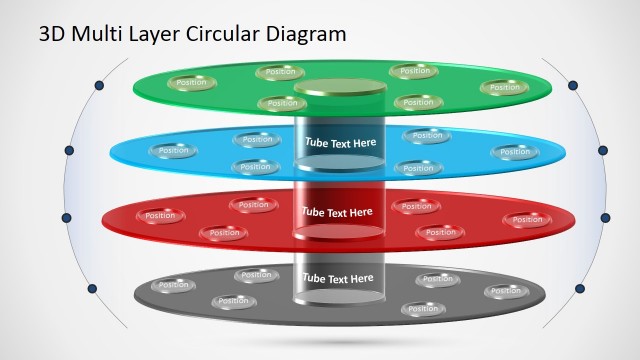
Grab our catchy 3D Spiral Animated PowerPoint Diagram for presenting layered concepts and process stages memorably for your audience. 3D animated diagrams are created using PowerPoint shape effects and animations. These figures have a special impact on the audience, which helps presenters stand out from the crowd. The applications of this 3D spiral are not limited to a single domain or topic of presentations; rather, it can be used for presenting topics from diverse fields like education, business, real estate, medicine, science & research. The catchy color scheme and minimal PowerPoint icons are ideal for presenting the core concepts or complex ideas. This diagram template is compatible with PowerPoint, Google Slides, and Keynote, so users can download and conveniently use it in their presentations.
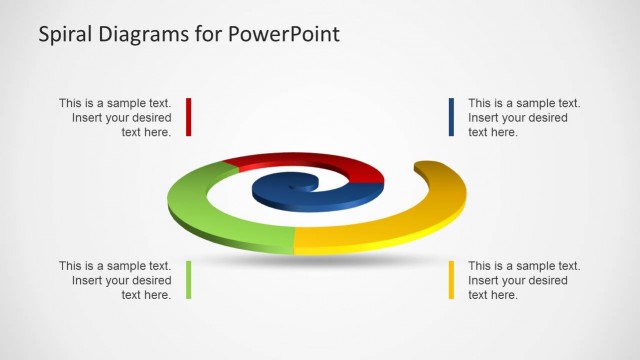
This 3D Spiral Animated PowerPoint Diagram is a four-colored diagram where each color represents a specific layer or level. These four colors are swirled around one another, creating a 3D spiral illustration. On the first slide, this diagram is displayed with color-coded arrows labeling each level. Meaningful graphical icons are also added with shapes that can be replaced according to the topic of the presentation. After the first slide, this diagram is moved and focused on using Morph, which highlights the innermost layer of the spiral. The relevant text box also appears on the slide. Similarly, on the following slides, the layers are focused individually, and their description boxes are displayed with them. Lastly, the ending slide features a moving diagram with four points in a queue to prepare a presentation summary. Presenters can easily change the colors and font styles of this template.
Presenters can use this 3D diagram for their professional and educational presentations. For instance, it can help explain the core values, crucial components of the system, and degree-wise importance of the factors under discussion. Above all, professionals can devise their use case for this PPT template to meet the requirements. So, download and try this presentation template now!
What’s inside this template
Example presentation scenarios
- A consultant can use the overview diagram and four layer focus slides to explain a client framework with four strategic pillars and a clear progression from core to outer layer.
- An educator can present a complex lesson as nested concepts, using the red, teal, gold, and blue layer slides to separate each idea before summarizing the model.
- A project manager can introduce a four-stage implementation model, assigning each spiral layer to a stage and using the final summary slide to recap responsibilities or milestones.
- A healthcare or research presenter can explain a layered system, such as factors influencing an outcome, with the close-up focus slides helping the audience follow one component at a time.
Features
- 100% editable presentation template
- Compatible with Microsoft PowerPoint and Google Slides
- 16:9 aspect ratio slides
- Ready with Animations & Transitions in PowerPoint
- AI-Ready for Microsoft Copilot and Claude
- Instant access and download
Frequently asked questions
Q: How should a presenter explain the four spiral layers without confusing the audience?
A: Start with Slide 1 as the full mental map, naming what each color represents before adding detail. Then move through Slides 2 to 5 one layer at a time, keeping each text block short. Use Slide 6 to restate the four labels in the same order so the audience can connect the close-ups back to the whole model.
Q: What type of message is this 3D spiral diagram best suited to communicate?
A: This template works best for messages where four ideas are connected but not simply linear. It fits concept hierarchies, maturity levels, strategic pillars, learning modules, or system components. The spiral implies depth and movement, so it is stronger for explaining layered relationships than for listing unrelated bullet points.
Q: Why does the design use a spiral metaphor instead of a standard four-step diagram?
A: The spiral gives the audience a visual cue that the four items belong to one integrated system. The inner red layer, surrounding teal and gold sections, and outer blue layer suggest containment, priority, or staged growth. The close-up slides reduce visual load by focusing attention on one part of the model at a time.


3D Spiral Animated PowerPoint Diagram
6-slide animated presentation template for 3D spiral layers, process stages, and concept hierarchy
3D Spiral Animated PowerPoint Diagram is a 6-slide 16:9 presentation template for explaining four-layer concepts with a 3D spiral model. It includes an overview diagram, individual layer focus slides, icon-labeled callouts, and a closing four-point summary. It supports Microsoft PowerPoint and Google Slides and includes PowerPoint animations.
- Category
- Diagrams
- Rating

 Loading...
- Aspect ratio
- 16:9
- Item ID
- 3D0093-02
- Colors
 Microsoft PowerPoint
 Microsoft Copilot
 Claude for PowerPoint
Other formats supported
Subscribe today and get immediate
access to download our PowerPoint templates.