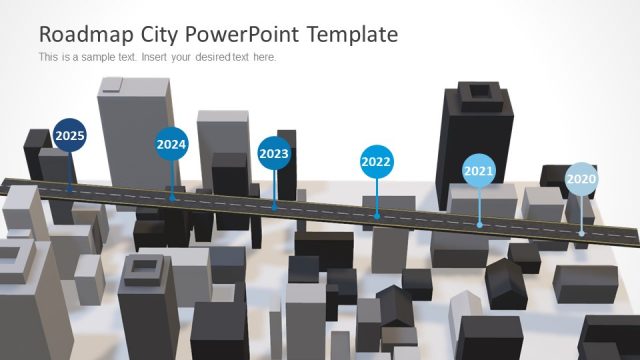
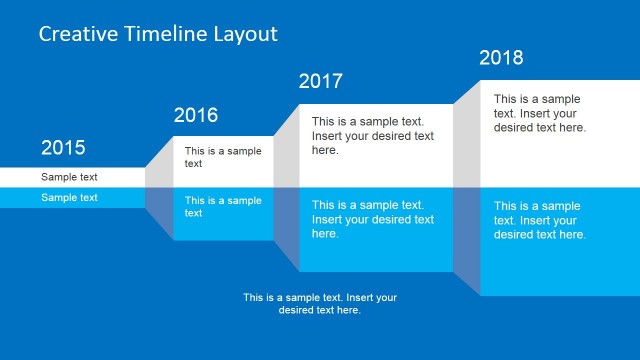
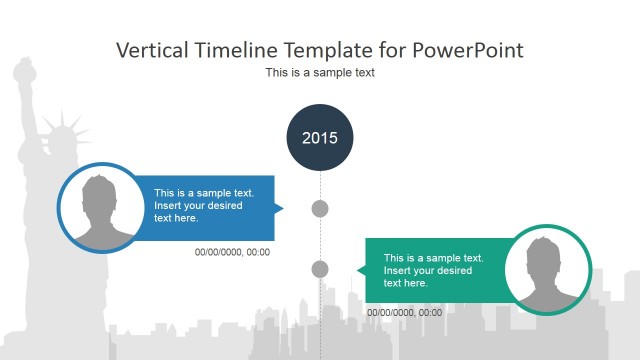
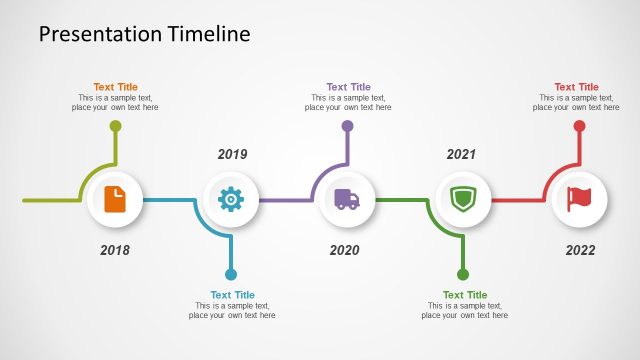
City Timeline Background Template for presentations is a creative timelines & planning concept for PowerPoint that can be used by architects or urbanists to make presentation timelines.
What’s inside this template
Example presentation scenarios
- An urban planner can use the 2016-2026 timeline to explain a long-range city improvement plan and place policy, construction, or public engagement milestones on the angled callouts.
- An architect can present a phased building or district concept by mapping design, approval, construction, and opening dates against the skyline illustration.
- A real estate developer can brief investors on a development roadmap, using the red future segment and year circles to separate completed work from upcoming milestones.
- A municipal project manager can summarize an infrastructure schedule for a council meeting, using the title block for the program name and the lower callouts for key decision points.
Features
- 100% editable presentation template
- Compatible with Microsoft PowerPoint and Google Slides
- 16:9 aspect ratio slides
- Scalable vector shapes, icons and illustrations
- AI-Ready for Microsoft Copilot and Claude
- Instant access and download
Frequently asked questions
Q: How should a presenter turn this single timeline into a clear planning story?
A: Start by naming the project in the upper-left title block, then treat the year circles as the main reading path. Use only the most important milestone in each angled callout, keeping phrasing short enough to scan. Reserve the red section for future years or priority actions so the audience can quickly see what changes next.
Q: Who is this city timeline slide best suited for?
A: This slide fits presenters who need to summarize a dated urban, architecture, real estate, or infrastructure plan without building a full project schedule. It works well for planners, architects, consultants, and municipal teams who want to show a high-level sequence of yearly milestones supported by a skyline metaphor.
Q: Why does the city background help the timeline communicate better?
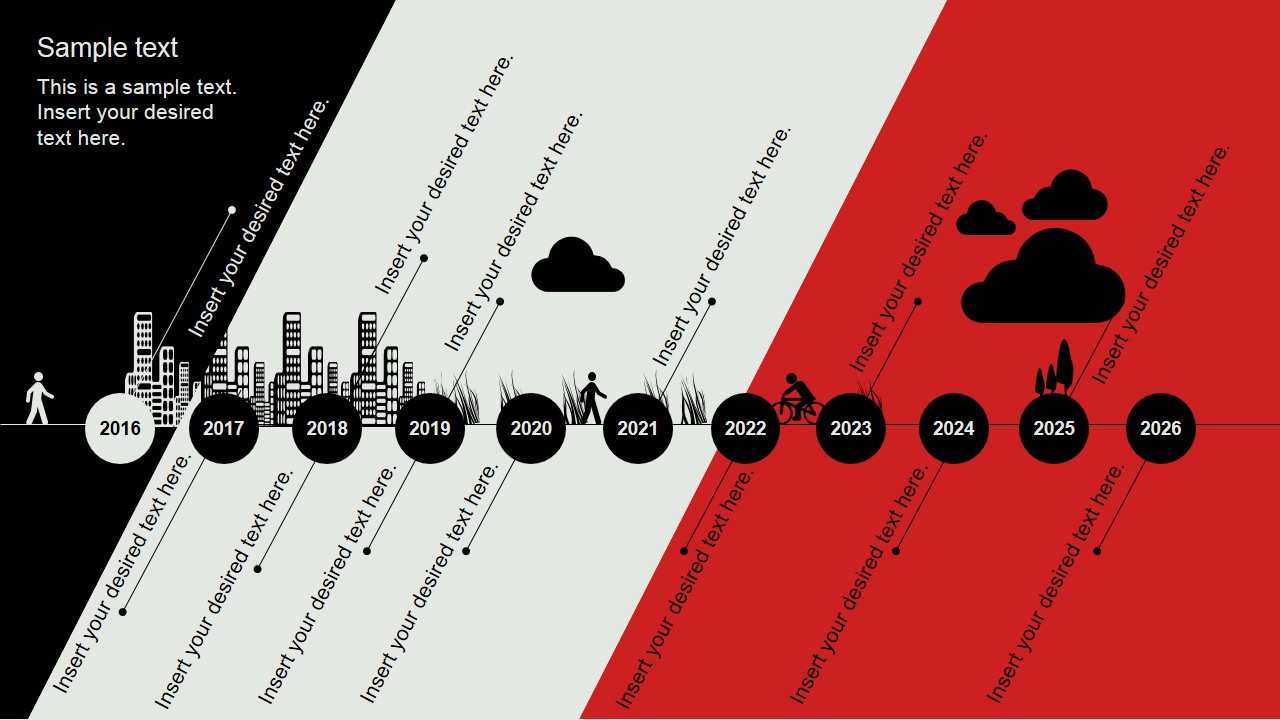
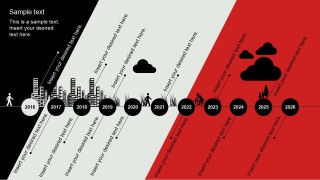
A: The skyline, pedestrian, bicycle, clouds, grass, and trees turn the timeline into a city scene rather than a plain row of dates. That metaphor helps audiences connect milestones to place-based development. The diagonal black, gray, and red fields also create visual zones that can separate context, current work, and future planning.
City Timeline Background Template for Presentations
1-slide timeline presentation template with city skyline, yearly milestones, and urban planning callouts
City Timeline Background Template for Presentations is a one-slide 16:9 timeline slide template for showing yearly urban planning or development milestones. It includes a horizontal 2016-2026 timeline, city skyline illustration, angled milestone callouts, and urban scene icons. The template is for planners, architects, and project presenters using Microsoft PowerPoint or Google Slides.
- Category
- Timelines & Planning
- Rating


 Loading...
- Aspect ratio
- 16:9
- Item ID
- 7128-01
- Colors
 Microsoft PowerPoint
  Microsoft Copilot
  Claude for PowerPoint
 Other formats supported
Subscribe today and get immediate
access to download our PowerPoint templates.