Slide 4 of 6 from Circular Flywheel Diagram PowerPoint Template
Focus Slide – Circular Flywheel Diagram Template
Circular Flywheel Diagram for Presentations
- Diagram
- Circular Cycle
- Process Slide
- 16:9
- 100% Editable
The Circular Flywheel Diagram slide from the Circular Flywheel Diagram PowerPoint Template illustrates cyclical business processes with editable shapes and vector icons. This slide layout is ideal for corporate presentations and pitch deck templates focused on product strategy and marketing workflows, offering clear visualization of continuous improvement cycles within a business presentation.
What’s on This Slide
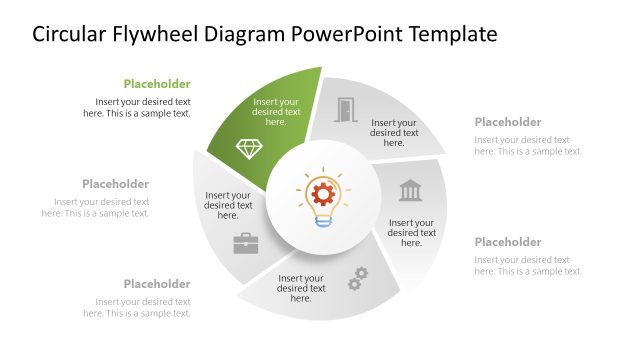
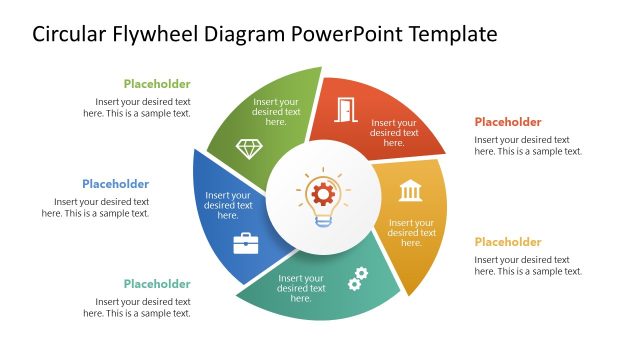
The layout features a circular flywheel divided into five segments, each containing a text placeholder. The central area includes an icon representing an idea or concept. Each segment is labeled with a placeholder for text, positioned around the circle's perimeter. The segments are visually distinct, with a gradient color scheme, and the central icon is highlighted. The overall composition emphasizes the cyclical nature of the diagram, with clear visual hierarchy guiding the viewer's attention from the center outward. Additional text placeholders are located at the top and bottom.
How to Use It
This layout serves as a process illustration, effectively depicting cyclical operations or strategies. It fits well in presentations discussing business models, product development, or marketing strategies. The circular format allows for easy understanding of interconnected processes. This slide is particularly useful for teams presenting multi-step workflows or initiatives that require continuous improvement. It can be used in various contexts, from strategic planning to operational reviews, ensuring clarity in complex ideas.
Text Placeholders & Capacity
Keep your copy within these limits so it fits without resizing. Node body slots can hold about 10 words each, while labels can accommodate shorter phrases.
| Placeholder | Count | Max characters (approx.) |
|---|---|---|
| Item body | 5 | 50 |
| Item heading | 5 | 20 |
| Chart title | 1 | 40 |
| Footer | 2 | 50 |
Slide Keywords
Download unlimited PowerPoint templates, charts and graphics for your presentations with our annual plan.
DOWNLOAD