Slide 5 of 6 from Circular Flywheel Diagram PowerPoint Template
Circular Flywheel Diagram Template Slide with Spotlight Effect
Five-Segment Circular Flywheel Diagram
- Diagram
- Circular Cycle
- Process Slide
- 16:9
- 100% Editable
The Five-Segment Circular Flywheel Diagram slide from the Circular Flywheel Diagram PowerPoint Template offers a clear visual representation of cyclical business processes. This slide layout uses editable shapes and vector icons to highlight interconnected project phases, making it suitable for corporate presentations and strategic planning. Its design supports effective communication in business presentations and pitch deck templates by emphasizing flow and continuity within a slide deck.
What’s on This Slide
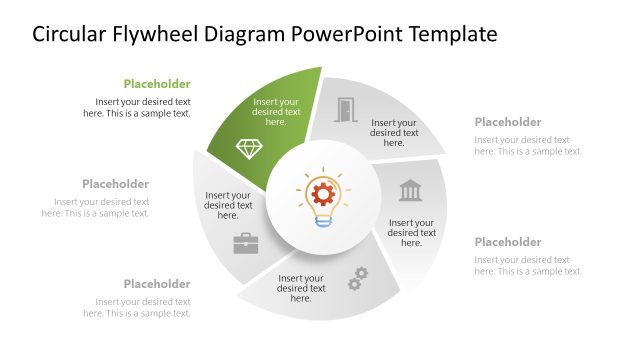
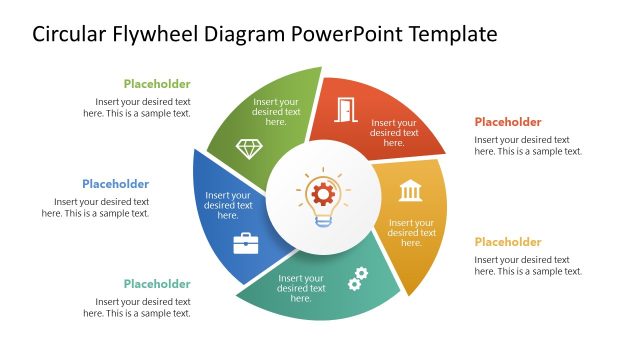
The layout features a circular diagram divided into five segments, each containing a placeholder for text. The segments are arranged in a clockwise direction, with a central circular area for additional text. Each segment has a distinct color, with one segment in blue, indicating emphasis. Icons are placed within each segment, visually representing the content. Text placeholders are centered within each segment and the central area, maintaining a clear visual hierarchy. The background is white, providing contrast to the colorful segments, and enhancing readability.
How to Use It
This layout serves as a cyclical process diagram, ideal for illustrating interconnected business functions or strategies. It fits well after a problem-framing slide, leading into a detailed discussion of operational processes. This structure is useful for presentations in marketing, product development, or strategic planning, where visualizing the flow of activities is essential. It can also be adapted for team discussions on project phases or continuous improvement processes.
Text Placeholders & Capacity
Keep your copy within these limits so it fits without resizing. Node body slots are tight, roughly 8 words each.
| Placeholder | Count | Max characters (approx.) |
|---|---|---|
| Item body | 5 | 40 |
| Item body | 1 | 40 |
Slide Keywords
Download unlimited PowerPoint templates, charts and graphics for your presentations with our annual plan.
DOWNLOAD