Slide 3 of 6 from Circular Flywheel Diagram PowerPoint Template
Customizable Circular Flywheel Diagram PPT Template
Circular Flywheel Diagram for Presentations
- Diagram
- Circular Cycle
- Process Slide
- 16:9
- 100% Editable
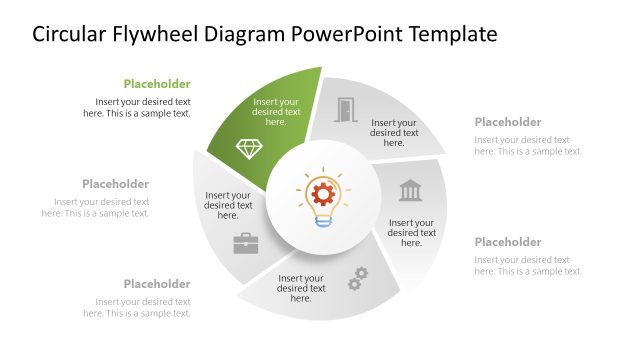
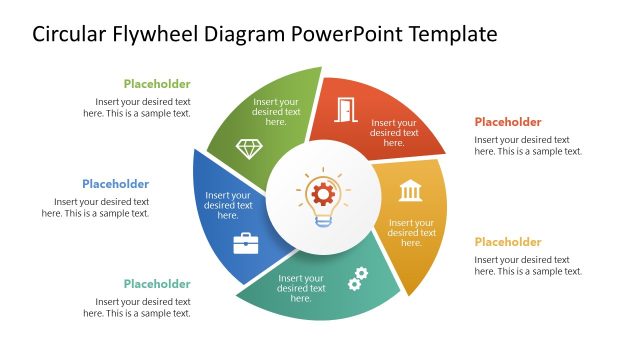
The Circular Flywheel Diagram with Icons slide from the Circular Flywheel Diagram PowerPoint Template visually represents cyclical processes using a multi-segment circular layout. This slide is ideal for strategy presentations and marketing frameworks, featuring editable shapes and icons that enhance clarity in business presentations. Its design supports clear communication of interconnected phases, making it a practical choice for corporate slide decks and pitch deck templates.
What’s on This Slide
The layout features a circular flywheel divided into five segments, each labeled with a text placeholder. The segments are arranged in a clockwise direction, with a central circular node containing an icon of a light bulb. Each segment has a distinct background color, enhancing visual separation. Text placeholders are positioned within each segment, aligned centrally. The overall design includes a white background, allowing the colored segments to stand out. The visual hierarchy emphasizes the central icon, supported by the surrounding segments.
How to Use It
This layout serves as a multi-segment diagram to illustrate cyclical processes or concepts. It fits well in presentations discussing strategies, operations, or marketing frameworks. This structure is useful for business scenarios where a visual representation of interconnected elements is needed, such as product development cycles or project management phases. It can be used to highlight the relationship between different components in a system, making it suitable for both individual and team presentations.
Text Placeholders & Capacity
Keep your copy within these limits so it fits without resizing. Each segment can hold about 40 characters of text.
| Placeholder | Count | Max characters (approx.) |
|---|---|---|
| Item body | 5 | 40 |
| Item heading | 5 | 20 |
| Chart title | 1 | 60 |
Slide Keywords
Download unlimited PowerPoint templates, charts and graphics for your presentations with our annual plan.
DOWNLOAD