Slide 1 of 6 from Circular Flywheel Diagram PowerPoint Template
Circular Flywheel Diagram Template – Cover Slide
Circular Flywheel Diagram Overview
- Diagram
- Circular Cycle
- Process Slide
- 16:9
- 100% Editable
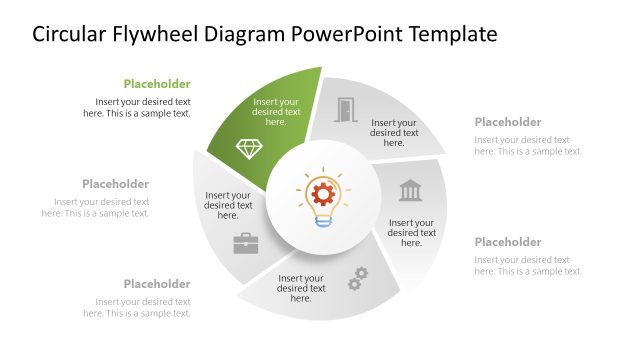
The Circular Flywheel Diagram slide from the Circular Flywheel Diagram PowerPoint Template offers a clear visual for illustrating cyclical processes and operational strategies. This slide template features editable shapes and vector icons arranged in a colorful, symmetrical layout, making it suitable for business presentations and pitch deck templates that require a professional depiction of interconnected components within a system.
What’s on This Slide
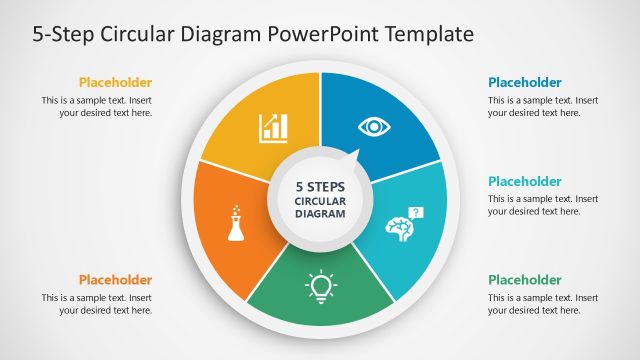
The slide features a circular diagram divided into five segments, each colored differently. The segments are arranged in a clockwise direction, with a central circular node. Each segment contains a placeholder for text, aligned towards the outer edge, and includes an icon representing the segment's theme. The central node has a light bulb icon and also contains a text placeholder. The overall layout is symmetrical, with a clean background that enhances the visual hierarchy. Colorful segments create a clear distinction between different areas of focus.
How to Use It
This layout serves as a multi-segment diagram ideal for illustrating cyclical processes or concepts. It fits well in presentations discussing operational strategies, marketing approaches, or product development cycles. This slide can be used to depict how various components interact within a system. It is effective for summarizing complex ideas in a visually engaging manner, making it suitable for business meetings, strategy sessions, or educational contexts.
Text Placeholders & Capacity
Keep your copy within these limits so it fits without resizing. Each segment can hold about 40 characters of text comfortably.
| Placeholder | Count | Max characters (approx.) |
|---|---|---|
| Item body | 5 | 40 |
| Item body | 1 | 40 |
Slide Keywords
Download unlimited PowerPoint templates, charts and graphics for your presentations with our annual plan.
DOWNLOAD