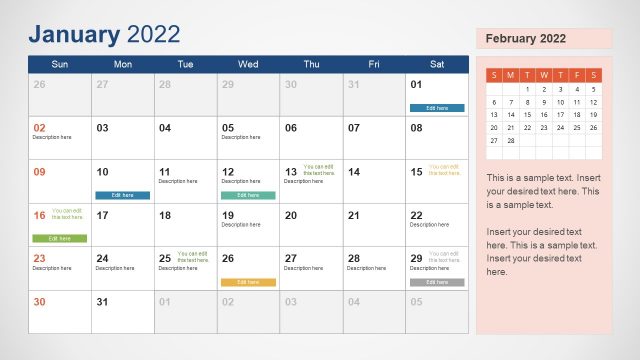
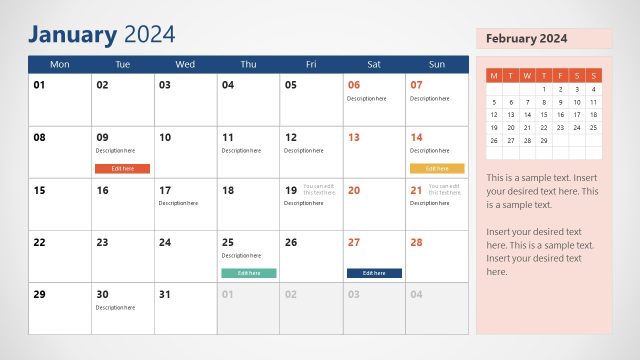
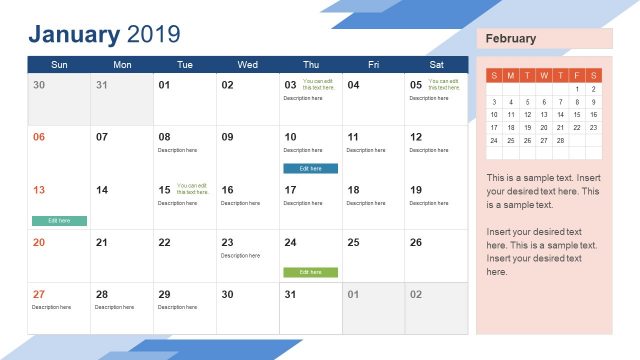
Calendar Template for PowerPoint is a presentation template containing useful slide designs and calendar placeholders that you can use to represent date & time or agenda slides in PowerPoint. Calendar PowerPoint template comes with very useful slides and calendar shapes for presentations that you can use in presentations on task management, agenda or schedule organization.
What’s inside this template
Example presentation scenarios
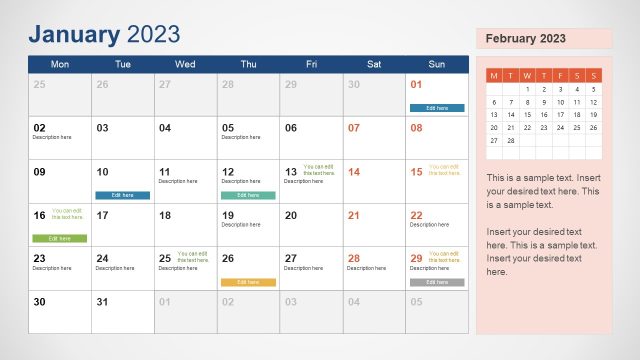
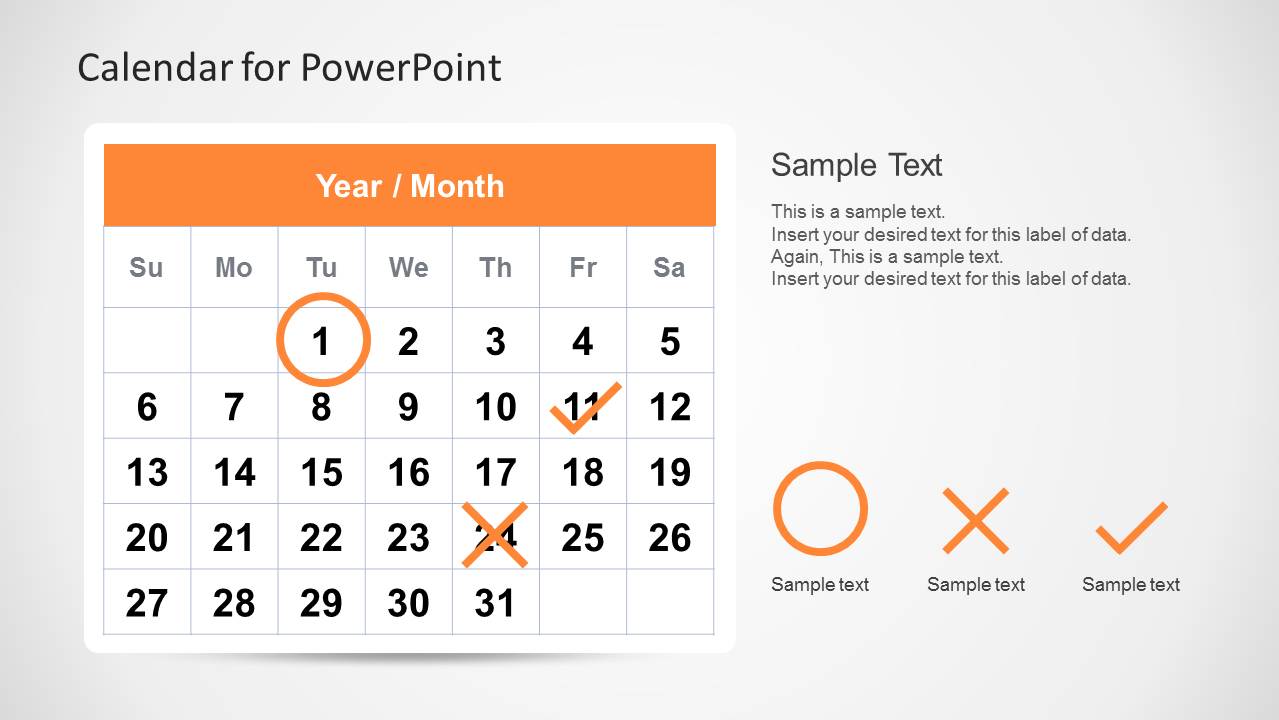
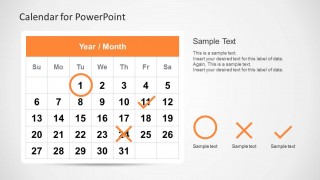
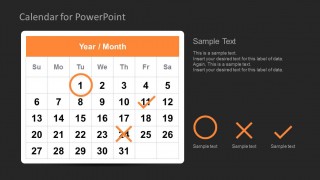
- A project manager can present a monthly delivery plan by placing key deadlines on the calendar grid and using the orange circle, X, and checkmark markers to explain task status.
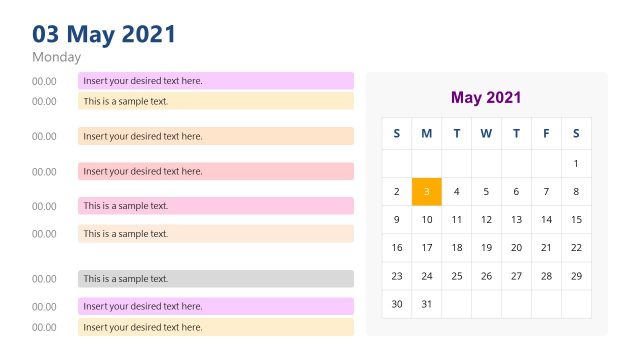
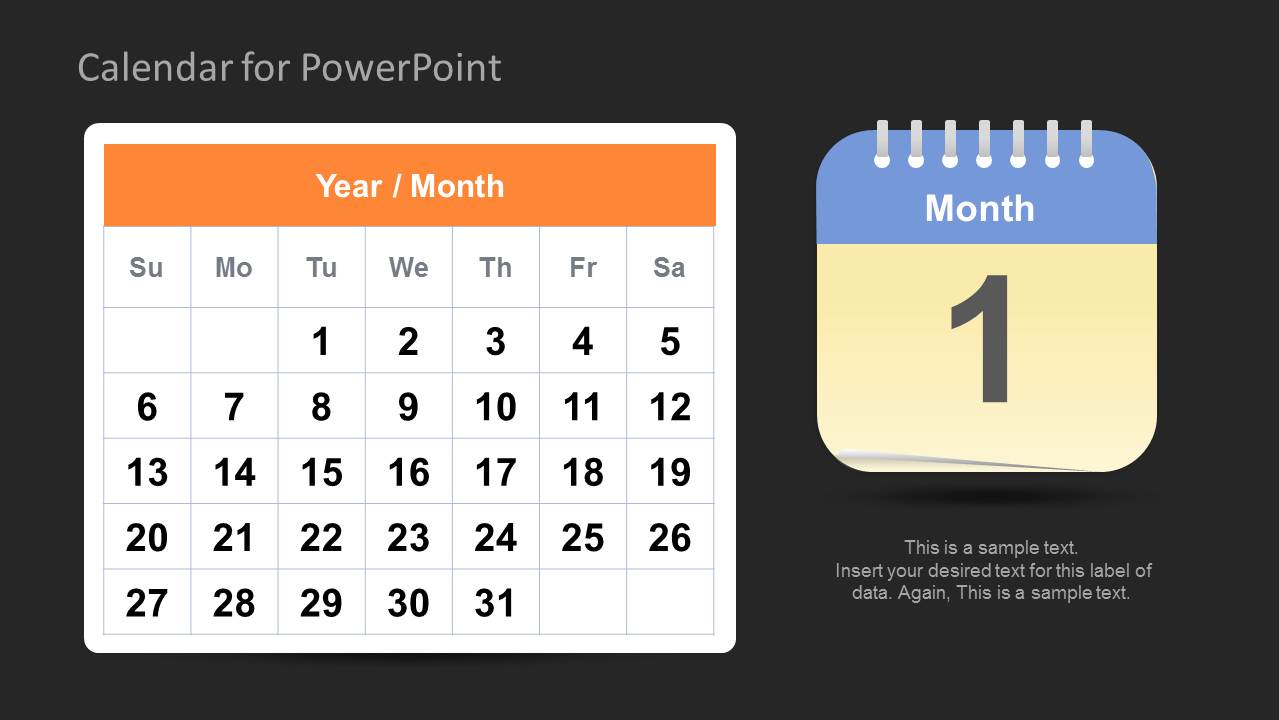
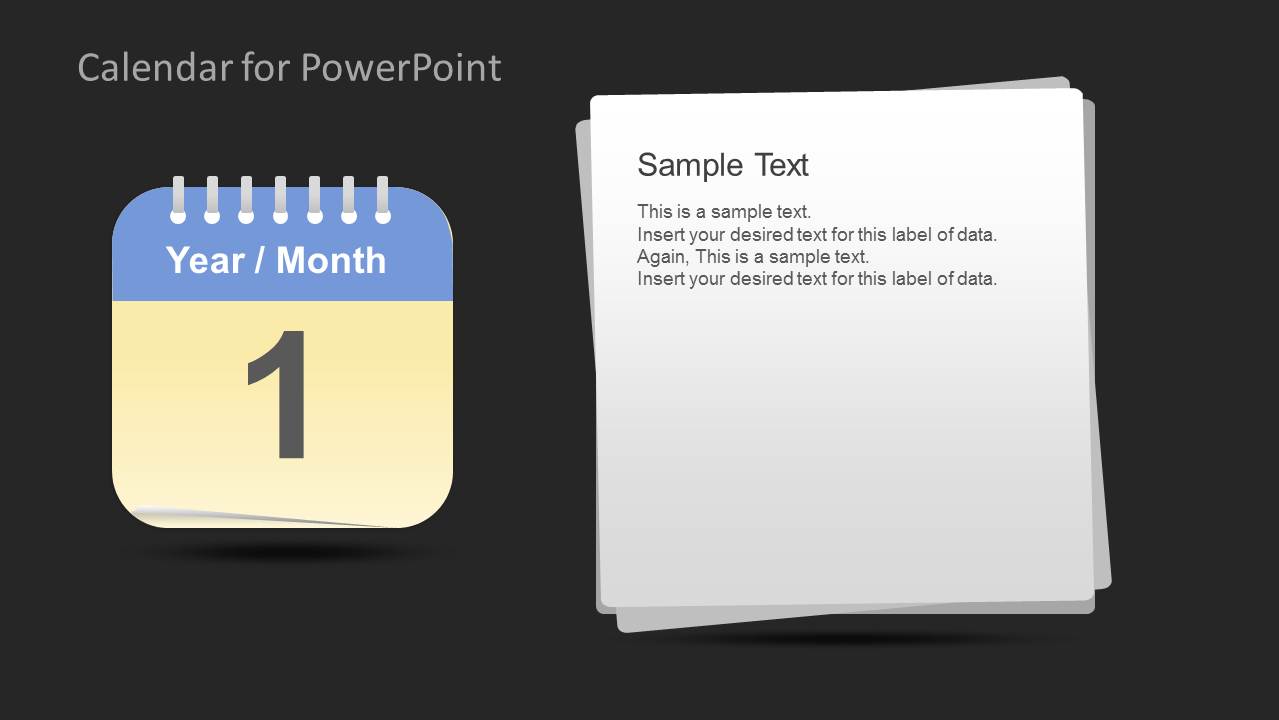
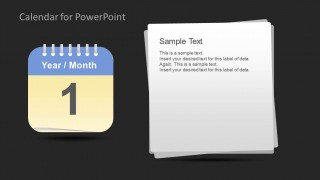
- An operations lead can brief a team on recurring activities by using the single-day calendar card for the focus date and the stacked note panel for instructions.
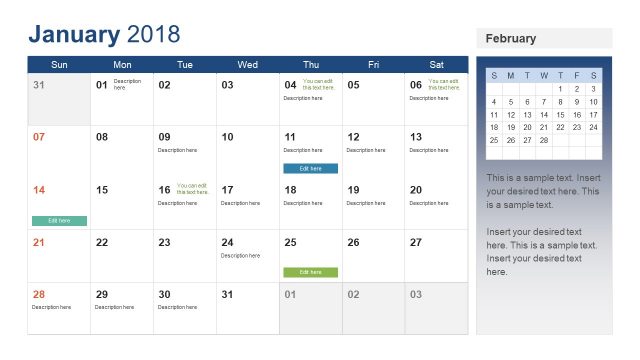
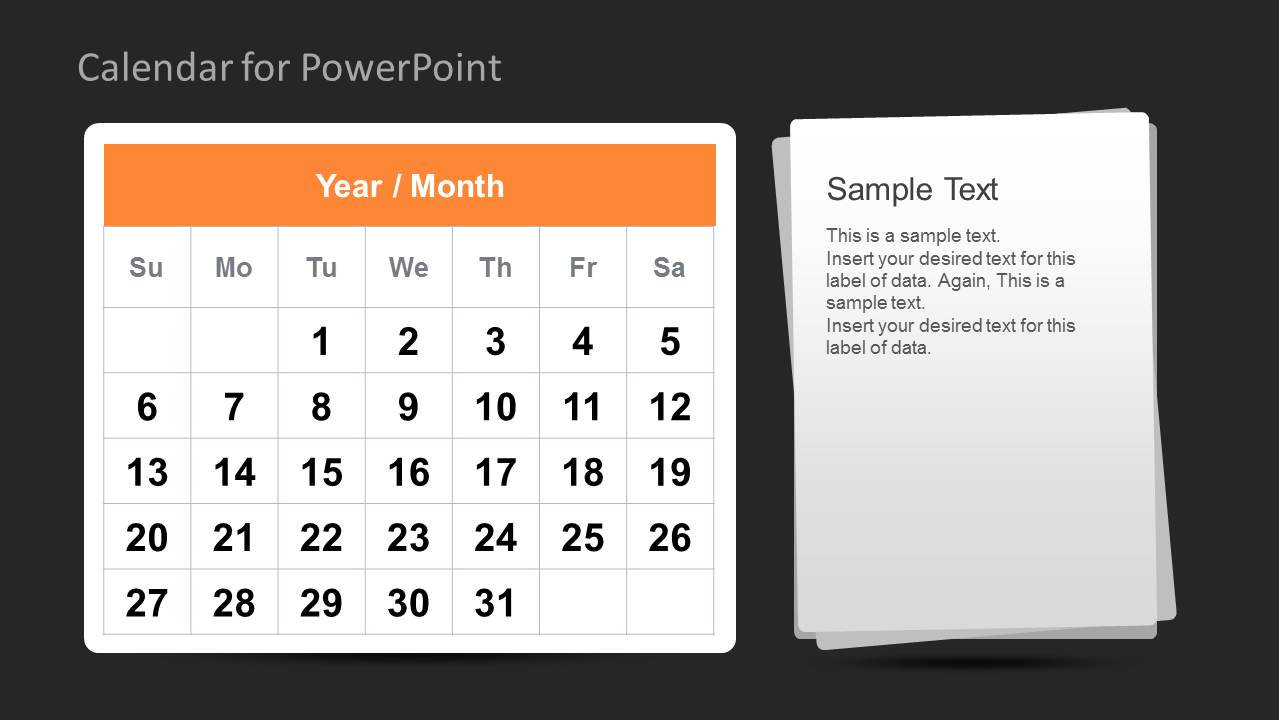
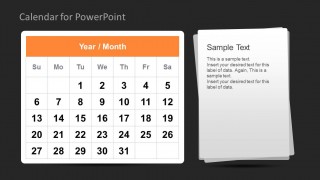
- An event planner can explain agenda timing by combining the monthly calendar grid with adjacent note pages that summarize venue, logistics, or attendee tasks.
- An executive assistant can prepare a leadership schedule update by using the dark-background variants to separate formal calendar views from supporting notes.
Features
- 100% editable presentation template
- Compatible with Microsoft PowerPoint and Google Slides
- Scalable vector shapes, icons and illustrations
- AI-Ready for Microsoft Copilot and Claude
- Instant access and download
Frequently asked questions
Q: How should a presenter use the calendar grid without turning it into a date dump?
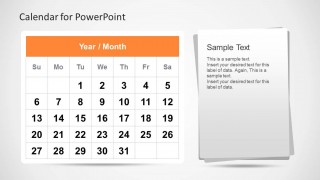
A: Use the monthly calendar grid to show only the dates that matter to the audience. Pair it with the note panel to explain decisions, owners, or next actions instead of listing every task. The circle, X, and checkmark markers work best when they have a clear legend and are used consistently.
Q: What kind of planning presentation is this template best suited for?
A: This template fits short planning updates where dates are the central message: project deadlines, event schedules, task checkpoints, meeting agendas, or operational calendars. It is especially useful for managers and coordinators who need to point to a date, explain its meaning, and connect it to a task or decision.
Q: Why does the design pair calendar pages with paper note panels and marker icons?
A: The calendar pages create a familiar time metaphor, while the stacked notes suggest detail, context, and follow-up actions. This pairing helps the audience separate when something happens from what they need to know about it. The marker icons add a quick visual code for priority, completion, or attention.



Calendar Template for PowerPoint
9-slide PowerPoint presentation template with monthly calendar grids, date cards, and task markers
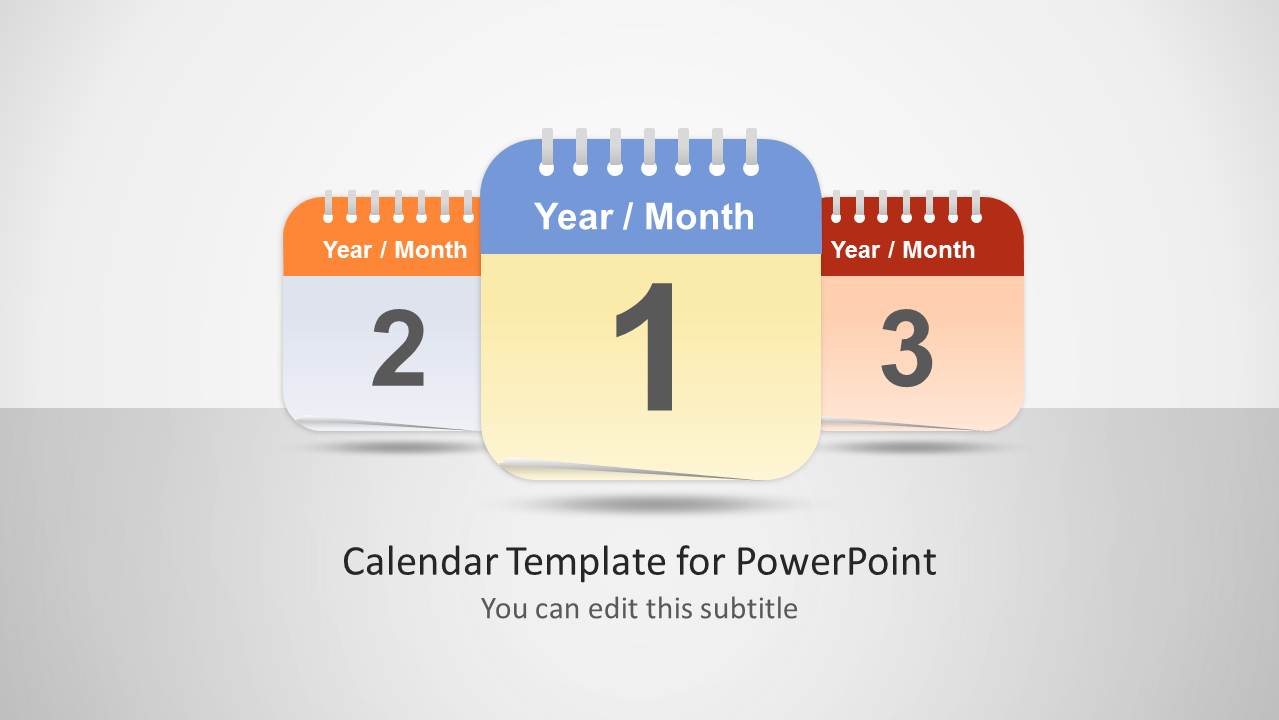
This 9-slide Calendar Template for PowerPoint provides editable calendar visuals for schedule and task presentations. It includes a cover with tear-off date cards, monthly calendar grids, stacked note panels, highlighted date markers, and icon legends with circle, X, and checkmark symbols for managers, planners, and project teams.


 Loading...
 Microsoft PowerPoint
  Microsoft Copilot
  Claude for PowerPoint
 Other formats supported
Subscribe today and get immediate
access to download our PowerPoint templates.