Slide 9 of 9 from Calendar Template for PowerPoint
Calendar Template for PowerPoint Task Management
Editable Monthly Calendar Template for Presentations
- Table
- Calendar
- Resource Plan Slide
- 16:9
- 100% Editable
The Monthly Calendar Layout from the Calendar Template for PowerPoint offers a structured table format ideal for monthly planning and task scheduling. This slide template features editable shapes and clear date markers, making it suitable for project timelines and business presentations that require precise date management within a slide deck.
What’s on This Slide
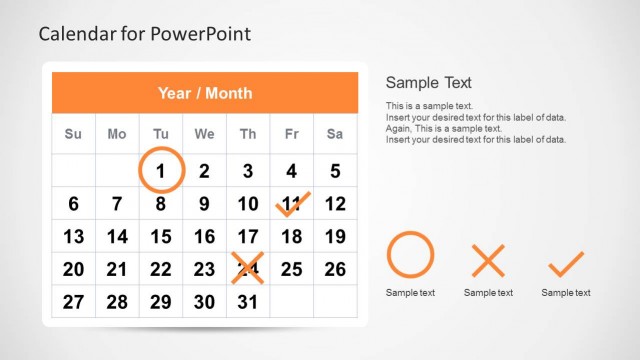
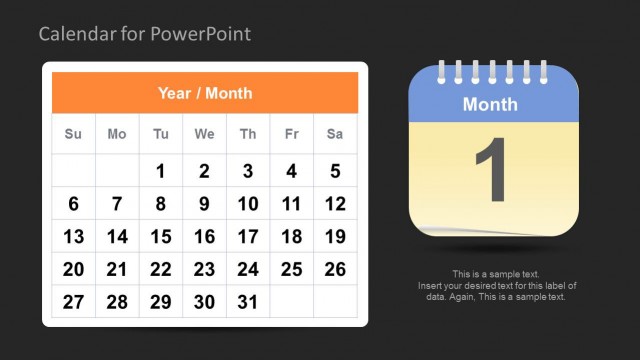
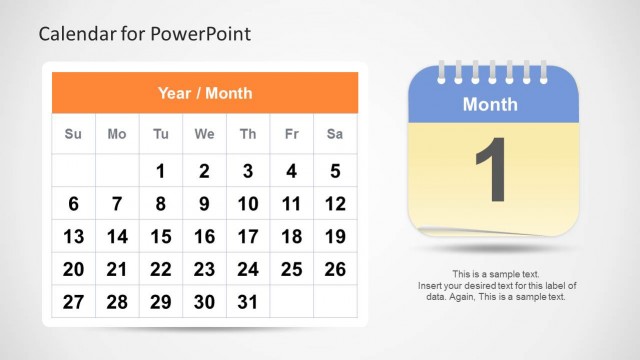
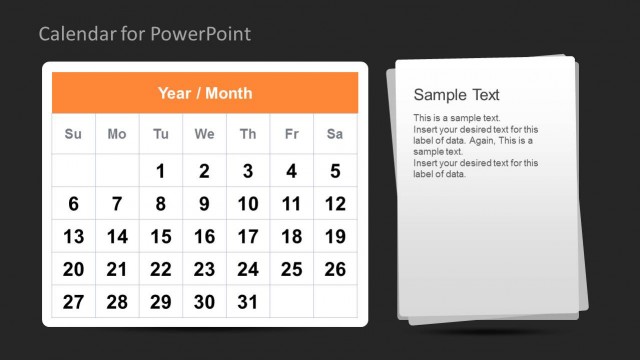
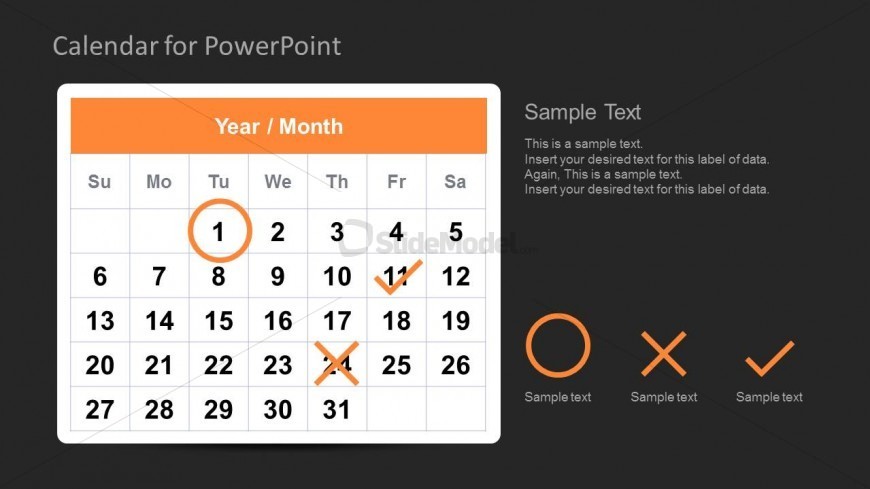
The slide features a monthly calendar layout centered on a dark background. At the top, there is an orange header labeled 'Year / Month.' Below, the calendar grid displays days of the week from Sunday to Saturday, with the first day of the month circled in orange. Specific dates are marked with checkmarks and crosses, indicating tasks or events. Text placeholders are present for additional notes, aligned to the right of the calendar. The overall composition is structured and clear, with a focus on date management.
How to Use It
This layout serves as a monthly calendar for scheduling and task management. It fits well in presentations focused on project timelines or planning sessions. Use it to highlight important dates, deadlines, or events within a month. This slide is particularly useful for team meetings, project updates, or any context where date management is essential. It can be used individually or as part of a series of calendar slides to provide a comprehensive overview of scheduling.
Text Placeholders & Capacity
Keep your copy within these limits so it fits without resizing. Node slots can accommodate multiple entries, roughly 5 characters each.
| Placeholder | Count | Max characters (approx.) |
|---|---|---|
| Slide title | 1 | 30 |
| Item heading | 7 | 10 |
| Item body | 42 | 5 |
| Body paragraph | 3 | 50 |
Slide Keywords
Download unlimited PowerPoint templates, charts and graphics for your presentations with our annual plan.
DOWNLOADReturn to Calendar Template for PowerPoint.