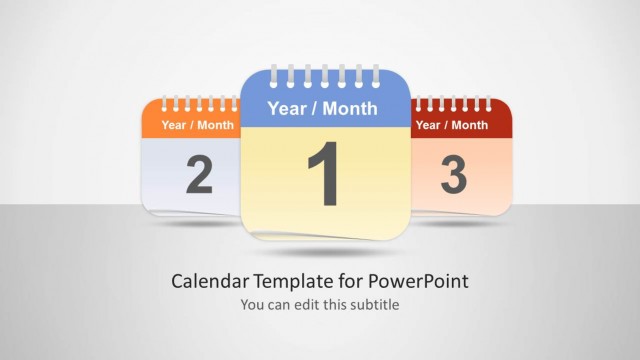
Slide 6 of 9 from Calendar Template for PowerPoint
6159-01-calendar-6
Monthly Calendar Layout for Presentations
- Table
- Data Table
- Resource Plan Slide
- 16:9
- 100% Editable
The Monthly Calendar Layout from the Calendar Template for PowerPoint offers a structured table format ideal for monthly planning and event tracking. This slide template features editable shapes and a clear calendar grid, making it suitable for business presentations and project scheduling. Its design supports task scheduling and deadline management, integrating seamlessly into corporate presentation decks and pitch deck templates.
What’s on This Slide
The layout features a calendar grid positioned on the left, displaying days of the week at the top and numbered dates within each cell. An orange header labeled 'Year / Month' is above the grid. To the right, there is a circular note with a blue background, labeled 'Month 1,' containing a placeholder for additional text. The background is dark, enhancing the visibility of the calendar and note. Text placeholders exist for the month label and sample text, aligned within their respective containers.
How to Use It
This layout serves as a monthly calendar display, suitable for task management and scheduling presentations. It fits well after introductory slides, providing a visual representation of dates and tasks. Ideal for project managers and planners, it can be used to outline deadlines, meetings, or events. The structure allows for easy updates, making it practical for ongoing project tracking or monthly overviews.
Text Placeholders & Capacity
Keep your copy within these limits so it fits without resizing. Node slots can hold two characters each, with limited space for additional text.
| Placeholder | Count | Max characters (approx.) |
|---|---|---|
| Slide title | 1 | 30 |
| Item heading | 7 | 2 |
| Item body | 42 | 2 |
| Callout | 1 | 50 |
Slide Keywords
Download unlimited PowerPoint templates, charts and graphics for your presentations with our annual plan.
DOWNLOADReturn to Calendar Template for PowerPoint.