Slide 3 of 9 from Calendar Template for PowerPoint
6159-01-calendar-3
Calendar Layout for PowerPoint Presentation
- Text Layout
- Other
- Context Slide
- 16:9
- 100% Editable
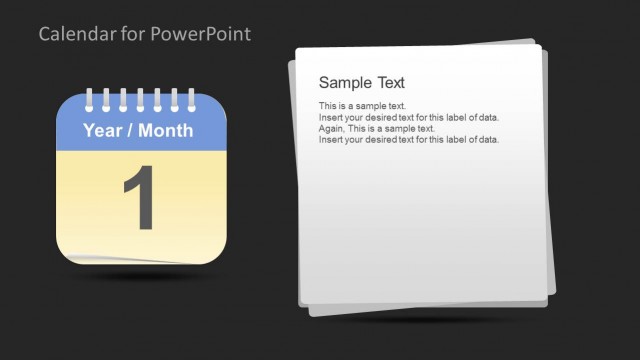
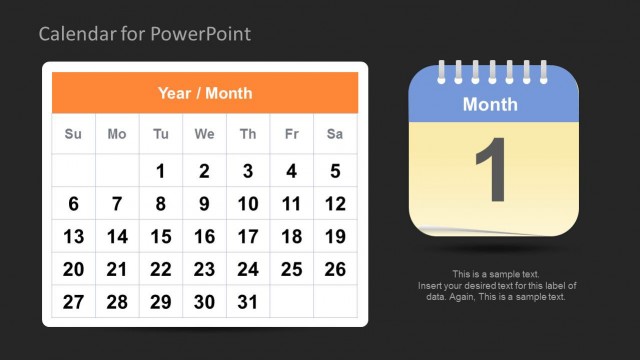
The Calendar Layout with Text Boxes slide from the Calendar Template for PowerPoint offers a clear monthly overview ideal for task scheduling and event management. This slide layout combines a calendar icon with editable text boxes, making it suitable for business presentations or project updates that require detailed timelines. Its balanced design supports effective communication in corporate presentations and pitch deck templates.
What’s on This Slide
The layout features a calendar icon on the left, displaying the year and month, with a large number '1' prominently featured. To the right, there are two text placeholders stacked vertically. The top placeholder is aligned left and labeled 'Sample Text', while the bottom contains additional sample text with multiple lines. The background is light, providing contrast to the calendar icon and text. The overall composition is balanced, with the calendar icon drawing attention while the text areas allow for detailed information.
How to Use It
This layout serves as a monthly calendar overview, suitable for scheduling and task management presentations. It fits well after introductory slides, providing context for upcoming tasks or events. This structure is ideal for project managers or planners needing to present timelines or schedules. It can be used to highlight important dates or deadlines, making it effective for team meetings or project updates.
Text Placeholders & Capacity
Keep your copy within these limits so it fits without resizing. Text slots can accommodate roughly 2-3 sentences each.
| Placeholder | Count | Max characters (approx.) |
|---|---|---|
| Slide title | 1 | 30 |
| Body paragraph | 2 | 100 |
Slide Keywords
Download unlimited PowerPoint templates, charts and graphics for your presentations with our annual plan.
DOWNLOADReturn to Calendar Template for PowerPoint.