Slide 1 of 9 from Calendar Template for PowerPoint
6159-01-calendar-1
Editable Calendar Date Cards for Presentations
- Text Layout
- Single Statement
- Context Slide
- 16:9
- 100% Editable
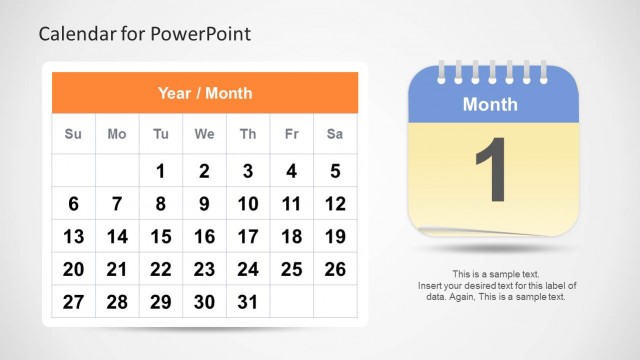
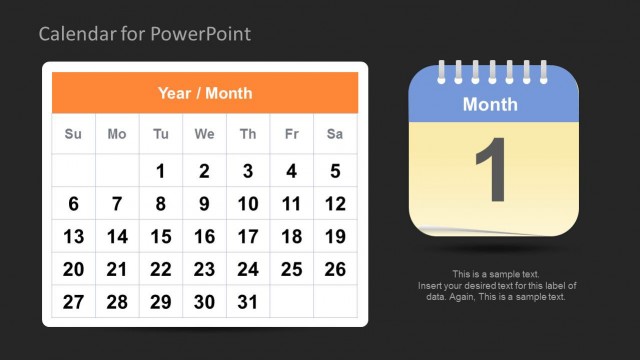
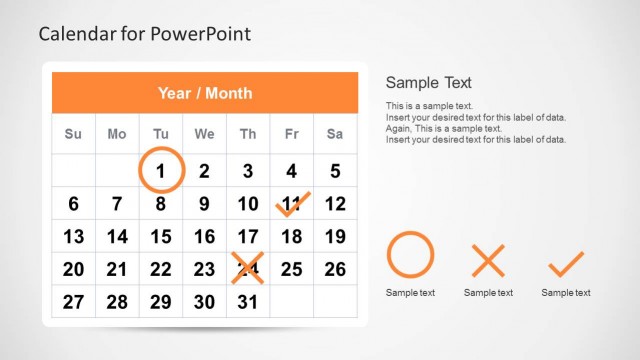
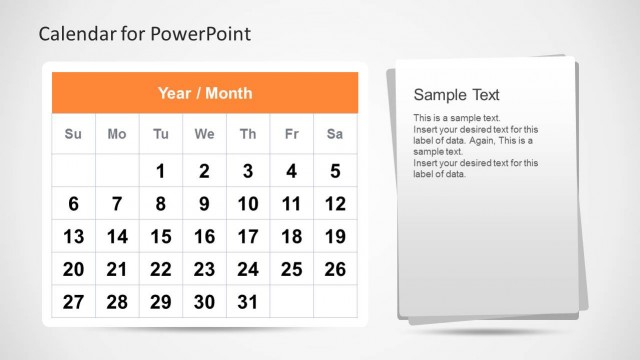
The Calendar Date Cards slide from the Calendar Template for PowerPoint offers a clear layout for monthly planning and event scheduling. Featuring editable shapes and a clean design, this slide supports project timelines effectively within business presentations or pitch deck templates.
What’s on This Slide
The layout features three calendar cards arranged horizontally. The central card displays the number '1' prominently, while the left and right cards show '2' and '3' respectively. Each card has a header labeled 'Year / Month' in a consistent font style. The cards have rounded edges and are colored in shades of orange, blue, and red. Below the cards, there is a subtitle placeholder centered at the bottom, indicating editable text. The background is a light gradient, enhancing the visual appeal without overwhelming the content.
How to Use It
This layout serves as a title or introductory slide for a calendar presentation, emphasizing specific dates. It is suitable for showcasing monthly or yearly planning, project timelines, or event schedules. This slide fits well at the beginning of a presentation, setting the stage for detailed calendar content in subsequent slides. It is ideal for managers, planners, or teams needing to present schedules and timelines effectively.
Text Placeholders & Capacity
Keep your copy within these limits so it fits without resizing. Title and subtitle slots can hold a moderate amount of text.
| Placeholder | Count | Max characters (approx.) |
|---|---|---|
| Slide title | 1 | 40 |
| Subtitle | 1 | 50 |
| Item heading | 3 | 10 |
Slide Keywords
Download unlimited PowerPoint templates, charts and graphics for your presentations with our annual plan.
DOWNLOADReturn to Calendar Template for PowerPoint.