Slide 7 of 9 from Calendar Template for PowerPoint
Year Month Calendar Template with Text Notes
Monthly Calendar Layout for Presentations
- Text Layout
- Other
- Context Slide
- 16:9
- 100% Editable
What’s on This Slide
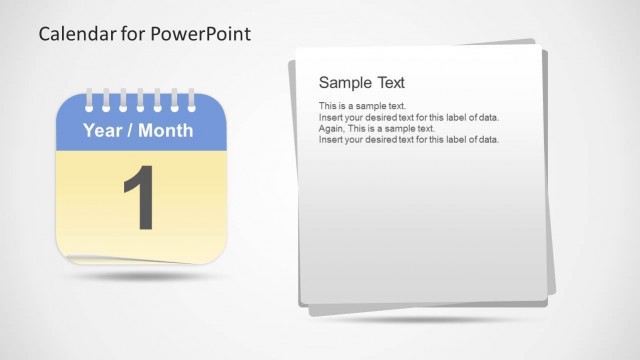
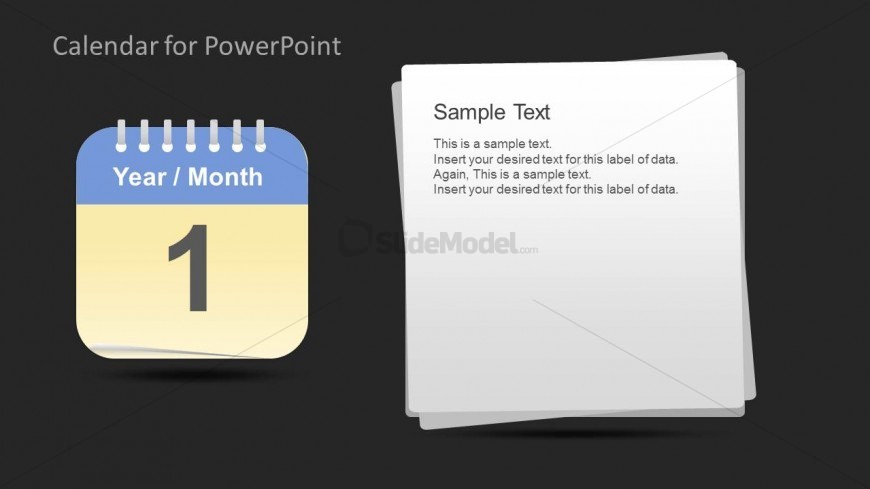
The layout features a calendar icon on the left, displaying a month and year, with a large number indicating the day. To the right, there are text placeholders arranged in a stacked format. The calendar icon is rounded with a blue header and yellow background, while the text area has a white background. Text placeholders are aligned to the top and center of the right section, with a visual hierarchy indicating the title and body text. The overall composition is balanced, with clear separation between the calendar and text sections.
How to Use It
This layout serves as a monthly calendar overview, suitable for task management or scheduling presentations. It fits well after introductory slides, providing a clear visual reference for dates and tasks. This structure is ideal for business meetings, project planning sessions, or any context requiring a visual representation of monthly schedules. It can be used to highlight important dates or deadlines, making it practical for managers and planners.
Text Placeholders & Capacity
Keep your copy within these limits so it fits without resizing. Body slots can hold around 15-20 words each.
| Placeholder | Count | Max characters (approx.) |
|---|---|---|
| Slide title | 1 | 30 |
| Body paragraph | 3 | 100 |
Slide Keywords
Download unlimited PowerPoint templates, charts and graphics for your presentations with our annual plan.
DOWNLOADReturn to Calendar Template for PowerPoint.