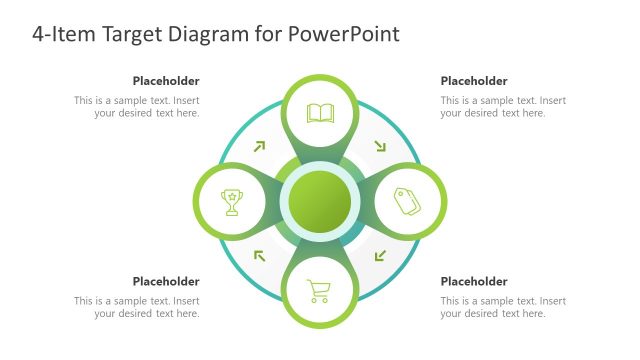
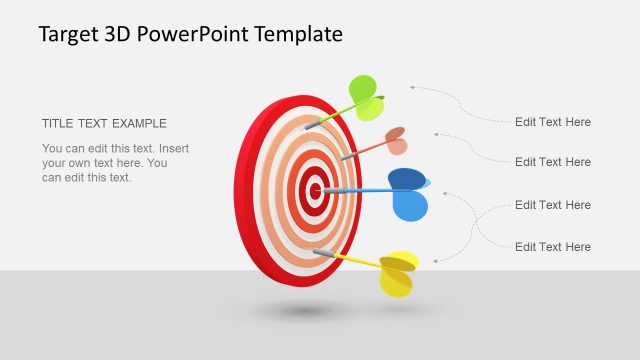
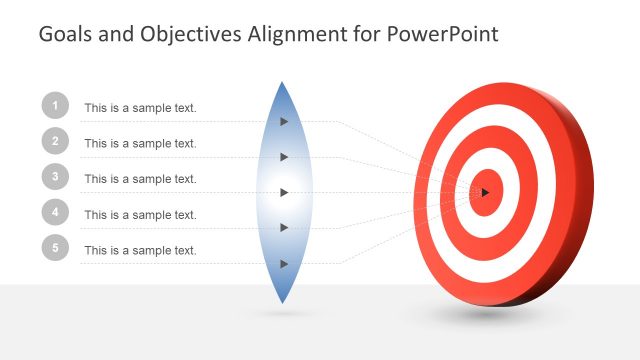
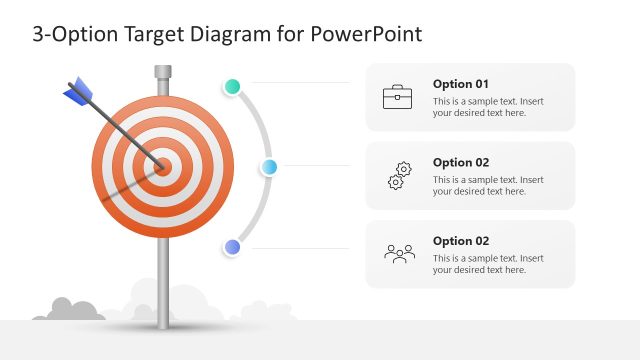
Business Target Shapes for PowerPoint is a presentation template that you can download containing multiple target shapes created in PowerPoint and very useful to make presentations on goals and objectives.
This PPT template for Goal Setting can be used to present goals and objectives in a PowerPoint presentation. The template for PowerPoint contains relevant slide designs that you can copy and paste into your business presentations, strategy slides or make marketing PowerPoint presentations to present the objectives and goals in an effective marketing campaign.
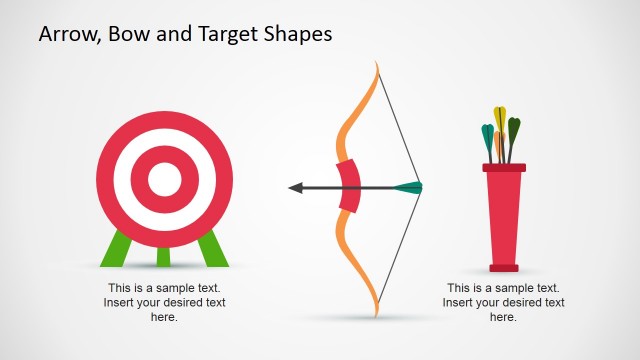
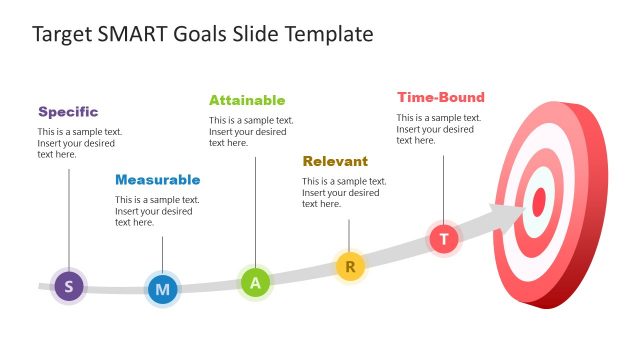
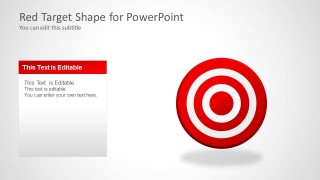
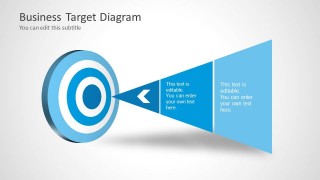
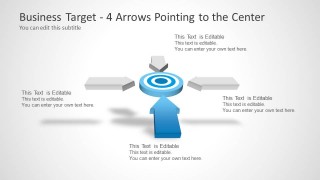
The PowerPoint template contains goals & target shapes that you can copy and paste into your own slides, arrows pointing to the center of the target shape and other creative goals diagrams. The 2D & 3D target illustrations can be decorated with dart pictures and illustrations to represent the goal assessment and risks achieving a goal.
What’s inside this template
Example presentation scenarios
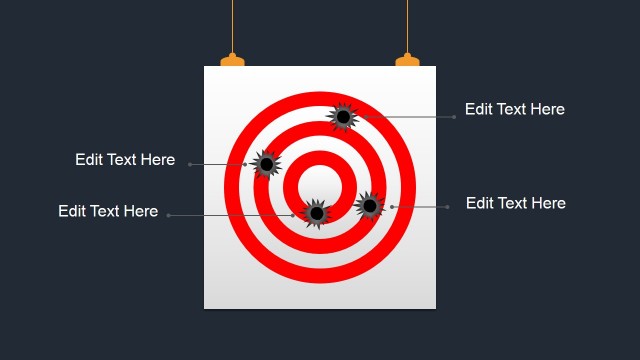
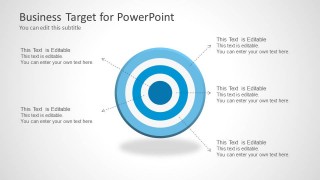
- A marketing manager can present campaign objectives by placing the core goal in the bullseye and using the annotated target callouts to explain audience, offer, channel, and success criteria.
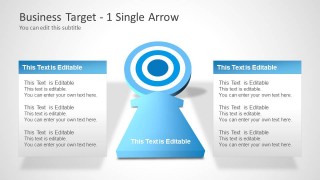
- A sales leader can align a team around quota priorities by using the single-arrow target slide to show one main objective and supporting actions in the side panels.
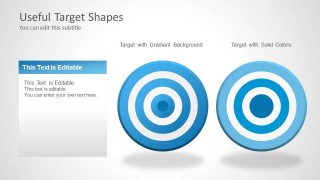
- A strategy consultant can compare goal-framing options with the gradient and solid target shapes before moving into a client discussion about priority setting.
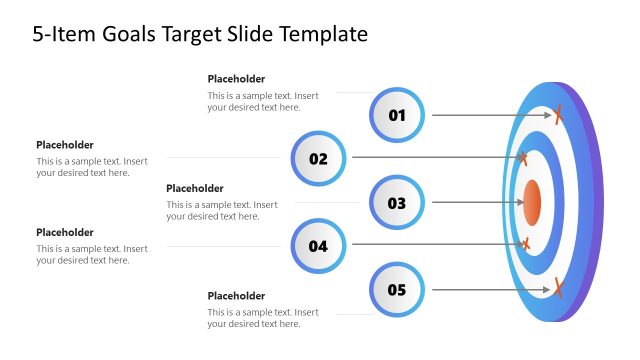
- A project manager can use the four-arrow target diagram to show how workstreams, risks, resources, and milestones must converge on one shared outcome.
Features
- 100% editable presentation template
- Compatible with Microsoft PowerPoint and Google Slides
- 16:9 aspect ratio slides
- Scalable vector shapes, icons and illustrations
- AI-Ready for Microsoft Copilot and Claude
- Instant access and download
Frequently asked questions
Q: How should a presenter use the target diagrams without making the goal message feel generic?
A: Treat each bullseye as a decision frame, not decoration. Put the main objective in the center or title, then use the callout arrows for criteria, constraints, owners, or next actions. Keep each label short so the audience can connect the metaphor of hitting the target with the business priority being discussed.
Q: Who is this template best suited for in a business presentation?
A: This template fits strategy, marketing, sales, and project presenters who need to explain focus, objectives, or target market alignment. It is especially useful when the conversation is about choosing priorities, defining a campaign goal, or showing how different inputs point toward one measurable outcome.
Q: Why do the arrow and bullseye metaphors help communicate objectives?
A: A bullseye instantly signals focus, precision, and achievement. The single-arrow and four-arrow layouts add direction, showing either one path to a goal or several inputs converging on the same point. This visual logic reduces explanation time and helps the audience see what matters most.


Business Target Shapes for PowerPoint
7-slide presentation template with target shapes, arrows, and goal-setting diagrams for business objectives
Business Target Shapes for PowerPoint is a 7-slide presentation template of editable bullseye target graphics for goal-setting and objective discussions. It includes a cover target, annotated target callouts, gradient versus solid target examples, a funnel-style target diagram, and single-arrow and four-arrow focus diagrams for strategy and marketing presenters in Microsoft PowerPoint and Google Slides.
- Category
- Shapes
- Rating


 Loading...
- Aspect ratio
- 16:9
- Item ID
- 6022
- Colors
 Microsoft PowerPoint
  Microsoft Copilot
  Claude for PowerPoint
 Other formats supported
Subscribe today and get immediate
access to download our PowerPoint templates.