Slide 3 of 7 from Business Target Shapes for PowerPoint
6022-business-target-wide-3
Target Shape Comparison Slide
- Shape Object
- Other
- Concept Explanation Slide
- 16:9
- 100% Editable
The Target Shape Comparison slide from the Business Target Shapes for PowerPoint template offers a clear visual strategy tool for design comparison and branding evaluation. Featuring editable shapes with gradient and solid color targets, this slide supports corporate presentations and pitch deck templates that require precise visual distinctions. Its clean layout enhances communication of design variations, making it a practical choice for business presentation slide decks focused on visual elements.
What’s on This Slide
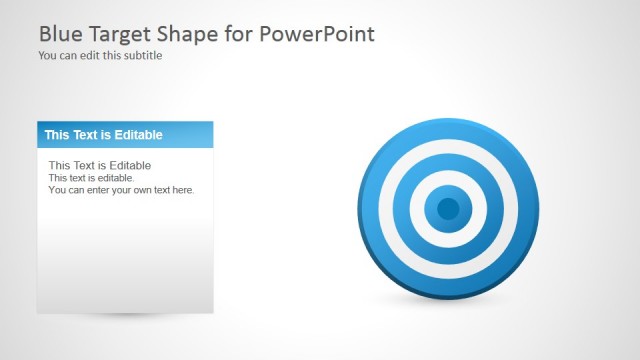
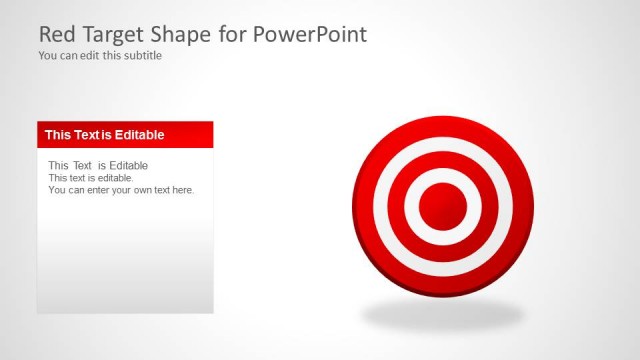
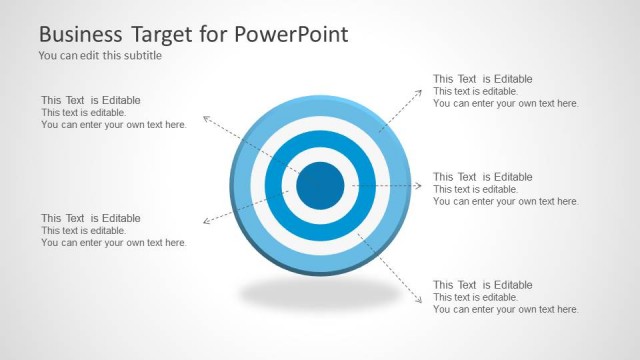
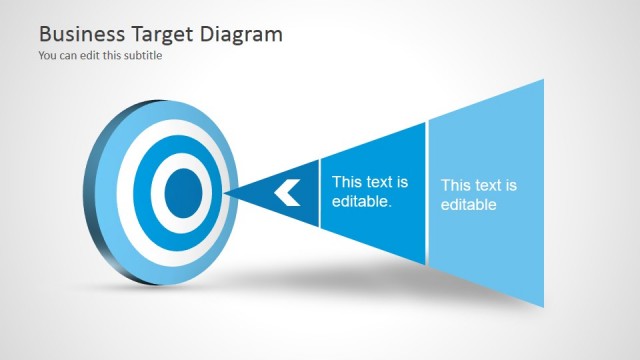
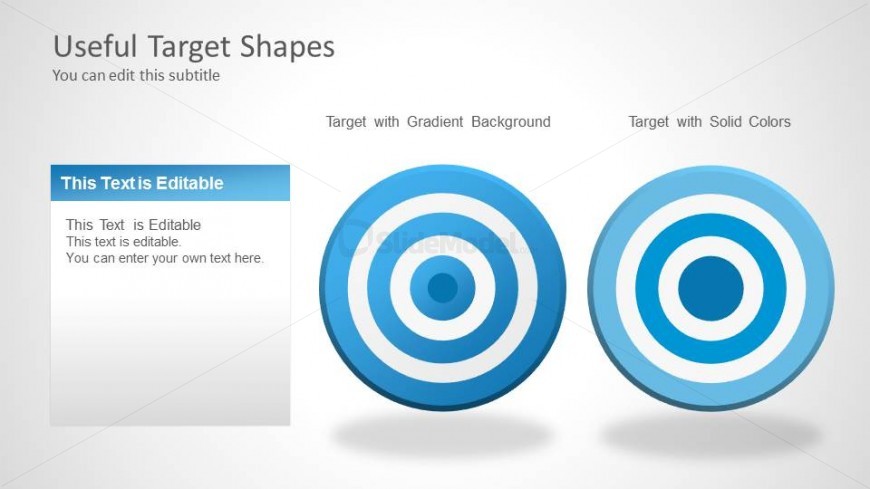
The slide features two target shapes positioned side by side. On the left, a target with a gradient background is displayed, while on the right, a target with solid colors is shown. Each target consists of concentric circles in varying shades of blue. A text placeholder is located on the left side, occupying the top half of the slide, with a blue header and editable text below. The overall background is light with a subtle gradient, enhancing the visual appeal of the targets. The layout is clean and organized, emphasizing the target shapes.
How to Use It
This layout serves to compare two variations of target shapes, making it suitable for presentations focused on design choices or visual strategies. It fits well in a sequence discussing visual elements or branding strategies. Real-world scenarios include marketing presentations where different design concepts are evaluated. This slide can also be used in training sessions to illustrate the impact of design variations on audience perception and engagement.
Text Placeholders & Capacity
Keep your copy within these limits so it fits without resizing. Body slots can hold roughly 20-30 words each.
| Placeholder | Count | Max characters (approx.) |
|---|---|---|
| Slide title | 1 | 30 |
| Subtitle | 1 | 50 |
| Body paragraph | 1 | 150 |
| Item heading | 2 | 30 |
Slide Keywords
Download unlimited PowerPoint templates, charts and graphics for your presentations with our annual plan.
DOWNLOADReturn to Business Target Shapes for PowerPoint.