Slide 5 of 7 from Business Target Shapes for PowerPoint
6022-business-target-wide-5
Business Target Diagram for Presentations
- Diagram
- Target Diagram
- Strategy Slide
- 16:9
- 100% Editable
The Business Target Diagram slide from the Business Target Shapes for PowerPoint template offers a clear visual framework for strategic planning and target market analysis. Featuring editable shapes and a central target graphic, this slide layout supports goal setting and business presentations by emphasizing key objectives within a professional slide deck.
What’s on This Slide
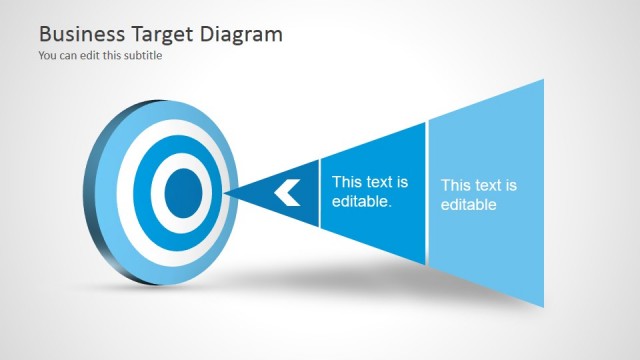
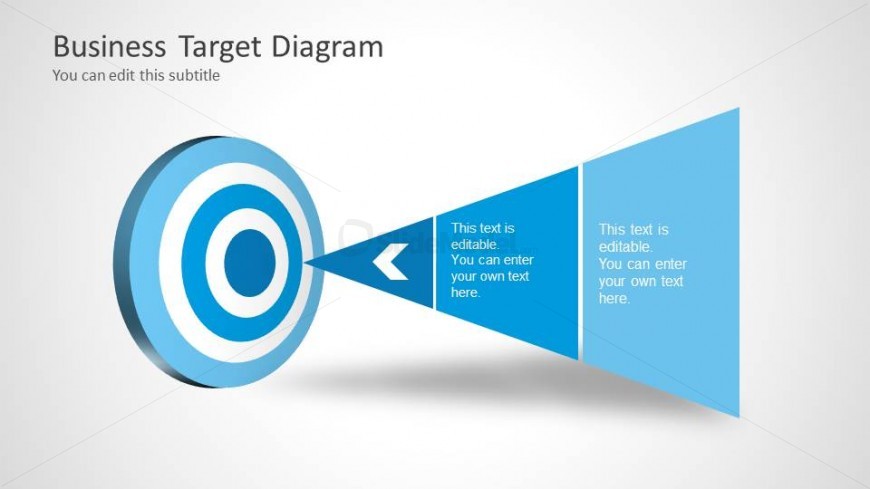
The slide features a central circular target shape with concentric rings in blue and white, positioned on the left side. To the right, there are two triangular shapes pointing towards the target, each containing editable text placeholders. The first triangle is a darker blue, while the second is a lighter blue, creating a visual contrast. The title is positioned at the top, and a subtitle placeholder is below it. The overall layout emphasizes the target shape, with a clear visual hierarchy and alignment of text elements.
How to Use It
This layout serves as a visual representation of business goals or objectives, suitable for presentations discussing target markets or strategic planning. It fits well after problem identification slides, guiding the audience towards solutions or objectives. This structure can be used in various business contexts, such as marketing strategies, project goals, or performance assessments, making it versatile for different presentation themes.
Text Placeholders & Capacity
Keep your copy within these limits so it fits without resizing. Node body slots can accommodate roughly 15-20 words each.
| Placeholder | Count | Max characters (approx.) |
|---|---|---|
| Slide title | 1 | 30 |
| Subtitle | 1 | 50 |
| Item body | 2 | 100 |
Slide Keywords
Download unlimited PowerPoint templates, charts and graphics for your presentations with our annual plan.
DOWNLOADReturn to Business Target Shapes for PowerPoint.