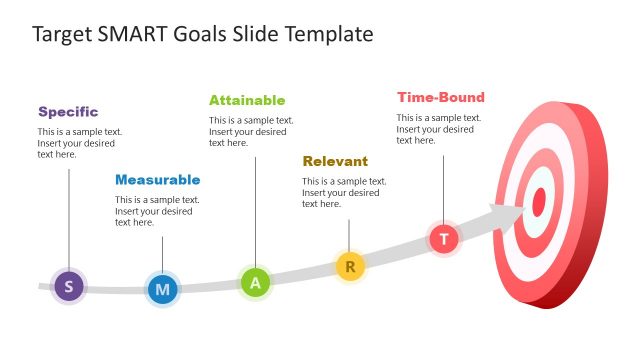
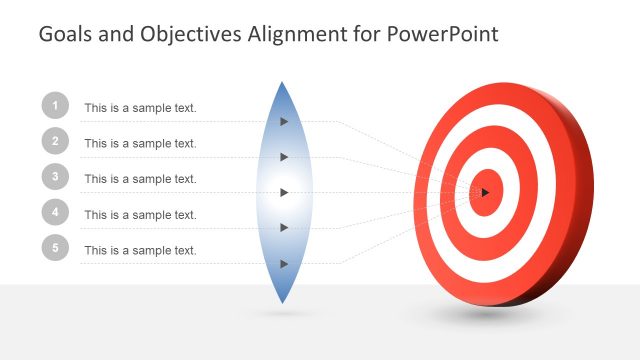
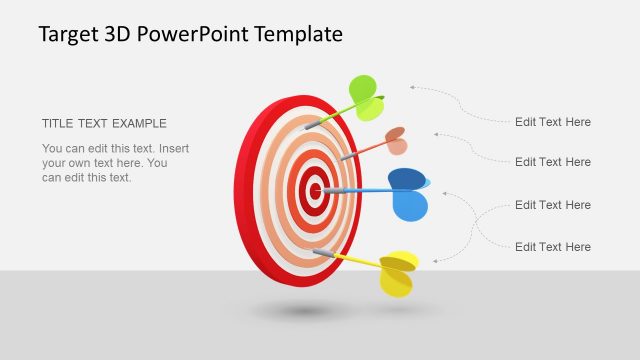
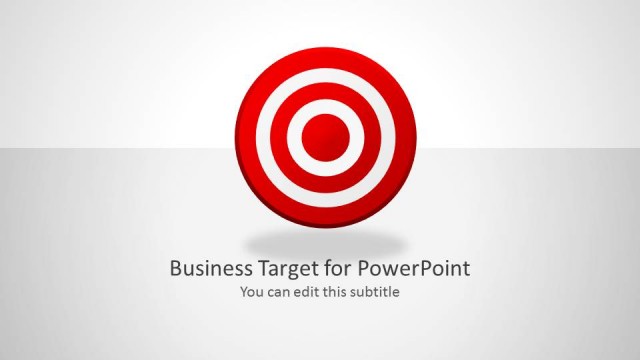
Setting Goals Template for PowerPoint with Target & Darts– designed with target and darts to metaphor strategic methods for goal-setting. The PowerPoint template is specially designed for management concepts and personal development. It is a bright and clean layout to captivate any audience.
Studies show that more ambitious goals are better ways to succeed. It gives a contingency if one slightly fails to meet the desired objective. They lead to better performances, and there is a big area for improvement. It helps to create specifics rather than to create broad and manageable goals. This directs the unit or individual to a more straightforward path. When a player throws a dart at the target, the dart only takes one course. This is the attitude that these slides design promotes.
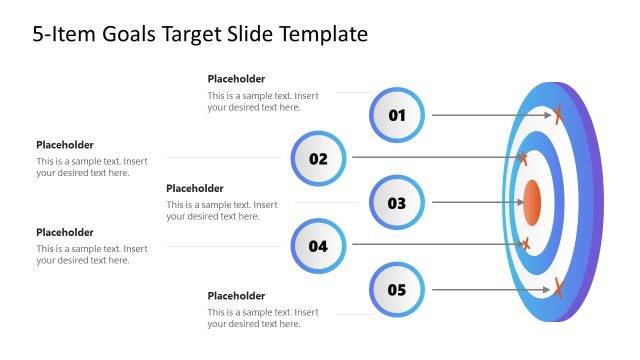
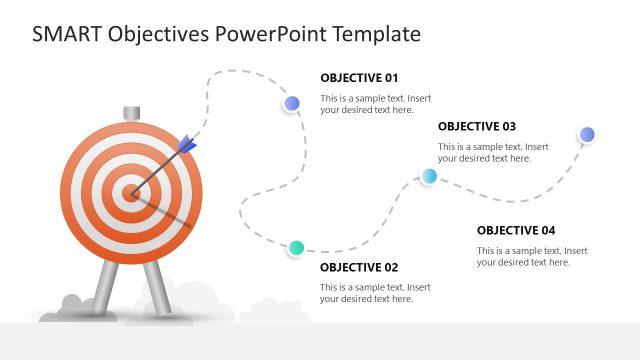
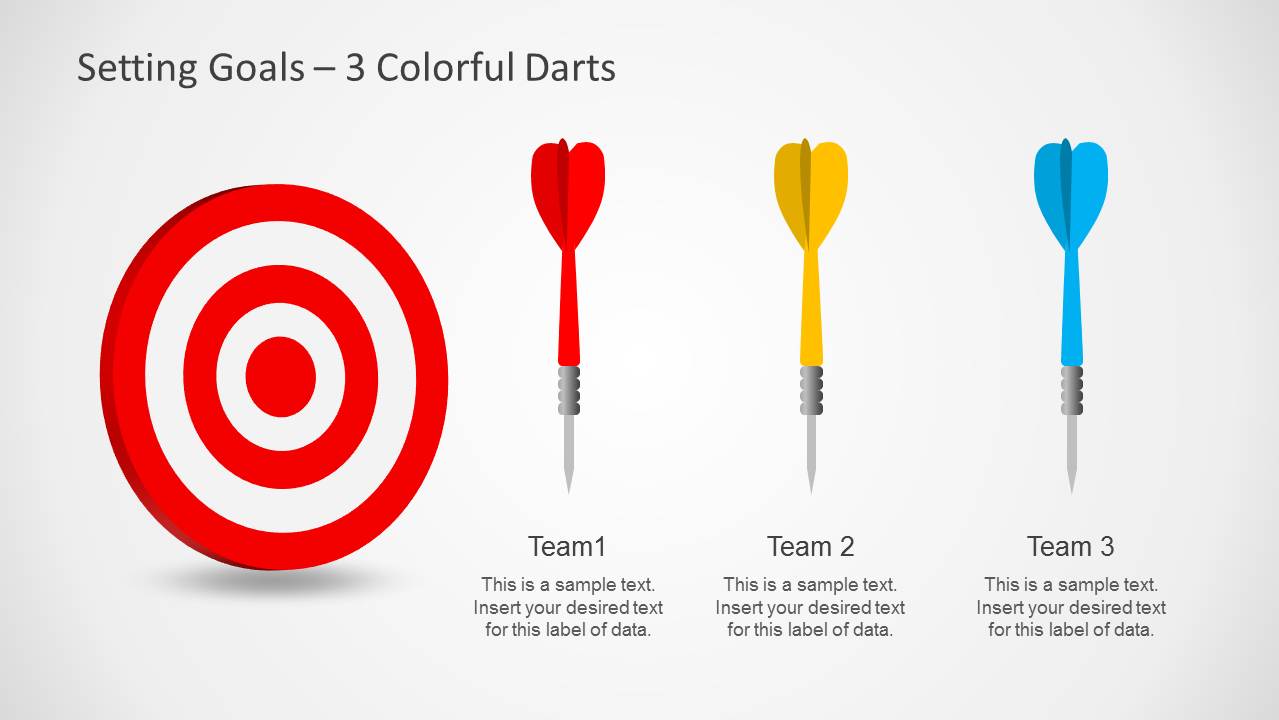
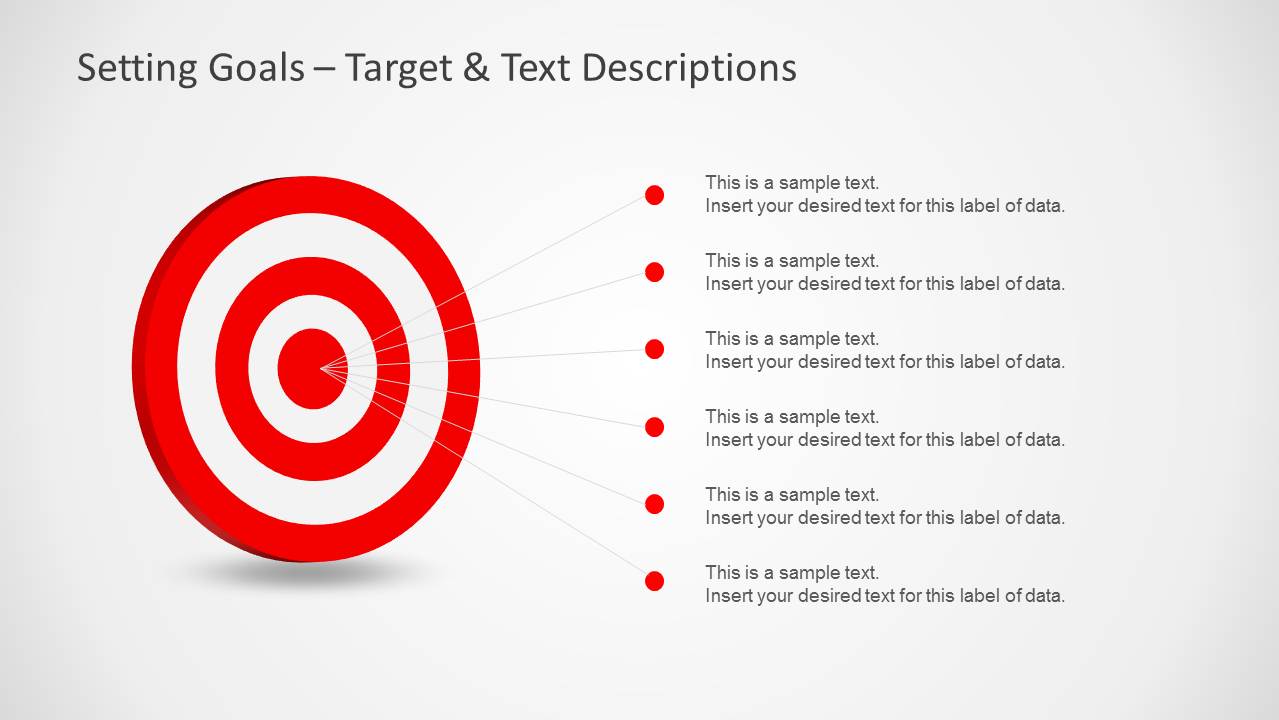
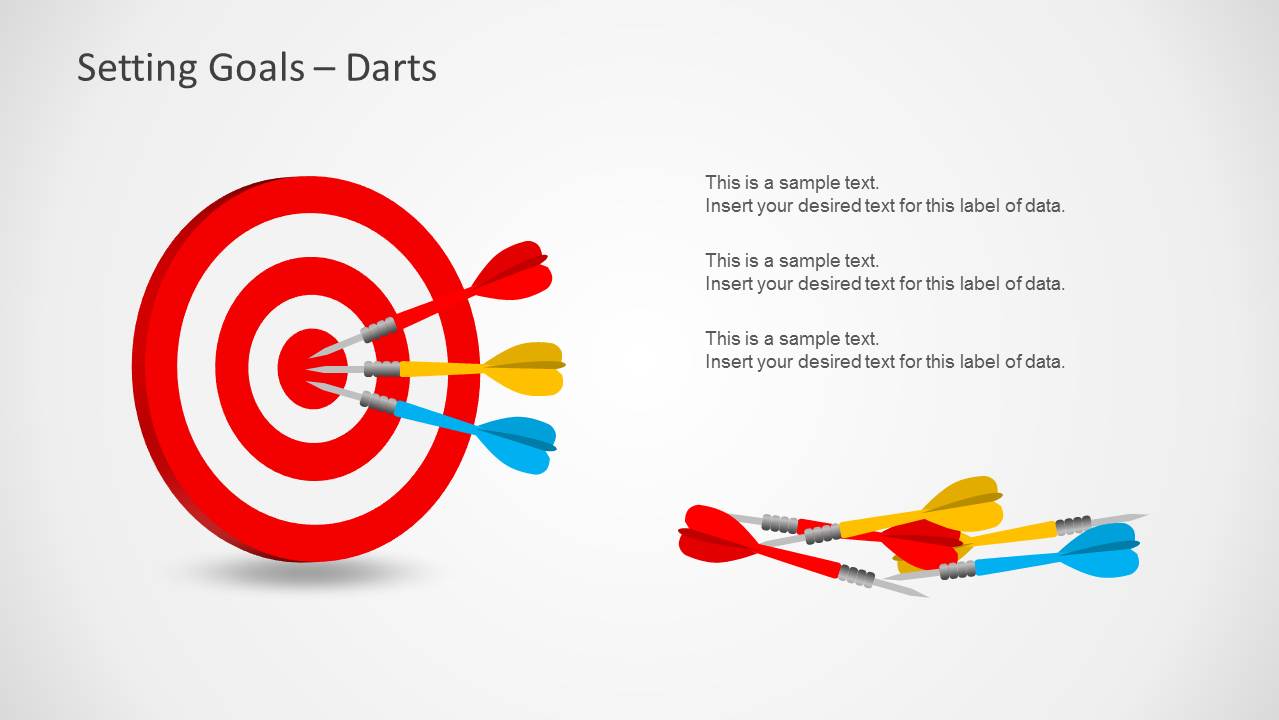
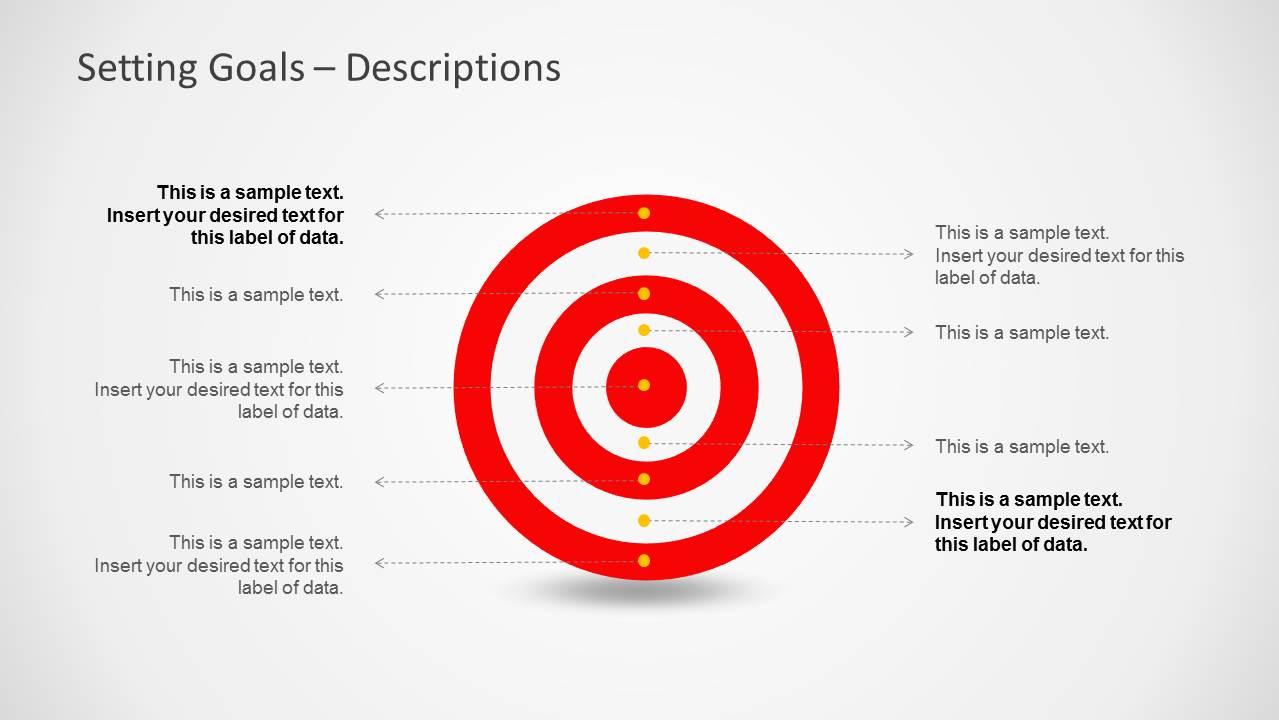
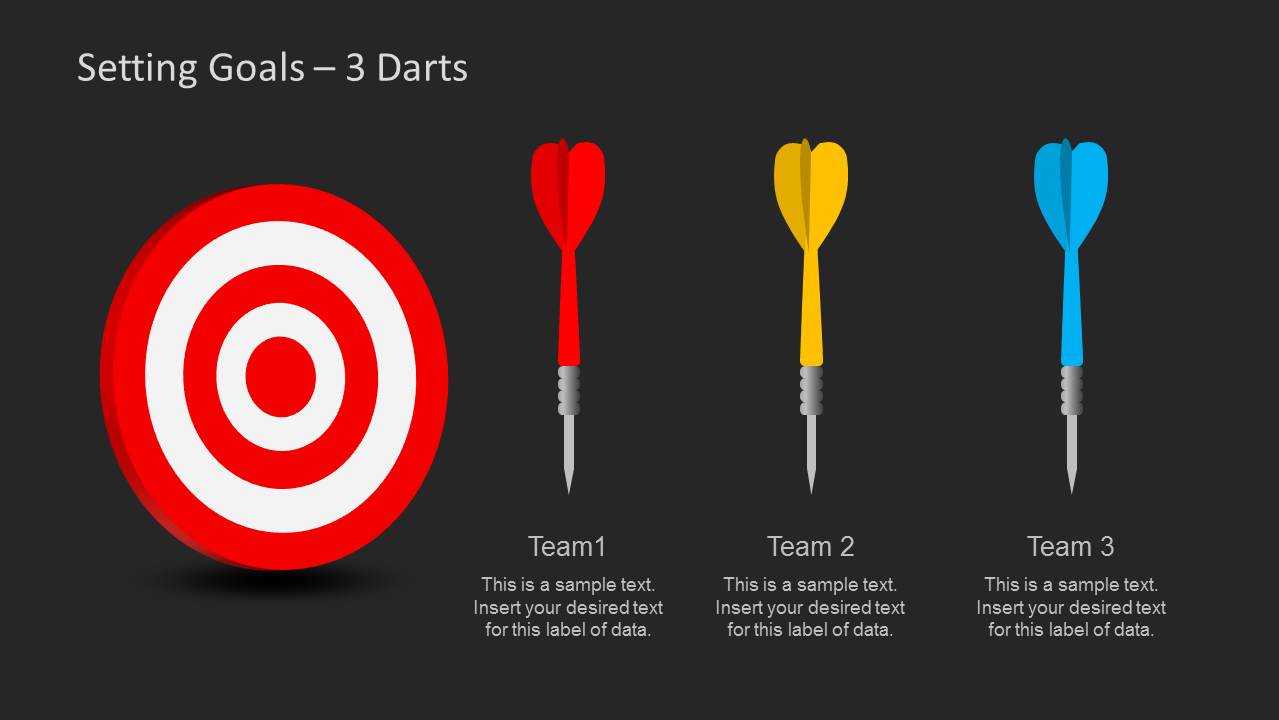
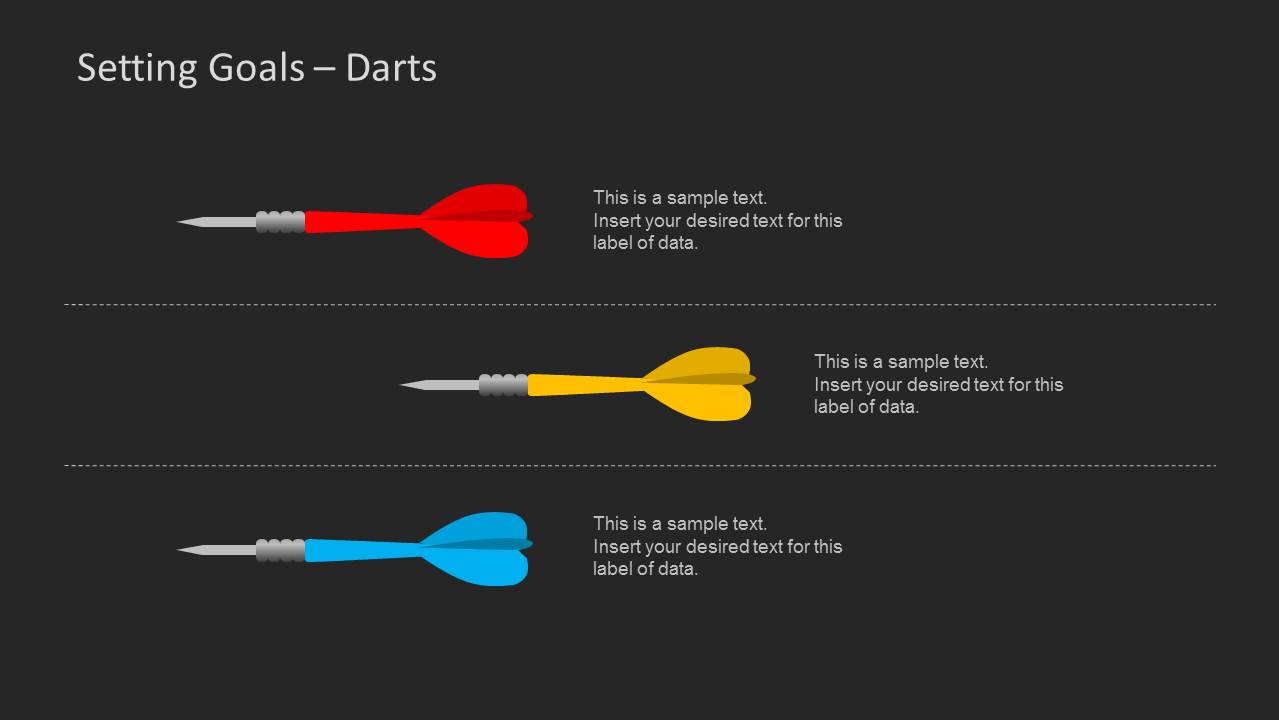
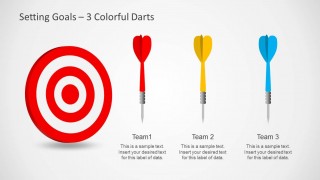
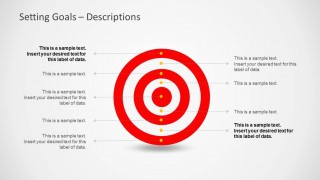
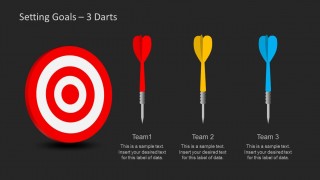
The template consists of 10 functional slides. The user can modify each of them to suit the intended look of the presentation. This PowerPoint design displays a target shape in alternating white and red. Darts also play an attractive role in completing the picture. They vary in colors which makes them easy to distinguish. In the fourth slide, the user can elaborate on the project’s plans. The innermost circle is the primary goal. The other circles can be plans B, C, D, and E so that if the teams fall short, the group will know what to do. This can keep the unit prepared to face any circumstances. Groupings and their assignments can be presented in the following few slides.
This Setting Goals Template for PowerPoint with Target & Darts is perfect for preparedness planning, marketing, team leading and project planning. It can apply to any goal-setting report. It is editable and can suit any presenter’s needs. The user can easily modify strategies and organizing techniques using this template.
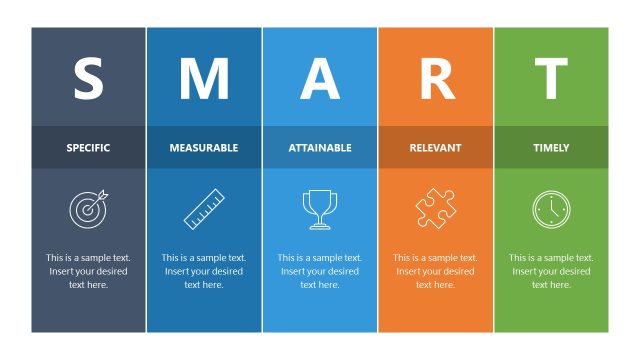
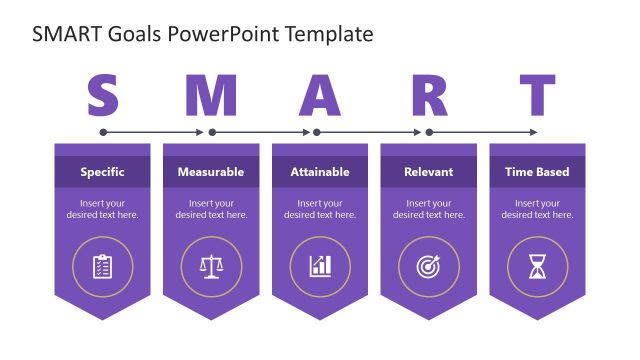
Appeal to professional audiences using the Setting Goals Template for PowerPoint with Target & Darts. For more downloadable designs about the concept, check out SMART Goals Slide Design for PowerPoint at the SlideModel gallery. Alternatively, you can download other SMART Goals templates and check out our article about SMART Goals guide.
What’s inside this template
Example presentation scenarios
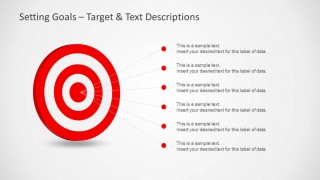
- A department manager can use the target callout slide to explain annual objectives and connect each callout to a measurable priority.
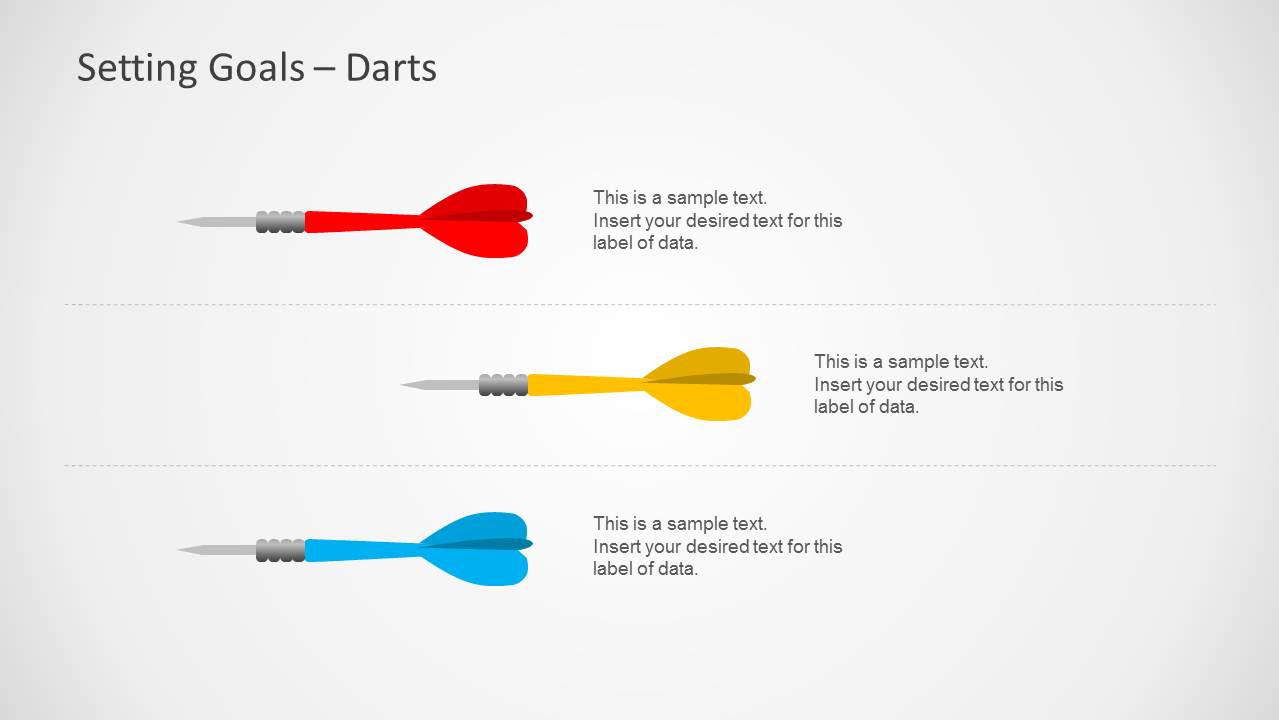
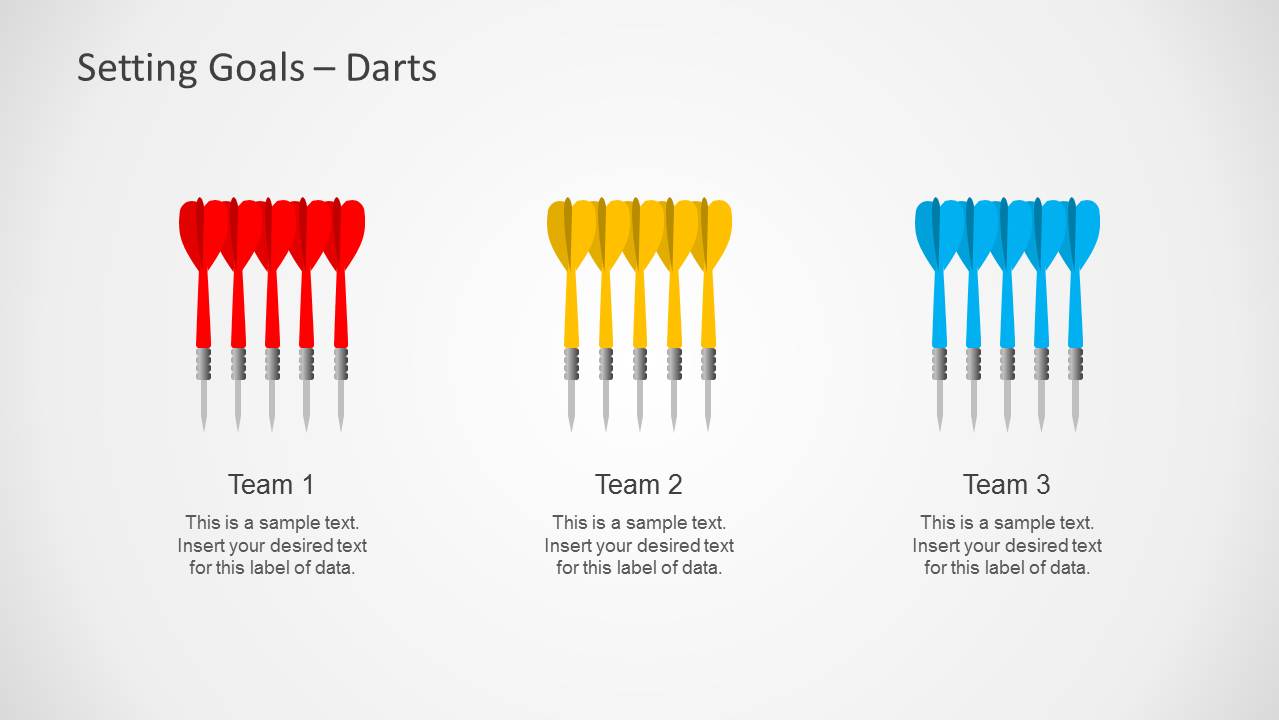
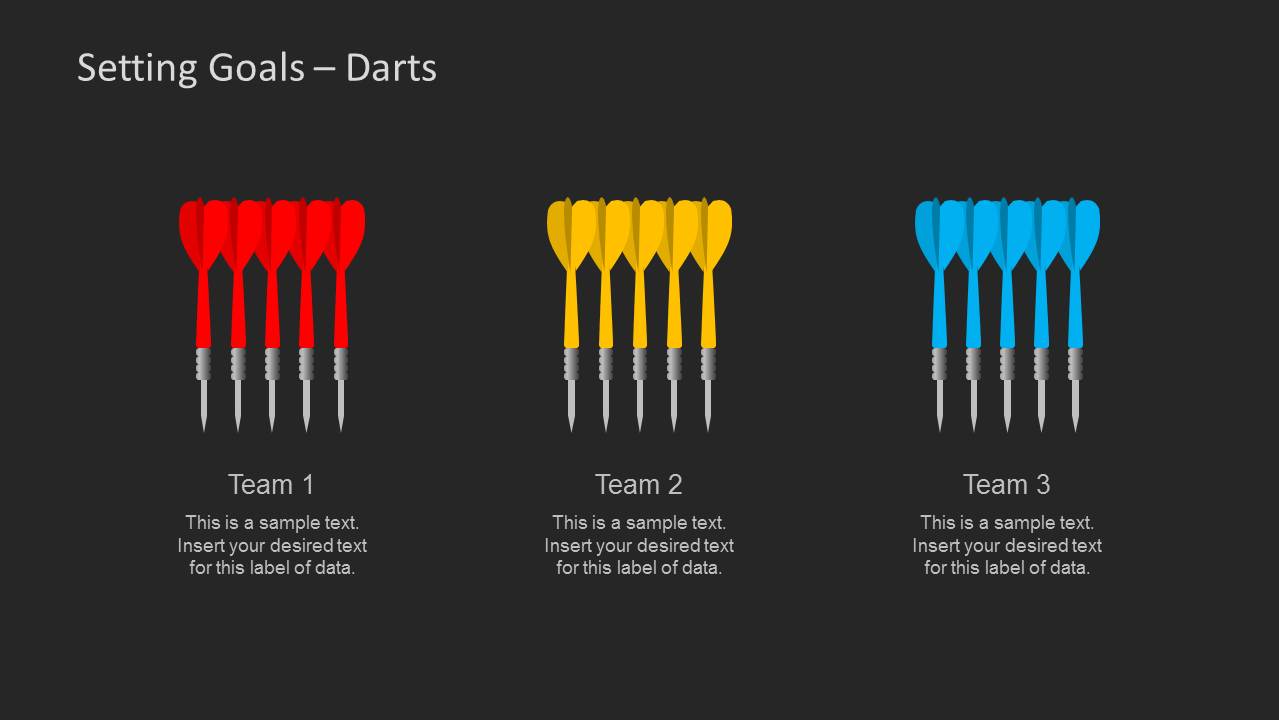
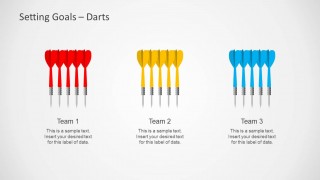
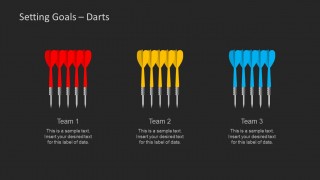
- A project lead can use the three-team dart slides to assign workstreams, compare responsibilities, and show how each group supports the main goal.
- A sales trainer can use the dart list layouts to present three performance behaviors or target actions during a coaching session.
- A consultant can use the dark-background variants to recap goal categories and team commitments in a more formal executive review.
Features
- 100% editable presentation template
- Compatible with Microsoft PowerPoint and Google Slides
- Scalable vector shapes, icons and illustrations
- AI-Ready for Microsoft Copilot and Claude
- Instant access and download
Frequently asked questions
Q: How should a presenter structure a goal-setting message with this template?
A: Start with the cover slide to name the goal, then use the target callout slide to break the objective into specific priorities. Move to the team dart layouts to assign ownership, and close with the three-row dart list to summarize next actions. This keeps the audience focused on one main target rather than a broad list of ideas.
Q: Who is this template best suited for?
A: This template works best for managers, project leads, trainers, and business coaches who need to explain goals in a simple visual way. The target and darts are useful when the message is about focus, aim, accountability, or team alignment. It is less suited for financial reporting or complex data analysis.
Q: Why does the target and dart metaphor help goal-setting presentations?
A: The target gives the audience an immediate visual center: the desired outcome. Darts then represent actions, teams, or attempts aimed at that outcome. This metaphor reduces abstract planning language and makes it easier to discuss priorities, fallback options, and responsibility without overloading the slide with text.





Setting Goals Template for PowerPoint with Target & Darts
10-slide PowerPoint presentation template for goal setting with target diagrams, darts, and team labels
Setting Goals Template for PowerPoint with Target & Darts is a 10-slide goal-setting presentation template built around target and dart metaphors. It includes a cover slide, team comparison layouts, target callouts, dart list slides, and dark-background variants for managers, coaches, project leads, and planning presenters.


 Loading...
 Microsoft PowerPoint
  Microsoft Copilot
  Claude for PowerPoint
 Other formats supported
Subscribe today and get immediate
access to download our PowerPoint templates.