Slide 6 of 7 from Business Target Shapes for PowerPoint
6022-business-target-wide-6
Business Target - 1 Single Arrow Slide
- Diagram
- Arrow Sequence
- Goal Setting Slide
- 16:9
- 100% Editable
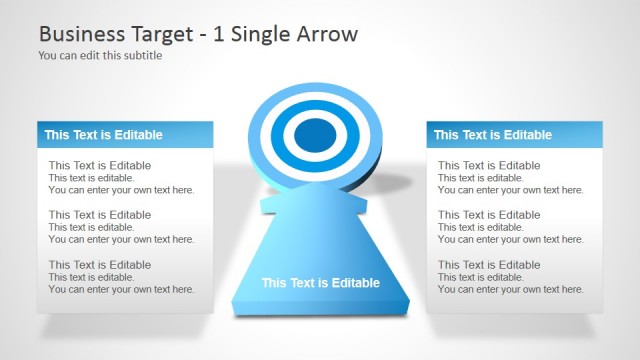
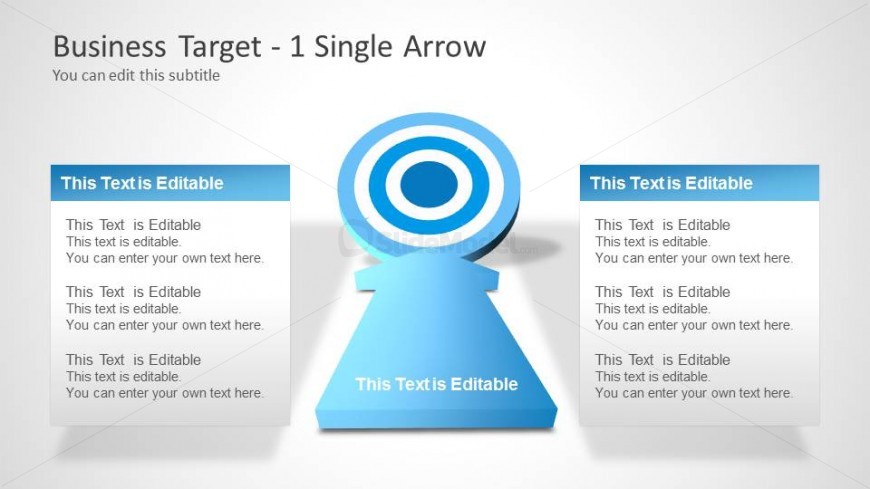
The Business Target - 1 Single Arrow slide from the Business Target Shapes for PowerPoint template offers a clear visual for goal-setting presentations. This slide template features editable shapes and text boxes arranged around a central target icon, making it suitable for project objectives and performance reviews within corporate presentations. Its design supports focused communication of key milestones in a business presentation or pitch deck template.
What’s on This Slide
The layout features a central target icon with concentric circles in blue and white, positioned at the center-right of the slide. To the left and right, there are two rectangular text boxes aligned vertically, each containing multiple editable text placeholders. The text boxes are colored in a light blue shade, providing a visual contrast against the background. The slide title is located at the top, with a subtitle below it. The overall composition is balanced, with the target icon drawing attention while the text boxes allow for detailed information input.
How to Use It
This layout serves as a single arrow target diagram, ideal for illustrating a focused goal or objective within a business context. It fits well in a presentation sequence after discussing broader strategies or problems, guiding the audience toward specific targets. This structure is useful for business meetings, project planning, or performance assessments where clarity on goals is essential. It can effectively communicate key objectives or milestones in a visually engaging manner.
Text Placeholders & Capacity
Keep your copy within these limits so it fits without resizing. Node body slots can accommodate around 15-20 words each.
| Placeholder | Count | Max characters (approx.) |
|---|---|---|
| Slide title | 1 | 30 |
| Subtitle | 1 | 50 |
| Item body | 6 | 100 |
Slide Keywords
Download unlimited PowerPoint templates, charts and graphics for your presentations with our annual plan.
DOWNLOADReturn to Business Target Shapes for PowerPoint.