Slide 2 of 7 from Business Target Shapes for PowerPoint
6022-business-target-wide-2
Business Target Diagram for Presentations
- Diagram
- Target
- Strategic Analysis Slide
- 16:9
- 100% Editable
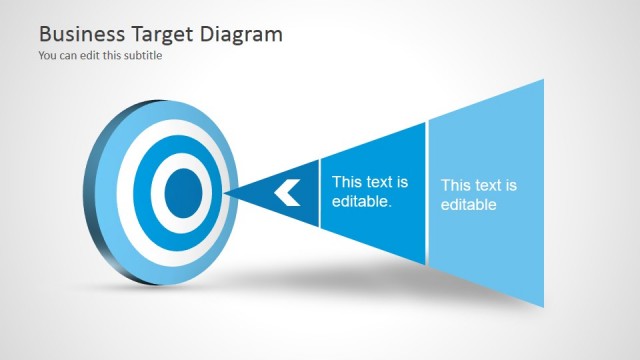
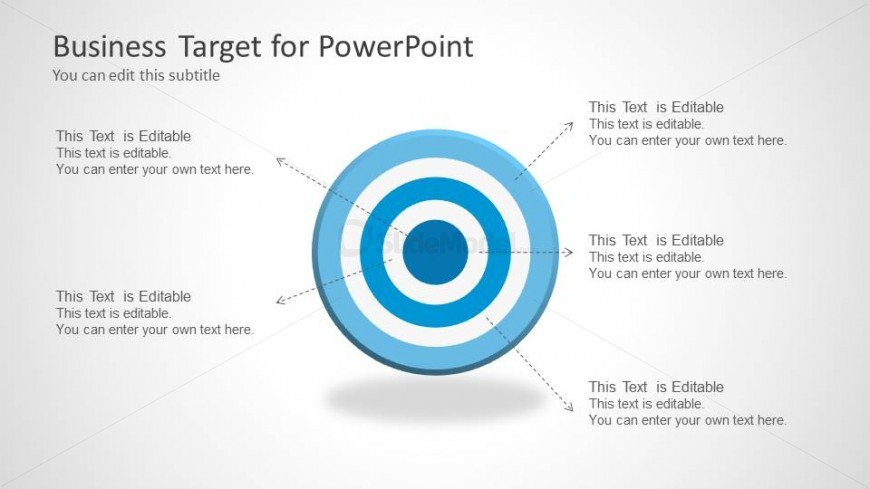
The Business Target Diagram slide from the Business Target Shapes for PowerPoint template provides a clear visual framework for strategic analysis. This slide layout uses editable shapes and text placeholders arranged around a central target to support goal setting and performance assessment. Ideal for corporate presentations and business meetings, it enhances communication of objectives within a business presentation or pitch deck template.
What’s on This Slide
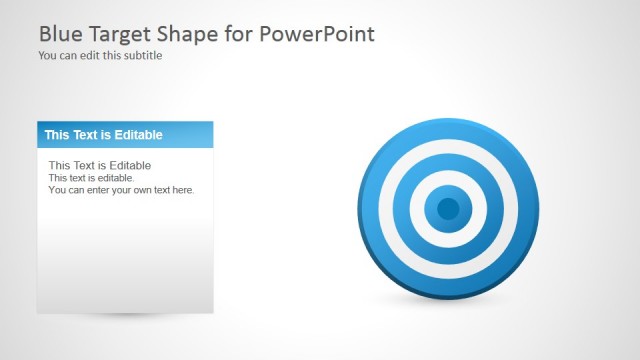
The layout features a central circular target with concentric rings in blue and white. Surrounding the target are five editable text placeholders positioned at the cardinal points: top, bottom, left, right, and center. Each placeholder is aligned to provide space for titles or descriptions. The background is a light gradient, enhancing the central target's visibility. The overall composition is symmetrical, emphasizing the target's importance. The visual hierarchy directs attention to the central node while allowing for detailed annotations around it.
How to Use It
This layout serves as a visual representation of business targets or objectives. It fits well in presentations discussing goal setting, performance assessment, or strategic planning. The arrangement allows for clear communication of multiple objectives or metrics related to a central theme. It is suitable for business meetings, workshops, or strategic reviews where visual clarity is essential. The design can be adapted for various contexts, such as marketing strategies or project milestones.
Text Placeholders & Capacity
Keep your copy within these limits so it fits without resizing. Node body slots can accommodate up to 10 words each.
| Placeholder | Count | Max characters (approx.) |
|---|---|---|
| Slide title | 1 | 40 |
| Subtitle | 1 | 50 |
| Item body | 5 | 60 |
Slide Keywords
Download unlimited PowerPoint templates, charts and graphics for your presentations with our annual plan.
DOWNLOADReturn to Business Target Shapes for PowerPoint.