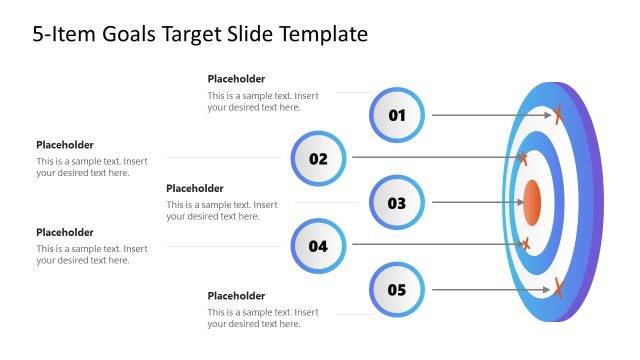
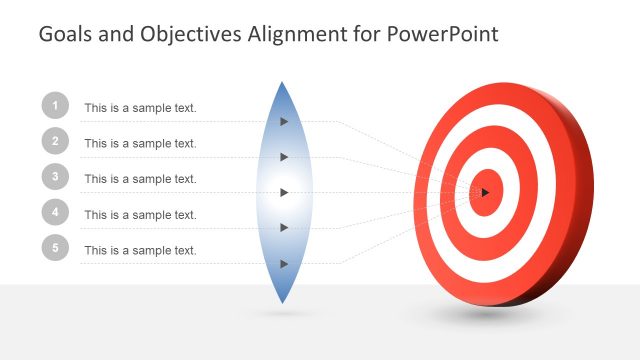
Generate a dynamic business strategy presentation using the Bullseye Shapes for PowerPoint. The template contains a creative design of a target powerpoint template, or bullseye illustration created with PowerPoint shapes. This kind of clipart are great for combining messages on goal assessment and target slides. The target illustration can be easily edited to describe business goals.
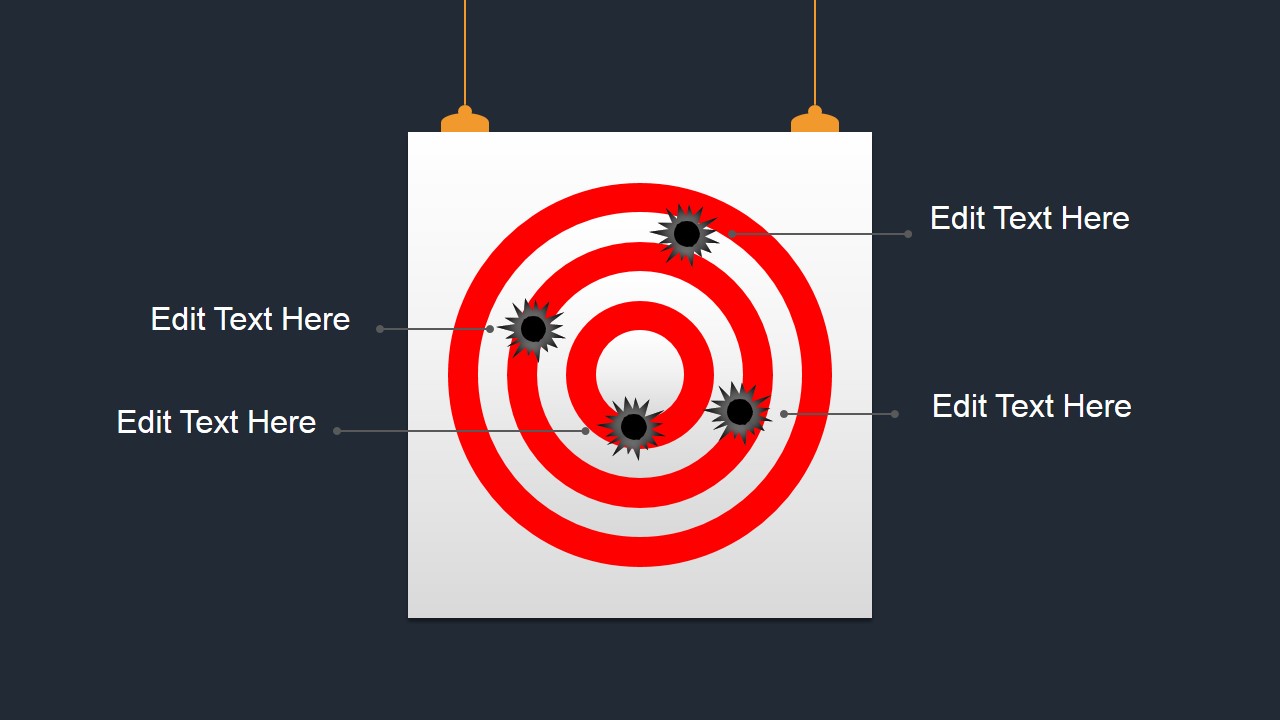
A bullseye is a common representation for accuracy. This concept can be used in business strategies to demonstrate the statistical accuracy of certain plans. The bullet holes on the target drawing can represent the accuracy of past projects, so that the management team can gain information, as well as motivation, as to how to deal with the project.
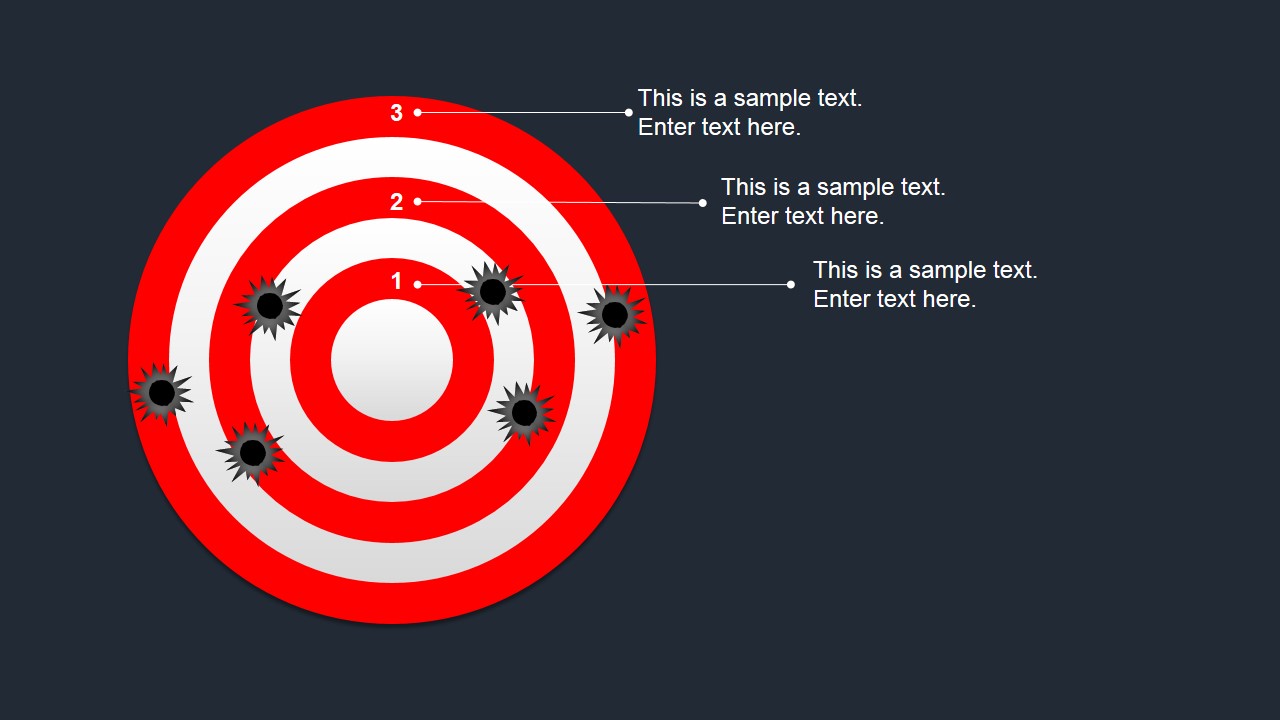
The slide designs use a target drawing with a white center circle, and five additional rings that alternate between red and white. The red rings are labeled from one to three. These can represent a certain grade given to a project for its accuracy. In this sense, the slides can reflect the evaluation of other projects. It can demonstrate a certain standard of excellence or accomplishment or the current project.
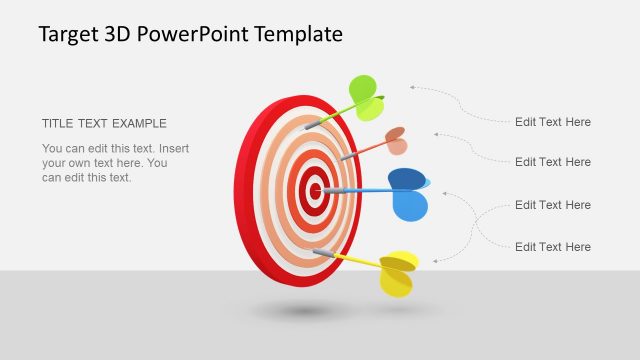
The PowerPoint Template contain two variations of a typical target. The first is a target that appears to be hung from the ceiling. This type of target is common in shooting ranges, so it can move closer to the shooter. The bullet points are connected to a set of text placeholders by thin lines. The second target resembles a dart board, which is merely hung from a wall.
The Bulls Eye Shapes for PowerPoint is ideal for showing accuracy and consistency between projects. It can act as an indicator or standard for a business plan. The PowerPoint vectors are flexible. The user can insert text or modify their color, size, and arrangement without affecting their resolution. The presenter can opt to download other target PowerPoint Templates, from the Gallery.
What’s inside this template
Example presentation scenarios
- A sales leader can use the numbered bullseye target diagram to explain which opportunities are closest to quota and which need more attention.
- A project manager can use the hanging target callout layout to review missed, partial, and accurate outcomes from a recent project.
- A strategy consultant can use the bullet-hole markers and leader lines to compare focus areas against an intended business goal.
- A training facilitator can use the concentric target diagram to teach teams how to prioritize work from outer-ring tasks to center-goal actions.
Features
- 100% editable presentation template
- Compatible with Microsoft PowerPoint and Google Slides
- 16:9 aspect ratio slides
- Scalable vector shapes, icons and illustrations
- AI-Ready for Microsoft Copilot and Claude
- Instant access and download
Frequently asked questions
Q: How should a presenter use the bullseye metaphor without oversimplifying the message?
A: Use the center of the bullseye for the desired outcome, then place each callout or bullet marker as evidence of how close the team is to that outcome. Keep labels short and explain the meaning of each ring before discussing individual points, so the metaphor supports decision-making instead of becoming decoration.
Q: Who is this template best suited for in a business presentation?
A: This template fits managers, sales leaders, consultants, and project teams who need to discuss targets, accuracy, focus, or performance gaps quickly. The hanging target slide works well for a project review, while the numbered concentric-ring slide is better for ranking priorities or showing degrees of closeness to a goal.
Q: Why do the target diagrams help communicate goal alignment?
A: A bullseye is an instantly understood metaphor for precision and priority. The concentric rings create a natural hierarchy from outer issues to the center goal, while the bullet-hole markers show results or observations as visible impact points. This makes abstract goal discussions easier for an audience to interpret at a glance.
Bullseye Shapes for PowerPoint
2-slide presentation template with bullseye target diagrams for goals, accuracy, and callouts
Bullseye Shapes for PowerPoint is a 2-slide shapes template for goal, target, and accuracy presentations. It includes a hanging bullseye target with bullet-hole callouts and a numbered concentric-ring target diagram with text annotations. Business presenters can use the editable diagrams in Microsoft PowerPoint and Google Slides.
- Category
- Shapes
- Rating


 Loading...
- Aspect ratio
- 16:9
- Item ID
- 12024-01
- Colors
 Microsoft PowerPoint
  Microsoft Copilot
  Claude for PowerPoint
 Other formats supported
Subscribe today and get immediate
access to download our PowerPoint templates.