Business Character Running PowerPoint Timeline is a creative PowerPoint design that can be used to present an annual report in PowerPoint. It perfectly describes your business goals, objectives, and achievements. This business annual report PowerPoint presentation is the ultimate annual template for all kinds subject: Business Proposal, Business Annual Report, Business Planning.
The PowerPoint template professionally highlights your business core targets designed for the achievement of the company’s long-term goals. You can keenly plot business strategies and business projections in a direct manner. At one glance, your customer will grasp the concept of your PowerPoint presentation.
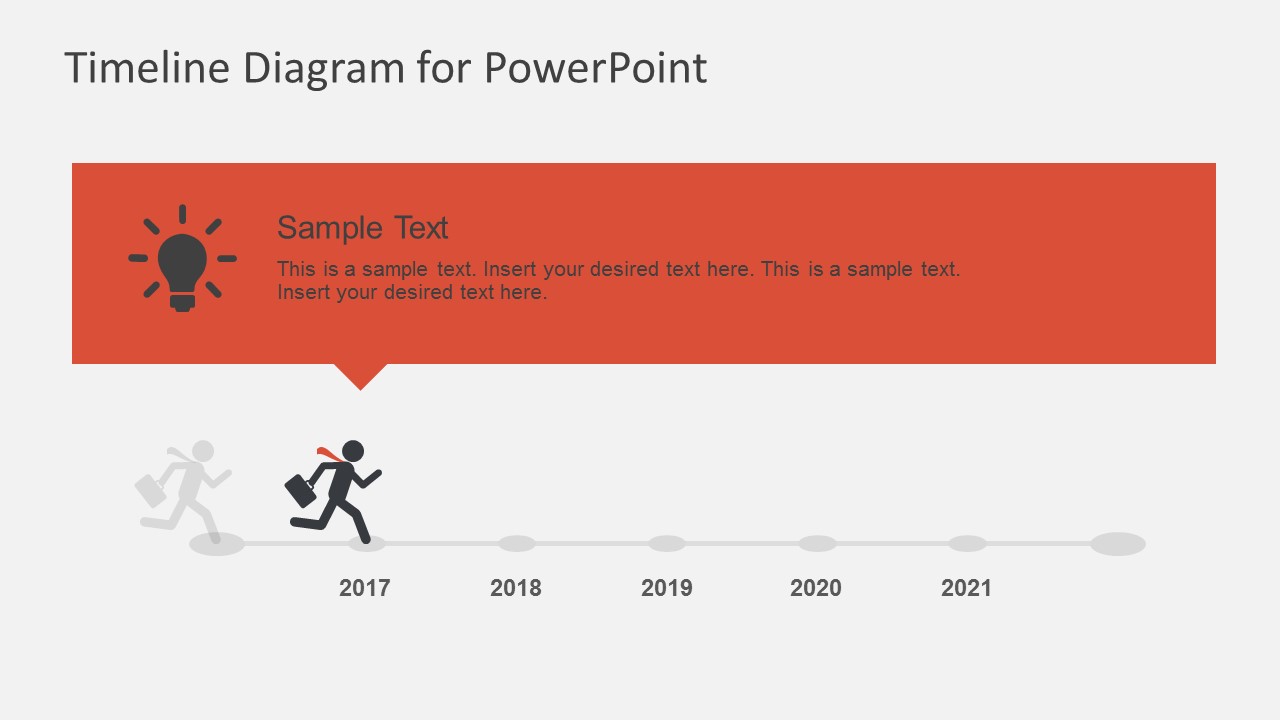
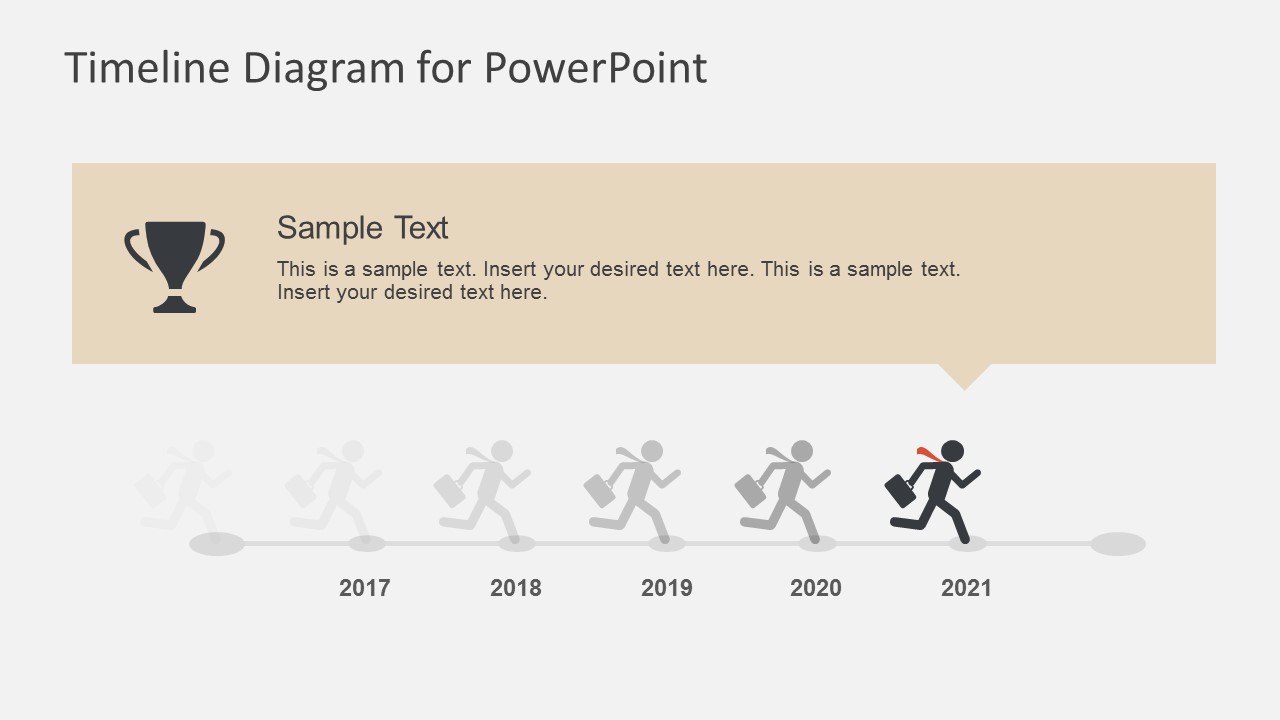
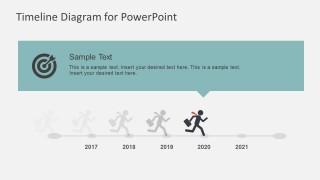
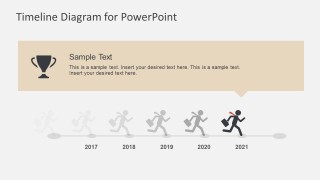
This template is inspired by a flat human character running into your company’s yearly milestone. This image slide displays a male businessman character running in order to show milestones of your journey. This PowerPoint template may be used to present vision of a desired destination and the best road to take to reach that goal in a specific timeline.
Initially, the slides are plotted from 2017 – 2021, but this template is readily editable. This presentation comes with flat effects, icons, and elements ready on PowerPoint as vector format and super easy to maneuver. Thus, the content of the PowerPoint slides can be revised and edited to suit your specifications. Get rid of your conventional PowerPoint presentations and start making them stand out. See more of our awesome designs that can help you achieve your goals.
What’s inside this template
Example presentation scenarios
- A strategy director can use the five-point milestone timeline to present annual goals, show the years in order, and connect each period to a business objective.
- A project manager can use the dated callout slides to report progress by phase, assigning the lightbulb, laptop, bar growth, target, and trophy icons to specific deliverables.
- A consultant can use the running character metaphor to explain a transformation journey, then zoom into each milestone slide for client discussion.
- An executive presenter can use the cover and trophy milestone slide to frame an annual achievements review and close with the target outcome.
Features
- 100% editable presentation template
- Compatible with Microsoft PowerPoint and Google Slides
- 16:9 aspect ratio slides
- Scalable vector shapes, icons and illustrations
- AI-Ready for Microsoft Copilot and Claude
- Instant access and download
Frequently asked questions
Q: How should a presenter explain the timeline without making it feel like a list of dates?
A: Treat the runner as the main story cue. Open with the destination, then use the five-point timeline to show the complete path before moving into each dated callout slide. For each year, connect the icon to one clear message: idea, capability, growth, target, or achievement.
Q: Who is this timeline best suited for in a business presentation?
A: It fits presenters who need to explain progress over time rather than compare many data points. Strategy leads, project managers, consultants, and executives can use it for annual planning, business goal reviews, or roadmap updates where the audience needs a simple sequence and memorable milestone labels.
Q: Why does the running character metaphor help communicate planning progress?
A: The running figure creates motion across a static timeline, making the years feel like steps toward a goal. The ghosted runners show past or upcoming movement, while the active runner marks the current milestone. This visual hierarchy helps the audience understand sequence, momentum, and destination quickly.








Business Character Running PowerPoint Timeline
8-slide timeline presentation template with running character milestones for annual planning reports
This is an 8-slide timeline presentation template for annual planning and business milestone reports. It includes a running character cover, five-point milestone timeline, dated callout slides for 2017-2021, and a useful icons page. Business presenters can edit the diagram in Microsoft PowerPoint or Google Slides.
- Category
- Timelines & Planning
- Rating


 Loading...
- Aspect ratio
- 16:9, 4:3
- Item ID
- 7220-01
- Colors
 Microsoft PowerPoint
  Microsoft Copilot
  Claude for PowerPoint
 Other formats supported
Subscribe today and get immediate
access to download our PowerPoint templates.