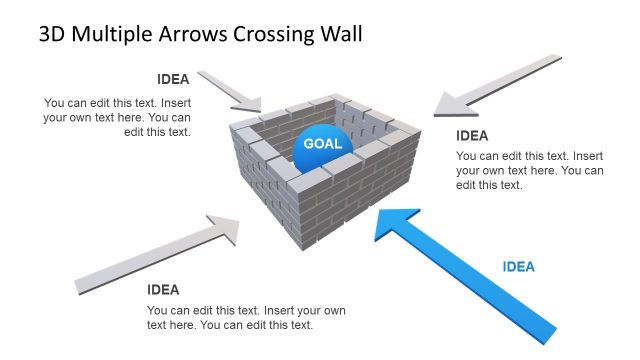
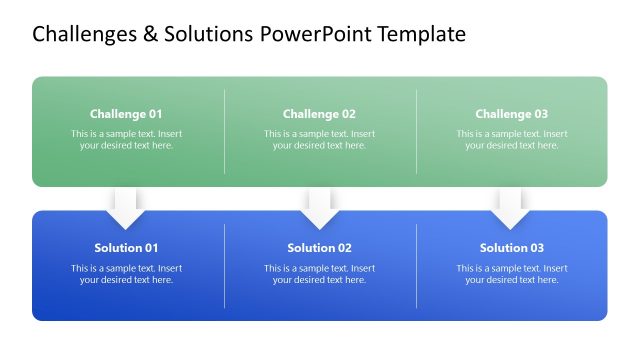
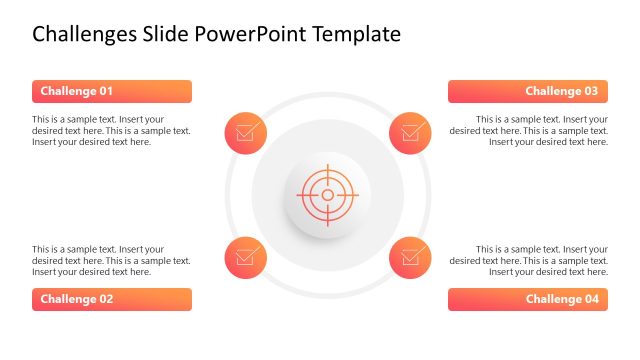
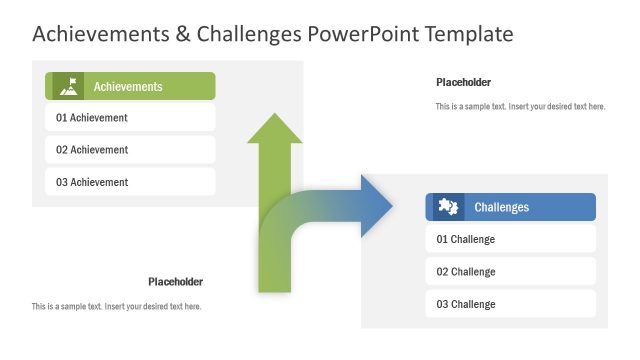
Address obstacles and address solutions for problems in your presentations with the Brick Walls & Obstacles Template for PowerPoint.
With finely crafted slide designs and eye-catching graphics, you can fashion slides related to a wide range of topics such as obstacles, success, career management, entrepreneurship, leadership, business strategy, goals, challenges, etc.
What’s inside this template
Example presentation scenarios
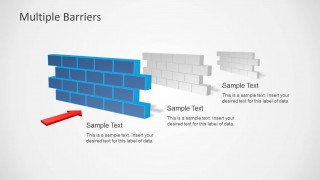
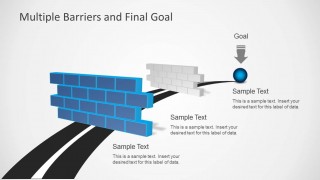
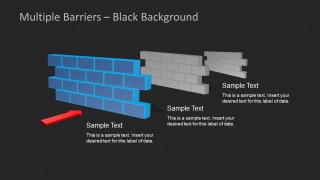
- A strategy consultant can use the multiple barriers slides to show the sequence of market, operational, or organizational blockers that stand between the current state and a defined goal.
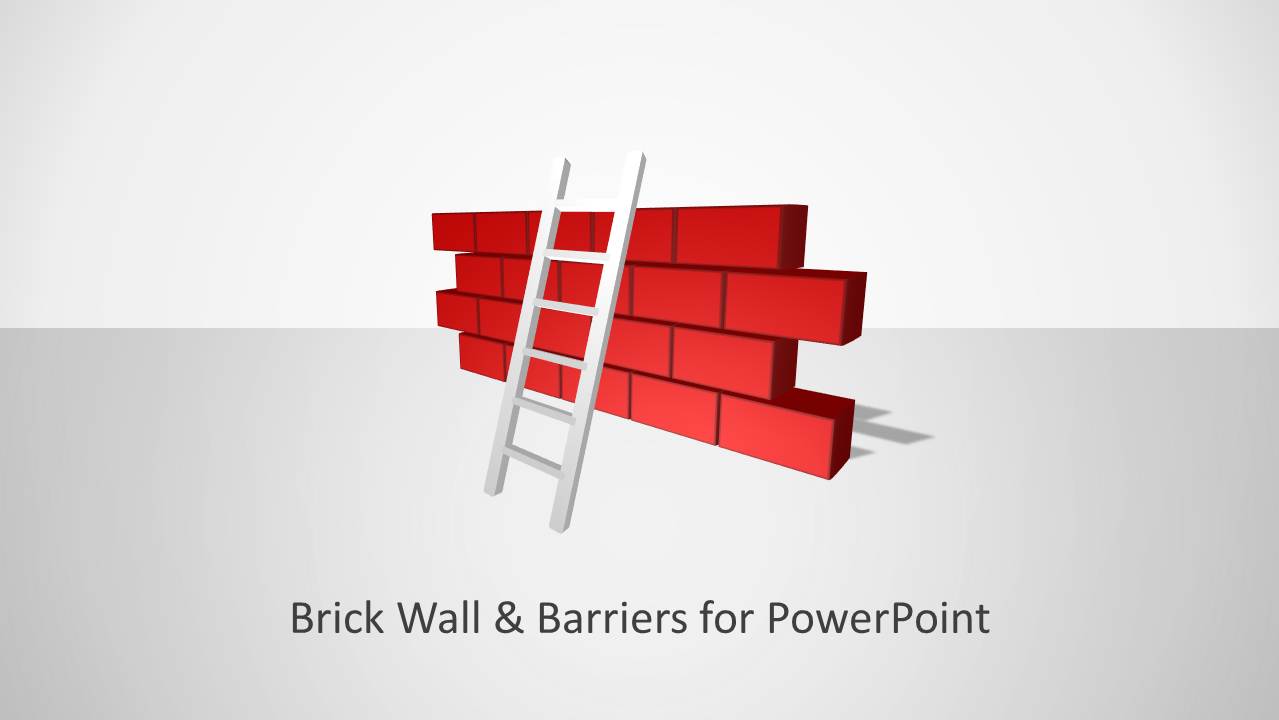
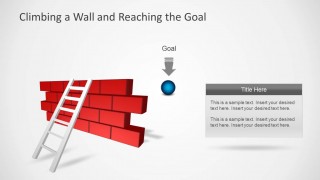
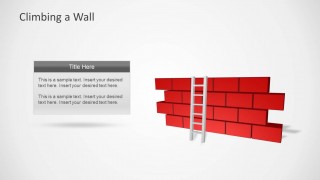
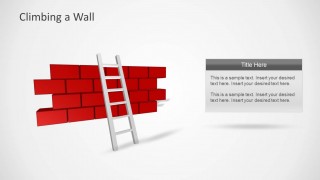
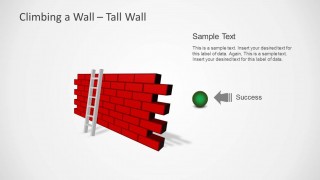
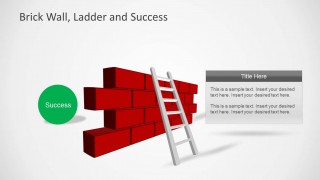
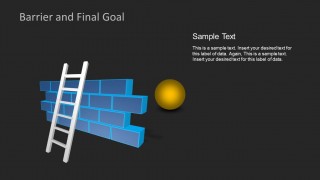
- A leadership coach can use the brick wall and ladder slides to help managers discuss personal development challenges and the steps needed to climb past them.
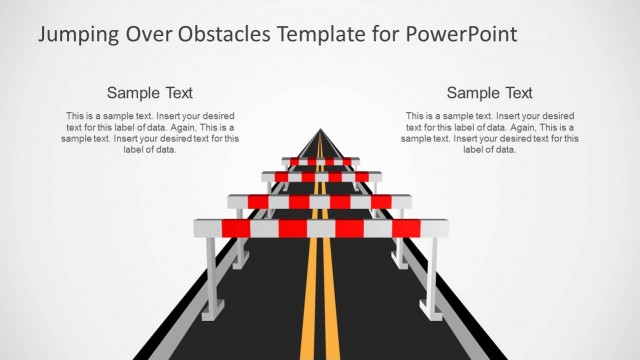
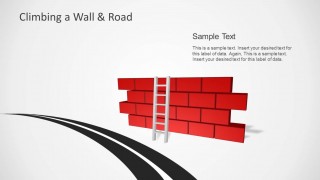
- A project manager can use the road-to-goal and final goal layouts to explain why a project is delayed, which barrier comes next, and how the team plans to move forward.
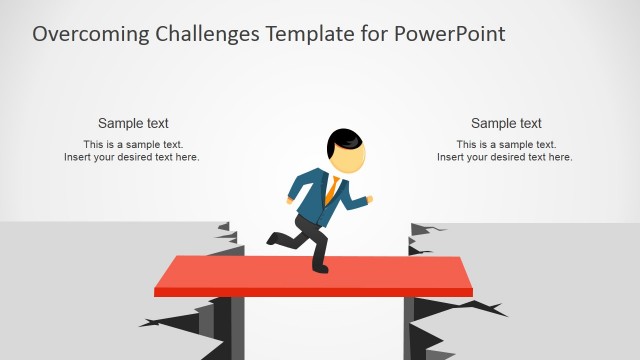
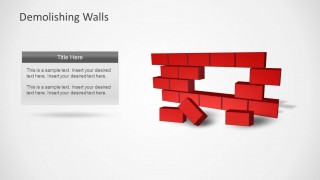
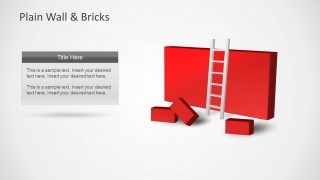
- An entrepreneurship presenter can use the demolished wall layout to show how a startup removed a key barrier and created a path toward growth.
Features
- 100% editable presentation template
- Compatible with Microsoft PowerPoint and Google Slides
- Scalable vector shapes, icons and illustrations
- AI-Ready for Microsoft Copilot and Claude
- Instant access and download
Frequently asked questions
Q: How should a presenter structure a message with this obstacle template?
A: Start with the wall as the central barrier, then explain what makes it difficult, and finally show the path past it. The ladder slides work well for personal or team effort, the demolished wall slide supports breakthrough moments, and the road-to-goal slides help connect actions to the desired outcome.
Q: Who is this template best suited for?
A: This template fits presenters who need to make challenges easy to recognize before discussing solutions. Consultants, team leaders, coaches, and project managers can use the brick wall, ladder, and multiple barrier visuals to frame resistance, blockers, or growth obstacles in a way that nontechnical audiences understand quickly.
Q: Why does the brick wall metaphor help the audience understand the message?
A: A wall is an immediate visual symbol for resistance, while ladders, roads, arrows, and goal markers imply movement and progress. This lets the presenter avoid abstract language and show whether the strategy is to climb over, break through, or navigate around an obstacle.


Brick Walls & Obstacles Template for PowerPoint
13-slide PowerPoint presentation template with brick wall barriers, ladder goals, and obstacle diagrams
Brick Walls & Obstacles Template for PowerPoint is a 13-slide presentation template for explaining barriers, goals, and problem solving. It includes brick wall and ladder diagrams, demolished wall layouts, road-to-goal visuals, and multiple barrier sequences with editable text boxes. It is suited to business strategy, leadership, career, and change presentations.


 Loading...
 Microsoft PowerPoint
  Microsoft Copilot
  Claude for PowerPoint
 Other formats supported
Subscribe today and get immediate
access to download our PowerPoint templates.