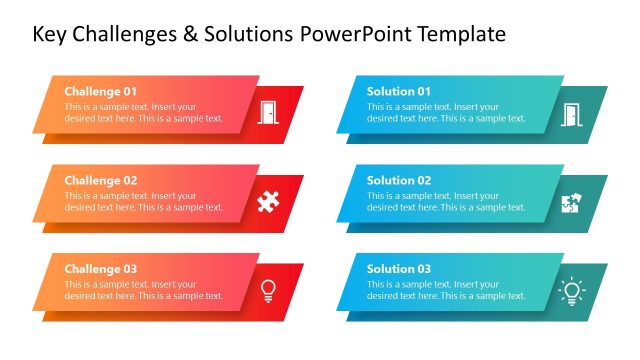
Create an entertaining and effective presentation with the Overcoming Challenges PowerPoint Template. Use its creative vector drawings to illustrate different types of obstacles in the workplace. The template can be used as an unconventionally enjoyable illustration of business risks and solutions.
As always, investments and markets are unpredictable, and dealing with them involves a great amount of risk. Poor management of risks can result in shaky deals and unreasonable interest rates. By presenting ways on how to overcome corporate challenges, the presenter can help management identify problems and minimize risks before they become too difficult to handle. The user may also opt to download other PowerPoint templates from the Gallery, like the Business Case Study PowerPoint Template.
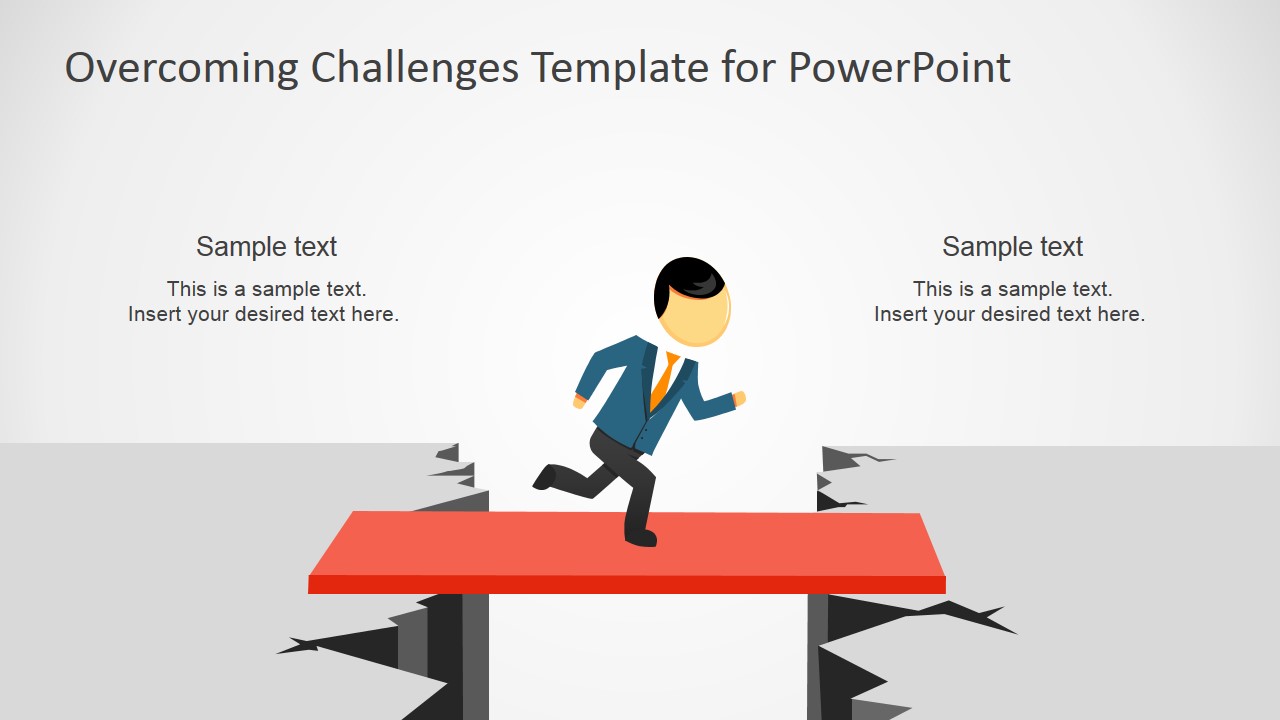
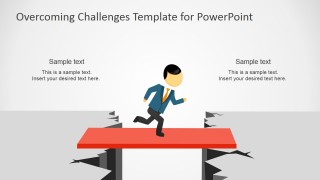
The user can demonstrate this by using the multiple slide designs included in the template. The first of which, showing a character on a solid red platform, can be used to represent the most effective way of crossing the bridge between two situations. One of which involves identifying the problem, and the other represents finding a solution to the problem – thus, the red bridge.
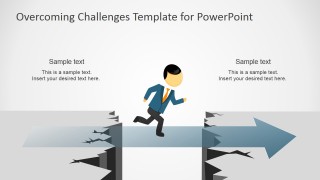
The second slide contains the same running vector character on a semi-transparent blue arrow. The user can use this as a metaphor for facing a problem head-on without considering the involved risks. This type of thinking may or may not result in success. It does, however, increase risks as this involves a great deal of luck. Although luck may be one of the reasons why a business has become extremely successful, it cannot always relied upon, especially when dealing with sensitive and delicate operations.
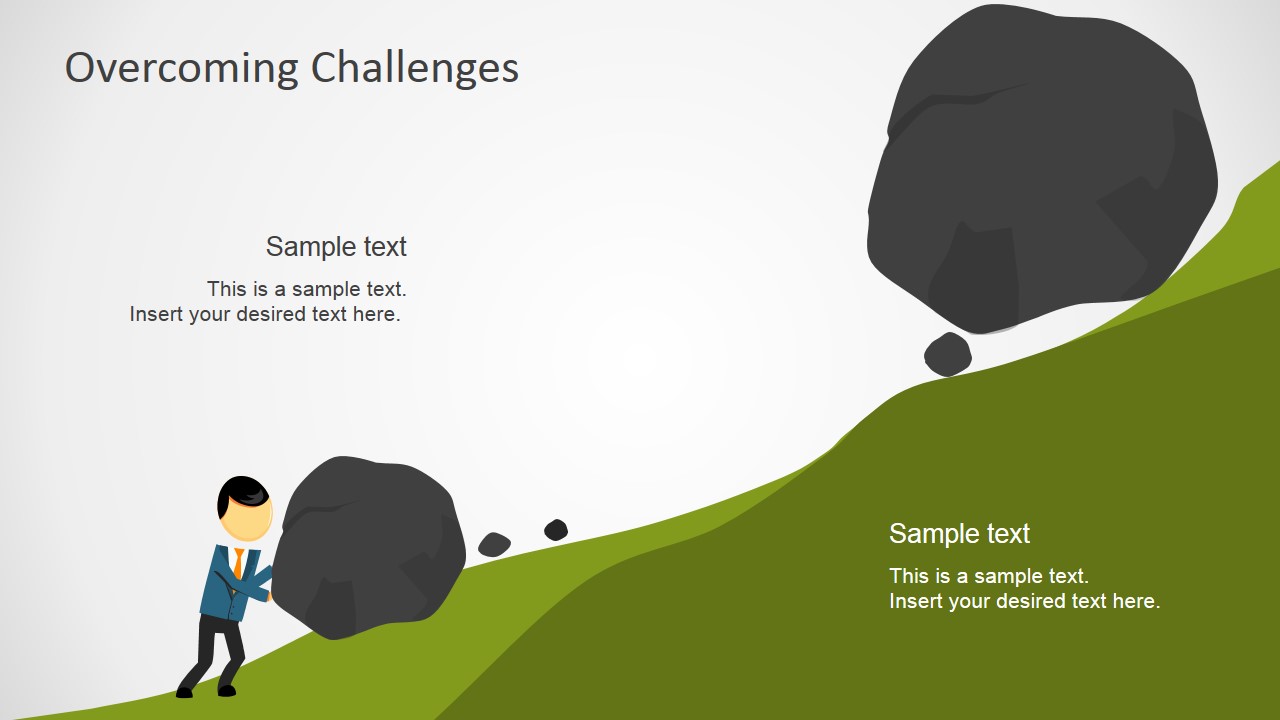
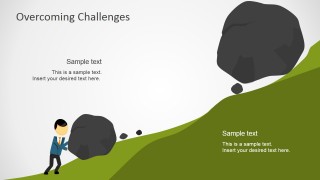
The presentation can also be used to show the importance of mitigating risk. This may be demonstrated using the slide that contains a vector character pushing a boulder on an incline. Although this seems to be a probable solution to the problem, the larger, heavier boulder at the top may only lead the procedure to failure. As such, the user can show how although certain approaches to solving a problem can seem effective, they may become futile when faced with other larger problems.
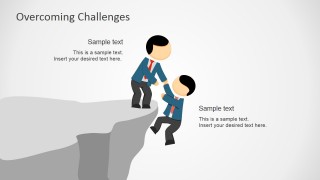
The user may also show how to get out of certain problems when the risks are too high and the process is almost failing. This is illustrated by two vector male characters on a cliff. One of the characters is depicted as helping the other from falling off the edge.
This Overcoming Challenges PowerPoint Template may be used in other types of situations involving problems and solutions. It may be modified to certain specifications to fit the user’s particular needs. By customizing the presentation, the user can maximize its relevance to the audience and gain better participation. Also, check our collection of challenges PowerPoint templates.
What’s inside this template
Example presentation scenarios
- A project manager can use the gap bridge slide to explain how a team will move from a current blocker to a defined solution path.
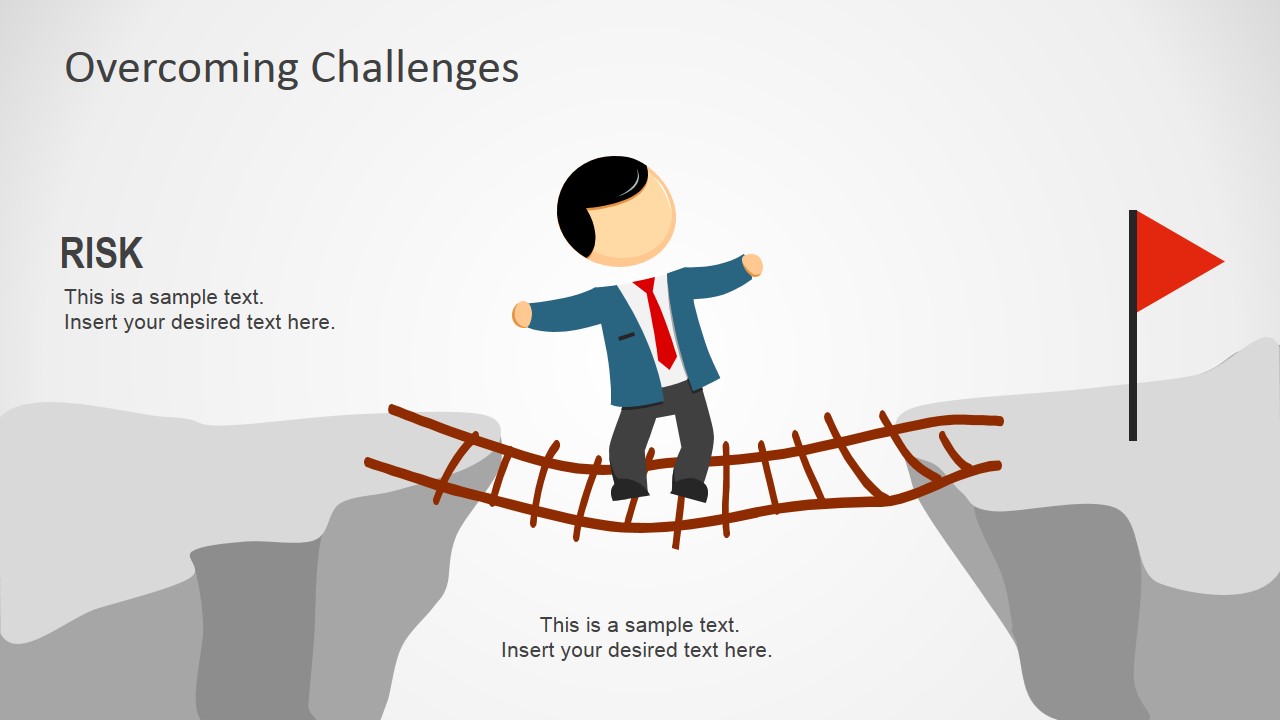
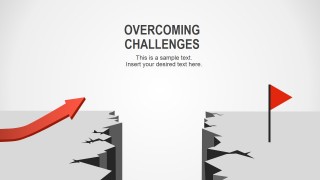
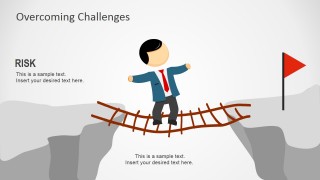
- A risk manager can use the rope bridge and red flag slide to show why a decision carries exposure and what must be controlled before moving forward.
- A consultant can use the uphill boulder slide to describe why a client initiative feels difficult and where a larger obstacle may appear next.
- A team leader can use the rescue cliff slide to discuss support, escalation, and intervention when a project or employee is close to failure.
Features
- 100% editable presentation template
- Compatible with Microsoft PowerPoint and Google Slides
- 16:9 aspect ratio slides
- Scalable vector shapes, icons and illustrations
- AI-Ready for Microsoft Copilot and Claude
- Instant access and download
Frequently asked questions
Q: How should a presenter use the metaphor slides without making the message feel vague?
A: Assign each obstacle image to one specific business point before presenting. For example, use the red plank as the current solution path, the uphill boulder as resource pressure, and the rescue cliff as required support. Keep the text short and tie every metaphor to a concrete risk, decision, or next action.
Q: Who is this template best suited for in a business setting?
A: This template fits managers, consultants, and risk presenters who need to make abstract problems easy to discuss. It works well for kickoff meetings, recovery reviews, and leadership updates where the audience must understand an obstacle quickly before debating options, responsibilities, or mitigation steps.
Q: Why do the bridge, boulder, cliff, and flag metaphors help the audience understand risk?
A: The scenes turn risk into a spatial problem: a gap to cross, a heavy load to move, an edge to avoid, or a goal to reach. This gives the audience a shared mental model before the presenter introduces details. The visual metaphors also help separate danger, effort, support, and progress.



Overcoming Challenges PowerPoint Template
6-slide presentation template with challenge metaphors, risk scenes, and gap bridge illustrations
The Overcoming Challenges PowerPoint Template is a 6-slide presentation template for explaining risks, obstacles, and problem-solving paths. It uses editable metaphor illustrations such as a gap bridge, forward arrow over a chasm, uphill boulder, rescue cliff, and rope bridge. It is built for Microsoft PowerPoint and Google Slides.
- Category
- Shapes
- Rating


 Loading...
- Aspect ratio
- 16:9, 4:3
- Item ID
- 6997-01
- Colors
 Microsoft PowerPoint
  Microsoft Copilot
  Claude for PowerPoint
 Other formats supported
Subscribe today and get immediate
access to download our PowerPoint templates.