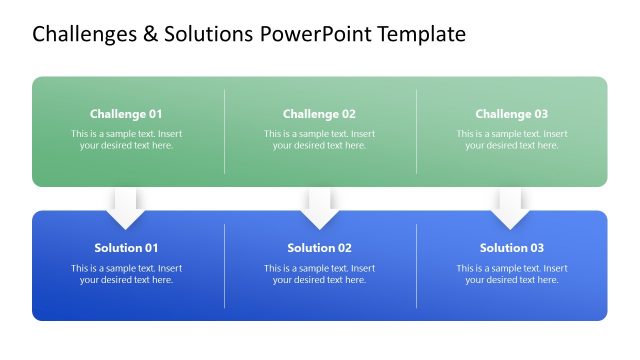
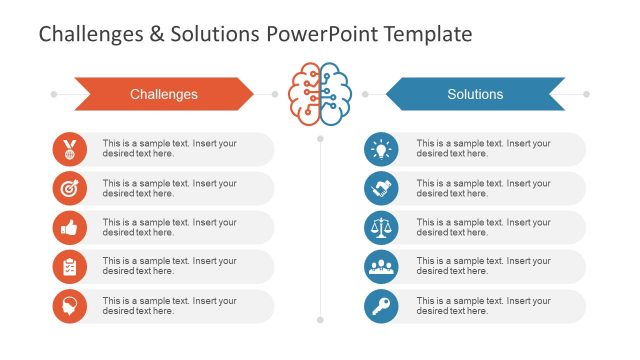
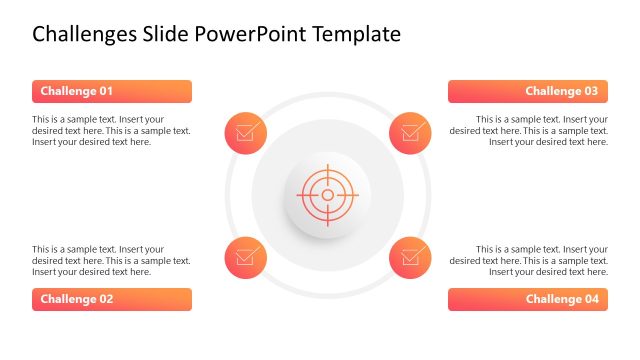
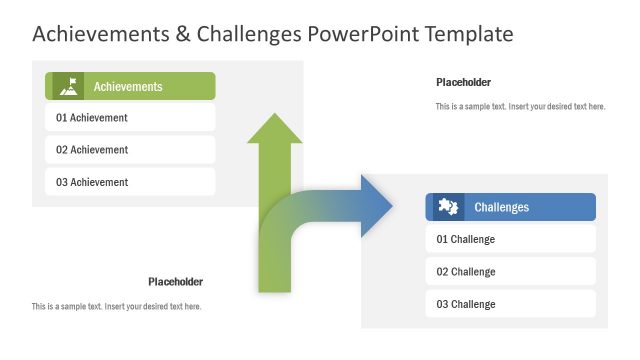
The editable Challenges & Opportunities PowerPoint Template features an engaging layout to discuss the current operational challenges and their associated opportunities. Challenges and hurdles are part and parcel of the company’s growth process. Companies constantly struggle with specific challenges at specific times that help them stay competitive in the market and retain their position. When professionals resolve specific problems, they can explore new areas and give themselves a competitive advantage. These challenges can be related to issues in the workflows, task delegation, execution of the plans, talent shortage, and problems in time management. Resolving such challenges opens up new doors of opportunity for the company. We created this template to help professionals discuss the ongoing challenges, their relevant solutions, and the opportunities the company will get by resolving those issues. This template is fully editable with Google Slides and Keynote.
We have created this Challenges & Opportunities PowerPoint Template with customizable PowerPoint features, which users can modify based on their needs. They can change the colors, graphical arrangements, infographics, and other elements used in the template to the ones that best fit their requirements. The challenges slide template has three slides, with the first as a cover slide. The remaining two allow presenters to share the challenges and opportunities separately using a spotlight effect. The first slide has two lanes, with an infographic icon at their bottom left corners below the title. Each shape has an array of five colorful circles with icons. All the shapes are linked with dashed lines, indicating the connectivity between all the points.
You can also repurpose the template design to showcase multiple factors related to your desired topic. Alternatively, you can use our other challenges PPT templates based on your theme requirements. If you have four challenges to discuss, try our 4 challenges template for PowerPoint. Download the challenges and opportunities slide PPT template for presentation and customize it now!
What’s inside this template
Example presentation scenarios
- An operations manager can brief leadership on workflow blockers by using the two-lane comparison to pair each challenge with a related opportunity.
- A consultant can guide a client workshop by presenting the challenge spotlight slide first, then moving to the opportunity spotlight slide for solution discussion.
- A project manager can summarize risks and improvement areas by replacing the five connected icon points with project-specific issues and outcomes.
- A team lead can frame a conflict resolution meeting by showing how current obstacles can be converted into practical action points.
Features
- 100% editable presentation template
- Compatible with Microsoft PowerPoint and Google Slides
- 16:9 aspect ratio slides
- Scalable vector shapes, icons and illustrations
- AI-Ready for Microsoft Copilot and Claude
- Instant access and download
Frequently asked questions
Q: How should a presenter structure the message with this template?
A: Start with Slide 1 to show the full relationship between obstacles and upside, then use Slide 2 to explain the most important challenges without distraction. Close the discussion with Slide 3 by translating those issues into opportunities. Keep each of the five points short so the dashed connections remain easy to follow.
Q: Who is this template best suited for?
A: This template fits managers, consultants, and project leaders who need to explain why current problems matter and what can be gained by solving them. It works best for strategic reviews, operational improvement meetings, and conflict resolution sessions where the audience needs a clear link between pain points and next-step value.
Q: Why does the two-lane design work for challenge and opportunity discussions?
A: The layout uses a simple visual metaphor: challenges sit in one lane and opportunities in a parallel lane, with dashed lines linking related points. This makes the audience see obstacles as part of a conversion path rather than isolated problems. The spotlight slides also control attention by muting the row that is not being discussed.


Challenges & Opportunities PowerPoint Template
3-slide presentation template for challenges, opportunities, and linked action points
The Challenges & Opportunities PowerPoint Template is a 3-slide infographic deck for framing business obstacles and related upside. It includes a two-lane challenges and opportunities comparison, a challenge spotlight slide, and an opportunity spotlight slide with five connected icon points. It is built for PowerPoint and Google Slides.
- Category
- PowerPoint Themes
- Rating

 Loading...
- Aspect ratio
- 16:9
- Item ID
- 22919-01
- Colors
 Microsoft PowerPoint
 Microsoft Copilot
 Claude for PowerPoint
Other formats supported
Subscribe today and get immediate
access to download our PowerPoint templates.