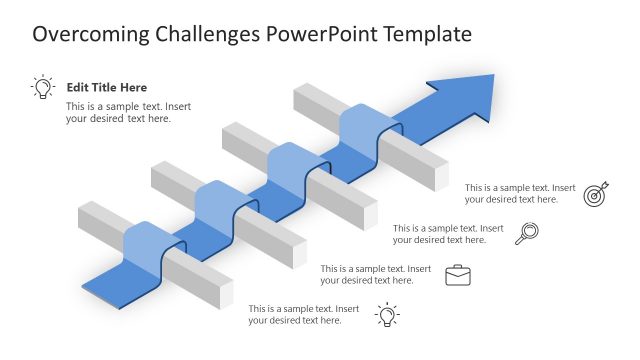
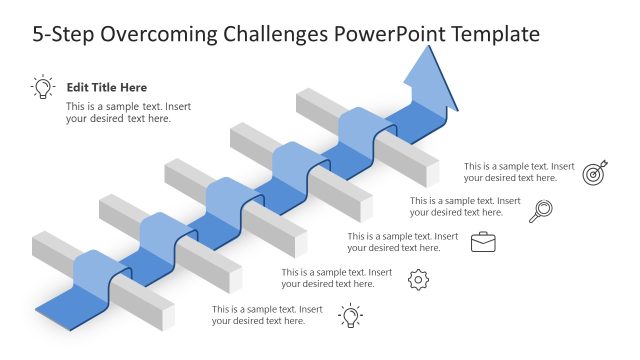
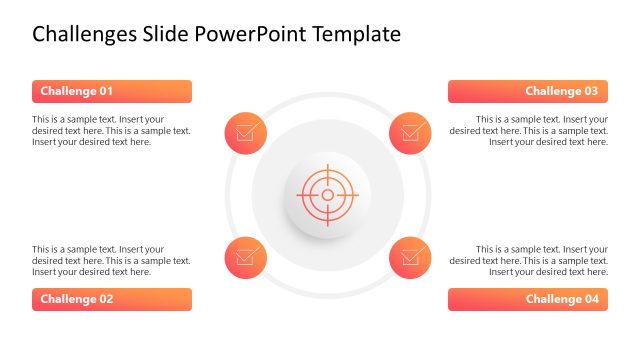
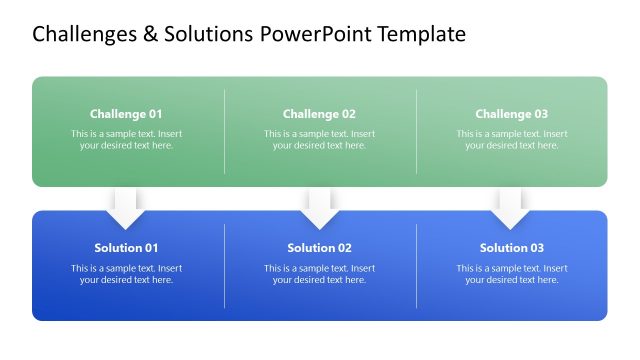
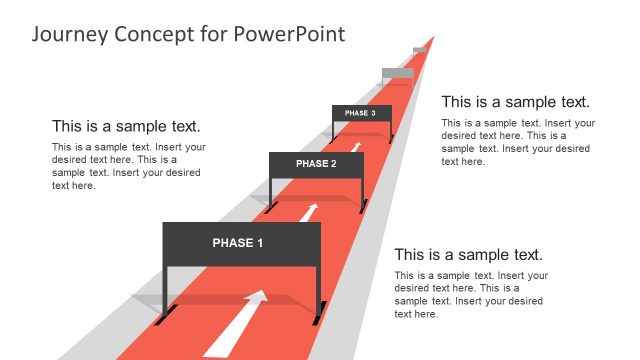
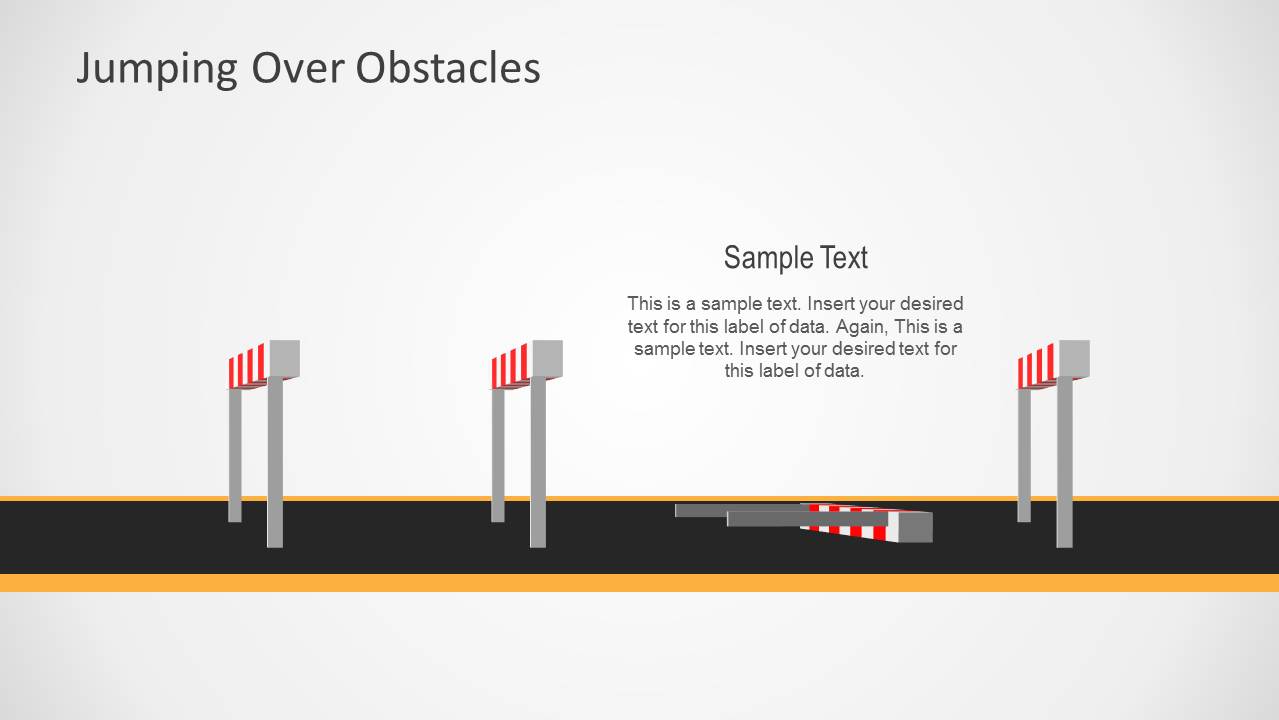
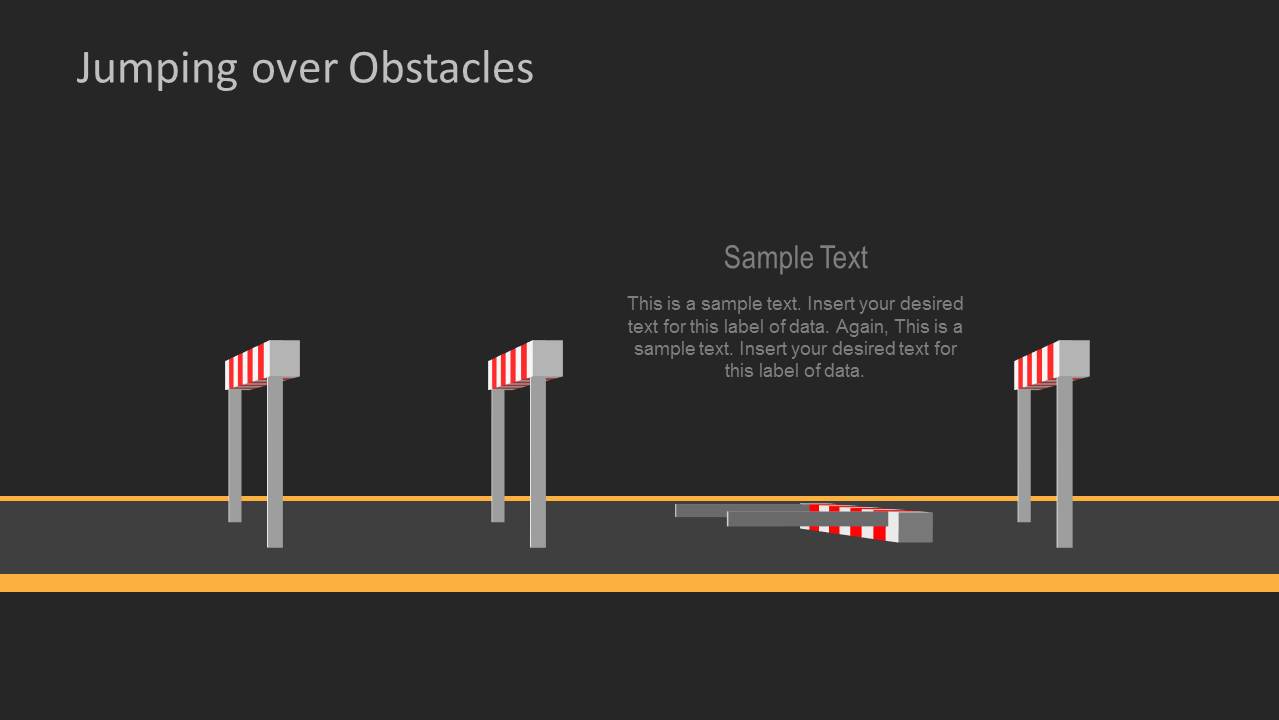
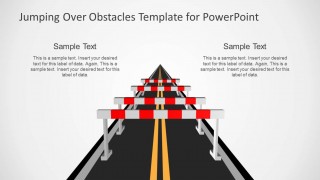
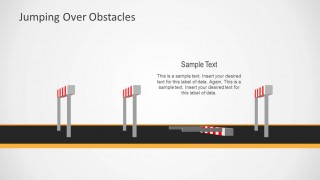
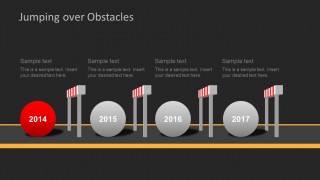
Jumping Over Obstacles PowerPoint Template is a presentation template that you can download to use obstacles and sorting challenges metaphors in PowerPoint. The presentation contains several slide designs with obstacles and barriers. All these shapes inside the presentation were created with PowerPoint so you can easily edit the shape properties including effects, shadows and colors.
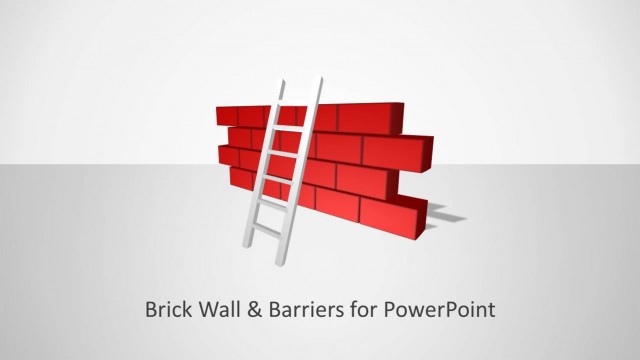
Alternatively you can consider to download bricks and walls PowerPoint template which uses a metaphor for challenges and barriers but using a brick wall instead. We can consider that an obstacle or hurdle is anything that blocks progress or makes something difficult to achieve, hence this template can help to present the challenges in an action plan, roadmap or decision-making process.
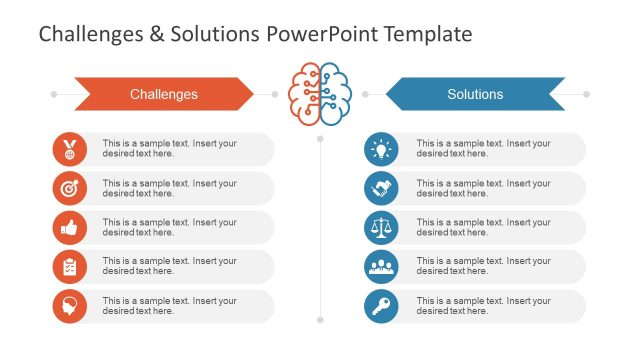
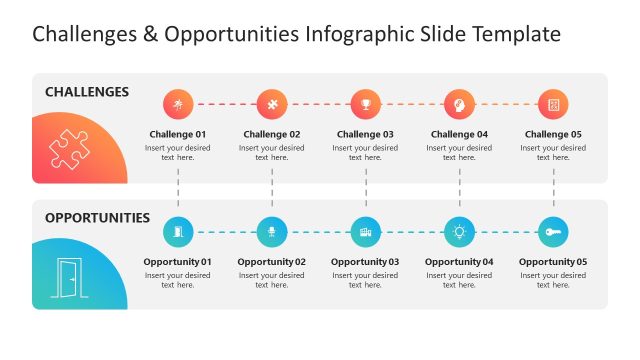
Alternatively, you can download other challenges slide templates for PowerPoint & Google Slides to depict the difficulties in making a decision or following a specific action. You can also download other editable slide decks for PowerPoint presentations with creative layouts and backgrounds.
What’s inside this template
Example presentation scenarios
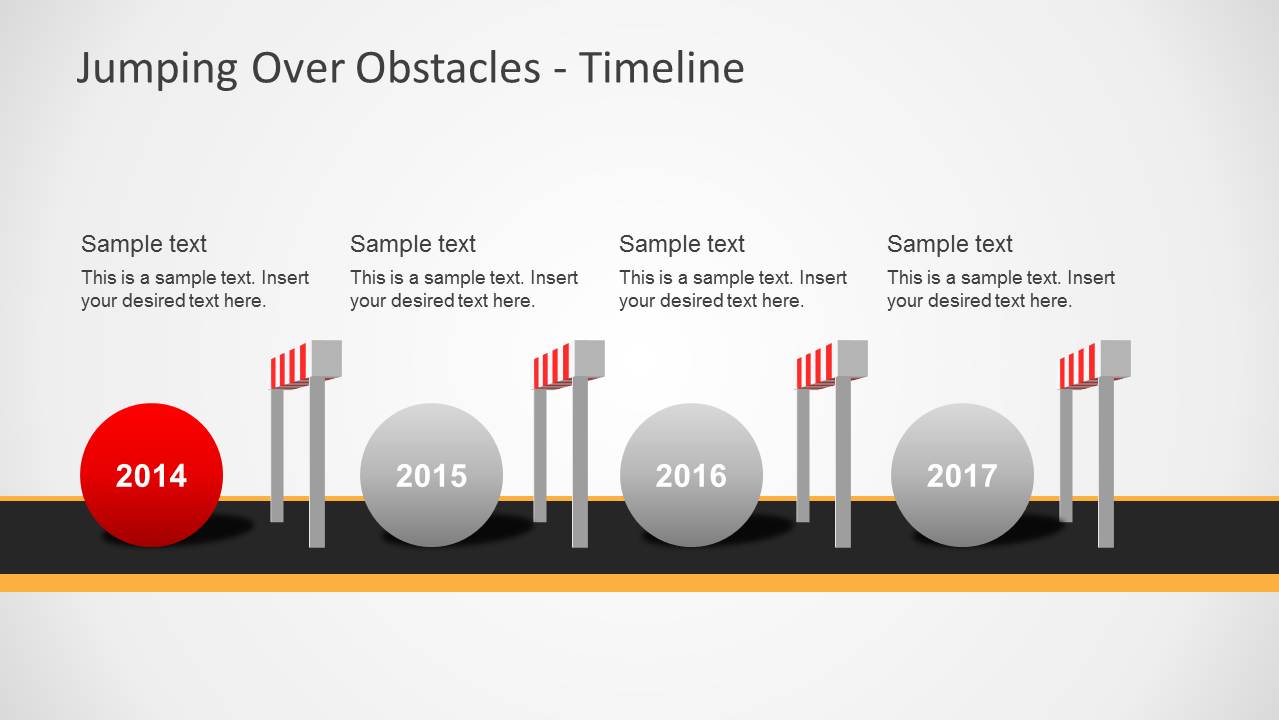
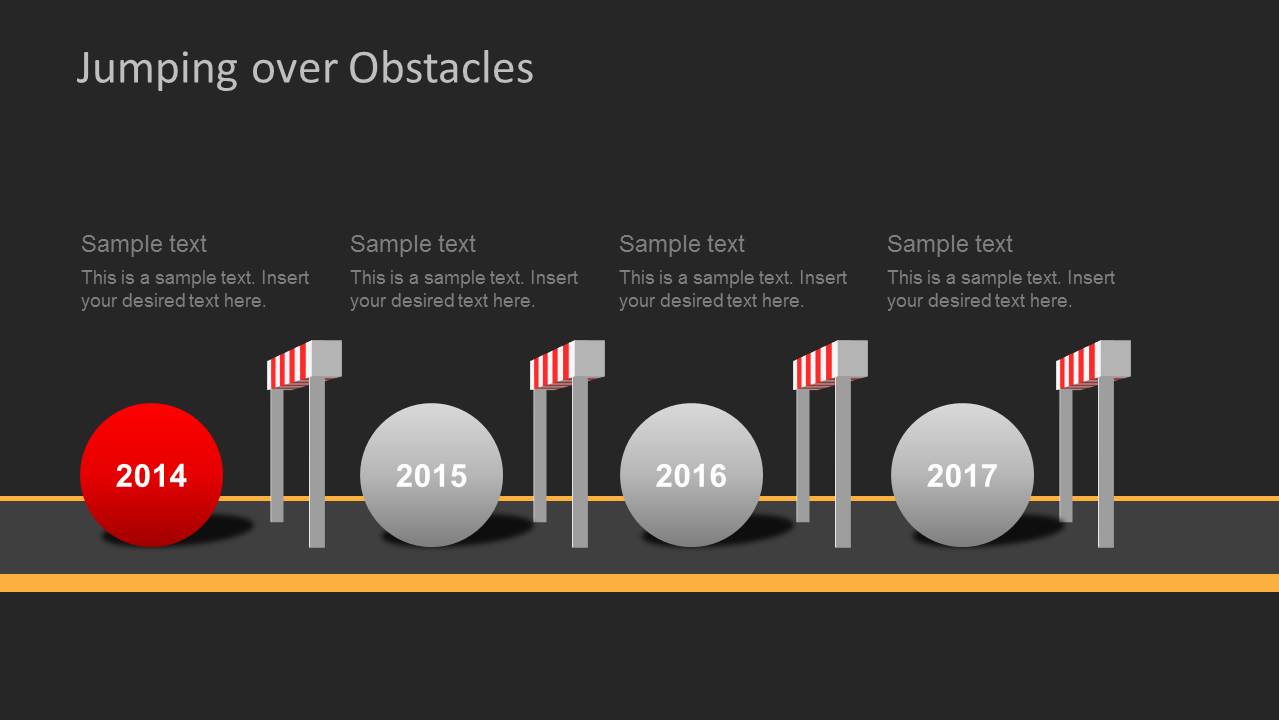
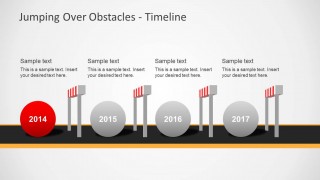
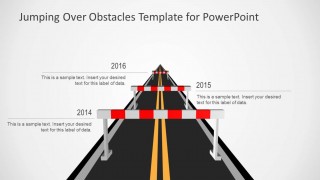
- A project manager can use the roadblock timeline to show stakeholders which milestones are blocked and what action is needed at each point.
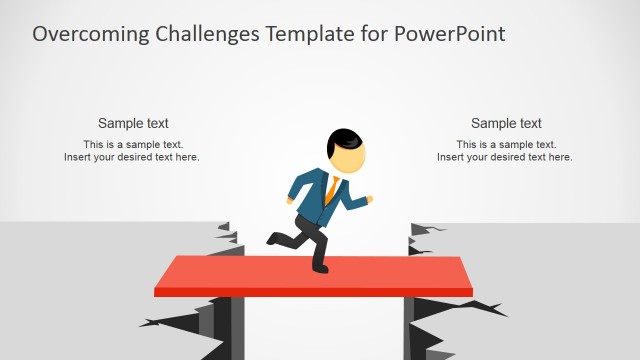
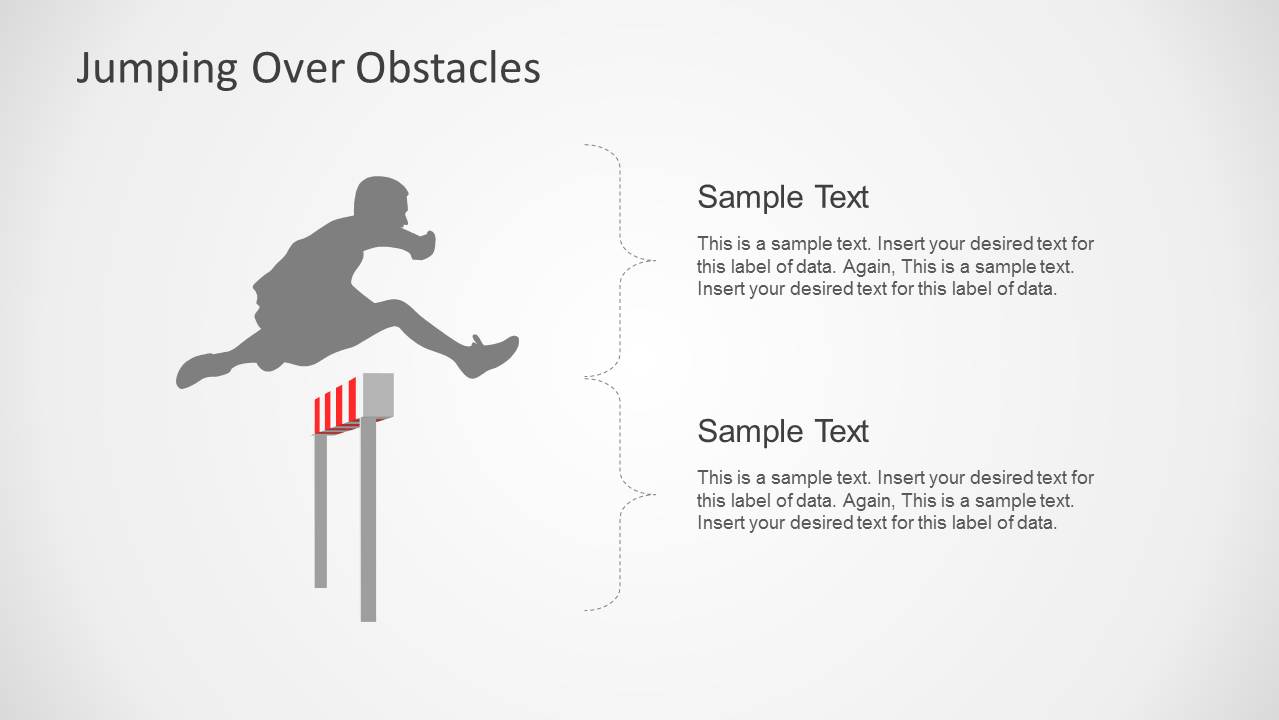
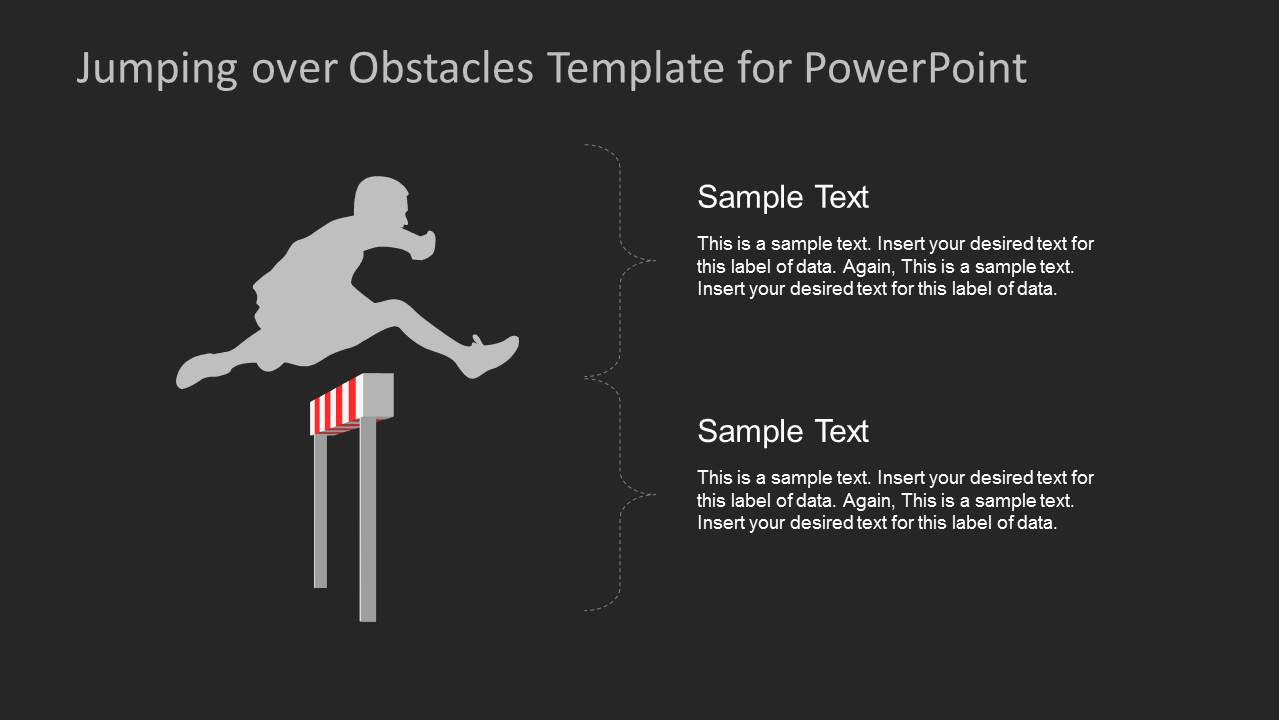
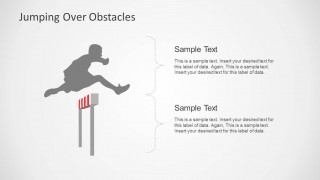
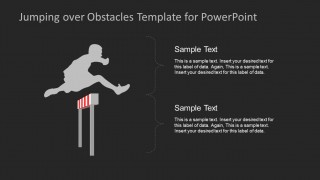
- A consultant can use the jumping figure callout slide to explain how a client can move from a current challenge to a target outcome.
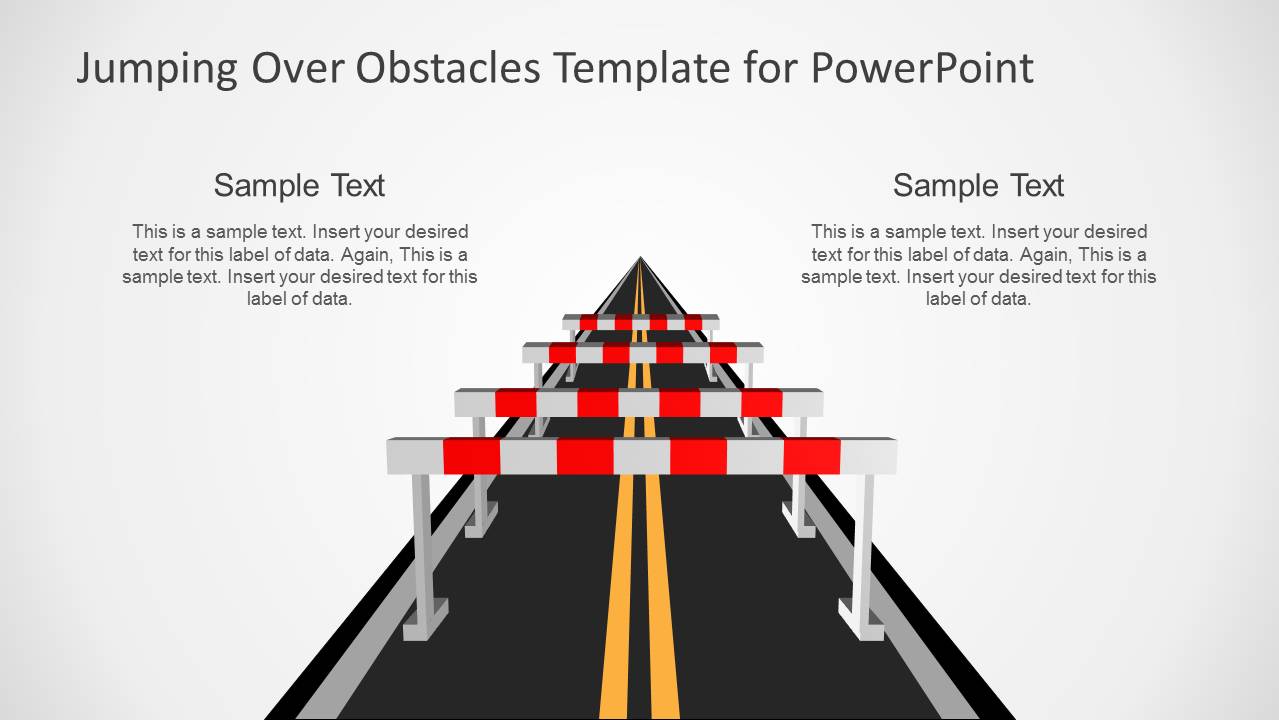
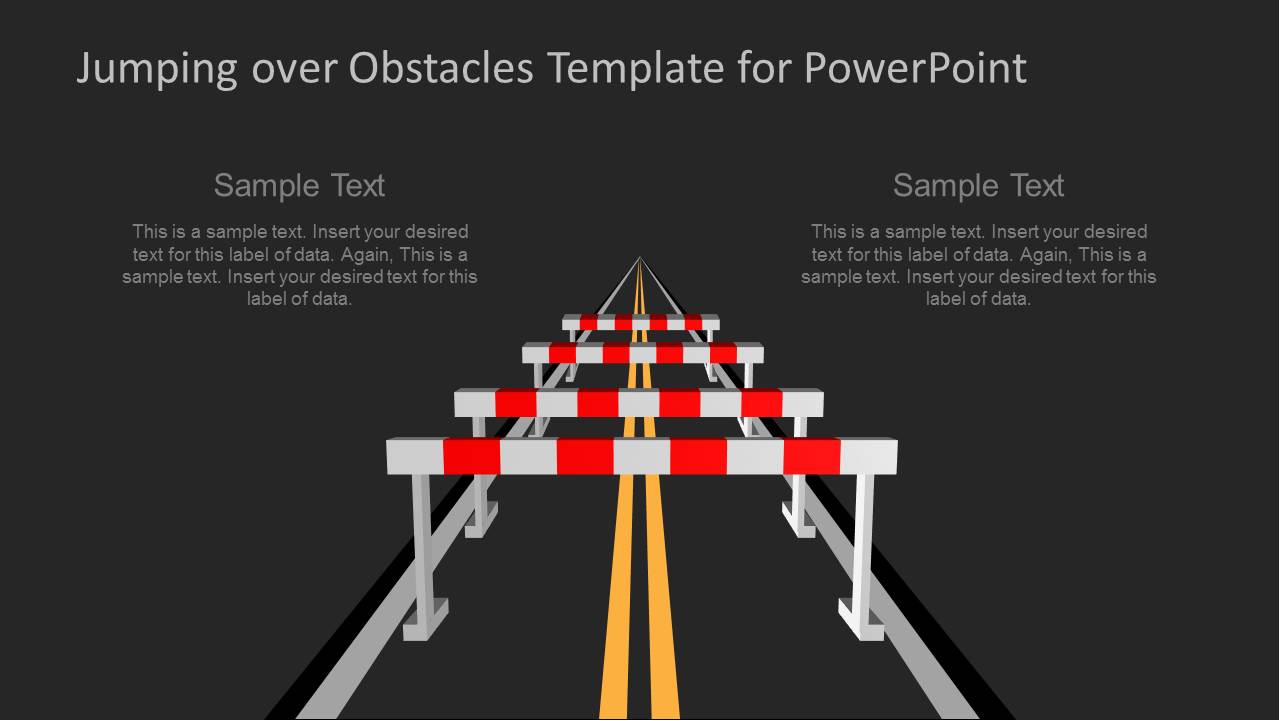
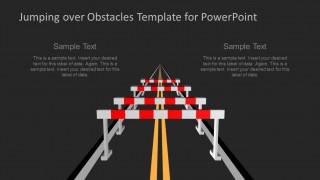
- A strategy lead can use the road perspective barrier slides to frame market, operational, or organizational obstacles before discussing priorities.
- A trainer can use the light and dark hurdle layouts to introduce a session about overcoming resistance, risk, or execution barriers.
Features
- 100% editable presentation template
- Compatible with Microsoft PowerPoint
- 16:9 aspect ratio slides
- Scalable vector shapes, icons and illustrations
- AI-Ready for Microsoft Copilot and Claude
- Instant access and download
Frequently asked questions
Q: How should a presenter structure a message with the obstacle metaphor?
A: Start by naming the goal, then use the roadblock or hurdle slide to make the barrier concrete. Move to the callout slide for causes, decisions, or actions. If timing matters, use the timeline layout to show when each obstacle appears and what the audience must do to clear it.
Q: Who benefits most from this template in a business presentation?
A: This template fits project managers, consultants, strategy leaders, and trainers who need to discuss barriers without turning the deck into a risk register. The road, hurdle, and jumping figure visuals help nontechnical audiences understand a difficult path, a blocking issue, and the intended movement toward success.
Q: Why use road barriers and jumping figures instead of plain bullet slides?
A: The metaphor turns an abstract challenge into a visible obstacle. A road suggests forward motion, barriers show interruption, and the jumping figure shows action over difficulty. This makes the audience remember the problem-solution relationship faster than a text-only list of risks, blockers, and recommendations.

Jumping Over Obstacles PowerPoint Template
9-slide PowerPoint presentation template with obstacle metaphors, road barriers, and timeline layouts
Jumping Over Obstacles PowerPoint Template is a 9-slide Microsoft PowerPoint deck for presenting challenges, barriers, goals, and progress. It includes roadblock metaphors, a jumping figure with callouts, obstacle timeline layouts, and dark-background variants for leaders, consultants, and project teams explaining how to move past roadblocks.
- Category
- PowerPoint Templates
- Rating


 Loading...
- Aspect ratio
- 16:9
- Item ID
- 6146-02
 Microsoft PowerPoint
  Microsoft Copilot
  Claude for PowerPoint
 Other formats supported
Subscribe today and get immediate
access to download our PowerPoint templates.