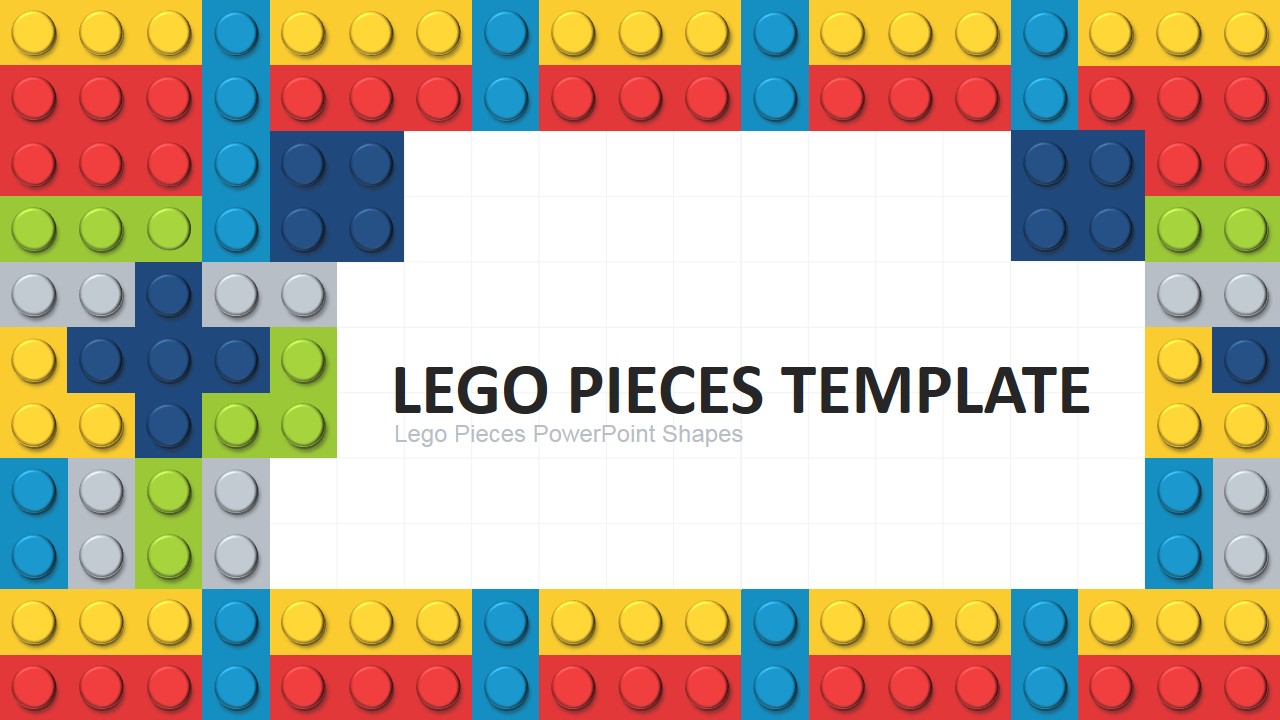
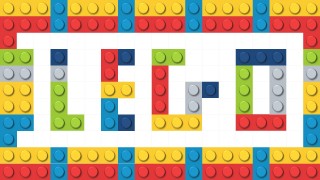
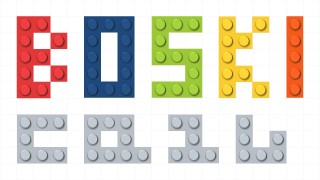
Lego PowerPoint Template. Create amazing PowerPoint presentations with the Lego bricks provided in this template. Ideal for classroom presentations or lectures. The presenter can create beautiful backgrounds themed with lego pieces. Create banners and messages using creative lego words, assembled with different colors.
Lego® is famous plastic toy built by the Danish company The Lego Group. The Lego bricks have became one of the most popular toys around the world, due to its simplicity and possibilities for developing kids creativity. Though the use of a fixed set of construction building blocks, Lego has created the most amazing fake shapes of the world.
What’s inside this template
Example presentation scenarios
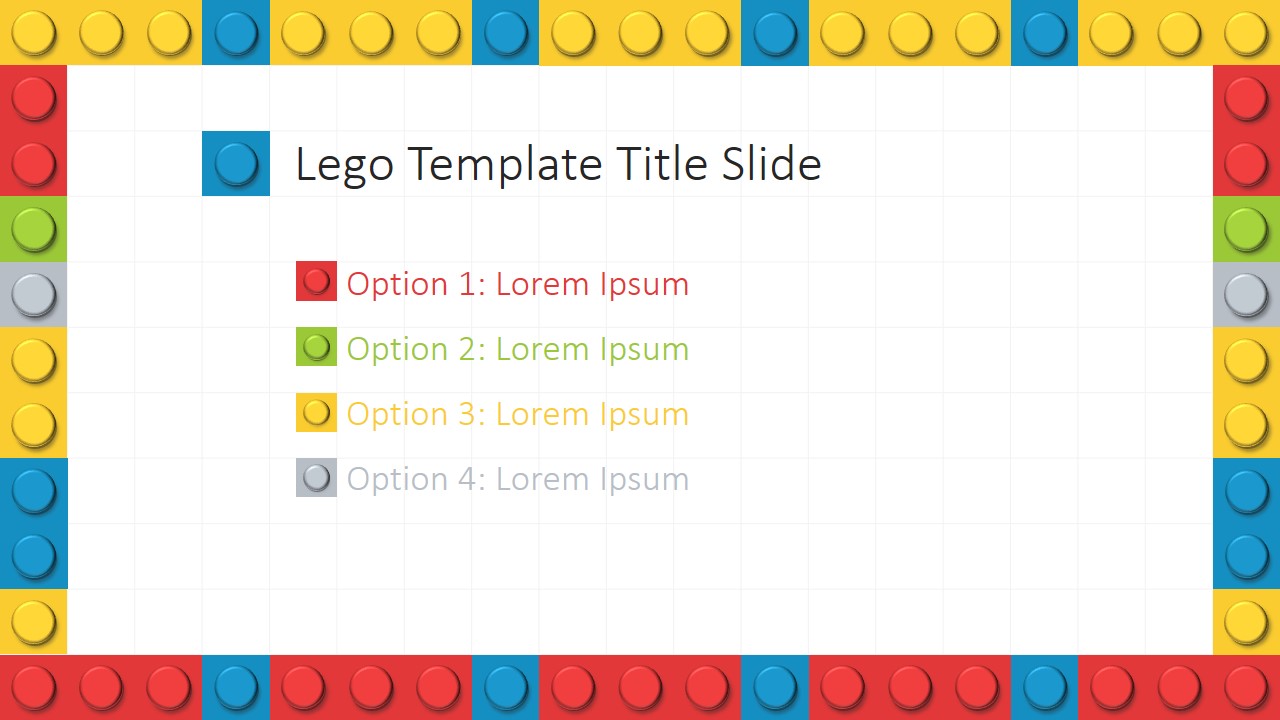
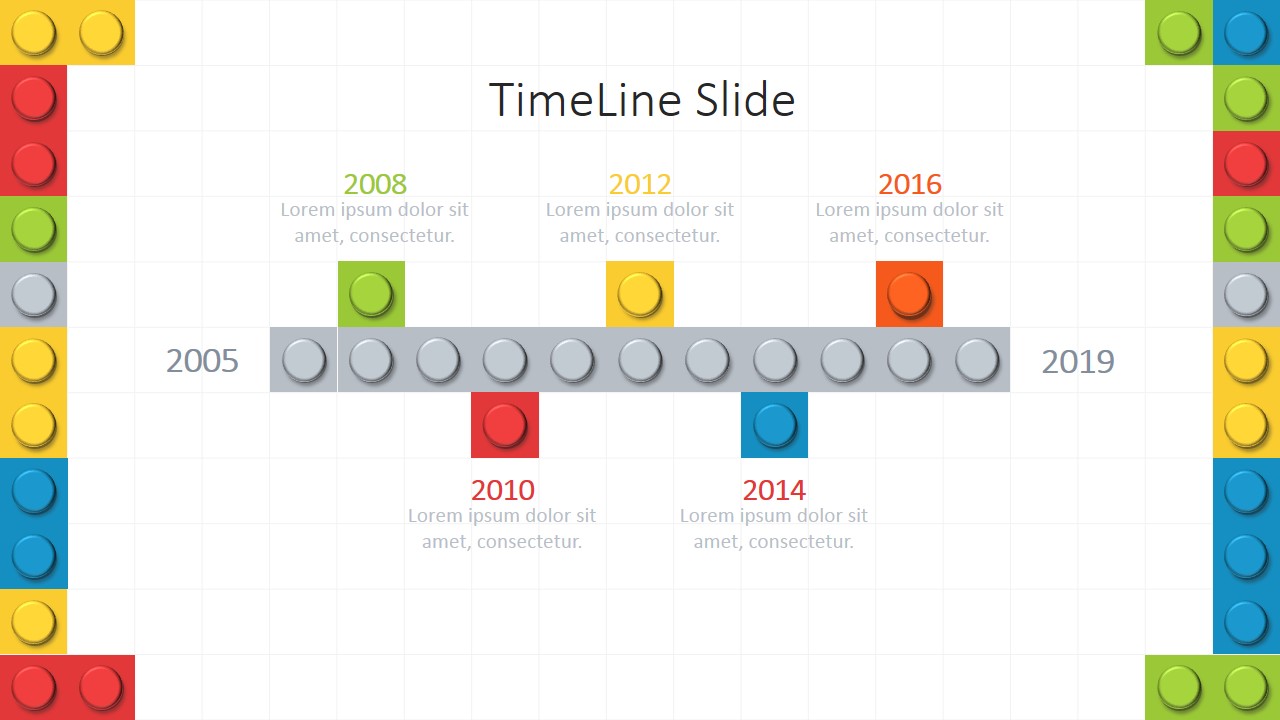
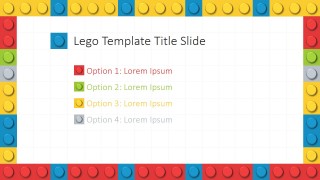
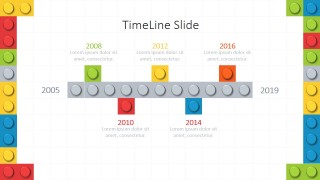
- A teacher can introduce a classroom topic with the cover and brick title slides, then use the timeline slide to sequence events or lesson milestones.
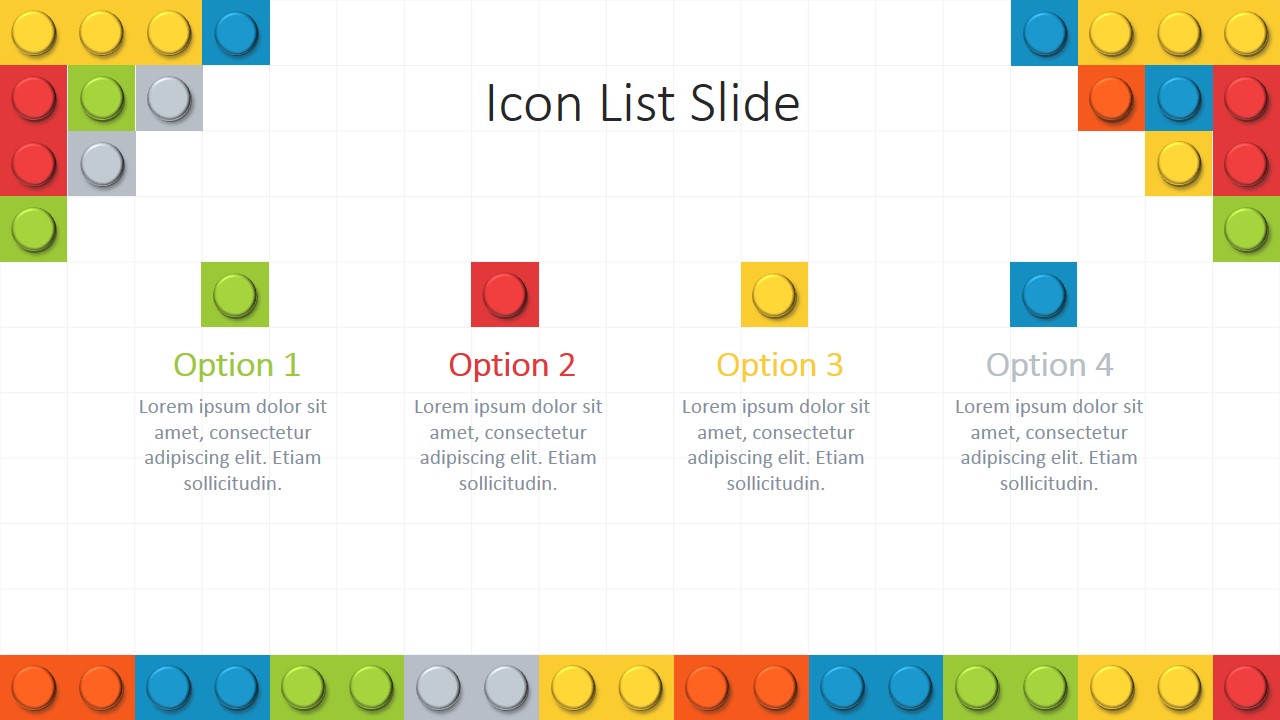
- A trainer can explain a hands-on workshop plan with the icon list slide for activity steps and the text background slides for discussion prompts.
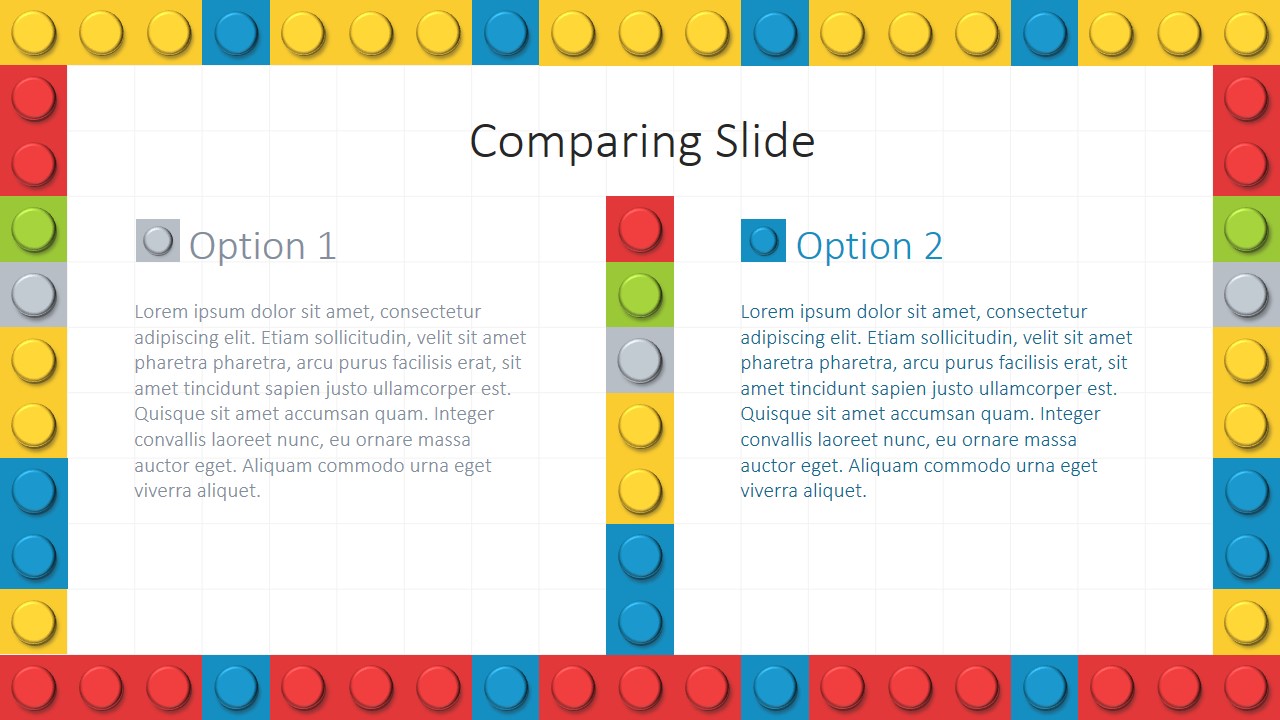
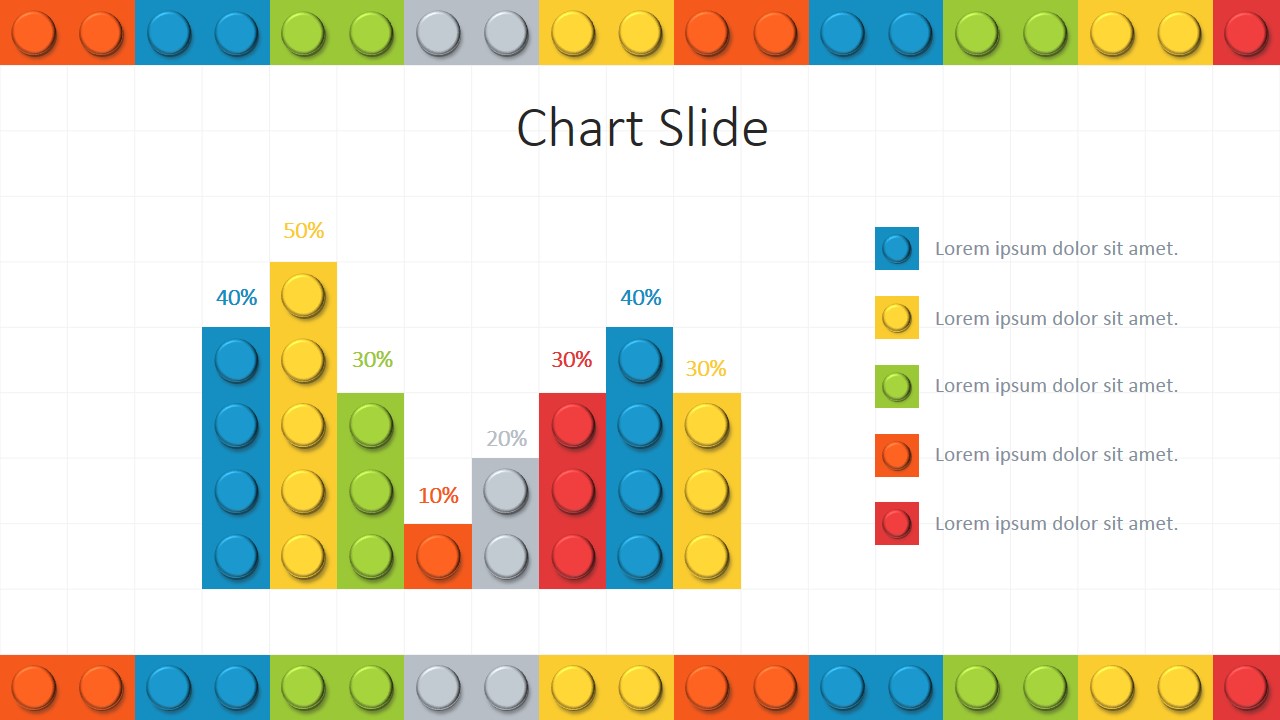
- A creative team lead can compare two concept directions with the comparing slide and summarize feedback with the bar chart layout.
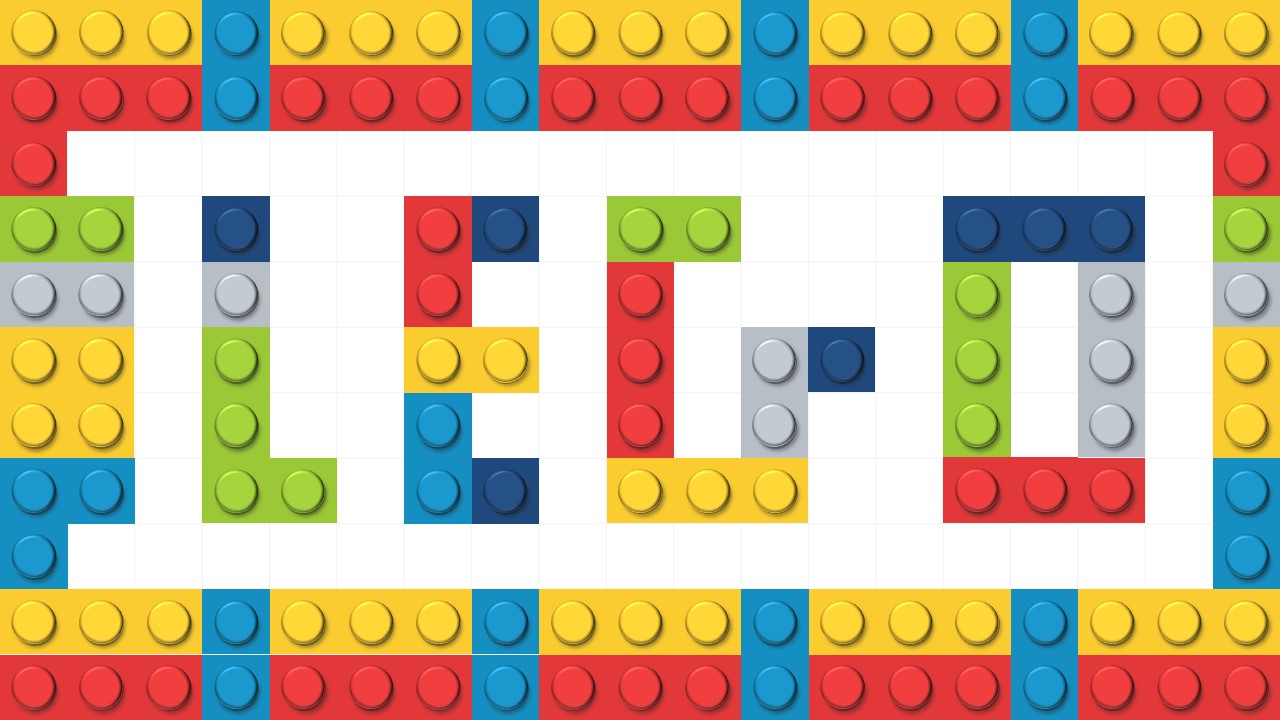
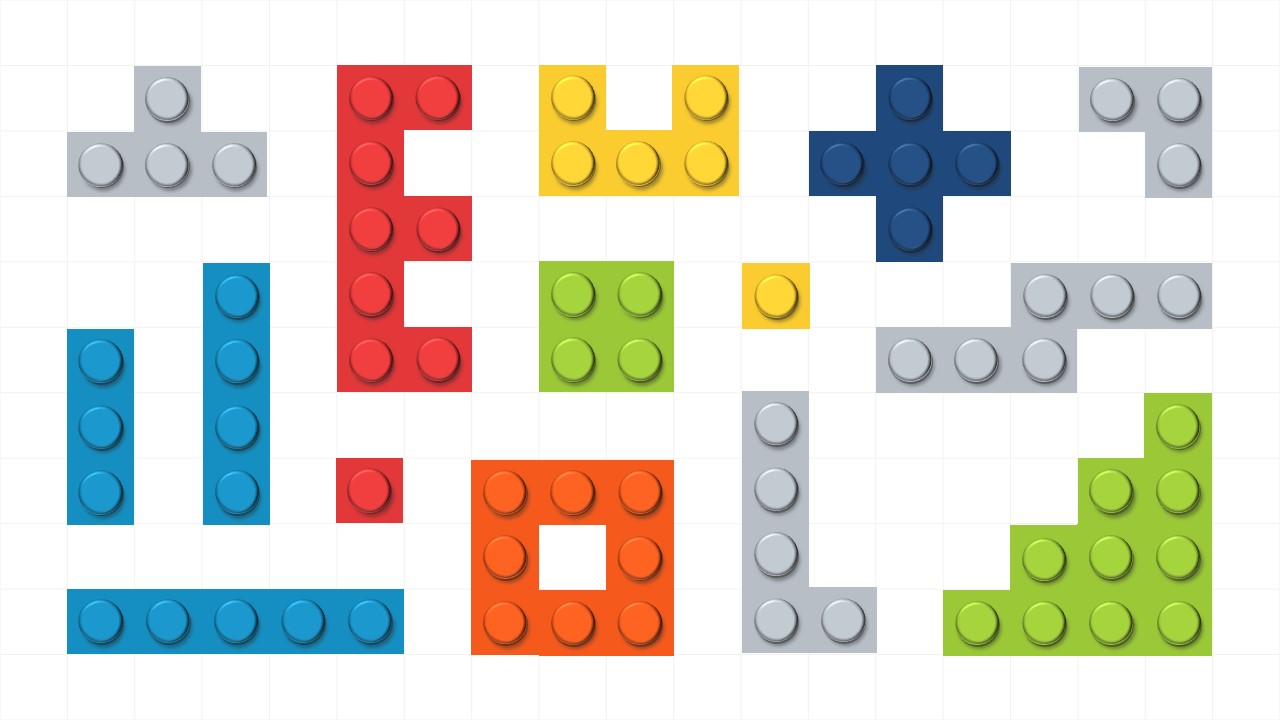
- An education program coordinator can use the brick alphabet slides to create activity headers, section labels, or playful visual cues for children and families.
Features
- 100% editable presentation template
- Compatible with Microsoft PowerPoint and Google Slides
- 16:9 aspect ratio slides
- Scalable vector shapes, icons and illustrations
- AI-Ready for Microsoft Copilot and Claude
- Instant access and download
Frequently asked questions
Q: How should a presenter keep the brick theme from distracting from the message?
A: Treat the bricks as framing and signposting, not as decoration on every line. Use the title, comparison, timeline, and icon list slides for the main structure, then keep body text short inside the white or textured content areas. The simple layouts work best when each slide carries one clear point.
Q: Who is this template best suited for?
A: It fits teachers, trainers, facilitators, and creative presenters who want an approachable visual style for lessons, workshops, or brainstorming sessions. The brick alphabet slides help create activity labels, while the timeline and icon list can organize steps, milestones, or classroom instructions in a familiar building-block language.
Q: Why does the building-block metaphor work for explaining ideas?
A: The brick motif suggests assembly, sequencing, and construction, which matches topics that build from parts into a larger idea. The timeline becomes a chain of blocks, the icon list becomes modular steps, and the comparison slide separates alternatives without making the design feel rigid or formal.







Lego PowerPoint Template
12-slide Lego presentation template with brick backgrounds, timeline, comparison, icon list and chart layouts
Lego PowerPoint Template is a 12-slide presentation template for Microsoft PowerPoint and Google Slides. It includes brick-themed title slides, comparison, timeline, icon list, bar chart, full-background text slides, and editable brick letter compositions for classroom lessons, creative workshops, training, or playful business presentations.
- Category
- Shapes, Template Backgrounds
- Rating


 Loading...
- Aspect ratio
- 16:9, 4:3
- Item ID
- 0039-01
- Colors
 Microsoft PowerPoint
  Microsoft Copilot
  Claude for PowerPoint
 Other formats supported
Subscribe today and get immediate
access to download our PowerPoint templates.