Slide 13 of 13 from Brick Walls & Obstacles Template for PowerPoint
6146-01-brick-wall-obstacles-red-13
Multiple Barriers Diagram for Presentations
- Diagram
- Comparison Split
- Problem Framing Slide
- 16:9
- 100% Editable
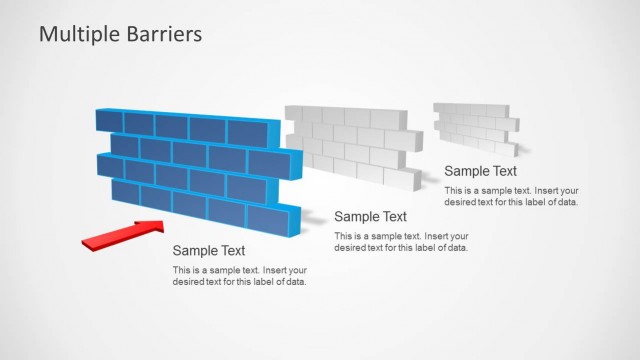
The Multiple Barriers Diagram slide from the Brick Walls & Obstacles Template for PowerPoint offers a clear visual tool for illustrating challenges in strategic planning. Featuring distinct colored brick wall shapes and directional arrows, this slide layout supports problem-solving workshops and corporate presentations by highlighting obstacles and facilitating discussion on overcoming them using editable shapes and vector icons within professional slide templates.
What’s on This Slide
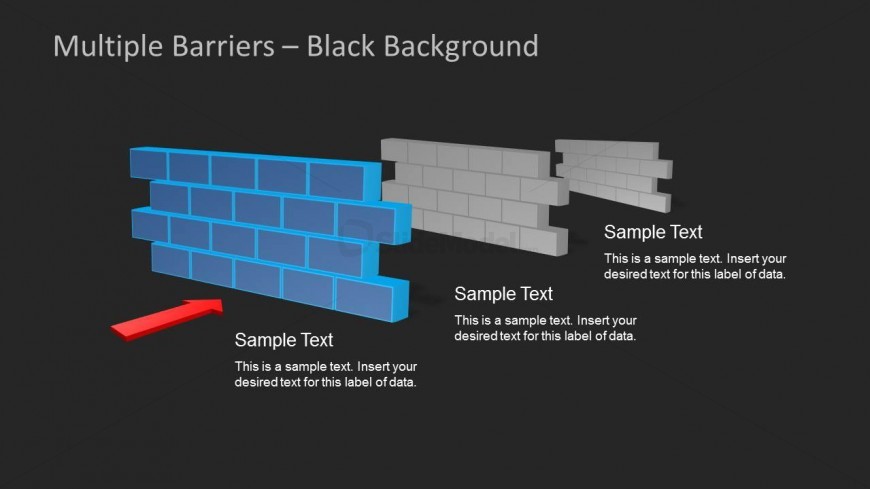
The slide features a black background with three distinct brick wall shapes positioned from left to right. The leftmost wall is blue, the middle wall is gray, and the rightmost wall is also gray, creating a visual contrast. An arrow points from the blue wall to the left, indicating movement or progression. Below each wall are text placeholders aligned centrally, allowing for descriptive labels. The overall layout emphasizes the barriers represented by the walls, with a clear visual hierarchy established by the color differences and the arrow's direction.
How to Use It
This layout serves as a diagram to illustrate multiple barriers in a business context. It is suitable for discussions on challenges faced in achieving goals, particularly in strategy or leadership presentations. The sequence fits well after problem identification slides, transitioning into solutions or strategies for overcoming obstacles. It can be used to highlight specific challenges and corresponding strategies, making it effective for workshops or presentations focused on problem-solving.
Text Placeholders & Capacity
Keep your copy within these limits so it fits without resizing. Node body slots can hold roughly 15-20 words each.
| Placeholder | Count | Max characters (approx.) |
|---|---|---|
| Item heading | 3 | 50 |
| Item body | 3 | 100 |
Slide Keywords
Download unlimited PowerPoint templates, charts and graphics for your presentations with our annual plan.
DOWNLOAD